Terrain Tinker
Drag-and-drop builder for OpenLOCK tabletop buildings and dungeons, exported as STL
Terrain Tinker is a paid browser tool for custom D&D and wargame buildings and dungeons from OpenLOCK tiles. One-time purchase of $55 USD for the editor with 111 OpenLOCK models and unlimited exports. A free trial account includes 104 models and 2 STL exports, but no GLB or PNG export. Add-on model packs in the store cost $15 to $120 each. Refunds within 14 days on a fair-use basis. Selling prints needs a separate commercial license, bought by contacting them (no price listed). Exports STL, GLB and PNG. Last checked .
Opens terraintinker.com
What is Terrain Tinker?
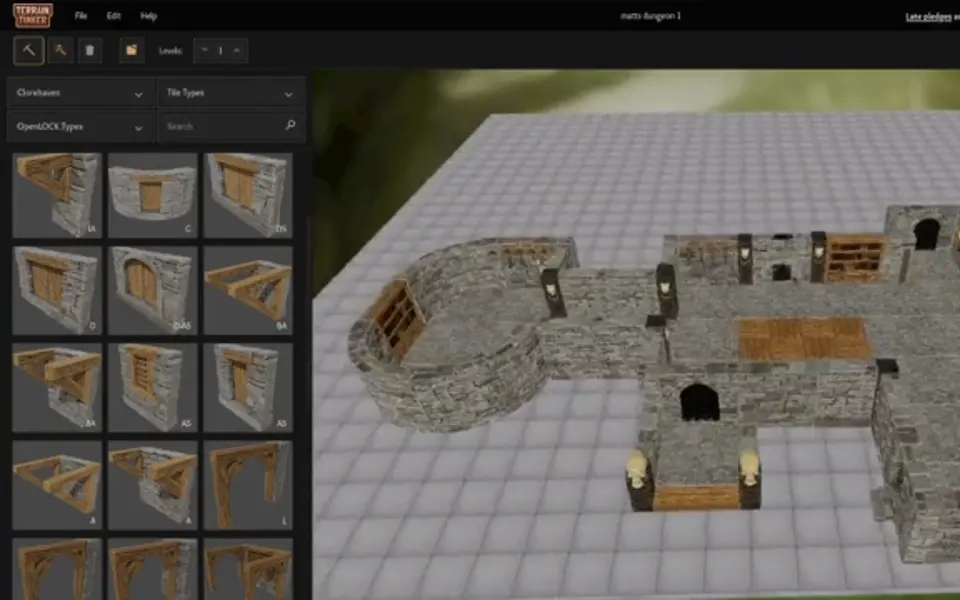
Terrain Tinker is a paid browser app for designing tabletop buildings and dungeons from ready-made OpenLOCK tiles, then exporting them as STL files for printing. You never model anything yourself. You pick floors, walls, doors, stairs, columns and roofs from a side panel and drag them onto a grid, where they snap into place. A room builder fills a drawn area with walls and floors, and you can stack several floors on top of each other.
When a build is done, you export it as separate clip-together OpenLOCK pieces with instructions, or as one combined STL. Print groups split a big build into chunks that fit your printer bed, and the tiles are made to print without supports. Files are prepared on their server, so a large export can take a few minutes. The full version can also export a colored GLB model for virtual tabletops and a PNG top-down map; neither is meant for printing.
The editor is a one-time $55 purchase that includes 111 models, and extra themed packs are sold separately. Owners of Printable Scenery sets can link that account to use those models. A free trial account gives you 104 models and two STL exports to test with. It suits D&D and wargame players who want their own layouts in a proven modular system, but it only runs in desktop browsers and prints are licensed for personal use only.
What you can make
- Modular OpenLOCK buildings
- Dungeon rooms and corridors
- Multi-floor inns and houses
- Single combined terrain models
- Colored GLB models and top-down PNG maps for virtual tabletops
How to use Terrain Tinker
- Create an account and open the editor in Chrome, Edge or Firefox on a desktop computer
- Pick a model pack and drag floors, walls and doors onto the grid, or draw a room with the room builder
- Add upper floors and set your printer's bed size under Print bed sizing
- Open 3D Print, choose separate OpenLOCK pieces or one combined model, and press Prepare 3D Print
- Download the STL files when they are ready and print them without supports
What you'll need to print it
Filament and parts that suit what you make with Terrain Tinker.
Matte PLA
Multicolor PLA
6 x 2 mm magnets
Also handy
Print removal and cleanup tools
Some of these are affiliate links: we may earn a small commission, at no extra cost to you. More about that
Terrain Tinker pros
- Drag-and-drop tiles and a room builder make a full dungeon or house layout quick, with no 3D modeling
- Exports clip-together OpenLOCK parts or one combined STL, split into print groups that fit your bed
- One-time price with unlimited exports, plus a free trial and upload of your own OpenLOCK STLs
Terrain Tinker cons
- Paid, and the free trial stops after two STL exports
- Desktop browsers only; phones and tablets are not supported and Safari is not recommended
- Prints are licensed for personal use only, so selling them needs a separate commercial license
Rate Terrain Tinker
One rating per account. Signing in takes one email link, no password.
Reviews
Made with Terrain Tinker
Read next
Terrain Tinker alternatives
Puzzle, game and insert generators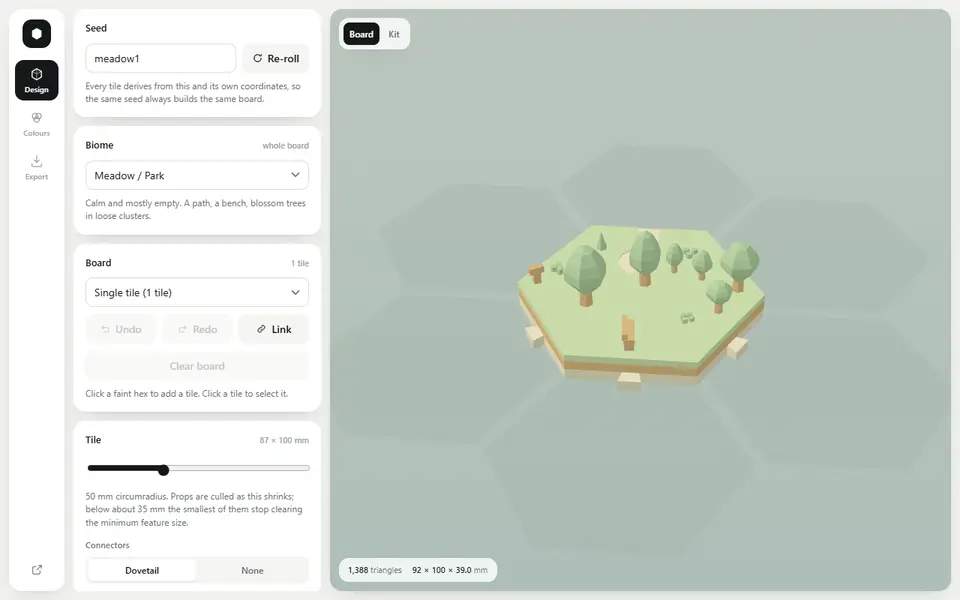
Puzzles & Games
Biome Generator
Seeded low-poly hex terrain tiles that lock together, exported as multicolor 3MF or STL
Puzzles & Games
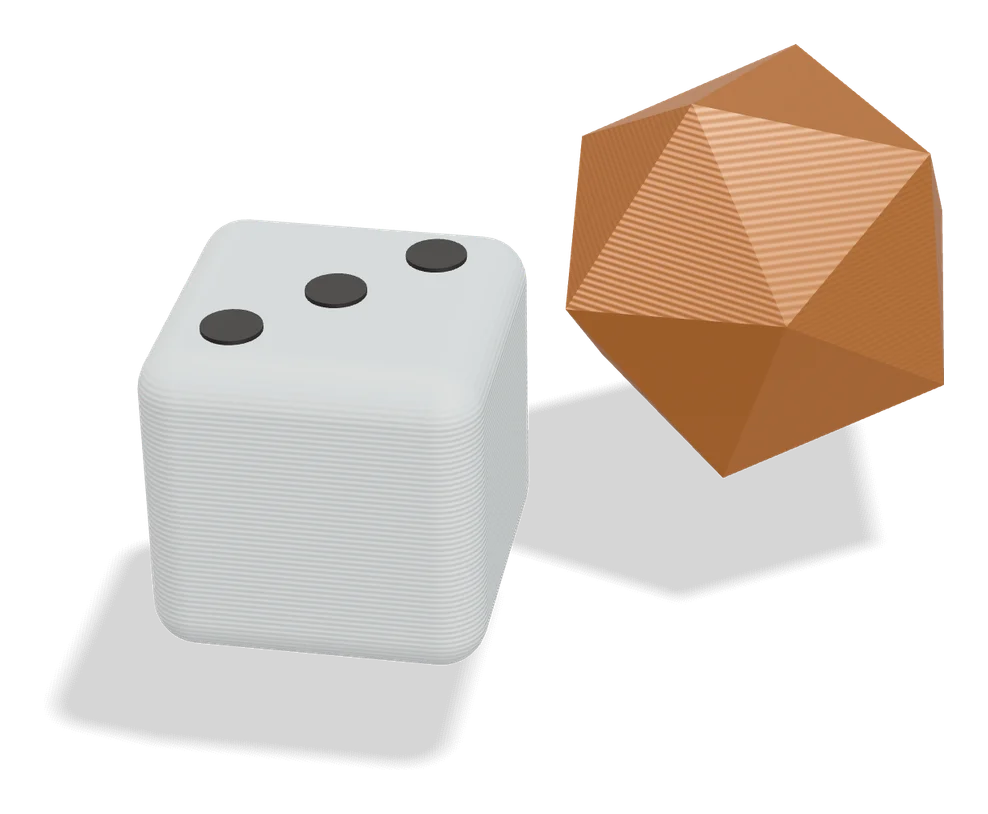
Mineways
Free desktop exporter that turns a selected area of a Minecraft Java world into a printable model
Puzzles & Games
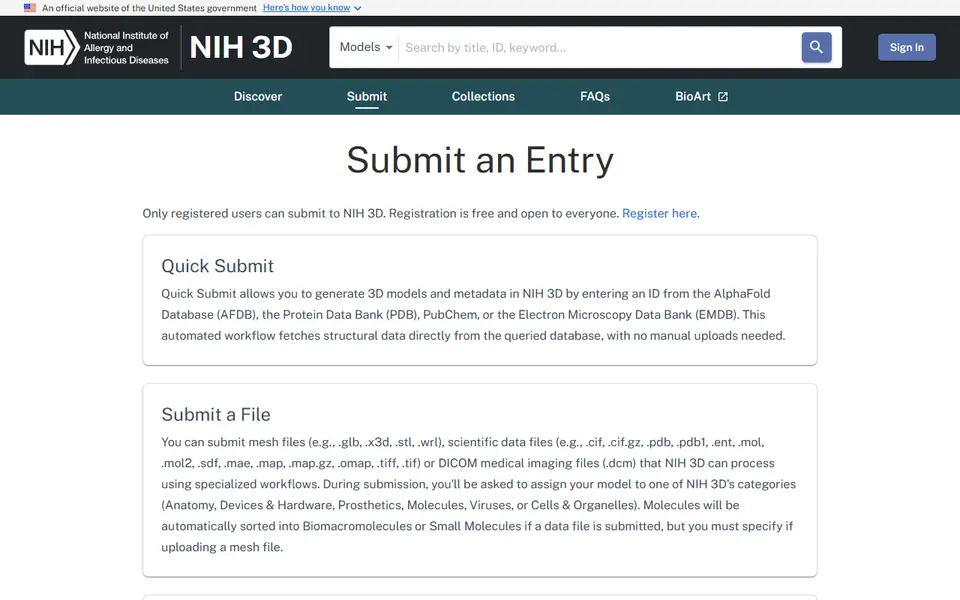
NIH 3D Quick Submit
Turns a PDB, AlphaFold, PubChem or EMDB ID into printable protein and molecule models
Puzzles & Games
PrintPal 3D Puzzle Maker
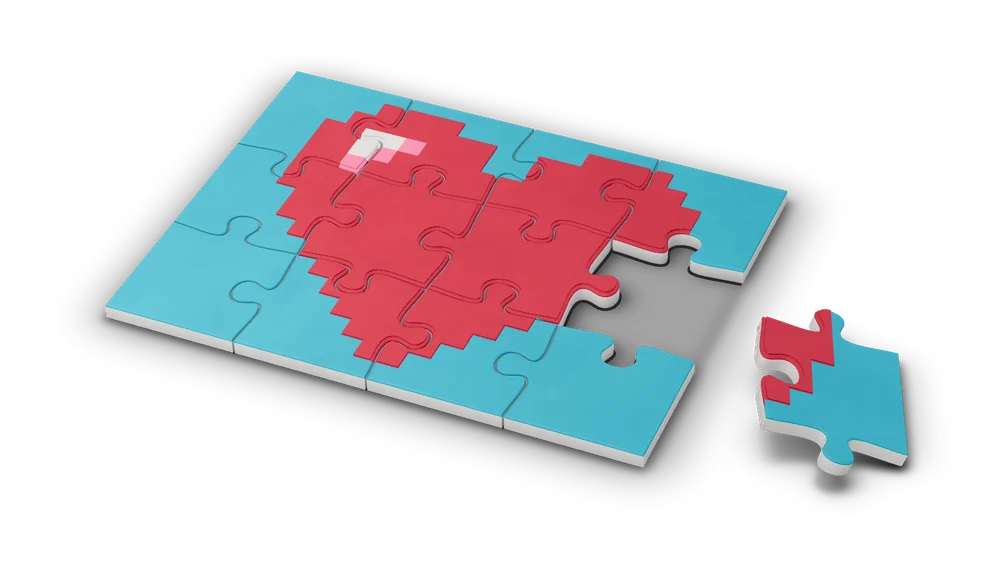
Upload any 3D model and cut it into interlocking jigsaw pieces
Puzzles & Games
Lapinoo LEGO-compatible Bricks Generator
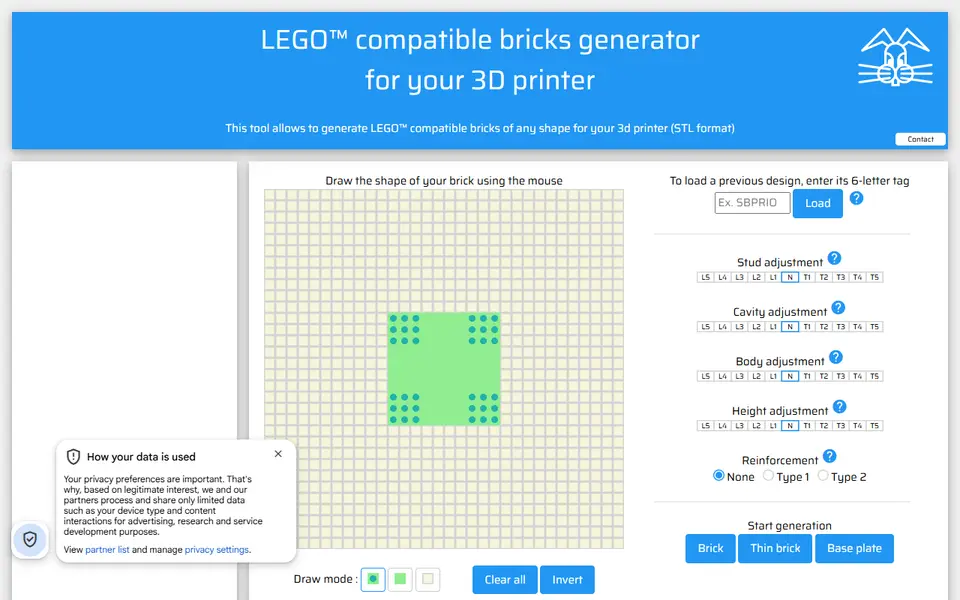
Draw a brick outline on a stud grid and get a LEGO-compatible STL
Puzzles & Games
Playing Cards (Poker) in Braille
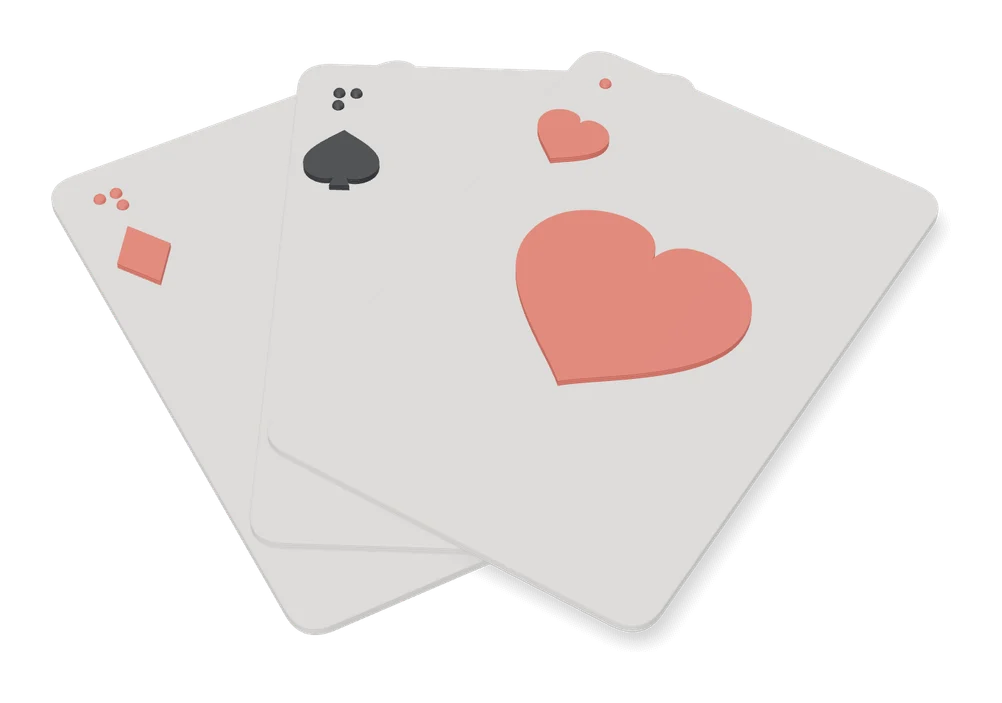
A 52-card poker deck with braille suit and value marks on the back of every card