BaseCrafter
Scenic wargame bases with textures, scatter objects and magnet pockets, as STL
BaseCrafter is a paid browser tool for themed scenic bases for wargaming armies and display miniatures. Designing and 3D preview are free. Each STL export costs 2, 3 or 5 credits depending on base size (2 for 25 and 32 mm rounds and 60x35 ovals, 3 for 40 to 60 mm rounds and 75x42 ovals, 5 for 80 mm rounds and 90x52 ovals and up). Credit packs are 10 for $5, 30 for $12 and 80 for $25 (USD, tax added at checkout). New accounts get 6 free credits, and the newsletter sign-up offers 10 more. Exports STL. Last checked .
Opens basecrafter.com
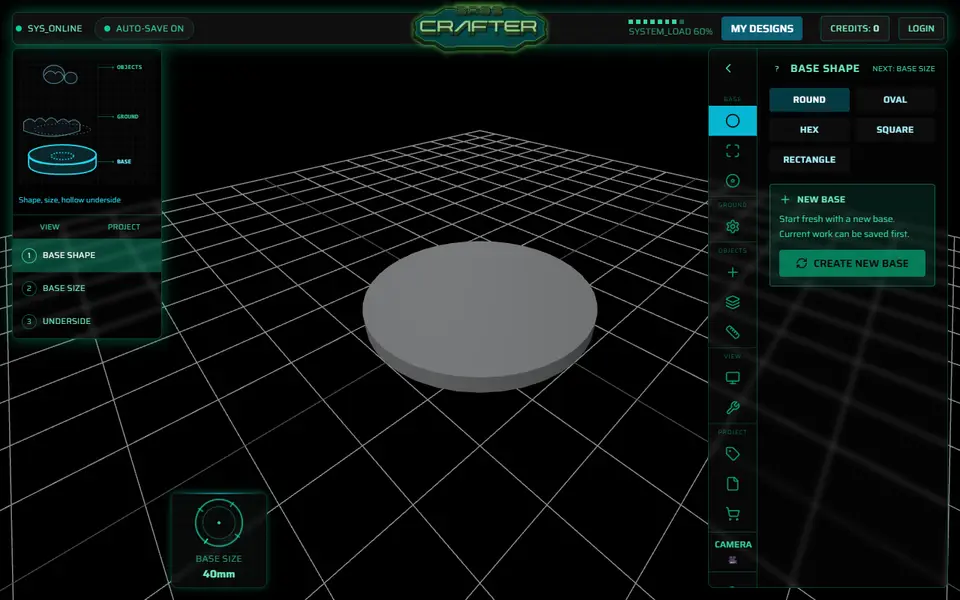
What is BaseCrafter?
BaseCrafter is a browser tool that designs textured, scenic bases for wargaming and tabletop miniatures and exports them as STL files. You pick one of 34 base sizes in round, oval, hex, square or rectangle shapes, from a 20 mm square up to a 170 x 105 mm oval, and cover it with one of 30 sculpted ground textures, from cracked earth and ice to alien hive floor. On top you place rocks, ruins, crates, skulls and crystals from a library of about 140 scatter objects, and a Cut to Base tool trims anything that hangs over the rim.
Its standout feature is the fit check: you load an STL or GLB of your own miniature, which stays in your browser, stand it on the base and add flat contact pads where its feet go so it glues on level. Underneath you can add magnet pockets with presets from 3 x 2 mm to 8 x 3 mm, hollow out the base and add vents. A variants tool previews squad versions of one design, and each one is exported and paid for separately.
It suits wargamers and painters who want themed bases without sculpting or Blender. Designing needs no account, but each STL download needs one and costs credits. New accounts start with 6 free credits, enough for two or three bases.
What you can make
- Textured round, oval and hex miniature bases
- Square and rectangle unit bases
- Scenic bases with ruins, rocks and scatter
- Bases with magnet pockets
- Bases with contact pads matched to a model's feet
How to use BaseCrafter
- Open the designer and pick a base shape, size and thickness
- Choose a ground texture and drag or rotate the pattern into place
- Add scatter objects, then use Cut to Base to trim any overhang
- Optionally load your miniature to place contact pads, and add magnet pockets underneath
- Sign up, spend credits and download the STL
What you'll need to print it
Filament and parts that suit what you make with BaseCrafter.
Resin
- Siraya Tech Fast ABS-like Resin (affiliate link) Siraya Tech
- Siraya Tech Blu Tough Resin (affiliate link) Siraya Tech
6 x 2 mm magnets
Also handy
Print removal and cleanup tools
Some of these are affiliate links: we may earn a small commission, at no extra cost to you. More about that
BaseCrafter pros
- Load your own miniature as STL or GLB to check the fit, then add flat contact pads so it stands level
- 30 ground textures and about 140 scatter objects, with Cut to Base to trim anything past the rim
- Designing and 3D preview work without an account, and paid exports include a license for commissions and selling painted miniatures
BaseCrafter cons
- Every STL export costs 2 to 5 credits, roughly $0.60 to $2.50 per base depending on the pack, so basing a whole army adds up
- You need an account to download, and STL is the only export format
- The site recommends a WebGL 2 browser, 4 GB+ RAM and a dedicated GPU, and had no mobile layout as of September 2026
Rate BaseCrafter
One rating per account. Signing in takes one email link, no password.
Reviews
Made with BaseCrafter
Read next
BaseCrafter alternatives
Puzzle, game and insert generators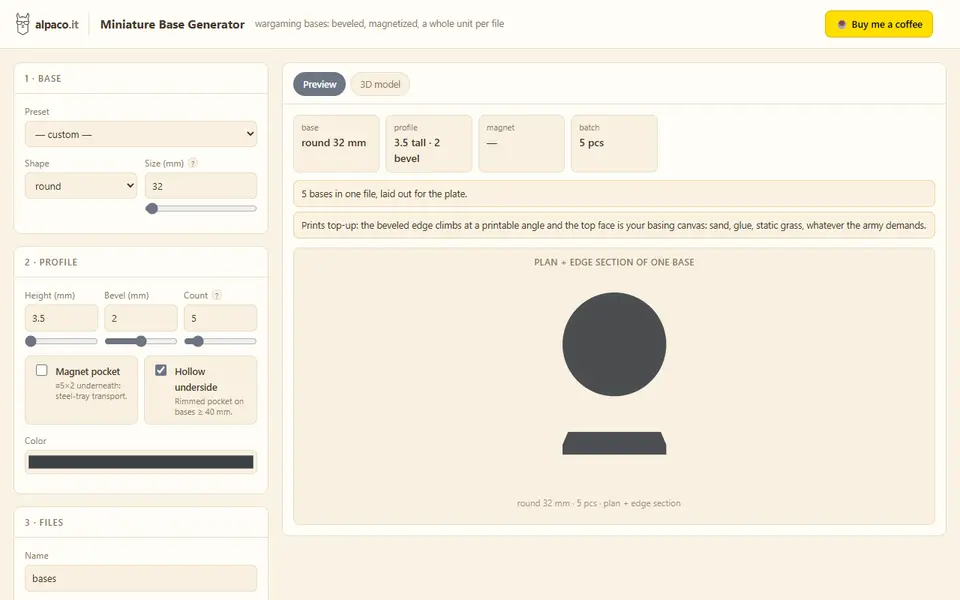
Puzzles & Games
alpaco.it Miniature Base Generator
Beveled round, square and oval wargaming bases with magnet pockets, batched on one plate
Puzzles & Games
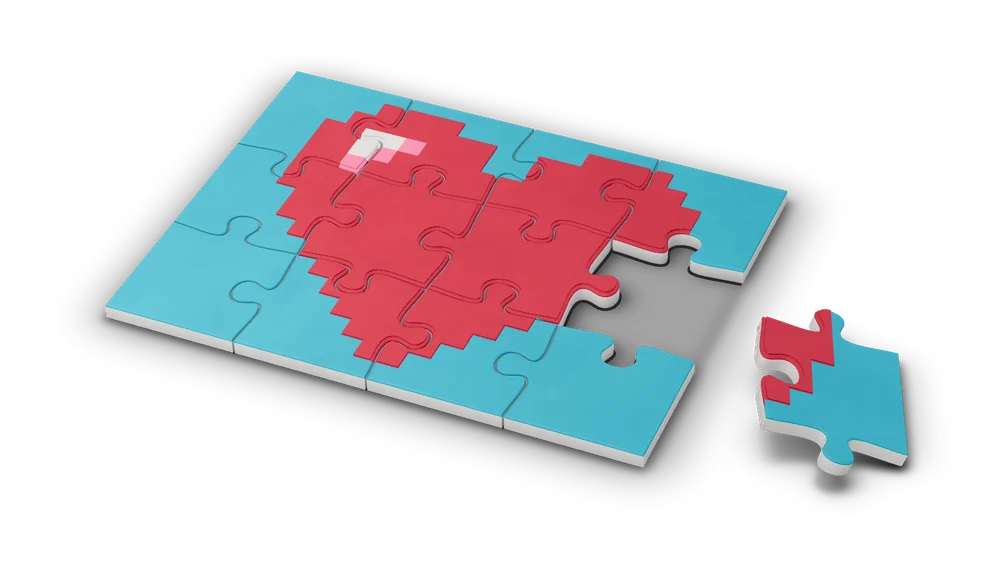
PrintPal 3D Puzzle Maker
Upload any 3D model and cut it into interlocking jigsaw pieces
Puzzles & Games
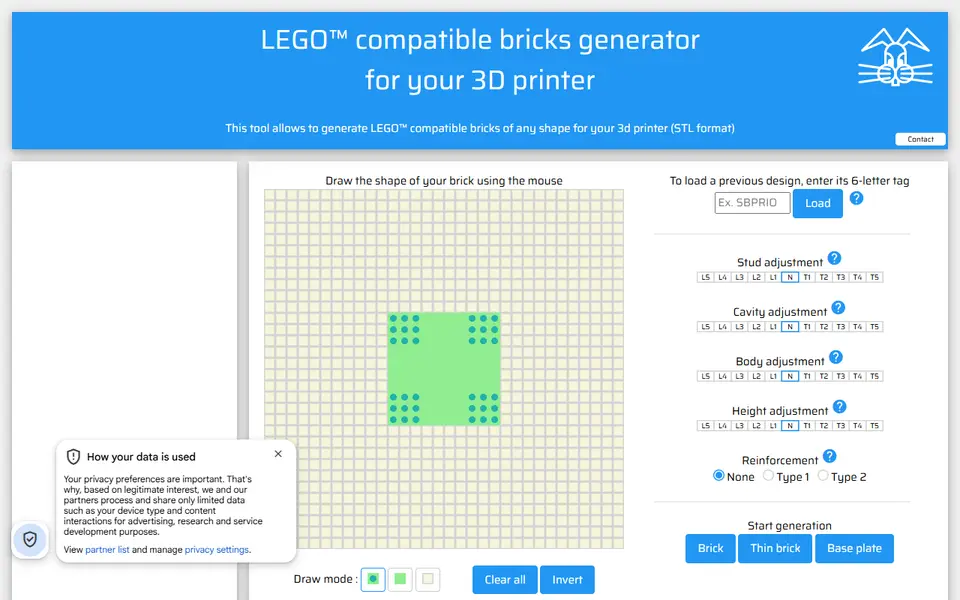
Lapinoo LEGO-compatible Bricks Generator
Draw a brick outline on a stud grid and get a LEGO-compatible STL
Puzzles & Games
Mineways
Free desktop exporter that turns a selected area of a Minecraft Java world into a printable model
Puzzles & Games
Flexifier
Turn a simple image into a print-in-place flexi toy with hinges or ball joints
Puzzles & Games
Biome Generator
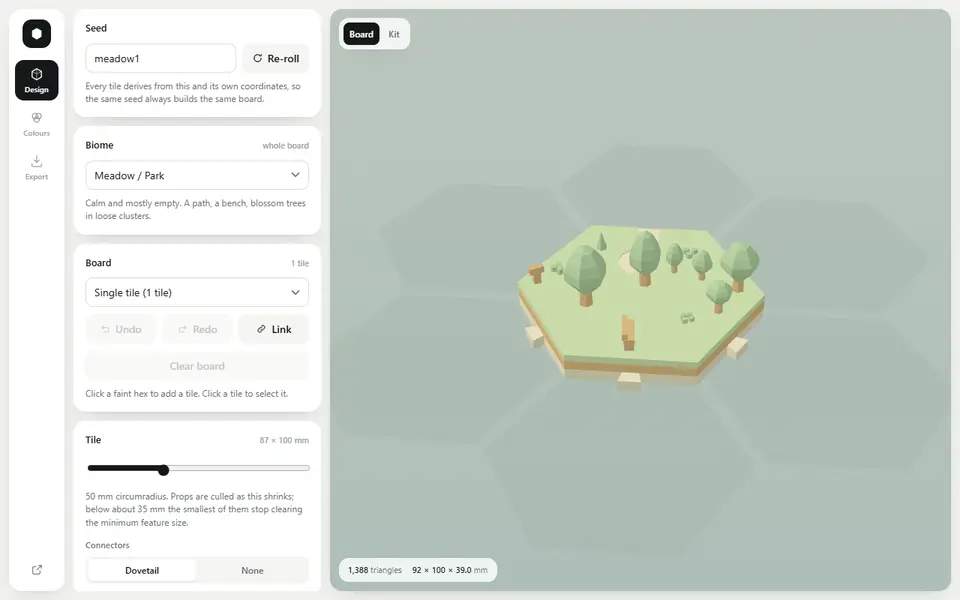
Seeded low-poly hex terrain tiles that lock together, exported as multicolor 3MF or STL