Flexifier
Turn a simple image into a print-in-place flexi toy with hinges or ball joints
Flexifier is a free browser tool for bendy fidget toys from a simple drawing or silhouette. Free to use with no account; the developer asks for optional PayPal donations. Exports STL and STEP. Last checked .
Opens flexifier.streamlit.app
What is Flexifier?
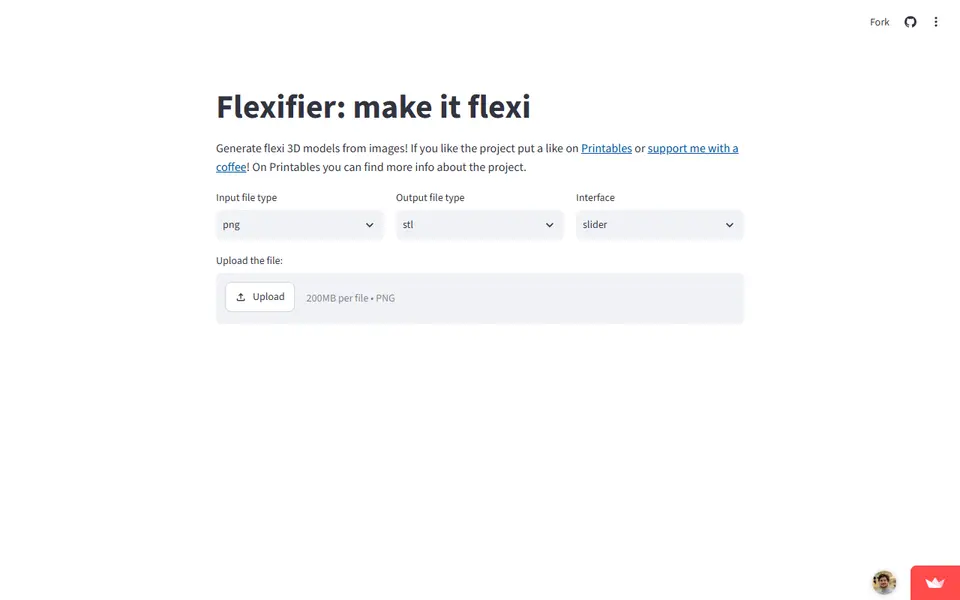
Flexifier is a free, open-source browser tool that turns a picture into a print-in-place flexi model. You upload a PNG, JPG or SVG, the app traces it into a flat outline and extrudes it to the height you pick. Then you add joints one at a time, either a regular hinge or a ball joint, which the developer says can turn a full 360 degrees. For each joint you set its position, angle and diameter, plus the width and length of the cut through the shape.
Every change redraws a flat top-view preview, with each joint marked in its own color. When the layout looks right you press Render and download the model as STL or STEP. The sliders can be swapped for number boxes when you want exact values. The project's Printables page, with more than 1,000 likes, also hosts Windows and macOS downloads, though recent comments there report the macOS version failing to open.
It suits makers who want a bendy fidget toy, animal or logo from a clean silhouette and do not mind some trial and error. Detailed photos trace poorly, joints are placed with sliders rather than by clicking, and the free hosting can be asleep or overloaded when you arrive.
What you can make
- Print-in-place flexi animals and figures
- Hinged fidget toys
- Ball-joint flexi models
- Flexi versions of logos and silhouettes
How to use Flexifier
- Open the app and choose the input and output file types
- Upload a clear PNG, JPG or SVG and set the model height
- Add hinges or ball joints and slide each one into place on the preview
- Press Render, then download the STL or STEP file
- Print it in one piece and gently work the joints loose
What you'll need to print it
Filament and parts that suit what you make with Flexifier.
Matte PLA
Multicolor PLA
6 x 2 mm magnets
Also handy
Print removal and cleanup tools
Some of these are affiliate links: we may earn a small commission, at no extra cost to you. More about that
Flexifier pros
- Free and open source, with no sign-up
- Two joint types: regular hinges and ball joints
- Exports STEP as well as STL, and offers number boxes for exact placement
Flexifier cons
- Joints are positioned with sliders on a flat preview, so expect some trial and error
- Busy photos trace badly; clean, high-contrast silhouettes work best
- Runs on free shared hosting that the developer says often hits its limits, and the code has not changed since early 2025
Rate Flexifier
One rating per account. Signing in takes one email link, no password.
Reviews
Made with Flexifier
Read next
Flexifier alternatives
Puzzle, game and insert generators
Puzzles & Games
Flexi Toy Maker (MakerLab)
Turn an image into a bendable, hinged flexi toy or keychain to print
Puzzles & Games
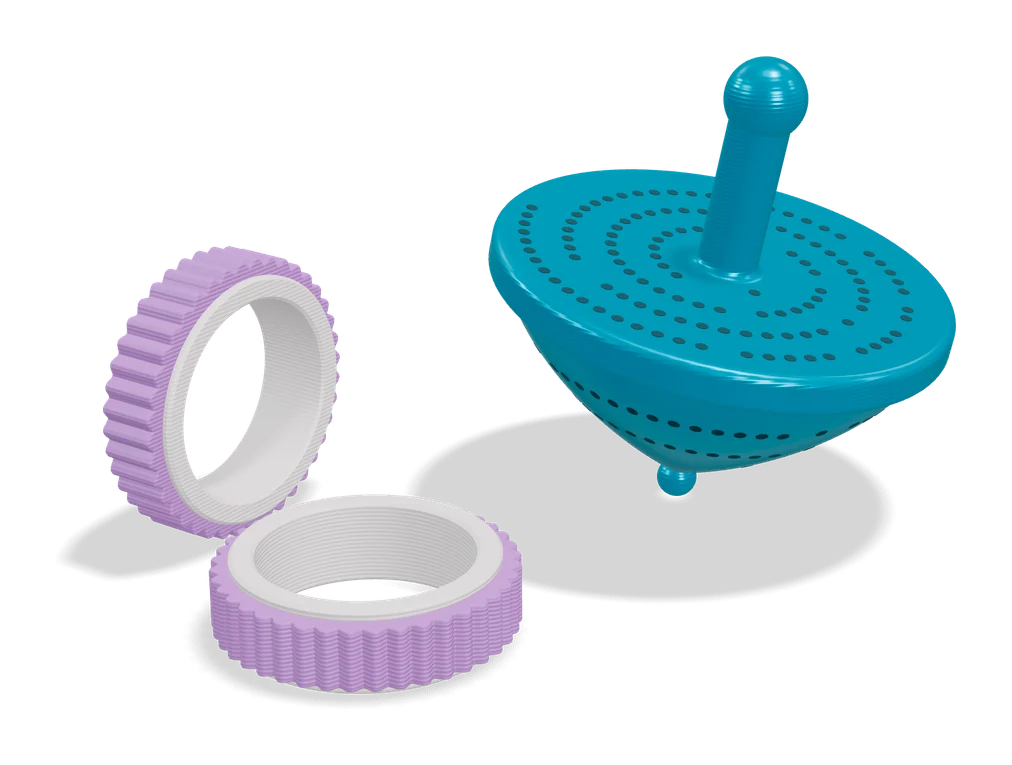
Custom Parametric Fidget Ring Maker
Print-in-place spinner rings sized to your finger, with a choice of outer textures
Puzzles & Games
Mineways
Free desktop exporter that turns a selected area of a Minecraft Java world into a printable model
Puzzles & Games
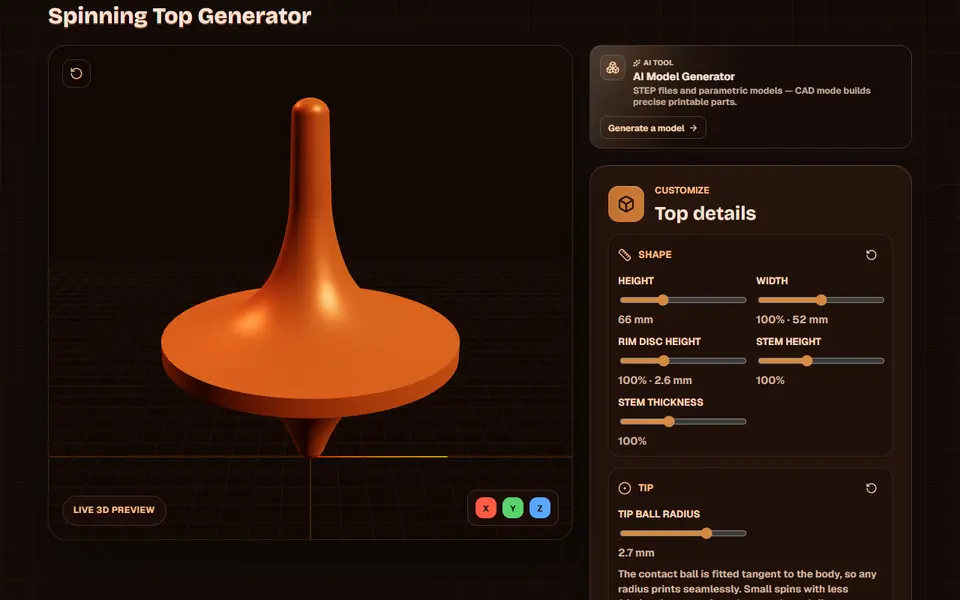
Obloid Spinning Top Generator
Totem-style spinning tops in three screw-together parts, shaped with sliders
Puzzles & Games
Musical Fidget Generator
Pocket fidget with tuned note bars that plays a melody you enter note by note
Puzzles & Games
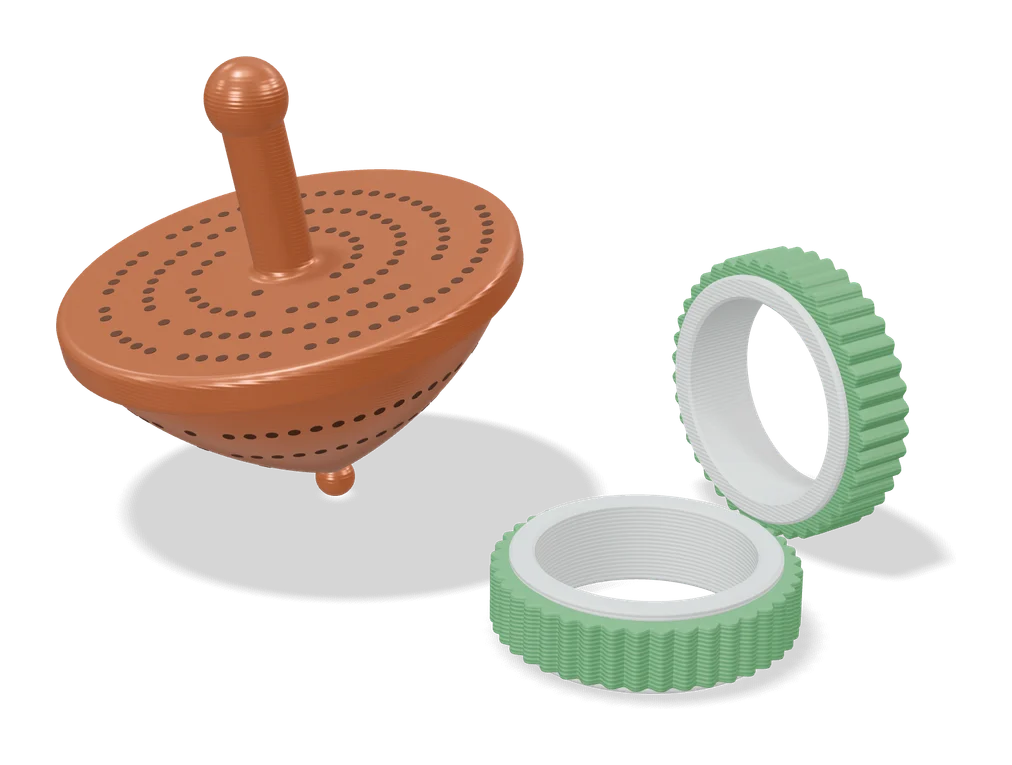
Customizable Ring Fidget Spinner (Fletch)
Fidget ring in your US ring size, with a spinning outer band in one of 16 textured patterns