Dog tag Customizable
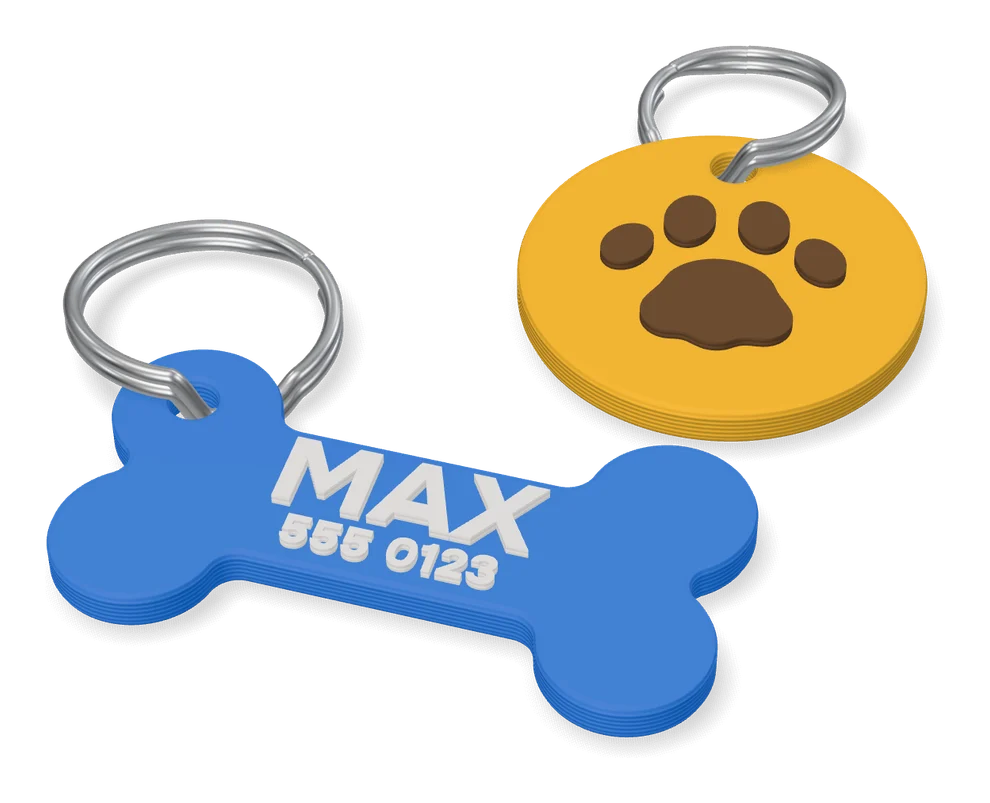
Bone-shaped dog ID tag with an engraved name and phone number on both faces
Dog tag Customizable is a free browser tool on MakerWorld for quick two-sided ID tags for dog collars. Free on MakerWorld with a login; the designer offers paid membership tiers for anyone who wants to sell the prints. Exports STL and 3MF. Last checked .
Opens makerworld.com
What is Dog tag Customizable?
Dog tag Customizable is a free MakerWorld customizer that turns a name and a phone number into a bone-shaped ID tag for a dog collar. Creatività in 3D built it as a small OpenSCAD file that runs in MakerWorld's Parametric Model Maker, so you only fill in text. The tag is about 37.7 by 22.8 mm, with engraved lettering and a small hole for a split ring.
The first line fits up to 9 characters, usually the dog's name, and the second up to 12, usually a phone number. Both faces carry text: the name repeats on each side, while the second line can differ between front and back. A May 2024 update added a font choice: you open the code panel, click a font in its list to copy the name and paste it into the font_face box. Short text is not centered, so the designer suggests padding it with spaces. The included profile prints the tag in one PLA color at 0.16 mm layers, using about 3 g and 19 minutes on a Bambu Lab P1S. Scaled up in the slicer, it also works as a name plate for a kennel.
With more than 1,200 likes and about 8,300 customizations, it suits dog owners who want a simple single-color tag they can reprint when a number changes.
What you can make
- Bone-shaped dog ID tags
- Collar tags with a name and phone number
- Two-sided tags with a different back line
- Kennel name plates (scaled up in the slicer)
How to use Dog tag Customizable
- Open the model on the MakerWorld website, sign in and click Customize
- Type the name on line one and a phone number on line two, with a different back line if you like
- Optionally paste a font name into the font_face box
- Generate, download the STL and slice it, or swap it into the designer's print profile
- Print it and fix the tag to the collar with a split ring
What you'll need to print it
Filament and parts that suit what you make with Dog tag Customizable.
PETG
Key rings
Also handy
Filament dryers and dry boxes
Some of these are affiliate links: we may earn a small commission, at no extra cost to you. More about that
Dog tag Customizable pros
- Only two text lines to fill in, so a tag is ready in a couple of minutes
- Text on both faces, with the option of a different second line on the back
- Small single-color print: about 3 g of PLA and under 20 minutes with the included profile
Dog tag Customizable cons
- The designer gives a limit of 9 characters for the name and 12 for the second line
- Changing the font means copying a font name from the code panel into a text box
- Short text is not centered automatically; you pad it with spaces yourself
Rate Dog tag Customizable
One rating per account. Signing in takes one email link, no password.
Reviews
Made with Dog tag Customizable
Read next
Dog tag Customizable alternatives
Name keychain and tag generators
Keychains
PETTAG V.2 Parametric Pet Name Tag
Parametric pet ID tag with the name on the front and phone numbers on the back
Keychains
Pet Tag Generator Dog Cat (Phone & Name)
Dog and cat ID tags with a name and phone lines in five shapes, plus a QR code option
Keychains
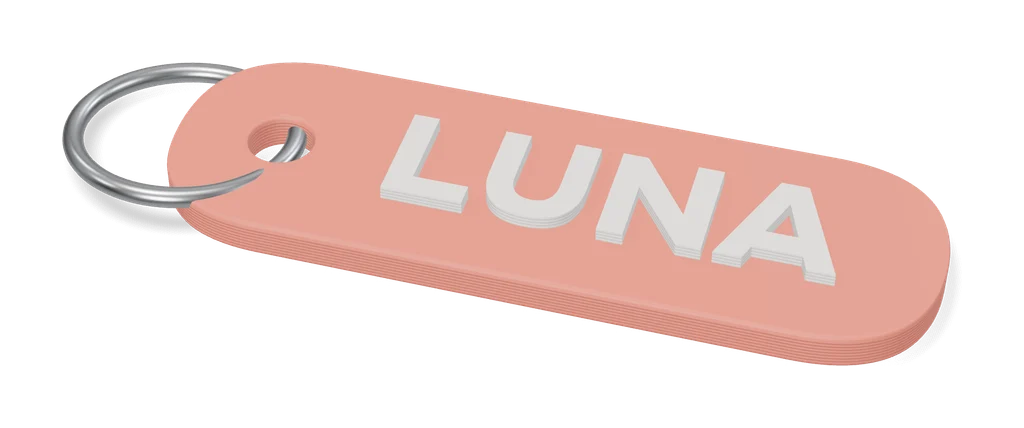
Parametric Customizable Name Keychain Creator
Name keychains in four text styles and up to three colors, many at once
Keychains
Obloid Keychain & Pet Tag Generator
Name keychains and pet tags in rounded, circle, bone or heart shapes, as STL or two-color 3MF; sign-in to export
Keychains
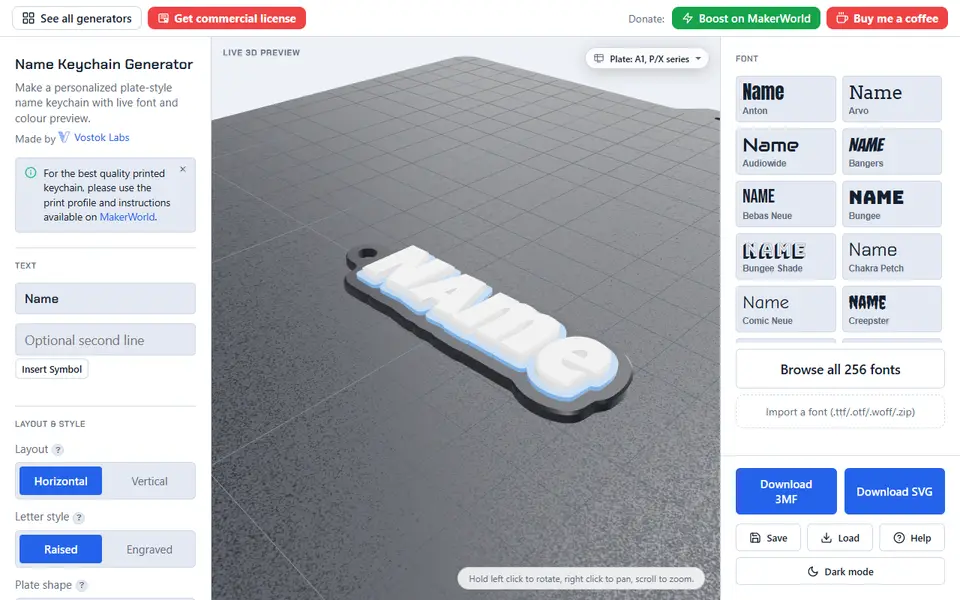
Name Keychain Generator (Vostok Labs)
Plate-style name keychains in 257 fonts, many scripts and up to three colors, with or without an AMS
Keychains
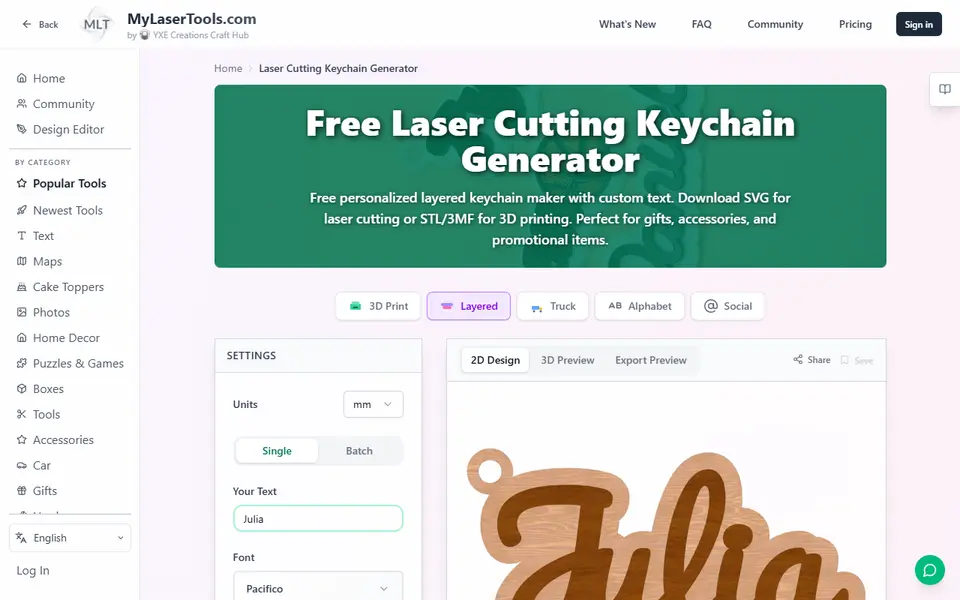
MyLaserTools Keychain & Cake Topper Generators
Type a name and get a two-color keychain, bag tag or cake topper as STL, 3MF or SVG