Kinematics @ Home
Flexible hinged bracelets sized to your wrist, printed in one piece
Kinematics @ Home is a free browser tool for custom-fit printed bracelets and jewelry gifts. Free, no account needed; optional PayPal tip jar on the page. The studio's separate Kinematics app is where you order finished nylon prints. Exports STL. Last checked .
Opens n-e-r-v-o-u-s.com
What is Kinematics @ Home?
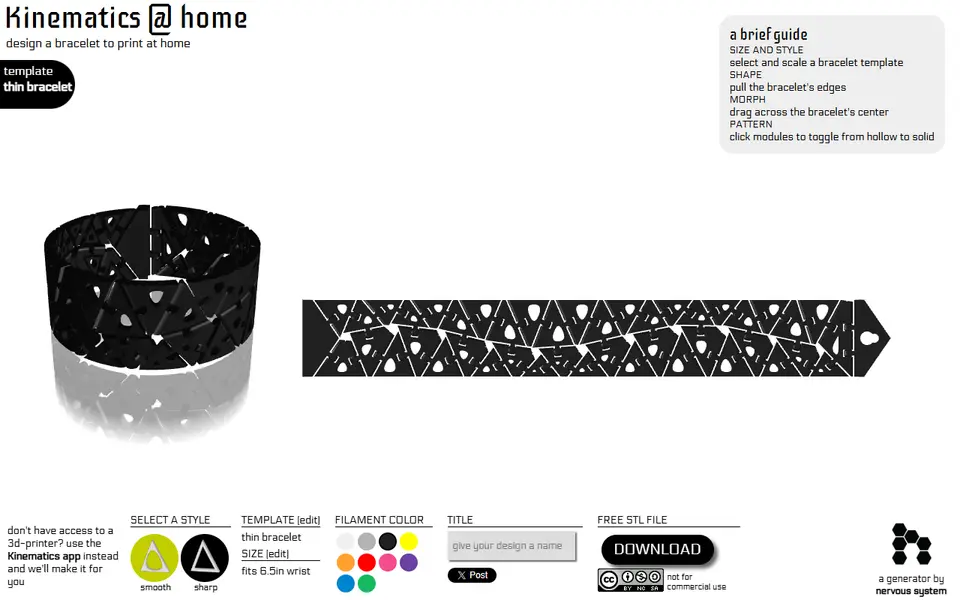
Kinematics @ Home is a free browser tool from Nervous System that designs flexible, hinged bracelets to print at home. The generative design studio released it in 2013 next to its main Kinematics app, where designs are ordered as finished nylon prints, and it was still working at our September 2026 check. Each bracelet is a band of small modules linked by hinges. The downloaded file already includes every hinge and both clasp halves, so the piece comes off the printer linked together and bends around your wrist with no assembly.
You choose smooth or sharp modules, pick a thin, thick or cube template and set your wrist size between 4 and 8 inches. Then you shape it by hand: pull the edges, drag across the middle to morph the pattern, and click single modules to switch them between hollow and solid. The download is a ZIP holding one STL and a license file.
It suits makers who want a wearable, flexible print or a made-to-fit gift. Designs come with a CC BY-NC-SA 4.0 license, so you can print and share them but not sell them. The app needs WebGL and its layout is made for a large screen.
What you can make
- Thin hinged bracelets
- Thick hinged bracelets
- Cube-pattern bracelets
- Made-to-fit jewelry gifts
How to use Kinematics @ Home
- Open Kinematics @ Home and pick smooth or sharp modules
- Open the template tab, choose thin, thick or cube and set your wrist size, then apply
- Pull the edges, drag across the middle to morph and click modules to make them hollow or solid
- Click Download, unzip kinematicsBracelet.zip and slice the STL
What you'll need to print it
Filament and parts that suit what you make with Kinematics @ Home.
Silk PLA
Matte PLA
Some of these are affiliate links: we may earn a small commission, at no extra cost to you. More about that
Kinematics @ Home pros
- Free in the browser with no sign-up and a direct STL download
- Hinges and clasp are part of the file, so the bracelet prints in place with no assembly
- Sized to your wrist, with hands-on shaping and a hollow or solid choice per module
Kinematics @ Home cons
- Non-commercial license (CC BY-NC-SA), so prints are not for sale
- Hinge clearances are fixed, with no tolerance setting to match your printer
- Dated 2013 app that needs WebGL and a large screen, and wrist size is set in inches only
Rate Kinematics @ Home
One rating per account. Signing in takes one email link, no password.
Reviews
Made with Kinematics @ Home
Read next
Kinematics @ Home alternatives
Personalized gift generators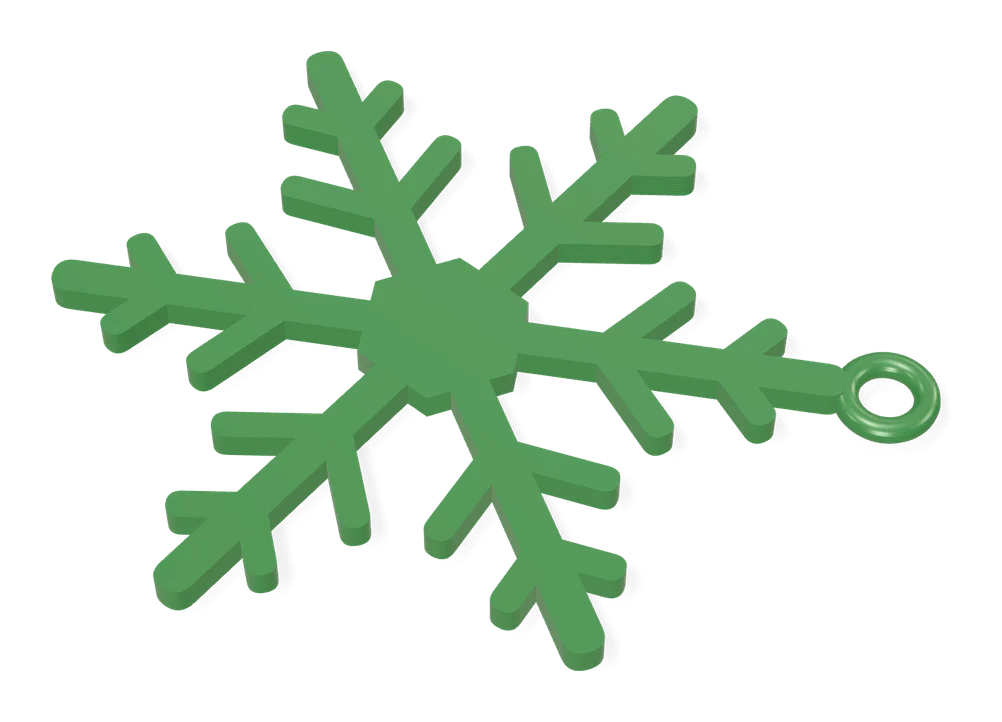
Gifts
Infinite Unique Snowflake Generator
Random snowflake ornament generator: change the seed, get a new design
Gifts
Christmas Ornament Maker (MakerLab)
Bambu Lab's free MakerLab tool for multicolor spinning 2D Christmas ornaments
Gifts
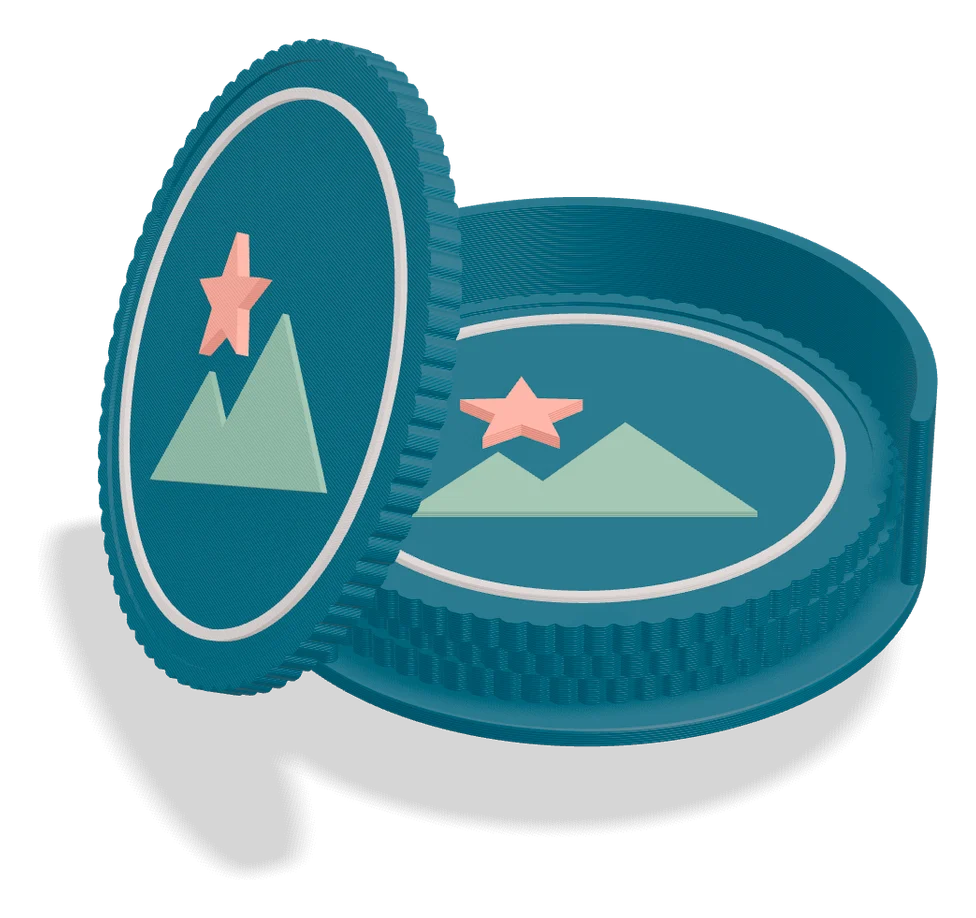
Make my logo coaster (MiloMatic)
Round textured coasters with your own SVG logo, plus an optional matching holder
Gifts
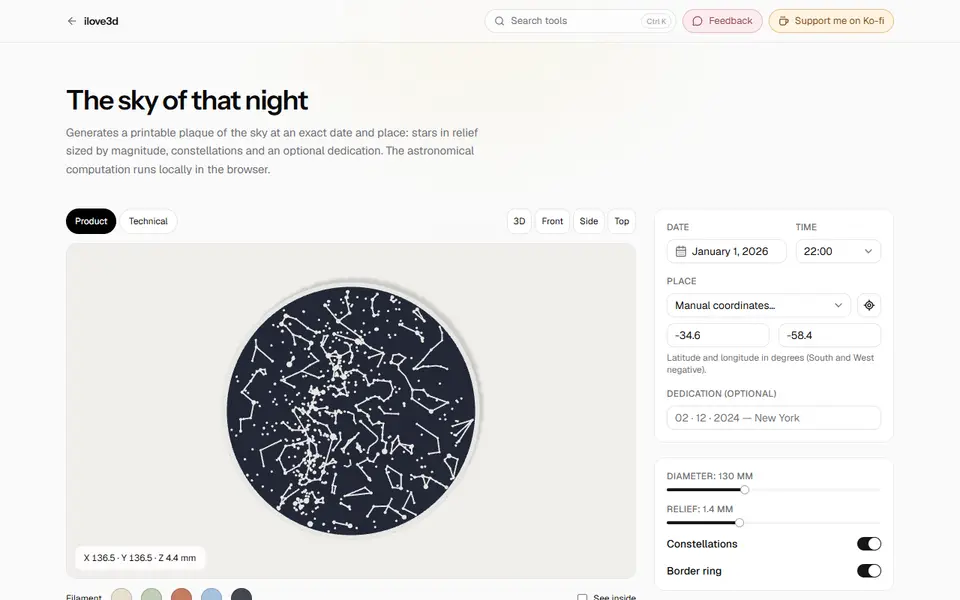
Star Map (ilove3d)
Free printable star map plaque of the real sky at any date and place since 1900, made in your browser
Gifts
gh-skyline.dev
Browser editor that turns a GitHub contribution graph into a 3D skyline you can print in color
Gifts
Weaving Frame Loom Generator
Flat frame looms in your own size, from bookmark strips to small tapestry frames