ZZ Mesh
Cut any model into sealed, printable pieces with pin, dovetail or magnet connectors, in the browser
ZZ Mesh is a freemium browser tool for splitting figures and tall models to fit your print bed. Free plan: 30 credits to start, then 5 a month, models up to 600,000 triangles and 30 MB. Maker is $4.99 a month (listed as down from $5.99) with 300 credits, models up to 2 million triangles, and 3MF to Parts, STL repair, piggy banks and figure bases; the free account includes one piggy bank. Exports STL. Last checked .
Opens zz-mesh.com
What is ZZ Mesh?
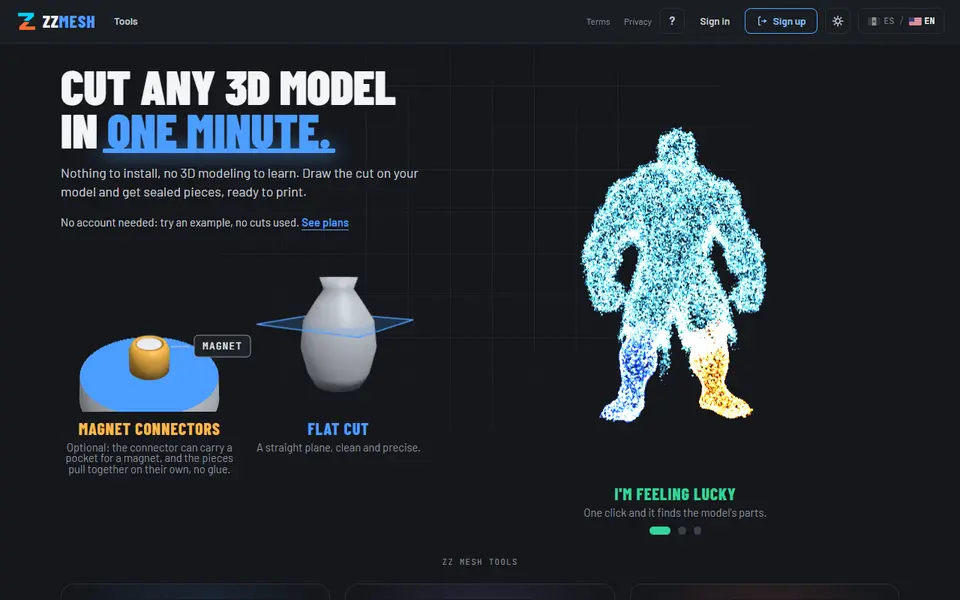
ZZ Mesh is a browser tool for splitting a 3D model into pieces you can print and put back together. You load an STL, OBJ, 3MF or GLB and pick one of three cuts: a flat plane to make a tall print fit your bed, an organic cut you draw along the surface so the seam follows an arm or a cape, or an extract that pulls out a part such as the eyes to print in another color. An "I'm feeling lucky" button finds the natural parts of a figure, such as the head, arms and legs, and splits them in one click. Connectors can be pins, dovetails, puzzle joints or magnets, and every piece comes out as a closed solid, ready for the slicer.
The same site has a few more tools: 3MF to Parts turns a painted 3MF into one sealed part per color, so you can print it without an AMS; Piggy Banks hollows any model with an even wall and adds a coin slot and a screw cap; Figure Bases makes a base with pegs under each foot and the figure's name engraved; and STL Repair closes holes and fixes flipped normals. There is also an OrcaSlicer plugin that sends a model from your plate and brings the parts back.
You need a free account (Google sign-in), even to try the example models. The free plan gives 30 credits to start and 5 a month, for models up to 600,000 triangles. Credits are spent by the triangle count of each part you cut.
What you can make
- Models split to fit your print bed
- Pieces with pin, dovetail, puzzle or magnet connectors
- One part per color from a painted 3MF
- Piggy banks from any model
- Figure bases with pegs and an engraved name
How to use ZZ Mesh
- Open the cutter and sign in with Google
- Drop in your STL, OBJ, 3MF or GLB
- Pick a flat, organic or extract cut and mark where to split
- Choose the connectors, then download the sealed pieces and slice them
What you'll need to print it
Filament and parts that suit what you make with ZZ Mesh.
6 x 2 mm magnets
PETG
- Bambu Lab PETG Basic (affiliate link) Amazon
- Polymaker PETG (affiliate link) Polymaker EU: 3DJake (affiliate link)
Code gives 15% off your first order at Polymaker.
M3 heat-set inserts
Also handy
Digital calipers
Print removal and cleanup tools
Some of these are affiliate links: we may earn a small commission, at no extra cost to you. More about that
ZZ Mesh pros
- Organic cuts that follow the model's shape, not only flat planes
- Connectors with magnet pockets, and every piece comes out closed
- Splits a painted 3MF into one part per color for printers without an AMS
ZZ Mesh cons
- Needs a Google sign-in, even to try the example models
- The free credits run out fast on detailed models
- 3MF to Parts, piggy banks, figure bases and repair are on the paid plan
Rate ZZ Mesh
One rating per account. Signing in takes one email link, no password.
Reviews
Made with ZZ Mesh
Read next
ZZ Mesh alternatives
Gear, knob and part generators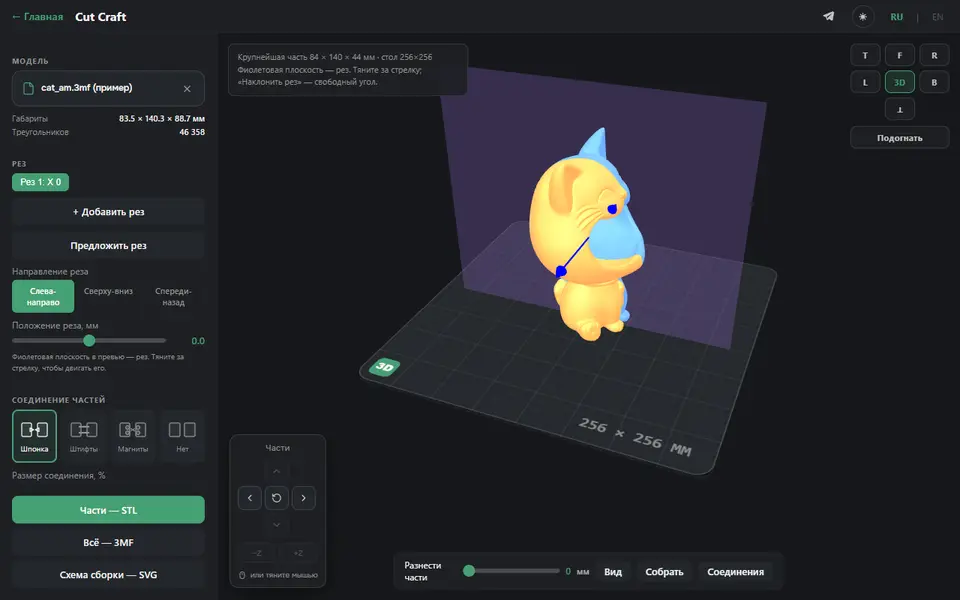
Mechanical Parts
Cut Craft (3D PrintCraft)
Free tool that cuts a large model to fit your printer bed, with butterfly keys, pins or magnet joints, no account
Mechanical Parts
Mold Craft (3D PrintCraft)
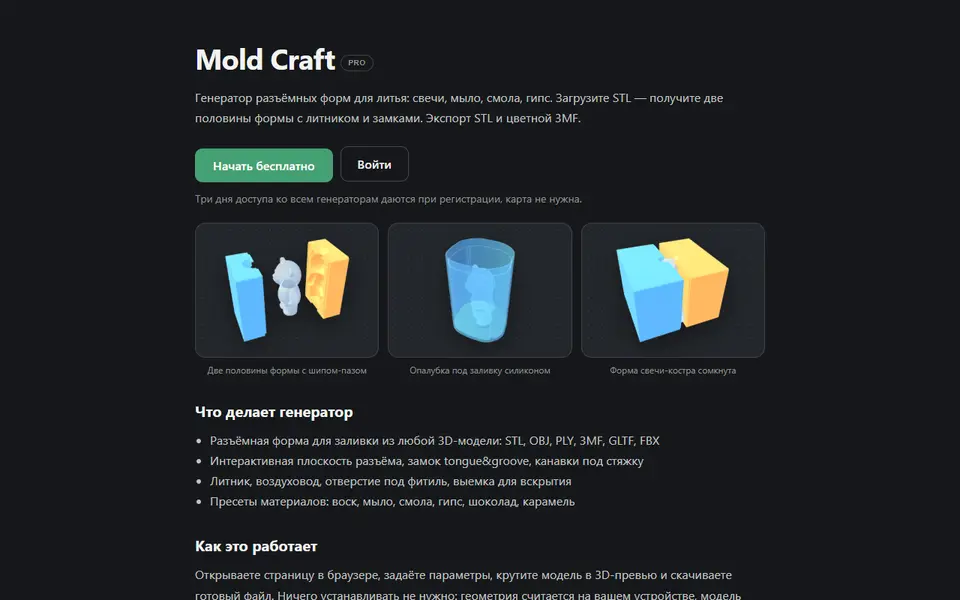
Upload a 3D model and get a printable two-part mold for soap, wax or plaster, as STL or 3MF; paid plan
Mechanical Parts
Modelador 3D Two-Part Mold Generator
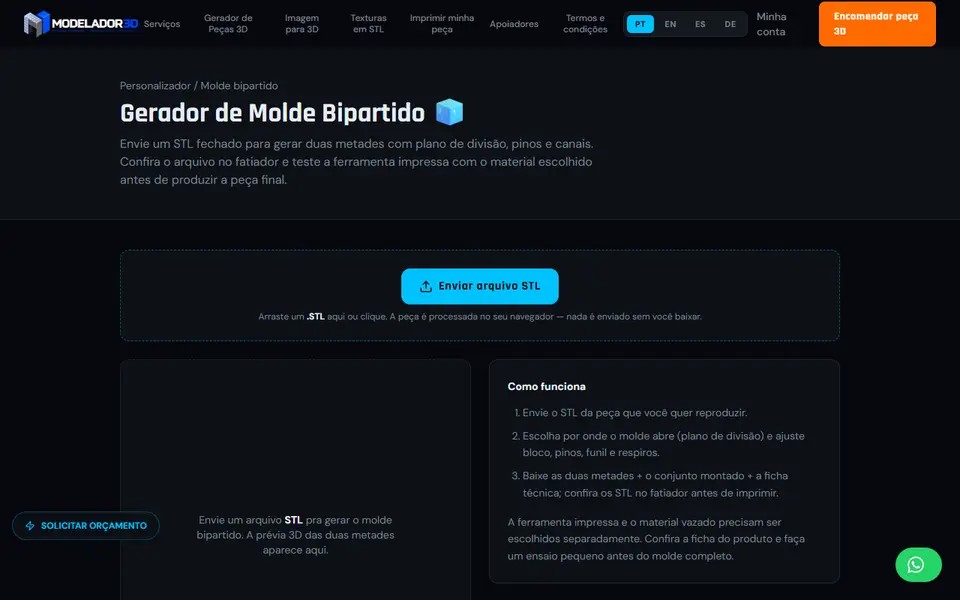
Turn a closed STL into a printable two-part mold with a split plane, alignment pins, a pour funnel and vents
Mechanical Parts
Connector Foundry
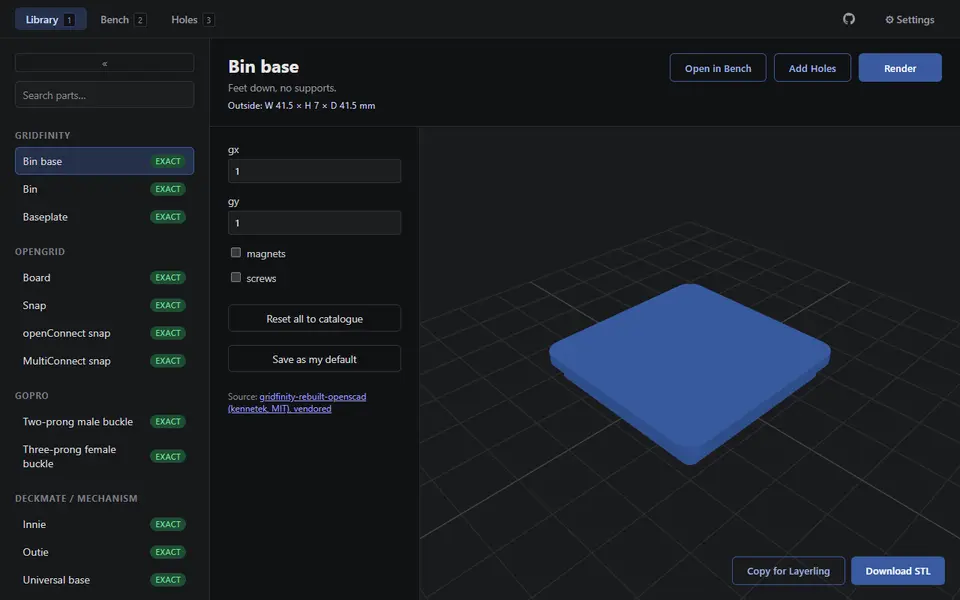
Free browser library of 36 mounting parts for Gridfinity, openGrid, Skadis, GoPro and more, as STL, no account
Mechanical Parts
PrintPal Mold Box Generator
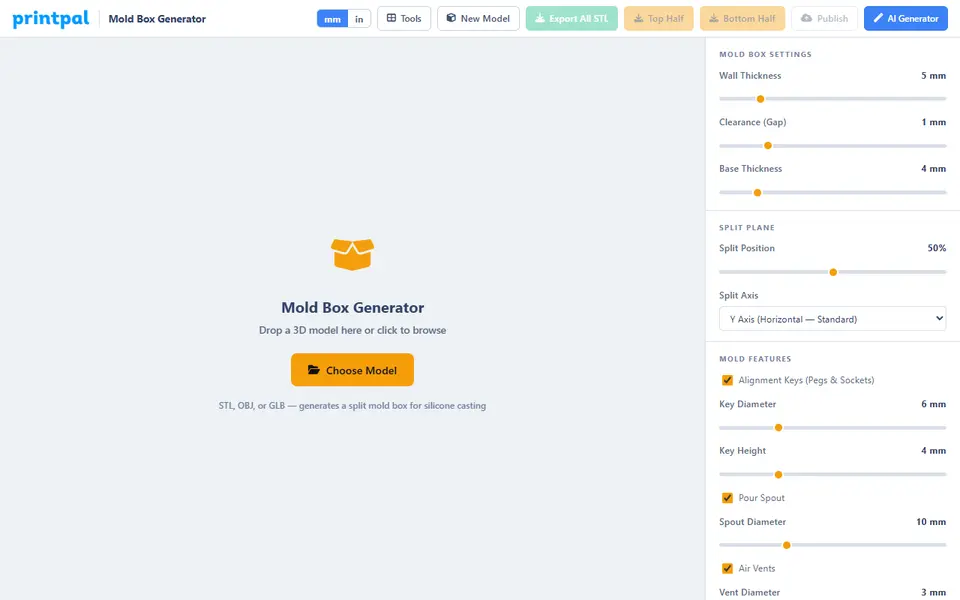
Free two-part mold box for silicone or resin casting around your model, with keys, a pour spout and vents
Mechanical Parts
Modelador 3D Part Generator
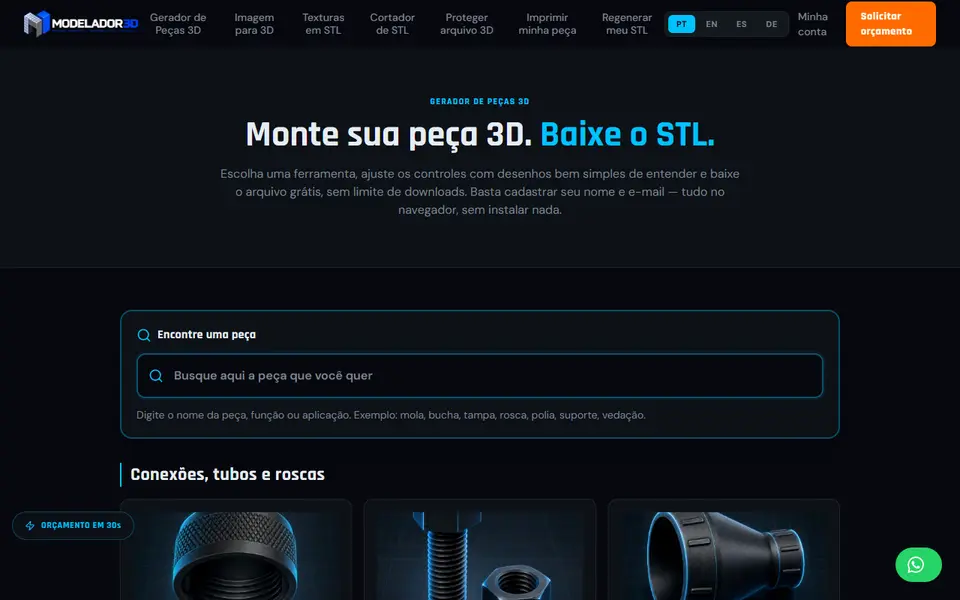
Portuguese-language hub of nearly 60 free part generators for bolts, gears, bearings, pulleys and more