Cosmos Keyboards
Curved split keyboard cases you can fit to a scan of your hand, with free STL export
Cosmos Keyboards is a freemium browser tool for DIY ergonomic split keyboards shaped to your hands. Designing and downloading STL, STEP and GLB files is free with no account. PRO costs $10 USD, paid once (through Stripe after verifying your email, or by sponsoring the developer on GitHub), and unlocks rounded edges, wrist rests and other extras marked PRO such as the Stilts case mode. Exports STL, STEP and GLB. Last checked .
Opens ryanis.cool
What is Cosmos Keyboards?
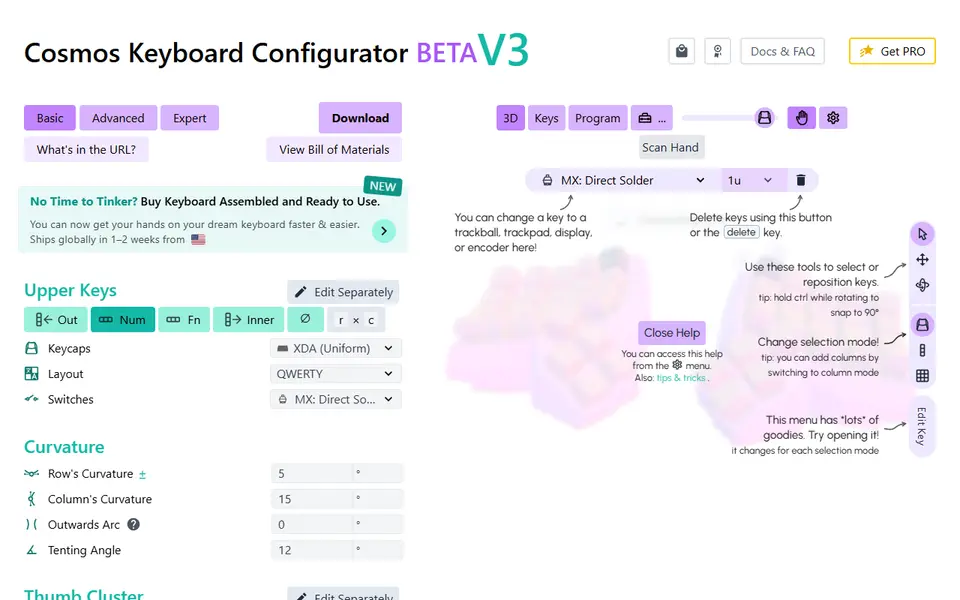
Cosmos Keyboards is a free browser tool that designs curved ergonomic keyboard cases in the Dactyl style and exports them for 3D printing. You build the case by choosing options instead of modeling: keycap profile, switch type, rows and columns, a thumb cluster preset, curvature, tenting and a case mode. Keys can also be dragged and rotated by hand.
The feature that sets it apart is hand fitting. You scan your hand with a camera, the analysis runs on your own device, and Cosmos can then set the key stagger from your finger lengths. The docs call this fitting basic; as of September 2026 it does not place the thumb cluster. The editor also handles trackballs, trackpads, rotary encoders and OLED screens, 15 microcontrollers, and split or unibody builds. A Thickness tab, a part collision check and a small test print catch problems early.
The download gives you STL files for the case, bottom plate and microcontroller holder, STEP files for CAD work and GLB files for renders. Rounded edges, wrist rests and a few other extras marked PRO, such as the Stilts case mode, need a one-time $10 upgrade. It suits people who are happy to solder, wire and flash firmware; with the project's own Lemon controllers, Cosmos can also generate QMK or ZMK firmware for you.
What you can make
- Split ergonomic keyboard cases
- Unibody curved keyboards
- Cases with trackball, trackpad or display mounts
- Bottom plates and microcontroller holders
- Form-fitting wrist rests (Pro)
How to use Cosmos Keyboards
- Open the generator and pick keycaps, switches and a thumb cluster preset
- Adjust rows, columns, curvature and case mode, or fit the keys to a hand scan
- Check the Thickness tab and fix thin spots or warnings
- Download the STL files, print the Test Print piece first, then slice the case with supports
- Fit the switches, wire the matrix and flash the firmware
What you'll need to print it
Filament and parts that suit what you make with Cosmos Keyboards.
M3 heat-set inserts
M3 screws
Also handy
Some of these are affiliate links: we may earn a small commission, at no extra cost to you. More about that
Cosmos Keyboards pros
- An optional camera hand scan sets the key stagger from your real finger lengths
- A Thickness tab and a part collision check flag problems before you slice
- Free STL and STEP export with no account, and about 95% of the code is open source under AGPL-3.0
Cosmos Keyboards cons
- Lots of settings to learn; the docs suggest Expert (code) mode for rotating a custom thumb cluster
- The print is only the case: switches, keycaps, wiring, a controller and firmware are extra work
- Rounded edges, wrist rests and the Stilts case mode need the paid PRO upgrade
Rate Cosmos Keyboards
One rating per account. Signing in takes one email link, no password.
Reviews
Made with Cosmos Keyboards
Read next
Cosmos Keyboards alternatives
Gear, knob and part generators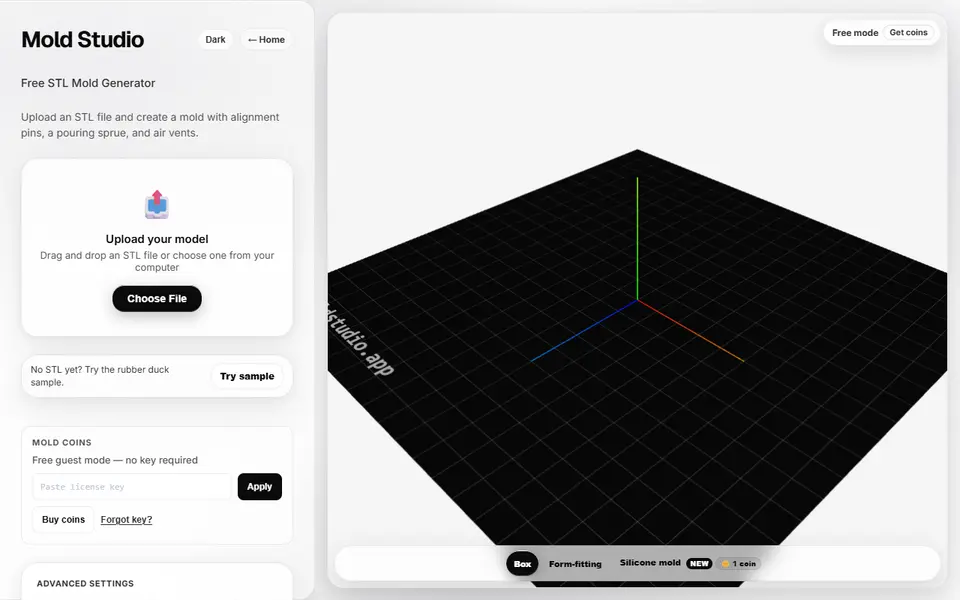
Mechanical Parts
Mold Studio
Turns an STL into a printable two-part casting mold with alignment pins, a pour sprue and air vents
Mechanical Parts
MIKE - Bicycle Mount Generator (ETH Zurich)
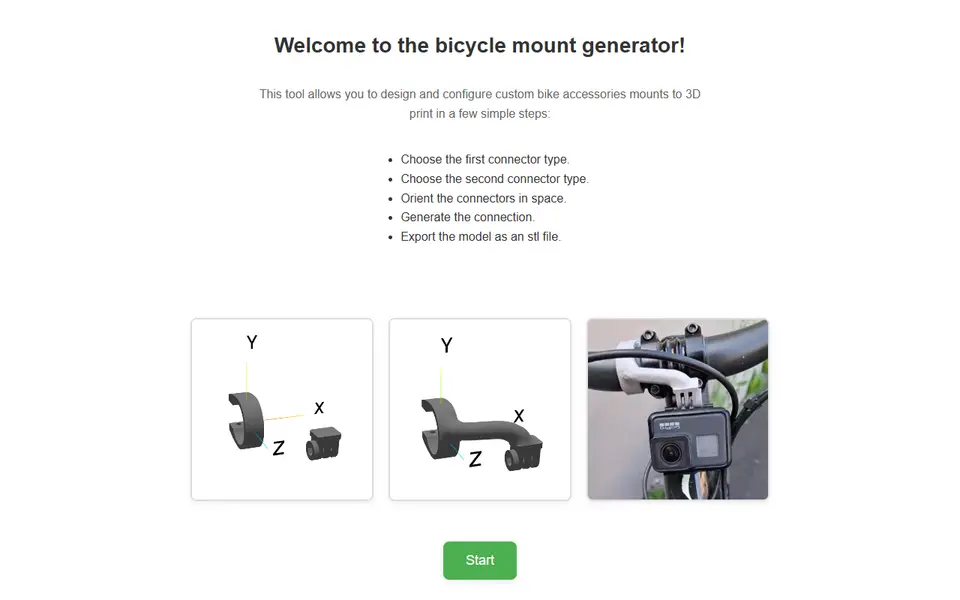
Custom bike mounts for lights, cameras and bike computers, built from two parts you pick
Mechanical Parts
Parametric Electronics Panel Generator
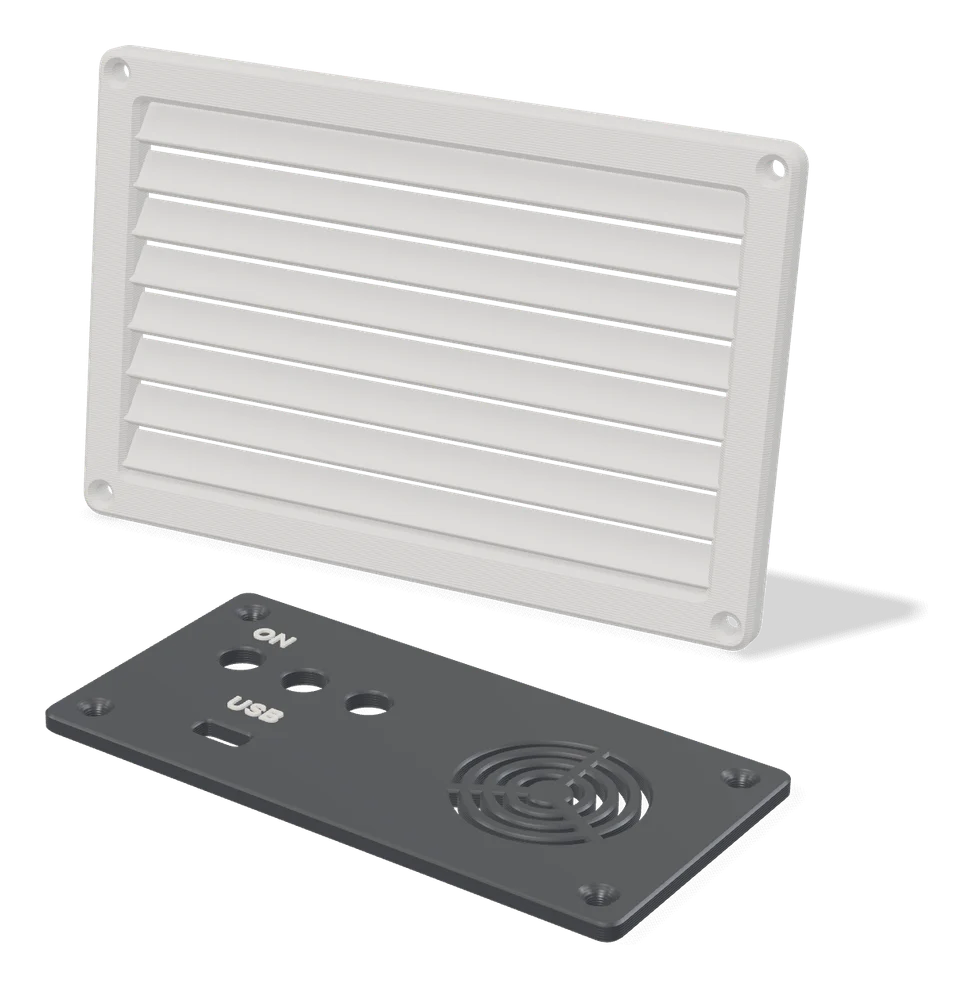
Front panels with cutouts for switches, USB, fans and displays, plus labels
Mechanical Parts
Lithium Pack Designer
Web calculator that plans an 18650 or 21700 battery pack and exports a printable cell holder
Mechanical Parts
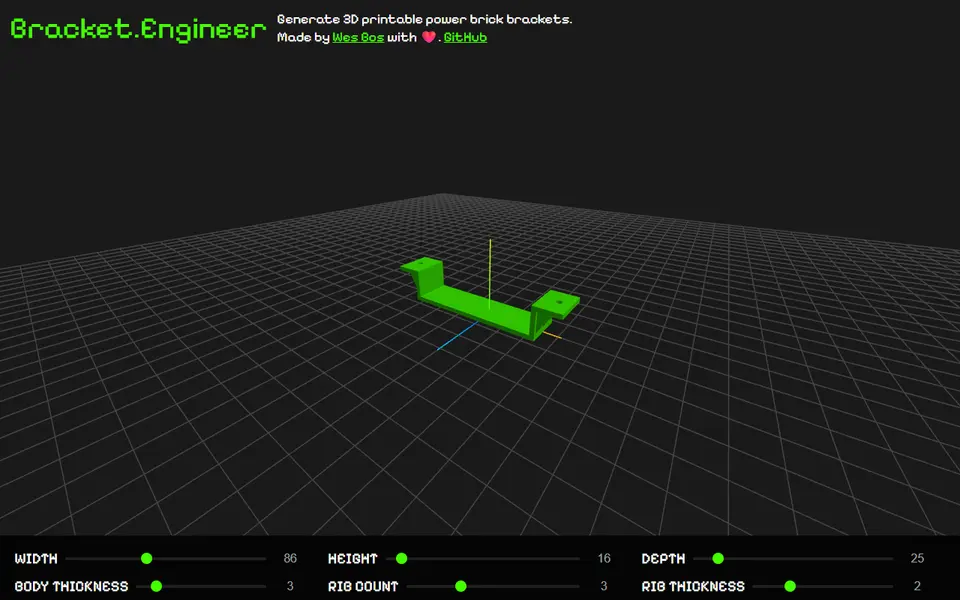
bracket.engineer
Free power brick bracket sized to your adapter, to screw under a desk or on a wall, exported as 3MF
Mechanical Parts
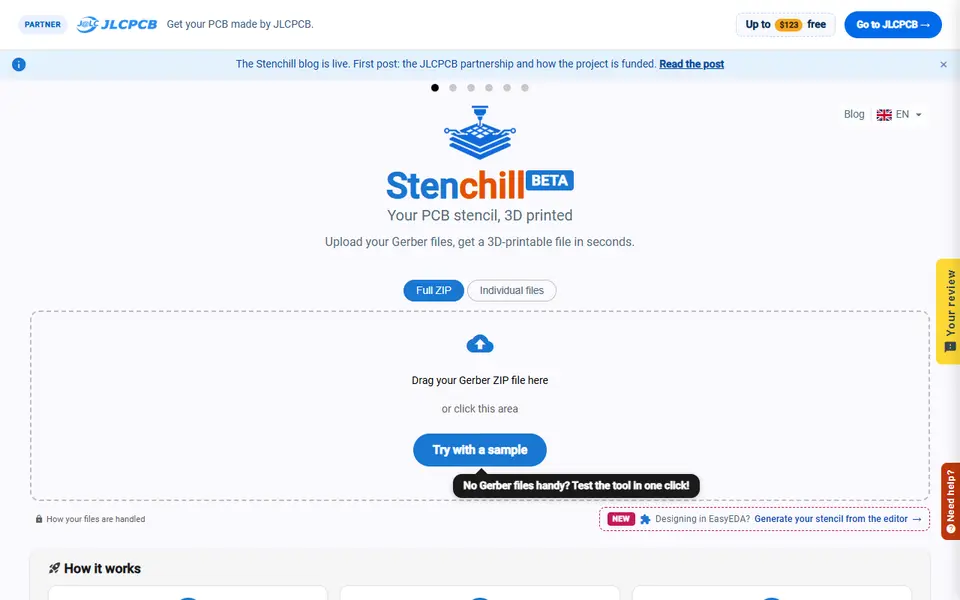
Stenchill
Solder paste stencils for your circuit board, printed from its Gerber files