Mold Studio
Turns an STL into a printable two-part casting mold with alignment pins, a pour sprue and air vents
Mold Studio is a freemium browser tool for casting repeat copies of a model in resin or silicone. Box and form-fitting molds are free with no account. A silicone mold download costs 1 credit; one-time packs are $9 for 10, $19 for 25, $39 for 60, or $99 for unlimited use (fair use of 50 molds a month). As of September 2026 the site's FAQ called the tool free while in beta, which does not match the pricing section. Exports STL. Last checked .
Opens moldstudio.app
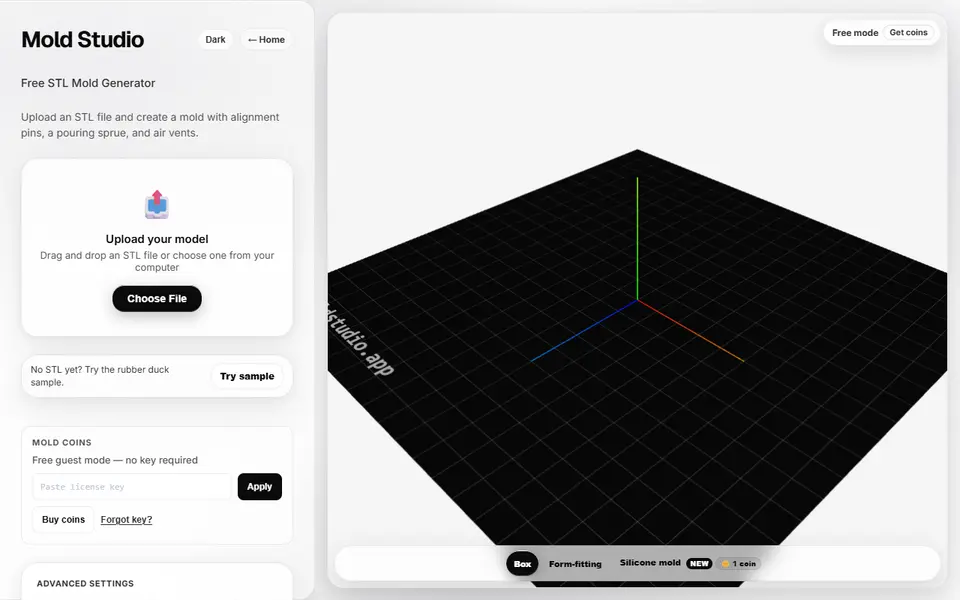
What is Mold Studio?
Mold Studio is a browser tool that builds a printable two-part mold around a 3D model you already have. You upload a binary STL, or load the sample rubber duck, and it tries to repair a broken mesh, suggests the cleanest split direction and adds alignment pins, a pour sprue and air vents. You print the halves, clamp them together and pour a low-temperature material such as resin or silicone.
There are three mold types. Box makes a simple block, Form-fitting wraps a tighter shell around the shape so you use less material, and Silicone mold makes an open-top pour box with flanges, clamps and a base plate that holds your master while silicone sets around it. Optional fields cover wall thickness, tolerance, pin size, vent and sprue size and position, split axis and a split ratio slider, and empty fields are sized automatically. A hollow option adds an inner core for pieces like vases, and the site says it reports the silicone volume a mold needs.
Box and form-fitting molds download free without an account, while silicone mold downloads cost a paid credit. It suits miniature makers, cosplayers and candle or soap crafters who want repeat copies of a part without boolean work in CAD. The site launched in 2026 and had no community track record as of September 2026.
What you can make
- Two-part box molds with alignment pins
- Form-fitting two-part mold shells
- Silicone pour boxes with clamps and a base plate
- Inner cores for hollow casts such as vases
How to use Mold Studio
- Open the app and upload a binary STL, or try the sample duck
- Choose Box, Form-fitting or Silicone mold
- Adjust wall thickness, tolerance, pins, sprue or split axis if the preview needs it
- Click Generate Mold and check the preview
- Download the STL halves, print them, clamp them together and pour
What you'll need to print it
Filament and parts that suit what you make with Mold Studio.
Resin
- Siraya Tech Fast ABS-like Resin (affiliate link) Siraya Tech
- Siraya Tech Blu Tough Resin (affiliate link) Siraya Tech
PETG
M3 heat-set inserts
Also handy
Some of these are affiliate links: we may earn a small commission, at no extra cost to you. More about that
Mold Studio pros
- Alignment pins, pour sprue and air vents are added for you, with automatic sizing when fields are left empty
- Tries to repair non-manifold meshes on upload and lets you download both halves together or as separate STLs
- Box and form-fitting molds are free to generate and download without signing up
Mold Studio cons
- Only takes binary STL; ASCII STL, OBJ or 3MF files must be converted first
- Silicone mold downloads need paid credits, and the FAQ and pricing section do not agree on what is free
- New in 2026, with no community reviews found as of September 2026, and it is meant for low-temperature resin or silicone, not metal casting
Rate Mold Studio
One rating per account. Signing in takes one email link, no password.
Reviews
Made with Mold Studio
Read next
Mold Studio alternatives
Gear, knob and part generators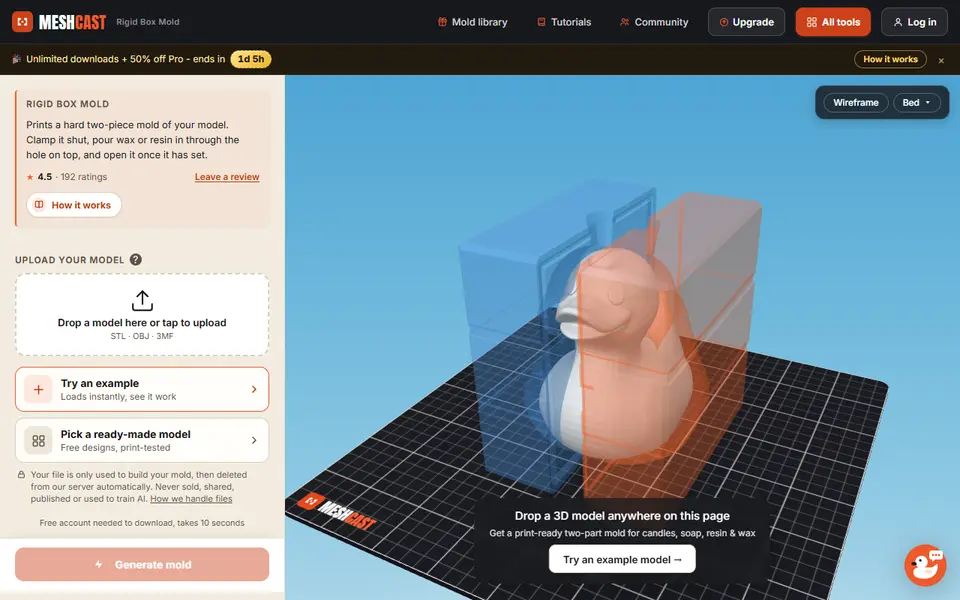
Mechanical Parts
Meshcast Candle Mold Maker
Wraps a printable two-part box mold around your model for pouring wax, soap or resin
Mechanical Parts
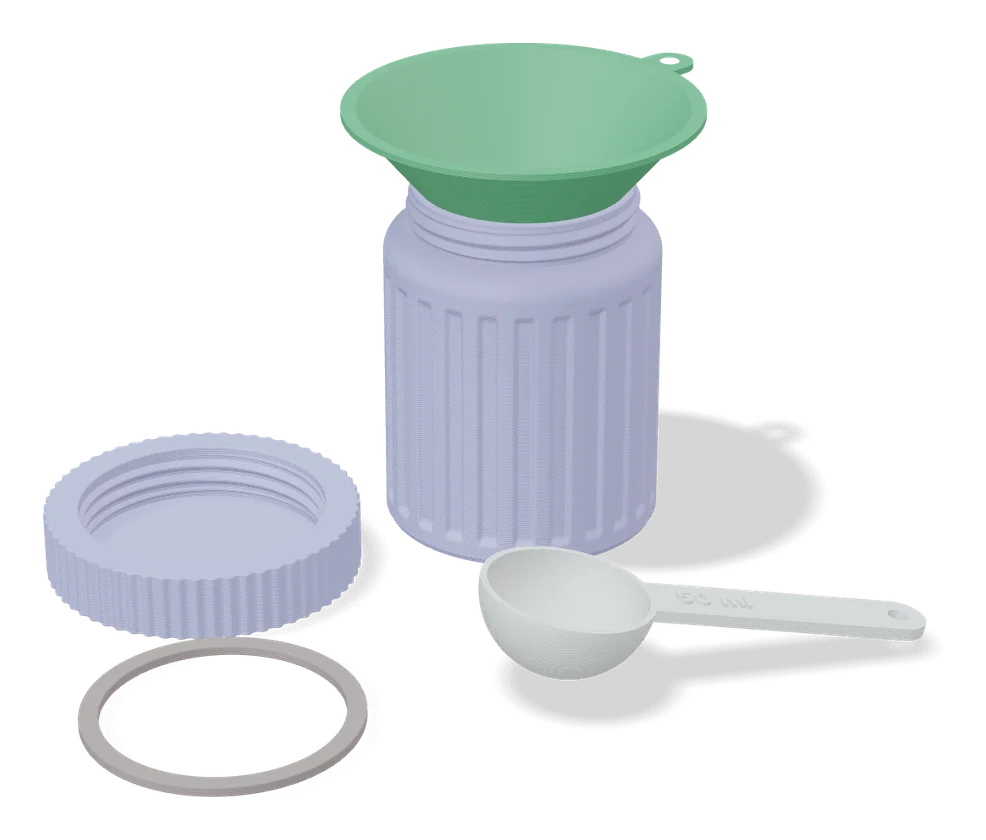
Measuring Cup / Measuring Spoon Generator (Maochen)
Measuring spoons and scoops in any milliliter size, with the volume on the handle
Mechanical Parts
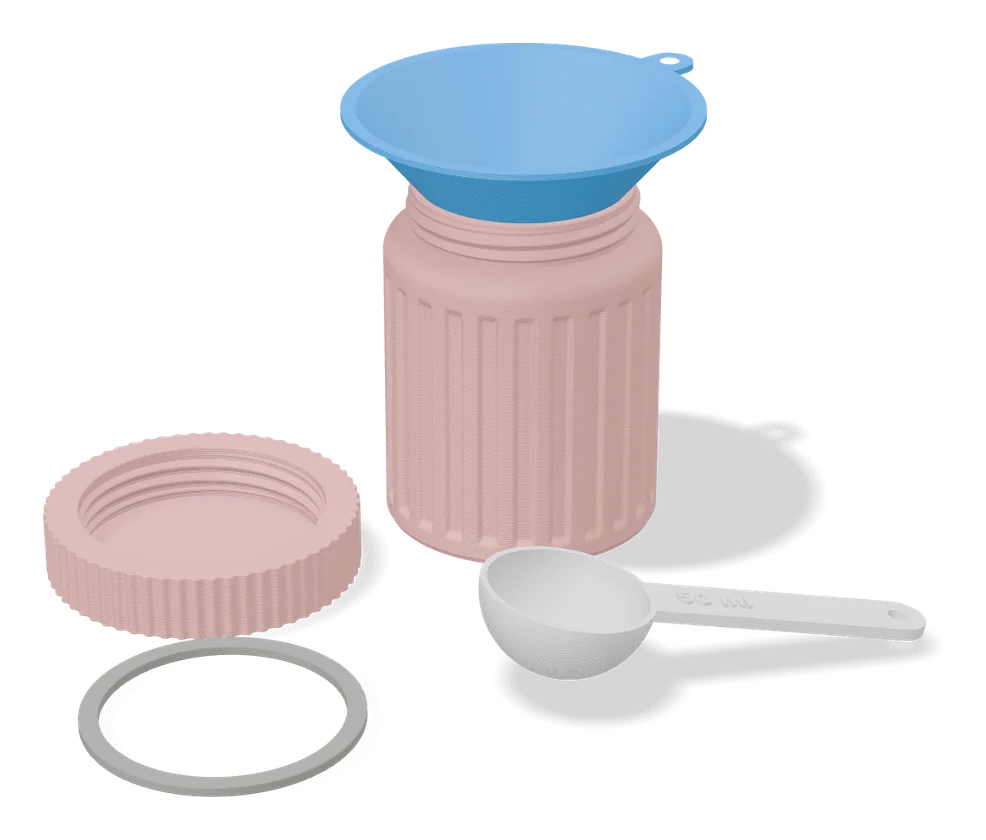
Measuring Cup / Spoon (Matthew Ghost)
Measuring cups and scoops in the volume you type, with the size in raised letters on the handle
Mechanical Parts
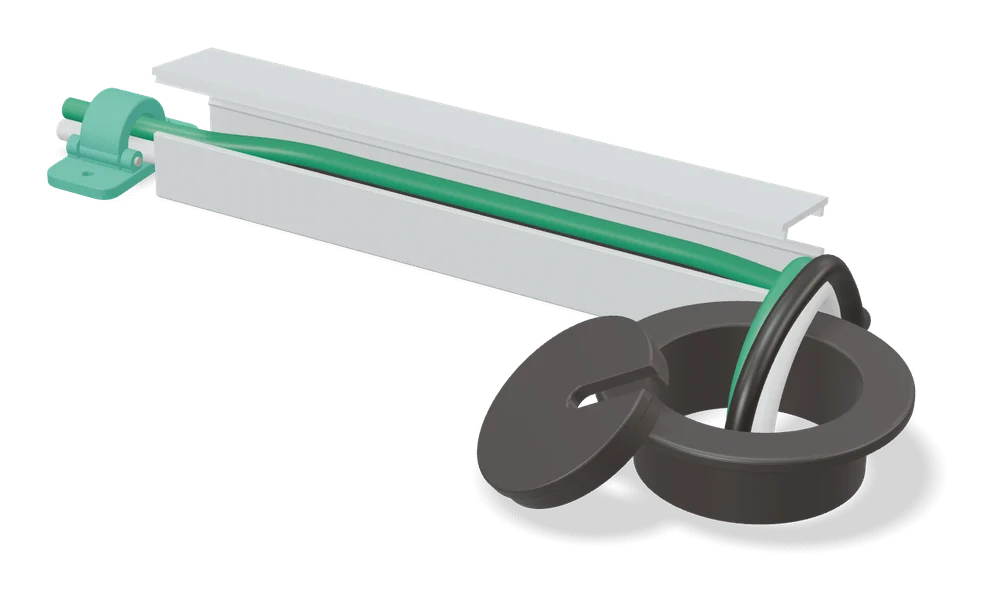
Cable Grommet Wall Pass-Through Cover (parametric)
Round wall cover for a cable hole, sized to your hole and cable in a MakerWorld customizer
Mechanical Parts
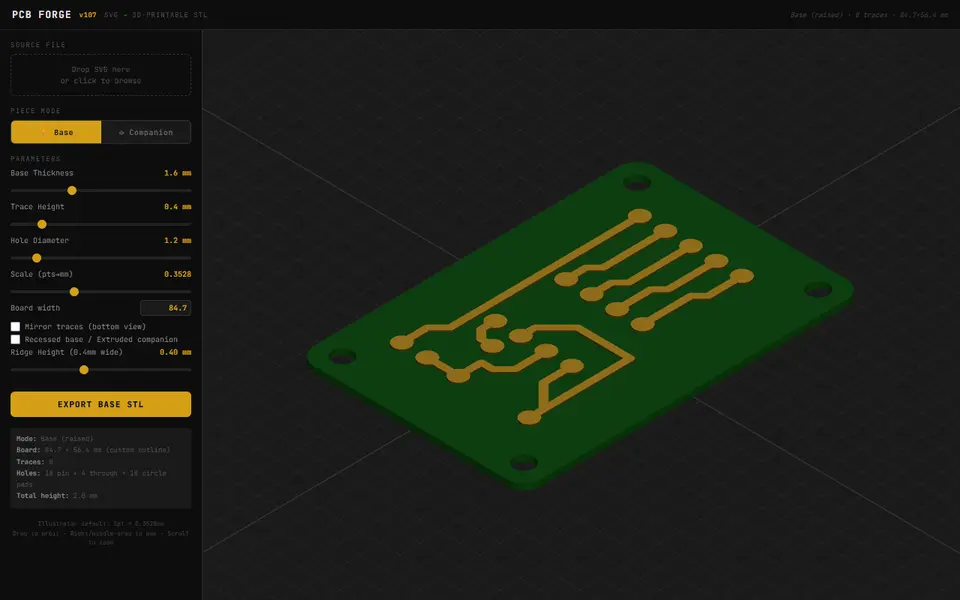
PCB Forge
Turns an SVG circuit drawing into a printable two-part mold for copper-tape PCBs
Mechanical Parts
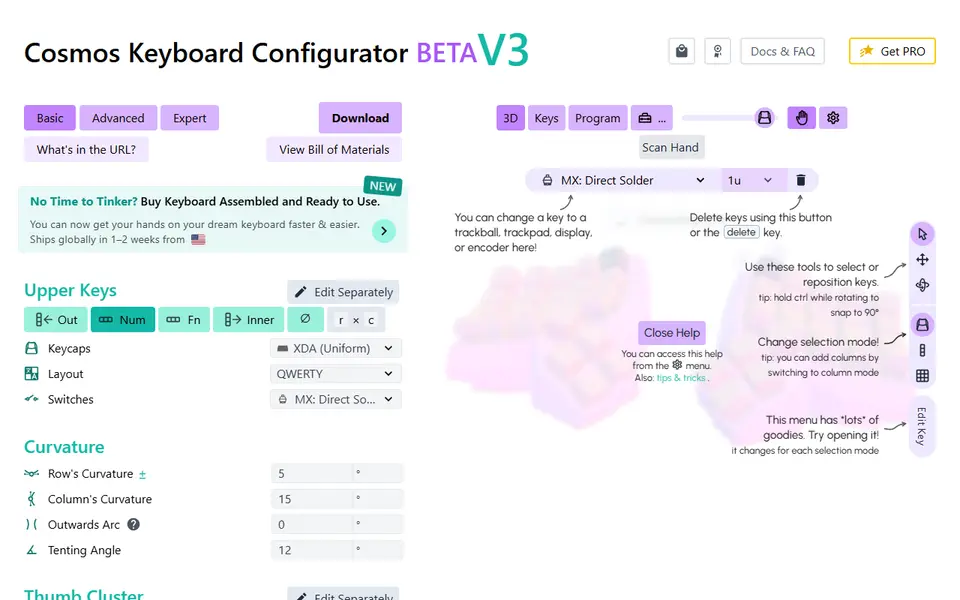
Cosmos Keyboards
Curved split keyboard cases you can fit to a scan of your hand, with free STL export