PCB Forge
Turns an SVG circuit drawing into a printable two-part mold for copper-tape PCBs
PCB Forge is a free browser tool for quick hobby circuit boards without etching. Free to use in the browser; the sample SVG download on itch.io is name-your-own-price, so paying is optional. Exports STL; no account needed. Last checked .
Opens castpixel.itch.io
What is PCB Forge?
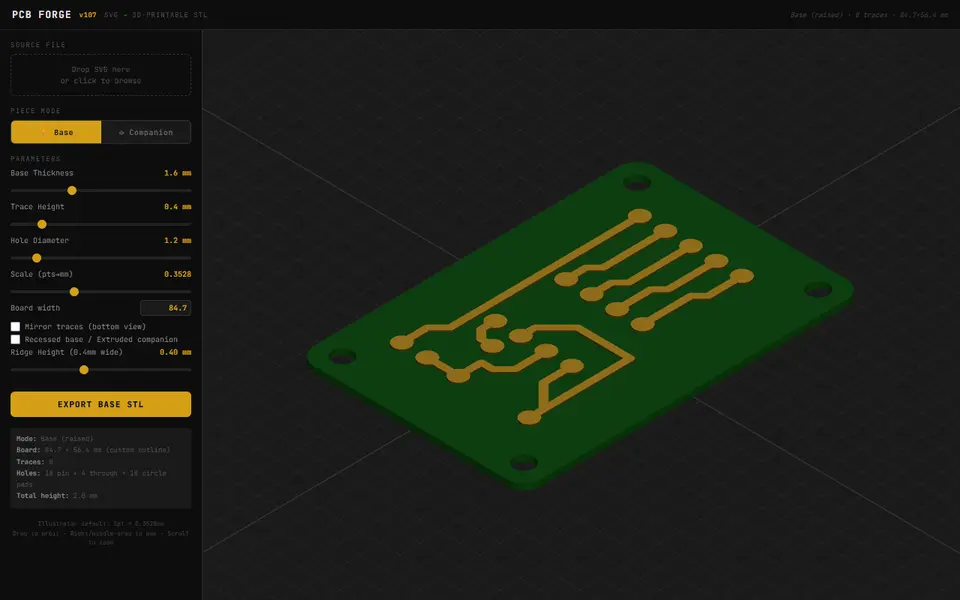
PCB Forge is a free browser tool on itch.io that turns an SVG circuit drawing into a two-part 3D-printed mold, so you can make a simple circuit board from copper tape instead of etching one. You draw the board in any vector editor using a few rules: the outline is the largest shape at the back, traces are colored shapes or lines, circles under 2.5 mm become pinholes, and bigger circles become through-holes when black or white or round pads when colored. Drop the SVG in and it builds a base with raised traces and holes, plus a companion slab with matching channels and a rim that keeps the two aligned.
Sliders set base thickness, trace height, hole size, scale, ridge height, channel clearance, press offset, spike height and companion thickness, and you can mirror the traces or switch to a recessed base. A 3D preview shows the current piece, and the base and companion each export as their own STL. After printing, you lay conductive copper tape on the base, press the companion on top and sand the ridges so only the copper in the traces stays.
It only accepts SVG, with no Gerber or KiCad import, so it suits simple boards you draw yourself, such as a switch matrix or a small Arduino or LED project.
What you can make
- Copper-tape circuit boards
- PCB bases with raised traces and holes
- Companion press molds with alignment rim
- Boards for key switch and Arduino projects
How to use PCB Forge
- Draw the board, traces and holes as filled shapes in a vector editor and save as SVG
- Open PCB Forge, click Run tool and drop in your SVG
- Type the board width and adjust trace height, hole size, ridges and clearance
- Export the base, switch to Companion mode and export that STL too
- Print both, add copper tape to the base, press the companion on and sand the ridges
What you'll need to print it
Filament and parts that suit what you make with PCB Forge.
PETG
M3 heat-set inserts
M3 screws
Also handy
Digital calipers
Filament dryers and dry boxes
Some of these are affiliate links: we may earn a small commission, at no extra cost to you. More about that
PCB Forge pros
- No etching or chemicals: two prints, copper tape and some sanding give you a board to solder
- Clear drawing rules work with any vector editor, and the page offers a sample SVG to try
- Free in the browser with no account, with a 3D preview of each piece before export
PCB Forge cons
- Only reads SVG drawn to its color and circle-size rules; there is no Gerber or KiCad import
- Meant for simple boards: all small holes share one slider-set diameter, and a commenter found the minimum sizes too coarse for fine parts
- Rebuilds the model after every slider change, and a commenter reported the page freezing while it renders
Rate PCB Forge
One rating per account. Signing in takes one email link, no password.
Reviews
Made with PCB Forge
Read next
PCB Forge alternatives
Gear, knob and part generators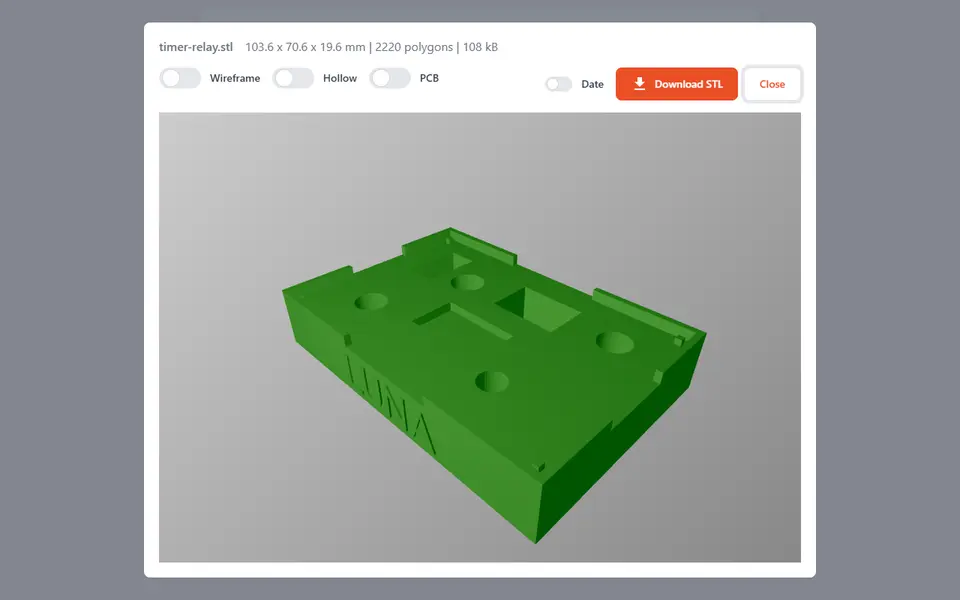
Mechanical Parts
PCB THT Holder
Turns a photo of your circuit board into a printable jig that holds through-hole parts while you solder
Mechanical Parts
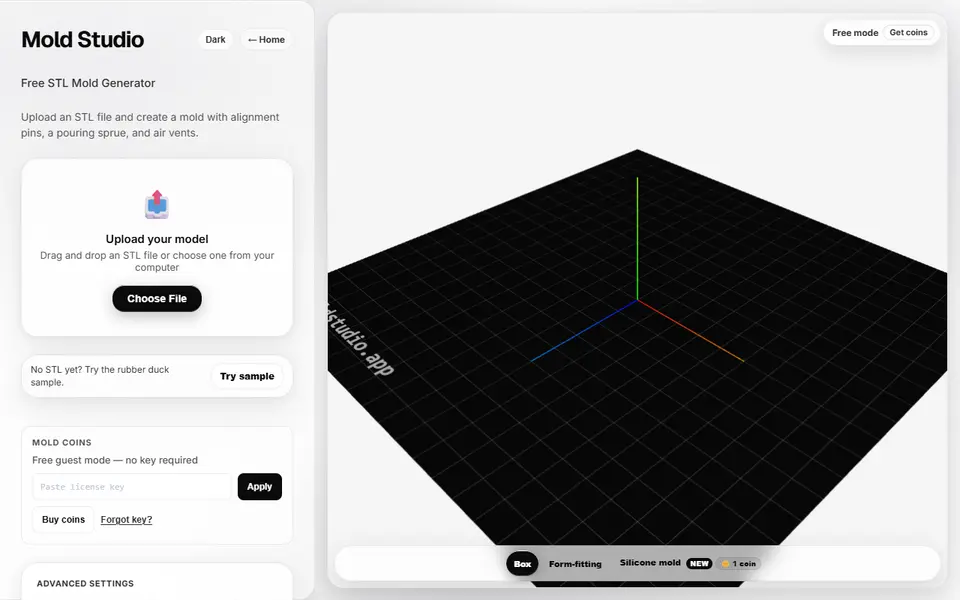
Mold Studio
Turns an STL into a printable two-part casting mold with alignment pins, a pour sprue and air vents
Mechanical Parts
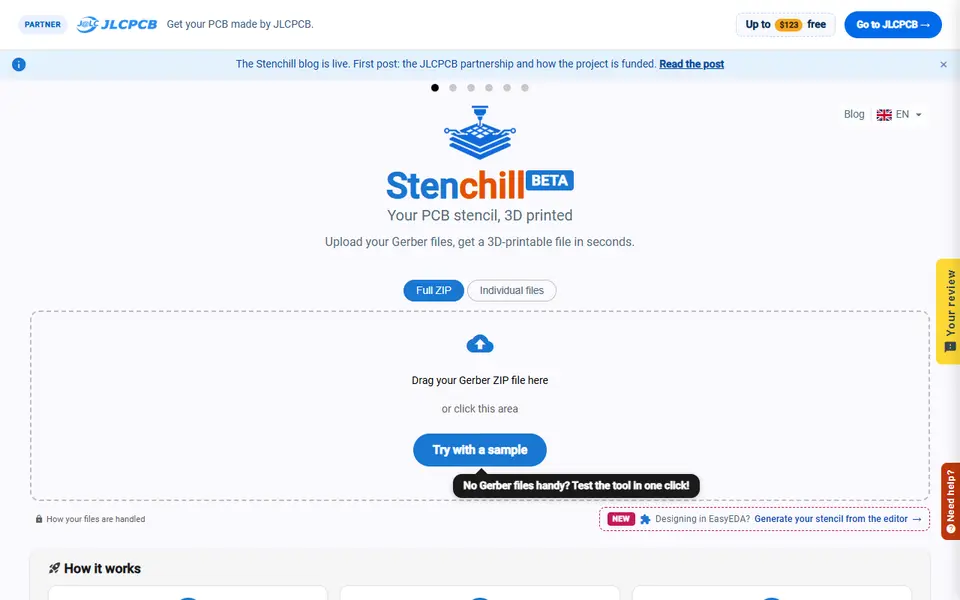
Stenchill
Solder paste stencils for your circuit board, printed from its Gerber files
Mechanical Parts
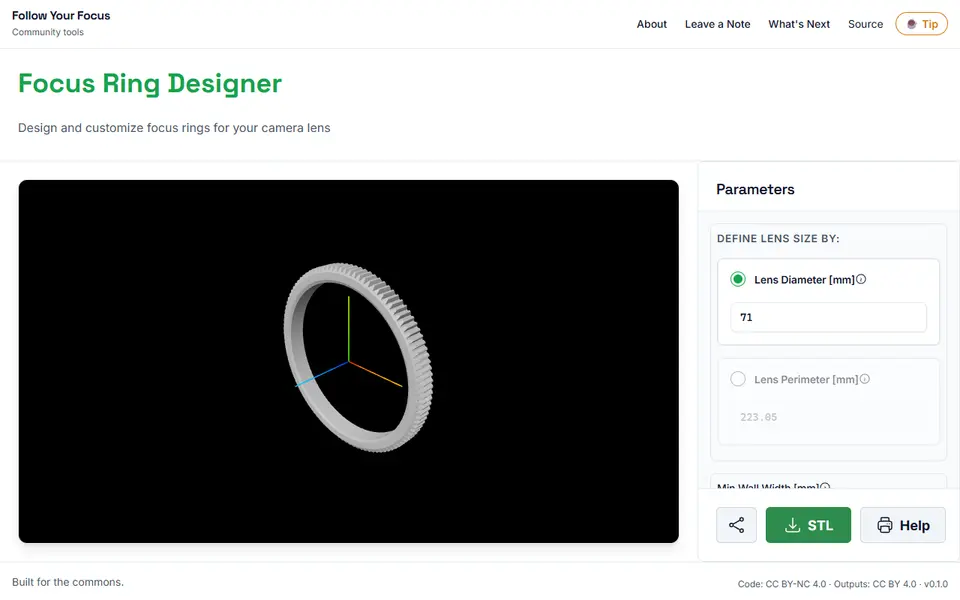
Follow Your Focus
Free follow focus ring gears sized to your camera lens, with chamfers and grub screw holes; STL, no account
Mechanical Parts
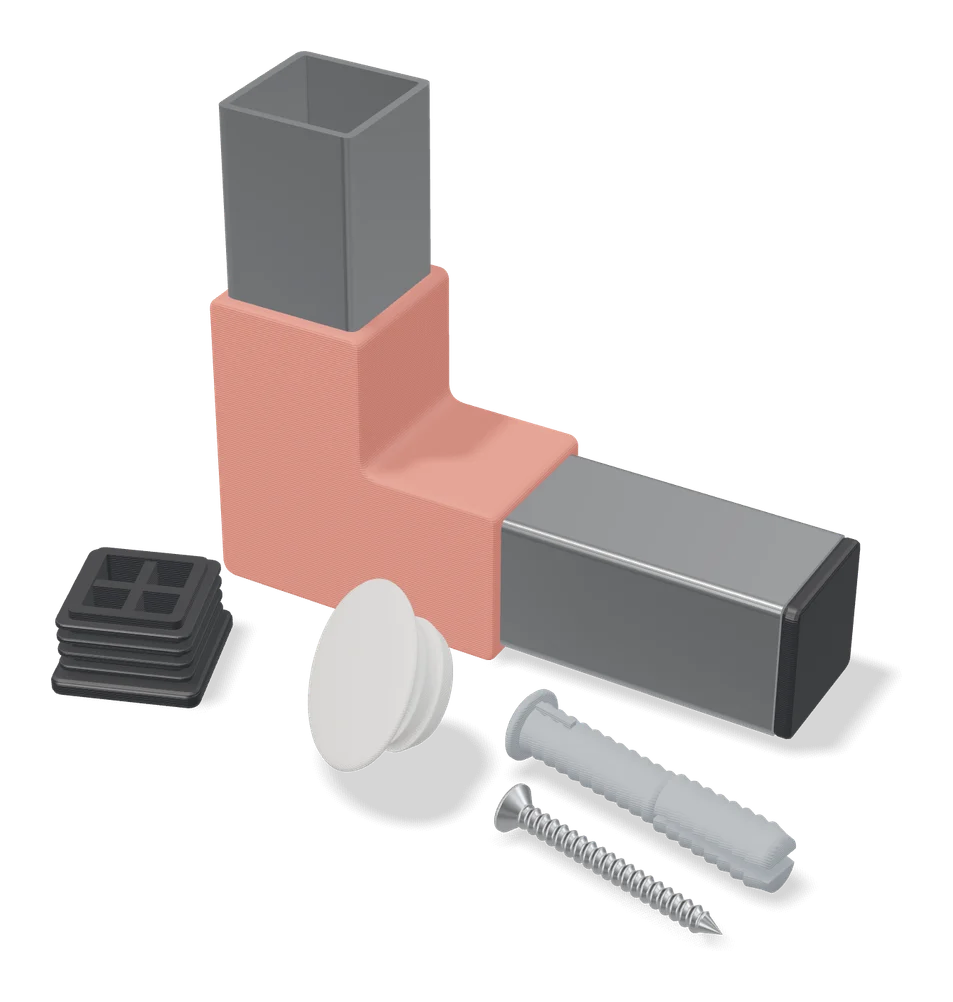
Custom End Cap Generator for Square/Rectangle Tube
Press-in end caps for square and rectangular metal tubes, sized from four measurements
Mechanical Parts
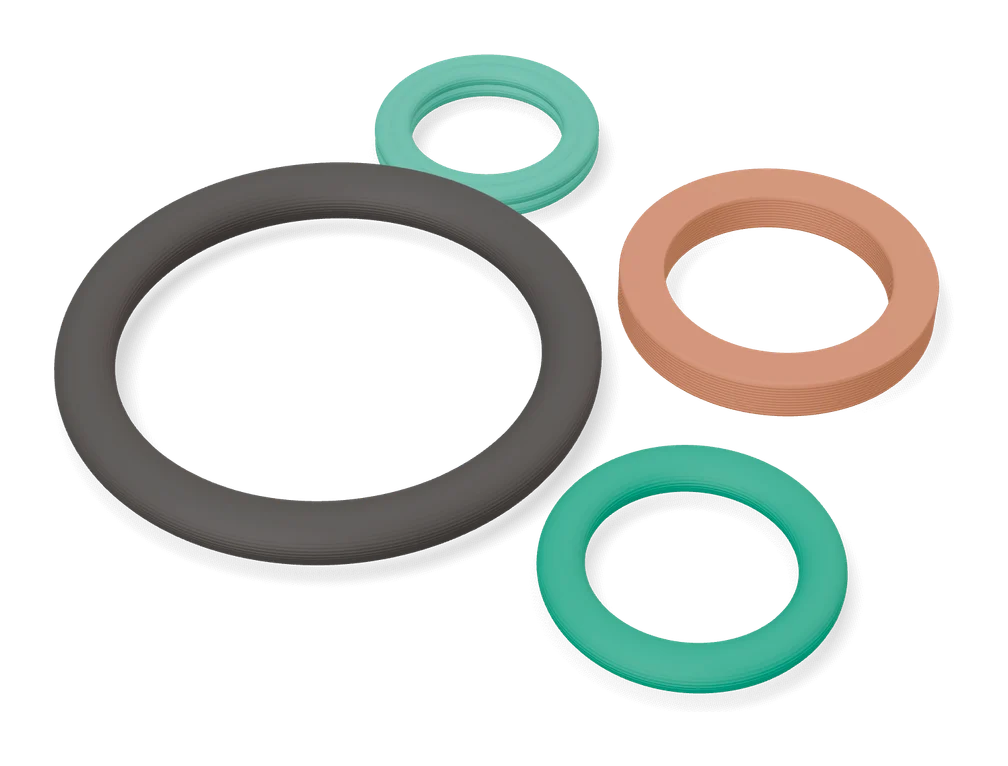
Customizable Gasket / O-ring Maker
O-rings, rectangular enclosure seals and 2-bolt flange gaskets, with optional bolt holes