PCB THT Holder
Turns a photo of your circuit board into a printable jig that holds through-hole parts while you solder
PCB THT Holder is a free browser tool for hand-soldering through-hole parts on small batches of boards. Free and open source (MIT license); no account and no paid plan. Exports STL. Last checked .
Opens segmentcontroller.github.io
What is PCB THT Holder?
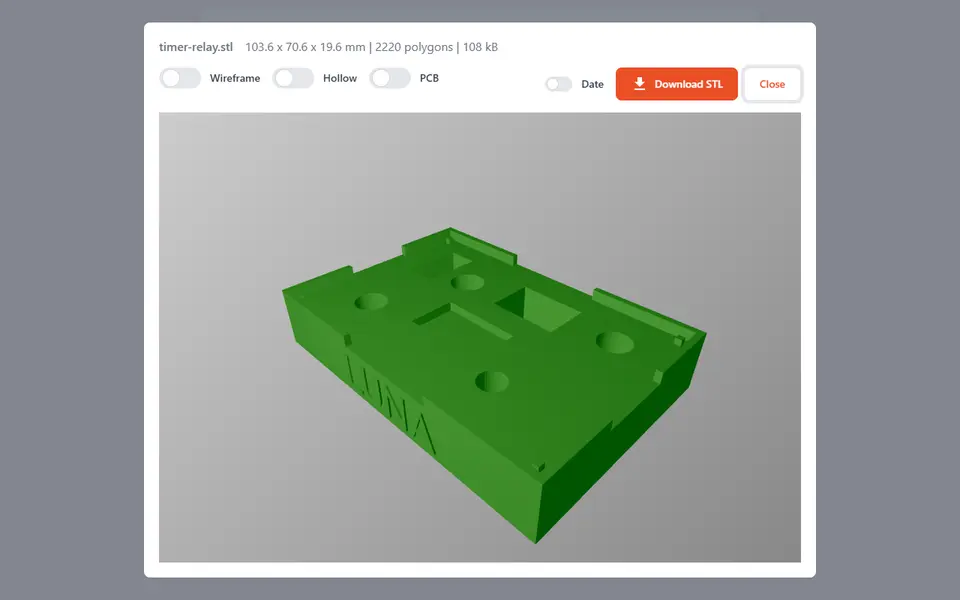
PCB THT Holder is a free, open source browser tool that turns a photo of your circuit board into a printable jig for soldering through-hole parts. You add a top-view photo, which the app flips and fades so you can trace over it, then mark each tall part with a circle or a rectangle and enter its size and its height above the board. The tool cuts a matching pocket for every part into a flat panel, so the board can lie face down on the print with its parts held straight while you solder the leads.
A set of 13 preset parts, loaded with one click, covers DIP sockets, electrolytic capacitors, buzzers, terminal blocks and relays, and you can save your own parts and import or export the library as a JSON file. Project settings cover the panel size, board thickness, the height of any surface-mount parts, a print tolerance of up to 2 mm and a text label on the side. Support legs can go at the corners automatically, a hollow mode prints only the top layer to save time, and a project file lets you reopen a layout later.
It runs in the browser without an account and does not upload the photo. It suits hobbyists and small makers who hand-solder the through-hole parts on a batch of boards.
What you can make
- Soldering jigs for through-hole parts
- PCB holders laid out from a board photo
- Hollow quick-print holders
- Labeled jigs for repeat board batches
How to use PCB THT Holder
- Open the app and drop in a straight-on top-view photo of your PCB
- Set the panel size, board thickness and print tolerance in the project settings
- Place circles, rectangles or preset parts over each through-hole part and enter their heights
- Open the 3D view, check the mesh and download the STL
- Print the jig, fit the parts into the board, lay it face down on the jig and solder
What you'll need to print it
Filament and parts that suit what you make with PCB THT Holder.
PETG
M3 heat-set inserts
M3 screws
Also handy
Digital calipers
Filament dryers and dry boxes
Some of these are affiliate links: we may earn a small commission, at no extra cost to you. More about that
PCB THT Holder pros
- Works from a photo of your own board, so the pockets line up with the real part positions
- Preset parts, print tolerance and automatic corner legs save a lot of fiddling
- Free, open source, no account, and the board photo stays on your device
PCB THT Holder cons
- Only round and rectangular pockets, so odd-shaped parts need a close approximation
- You measure part sizes and heights yourself; the photo is a guide, not an automatic part detector
- Small one-developer project with very little community feedback
Rate PCB THT Holder
One rating per account. Signing in takes one email link, no password.
Reviews
Made with PCB THT Holder
Read next
PCB THT Holder alternatives
Gear, knob and part generators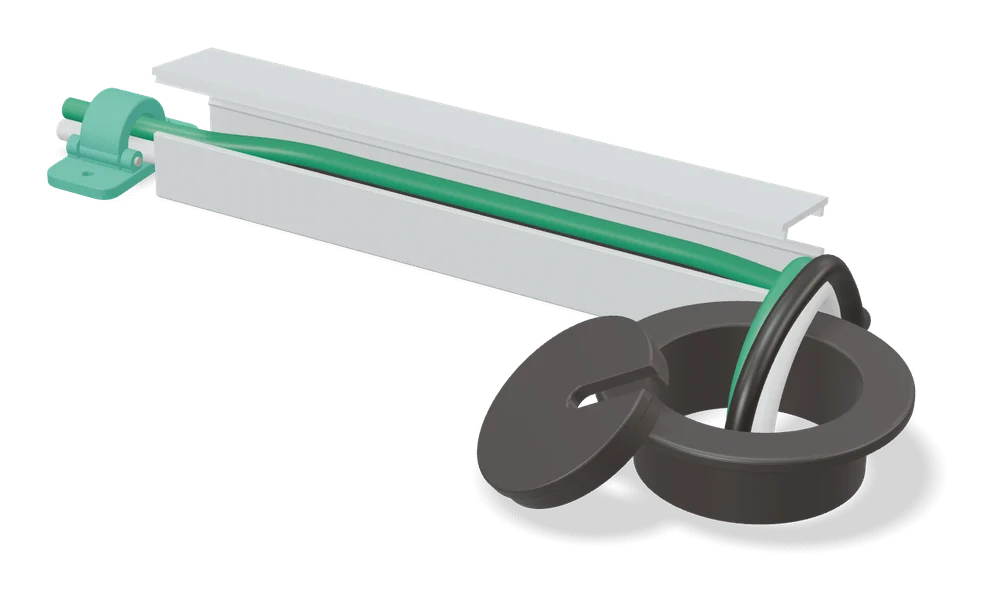
Mechanical Parts
Cable Grommet Wall Pass-Through Cover (parametric)
Round wall cover for a cable hole, sized to your hole and cable in a MakerWorld customizer
Mechanical Parts
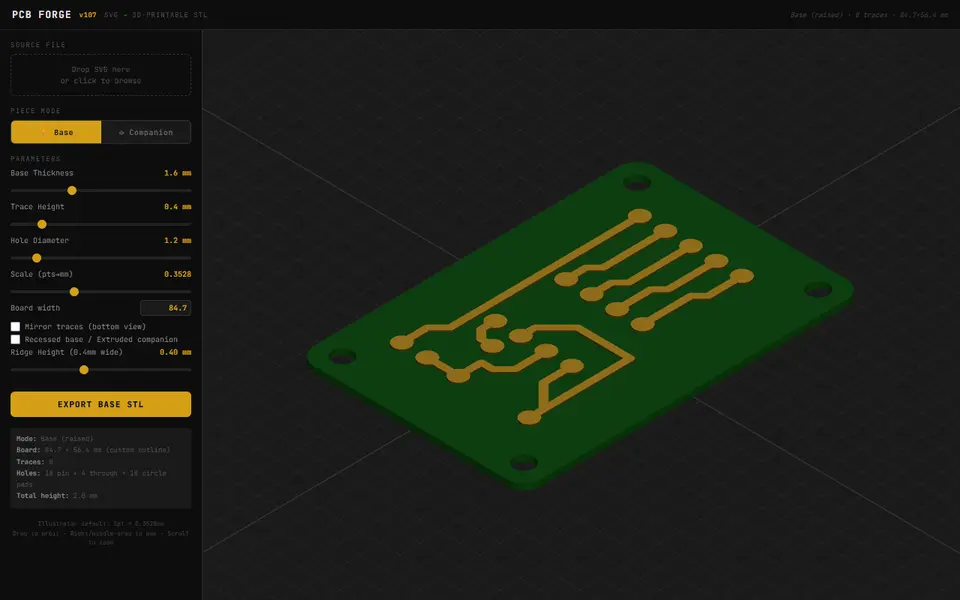
PCB Forge
Turns an SVG circuit drawing into a printable two-part mold for copper-tape PCBs
Mechanical Parts
[FLAT] Articulated Finger Extensions
Wearable jointed finger extensions sized from your own finger measurements
Mechanical Parts
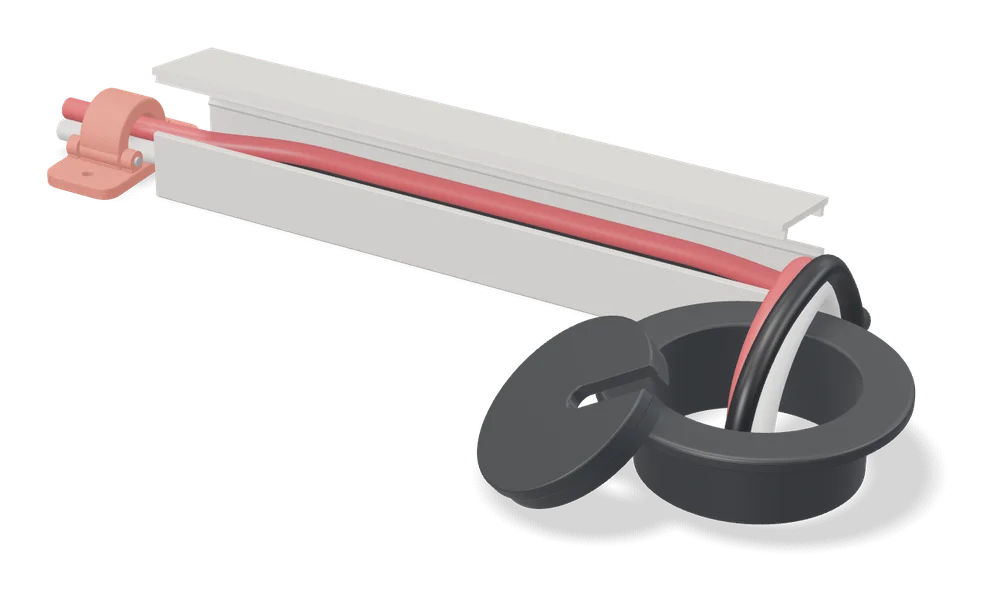
Parametric Grommet Generator
Two-piece press-fit cable grommets sized to your panel hole, made in a MakerWorld customizer
Mechanical Parts
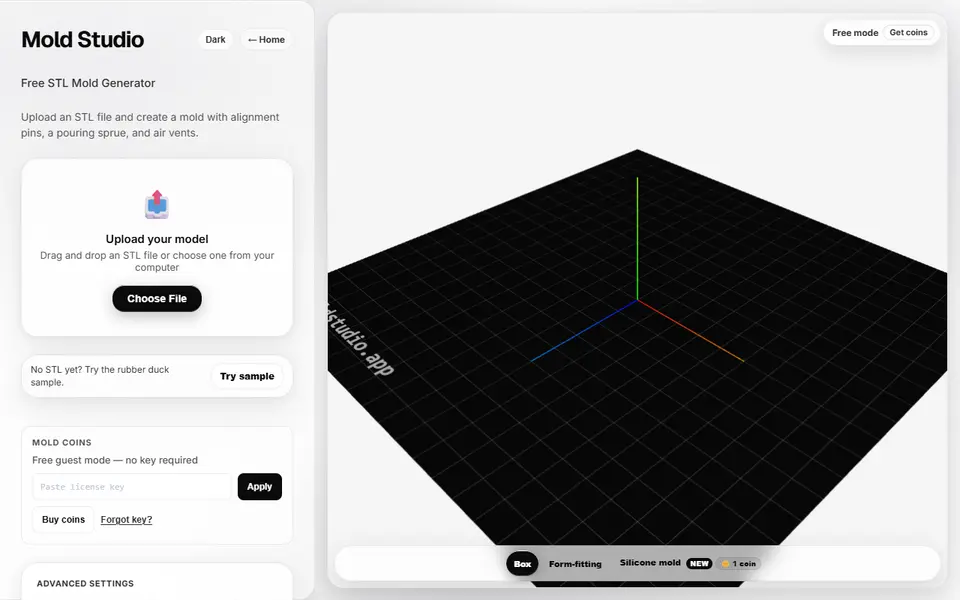
Mold Studio
Turns an STL into a printable two-part casting mold with alignment pins, a pour sprue and air vents
Mechanical Parts
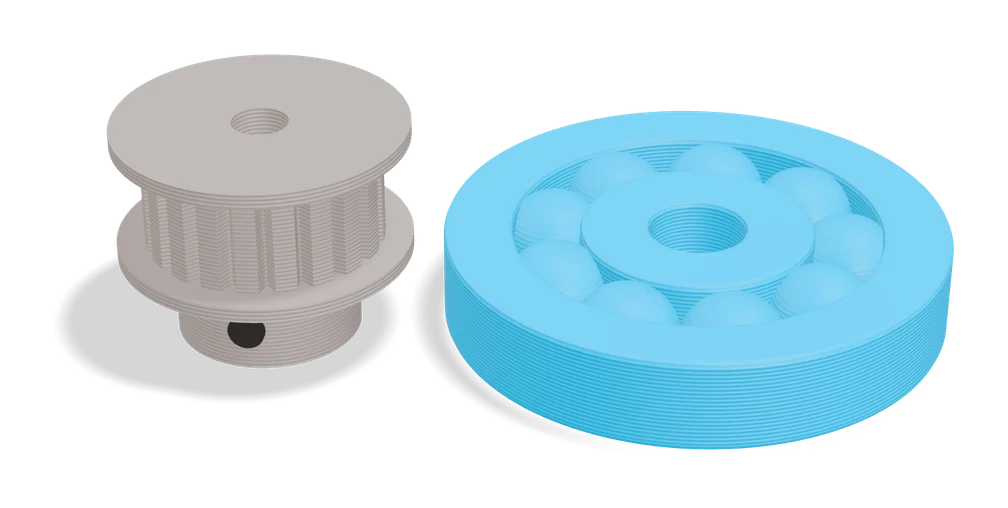
Bearing Generator (osuushi)
Tiny free web form that makes print-in-place bearings with a clearance setting and a cross-section preview