Taghaus (Genform)
Two-color QR identity cards in five templates, exported as STL or Bambu 3MF; Genform account to export
Taghaus (Genform) is a paid browser tool for a printed QR contact card for yourself. Free to try in the browser; export needs a Genform plan: Starter $29 a month or Business $49 a month ($19 and $39 for the first 12 months by Nov 12, 2026); free 7-day Starter trial, no card. Exports STL and 3MF; an account is needed to download. Last checked .
Opens gen-form.com
What is Taghaus (Genform)?
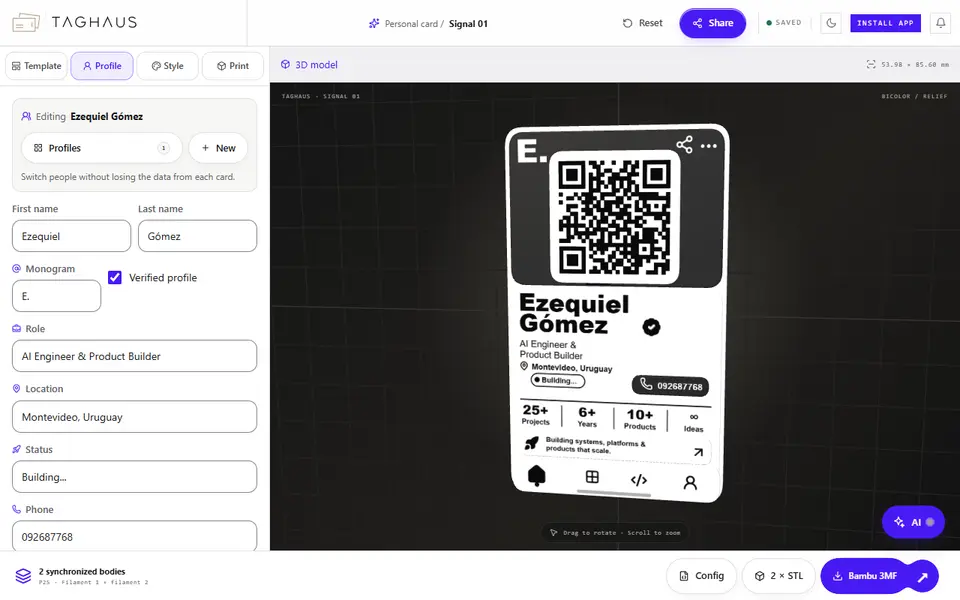
Taghaus is a browser editor from Genform for printed personal cards with a working QR code. You fill in a profile (name, monogram, role, location, status, phone, website, email, a short statement and a few stats), set where the QR code points, and see the card as a two-color 3D relief at bank card size, 53.98 by 85.60 mm. Several profiles can be saved and switched, and there is a share link for the profile.
There are five templates: Signal (a vertical card with QR, contact details and stats), Mono (a large monogram with a corner QR), Orbit (a dark face with a round frame and a central QR), Index (serif type with a two-column grid) and Pass (a ticket-style split). The style tab sets the color order (black on ivory or ivory on black) and how far the QR, text panel and details stand out. The print tab has presets for Bambu Lab printers, width, height and base thickness, and a fine 0.2 mm or balanced 0.4 mm detail profile; the default card is 2.6 mm thick.
The editor opens without an account, but export (two STLs or a Bambu 3MF with both colors) asks you to open it from a Genform account. Taghaus is in every Genform plan: Starter $29 a month or Business $49 a month, with launch prices of $19 and $39 for the first 12 months if you subscribe by November 12, 2026, and a free 7-day Starter trial for verified new accounts. It suits makers who want a printed contact or networking card for themselves and own a printer with an AMS or a way to swap filament.
What you can make
- QR contact cards
- Two-color personal ID cards
- Monogram cards
- Ticket-style profile cards
How to use Taghaus
- Open Taghaus and pick one of the five templates
- Fill in your profile and the QR destination
- Choose the color order, relief depth and printer
- Sign in to Genform and export the Bambu 3MF or two STLs
What you'll need to print it
Filament and parts that suit what you make with Taghaus.
Multicolor PLA
Multicolor filament systems
0.2 mm nozzle
Some of these are affiliate links: we may earn a small commission, at no extra cost to you. More about that
Taghaus pros
- Live two-color 3D preview with a working QR code
- Five card templates and saved profiles you can switch between
- Bambu 3MF with printer presets, or two separate STLs
Taghaus cons
- Export needs a Genform account and a paid plan after the trial
- Selling printed cards needs the Business plan, and printer presets cover Bambu Lab only
Rate Taghaus
One rating per account. Signing in takes one email link, no password.
Reviews
Made with Taghaus
Read next
Taghaus alternatives
QR code and Spotify code generators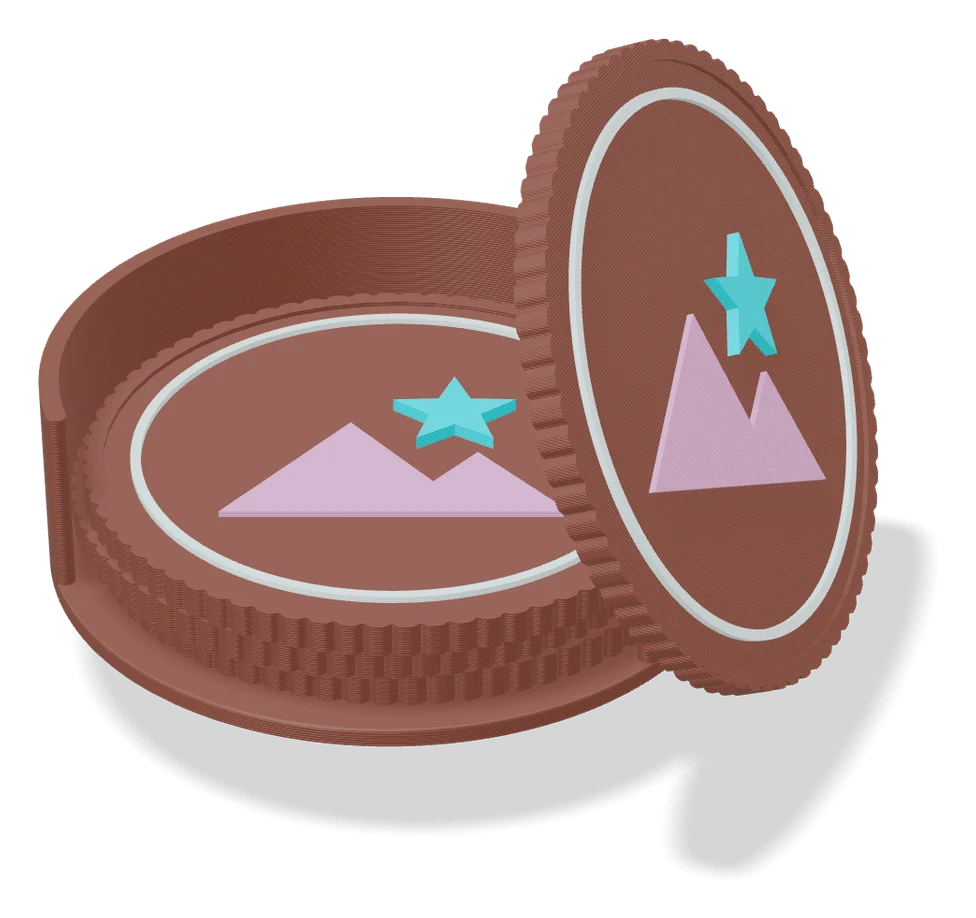
Signs & Text
Customizable Parametric Business Card (SnaKKo)
Two-color business card with logo, texture and an optional NFC tag pocket
Signs & Text
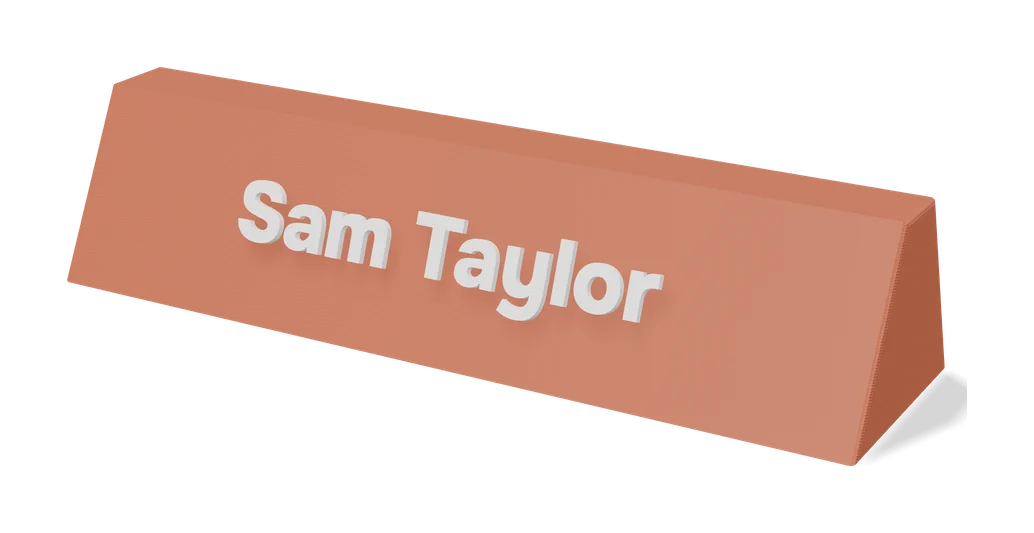
Printed Business Card
Free browser designer for two-color 3D printed business cards with 163 styles and a QR option
QR & NFC Codes
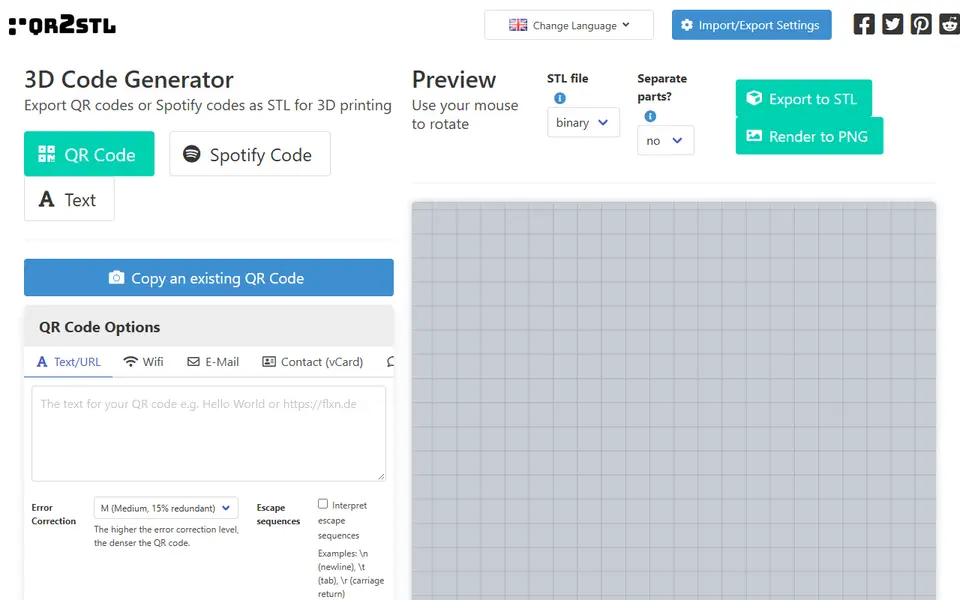
QRCode2STL
Open-source web app for printable QR codes, Spotify codes and NFC-ready tags
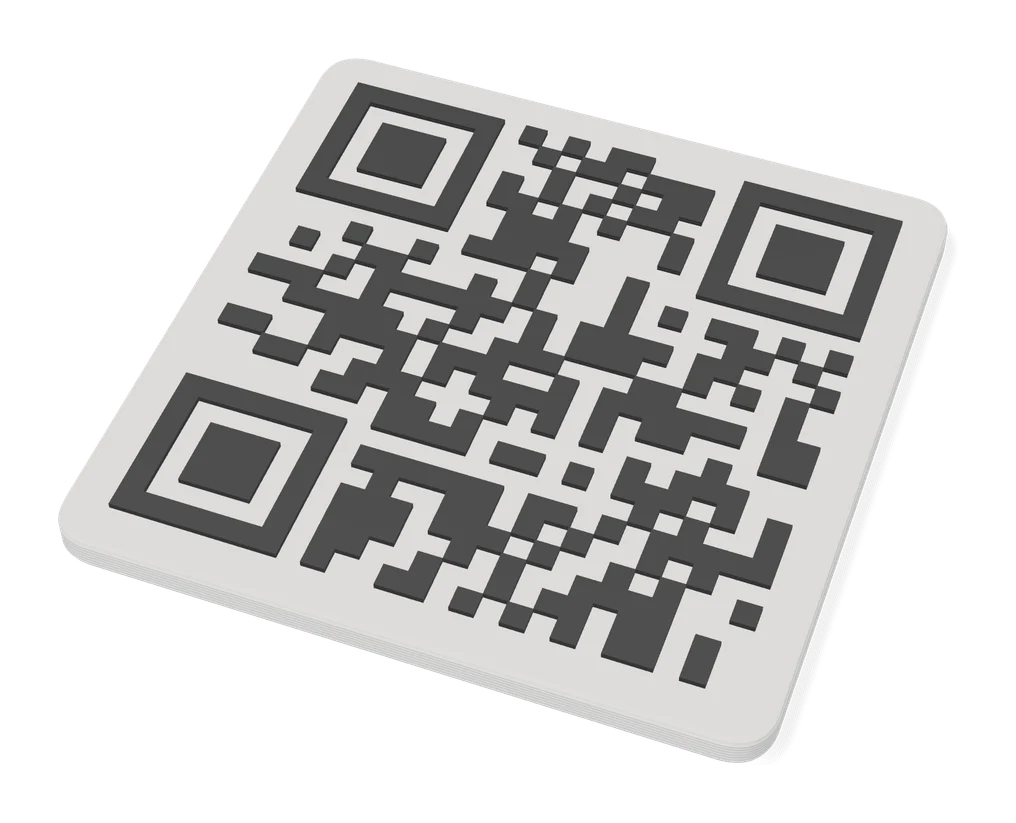
QR & NFC Codes
Customizable QR Code with Stand
Two-color QR plate on a stand, made from your WiFi login or any web link
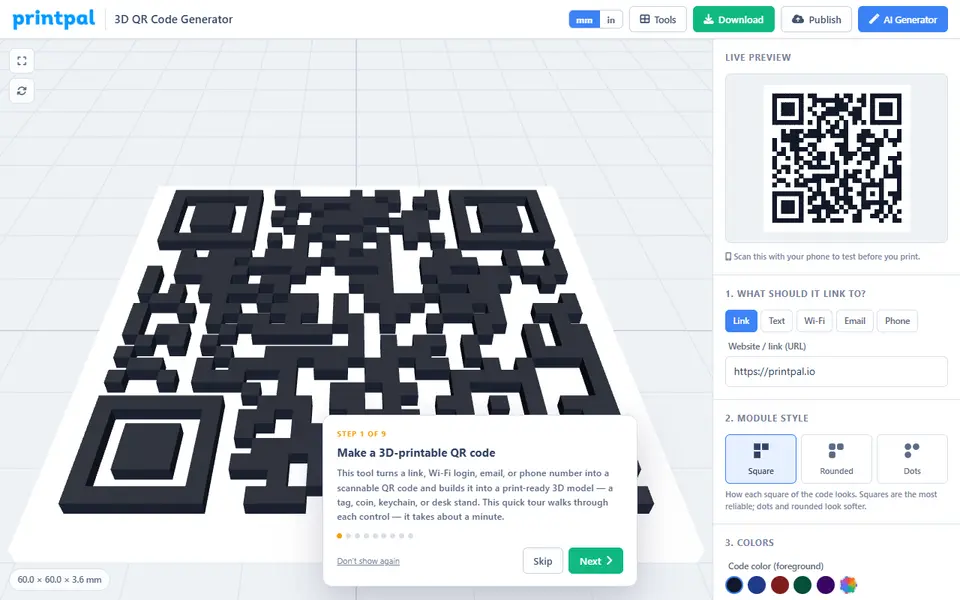
QR & NFC Codes
printpal 3D QR Code Generator
Two-color QR tiles, tags and desk stands as a 3MF, OBJ or STL
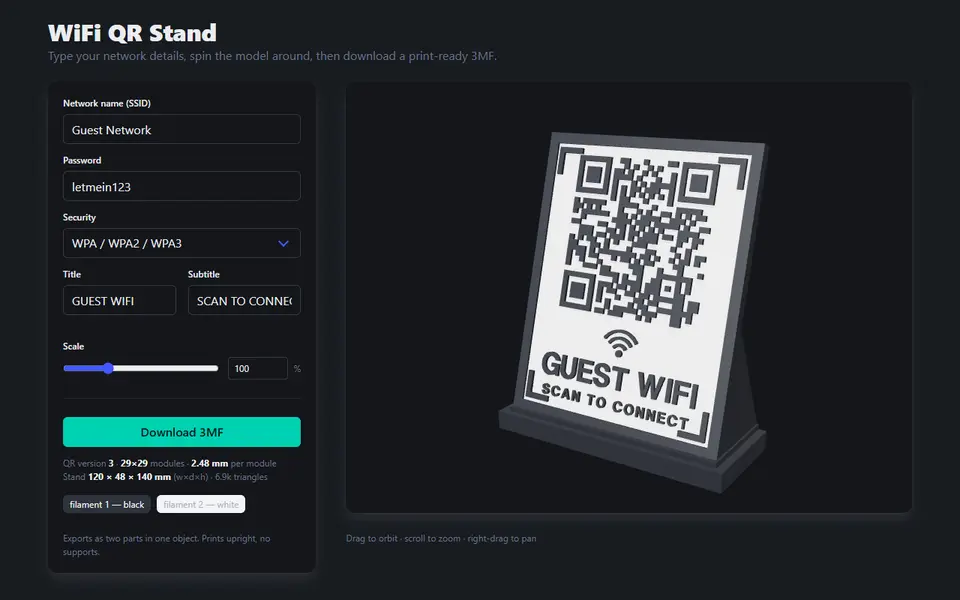
QR & NFC Codes
WiFi QR Stand
Free one-page tool that turns your Wi-Fi name and password into a two-color QR desk stand, as a 3MF