GeoGebra 3D Calculator
Free 3D graphing calculator that turns equations and solids into STL files
GeoGebra 3D Calculator is a free browser tool for printed math surfaces and solids for classrooms. Free for non-commercial use such as school and personal projects; commercial use needs a separate paid license from GeoGebra. Exports STL; no account needed. Last checked .
Opens geogebra.org
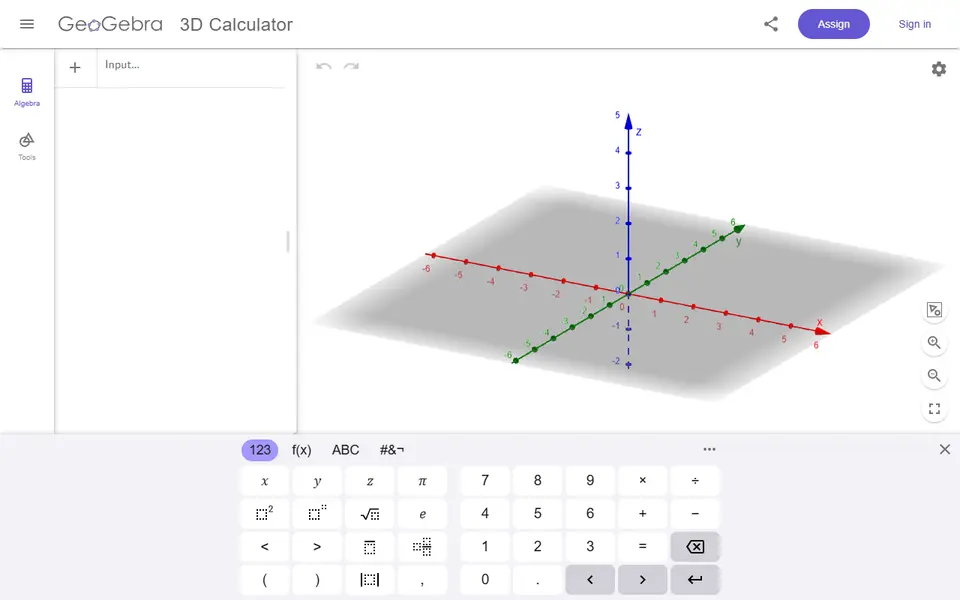
What is GeoGebra 3D Calculator?
GeoGebra 3D Calculator is a free browser tool that graphs equations and geometric solids in 3D and saves what you see as an STL file for printing. It comes from GeoGebra, the math platform many schools already use. You can type a function such as z = (x^2 - y^2)/4 or a parametric surface, or build shapes from the Tools panel, which has cubes, pyramids, prisms, cylinders, cones, spheres and surfaces of revolution. The main menu's Download as list offers 3D print (.stl) next to GeoGebra, PNG and Collada files.
The export dialog is what makes it usable for printing. It shows the model's width, length and height in centimeters, lets you set how many graph units equal one centimeter, and gives thin curves and surfaces a thickness in millimeters (3.5 mm by default). There is also a Filled Solid checkbox. Every visible object goes into the file, so hide the axes, the base plane and helper points first.
It suits math teachers who want students to hold a saddle surface or a pyramid, and makers who enjoy mathematical shapes. Beyond ready-made files you need to be comfortable with equations or geometry tools. A 3D printing book on geogebra.org walks through the export and has samples such as a trefoil knot and a Möbius strip, and the Open menu lets you browse shared GeoGebra resources without an account.
What you can make
- Surfaces from equations, such as a saddle z = f(x, y)
- Geometric solids like cubes, pyramids, prisms, cylinders and spheres
- Surfaces of revolution
- Parametric shapes such as Möbius strips and trefoil knots
How to use GeoGebra 3D Calculator
- Open geogebra.org/3d and type an equation, pressing the right arrow key to leave each exponent, or build a shape with the Tools panel
- Hide the axes, the base plane and any helper objects you do not want printed
- Open the main menu, choose Download as and then 3D print (.stl)
- Check the size, scale and thickness, then click Download
- Slice the STL, adding supports under overhanging surfaces
What you'll need to print it
Filament and parts that suit what you make with GeoGebra 3D Calculator.
Matte PLA
Multicolor PLA
6 x 2 mm magnets
Also handy
Print removal and cleanup tools
Some of these are affiliate links: we may earn a small commission, at no extra cost to you. More about that
GeoGebra 3D Calculator pros
- Free in the browser, and the 3D print (.stl) export opens without signing in
- The export sets print size in cm, a units-to-cm scale and a thickness in mm, so open surfaces and lines come out with real walls
- A 3D printing book on geogebra.org explains the export and has sample files such as a trefoil knot and a Möbius strip
GeoGebra 3D Calculator cons
- You need to type equations or use geometry tools; it is a math app, not a maker app
- Everything visible is exported, so axes, planes and helper objects must be hidden by hand first
- Single-color STL only, and selling prints or other commercial use needs a paid license from GeoGebra
Rate GeoGebra 3D Calculator
One rating per account. Signing in takes one email link, no password.
Reviews
Made with GeoGebra 3D Calculator
Read next
GeoGebra 3D Calculator alternatives
Puzzle, game and insert generators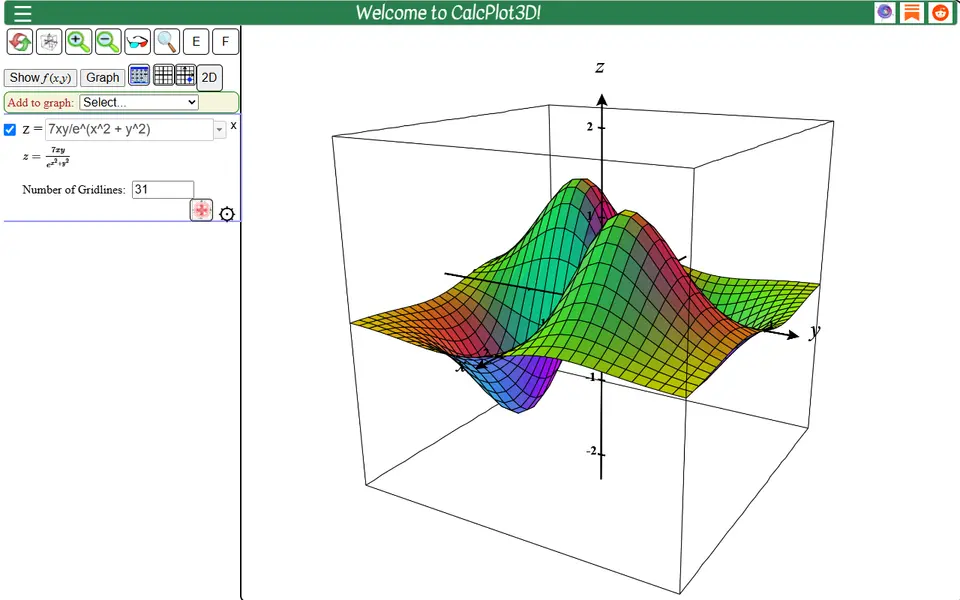
Puzzles & Games
CalcPlot3D
Turns math surfaces, typed as equations or picked from examples, into thickened STL files
Puzzles & Games
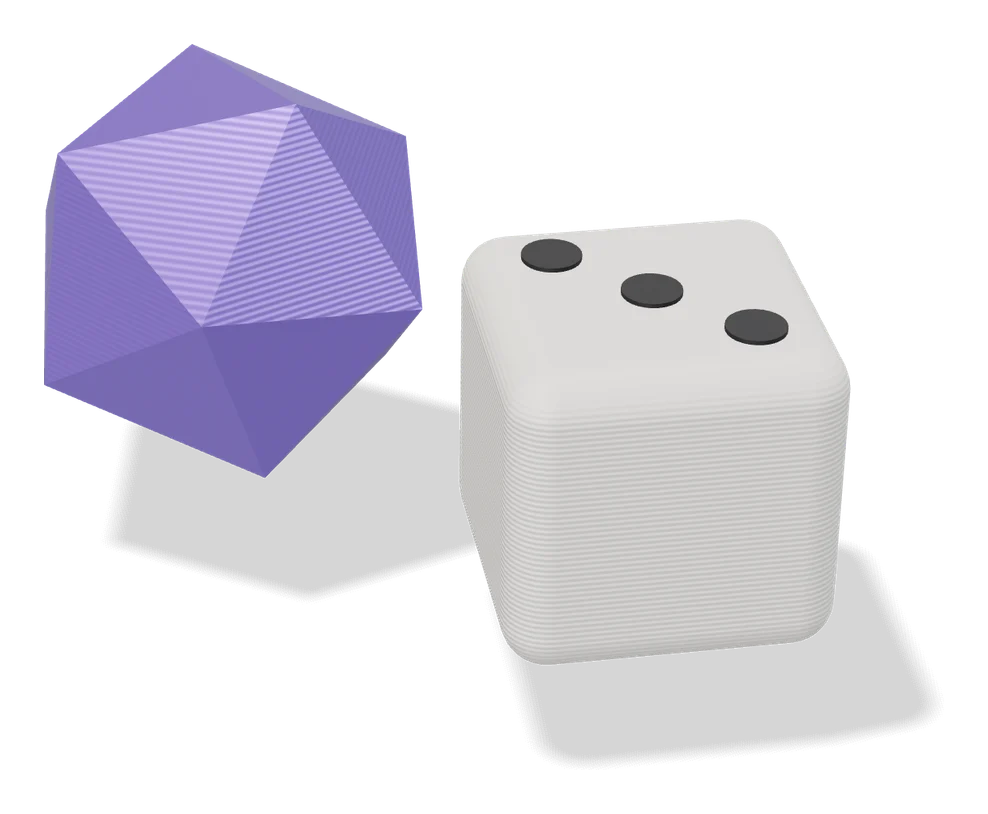
Shapemaker
Free browser tool for geometric solids, ring balls and lantern shells sized in millimeters
Puzzles & Games
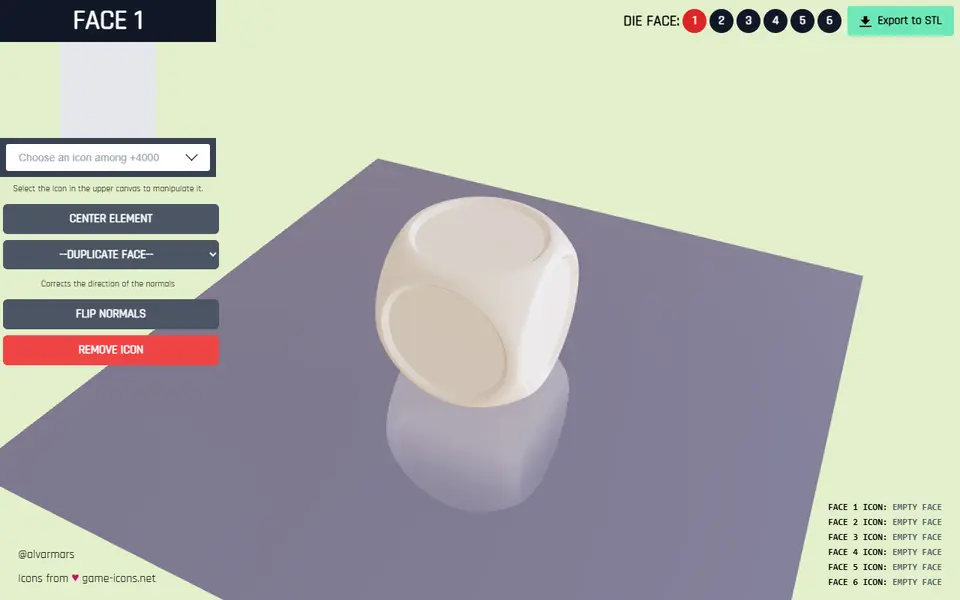
Dice Builder
Free browser tool for custom six-sided dice with a game icon on each face, exported as STL
Puzzles & Games
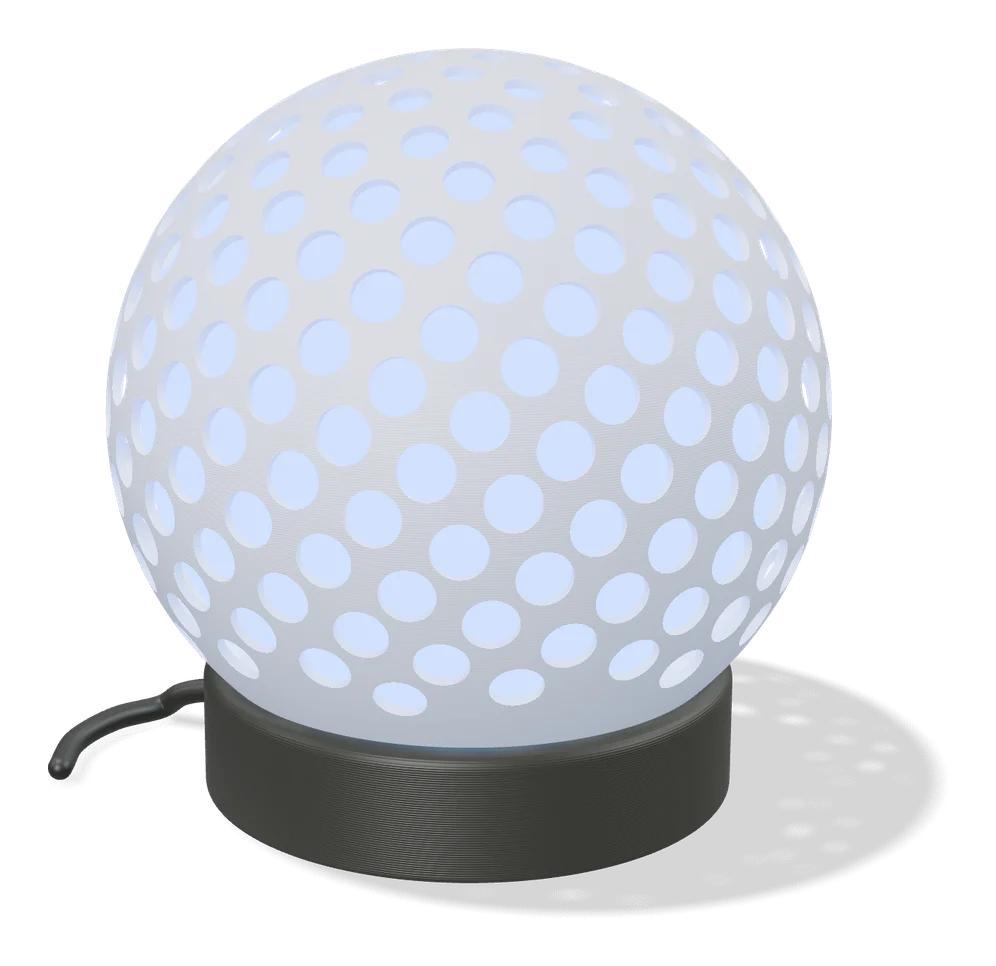
Fibonacci Spheres - Customizable Airless Balls
Hollow airless balls covered in evenly spaced holes, with the size, hole count and hole shape set in a form
Puzzles & Games
DiceThing
Free web designer for custom dice in dozens of shapes, from d2 to d60, with 3MF export
Puzzles & Games
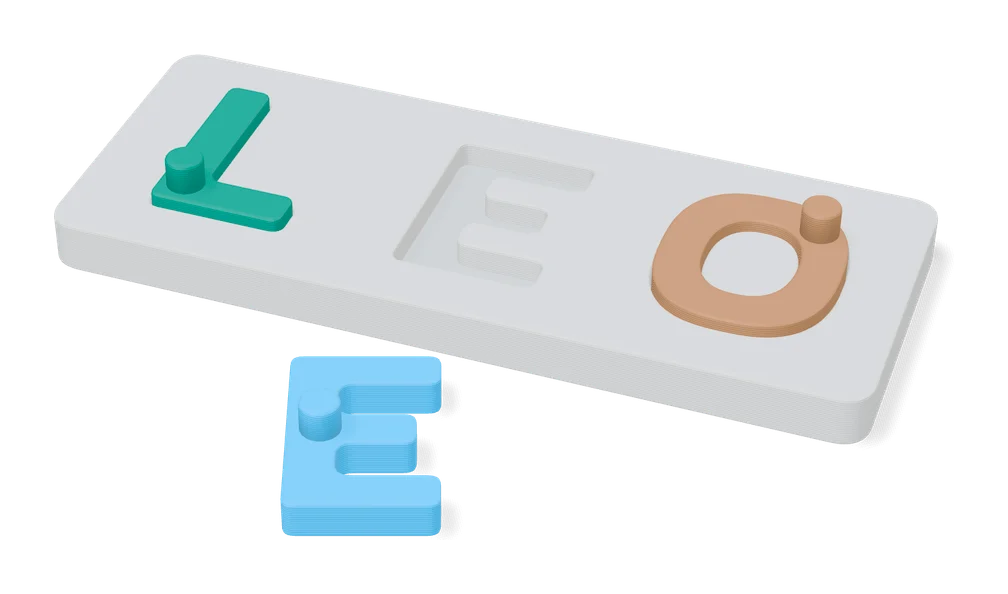
Puzzle Maker For Kids (MakerWorld)
Name, alphabet and shape puzzle boards for kids from typed text and simple SVG icons