Meshcast Planter Generator
Turns your own STL into a planter with a planting hole, drainage hole, feet and a drip tray
Meshcast Planter Generator is a freemium browser tool for turning a figurine or statue into a small plant pot. One download without an account, then a free account gives 5 more to start and 3 a week, for personal use with a small Meshcast engraving. Starter $9/month (10 downloads a week, same personal-use rights), Pro $20/month (unlimited downloads, commercial use, your own logo), Founder buys lifetime Pro once, at a price that rises $50 for every 10 spots sold ($349 in September 2026). Exports STL and 3MF. Last checked .
Opens meshcast.app (affiliate link)
Use code at checkout for a discount on Meshcast plans.
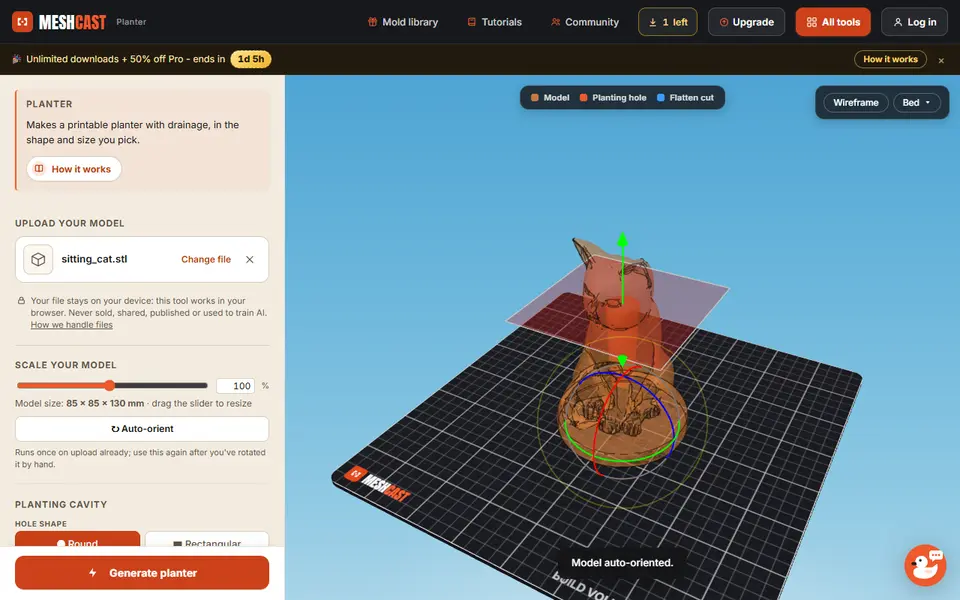
What is Meshcast Planter Generator?
Meshcast Planter Generator is a browser tool that turns a 3D model you already have into a pot you can plant in. You upload an STL, OBJ or 3MF, or pick one of eight built-in examples such as a sitting cat, a rocket or a 70s-style pot. The tool stands the model upright on its own, then cuts a planting cavity into it. The cavity can be round or rectangular, sized in millimeters, and you can slice the top off flat for a clean rim.
The other controls are there to keep the plant alive: a drainage hole with an adjustable diameter, optional feet that lift the hole off the table, and a drip tray. All three start switched off, so turn them on before you generate. An advanced section adds wall taper and lets you move the hole off center. Below the tool sits a practical guide on waterproofing, filament choice and print settings.
It suits anyone who wants a figurine planter for a succulent without hollowing out the model in CAD. The model is processed in your browser. One download works without an account; after that you need a free account with a weekly allowance. Free files carry a small Meshcast engraving, and selling what you print requires the paid Pro plan.
What you can make
- Figurine planters from your own STL
- Succulent pots with a drainage hole
- Planters with drainage feet
- Drip trays for the planter
How to use Meshcast Planter Generator
- Upload an STL, OBJ or 3MF, or load one of the example models
- Scale the model and check the automatic orientation
- Set the planting hole shape, size and depth, and cut the top flat if you like
- Switch on the drainage hole, and feet or a drip tray if you want them
- Generate the planter and download it as STL or 3MF
What you'll need to print it
Filament and parts that suit what you make with Meshcast Planter Generator.
PETG
Silk PLA
Translucent filament
Also handy
Filament dryers and dry boxes
Some of these are affiliate links: we may earn a small commission, at no extra cost to you. More about that
Meshcast Planter Generator pros
- Works on your own STL, OBJ or 3MF, so the planter can be a cat, a rocket or a figure you designed
- Drainage hole, feet and drip tray are built in, with sizes in real millimeters
- Exports 3MF as well as STL and comes with a clear guide to filament choice and watertight printing
Meshcast Planter Generator cons
- Only one download works without an account; after that a free account gives 5 more, then 3 a week
- Free files carry a small Meshcast engraving and are for personal use only; selling prints needs Pro
- You need a suitable model of your own or one of the eight built-in examples to start from
Rate Meshcast Planter Generator
One rating per account. Signing in takes one email link, no password.
Reviews
Made with Meshcast Planter Generator
Read next
Meshcast Planter Generator alternatives
Vase, planter and lamp generators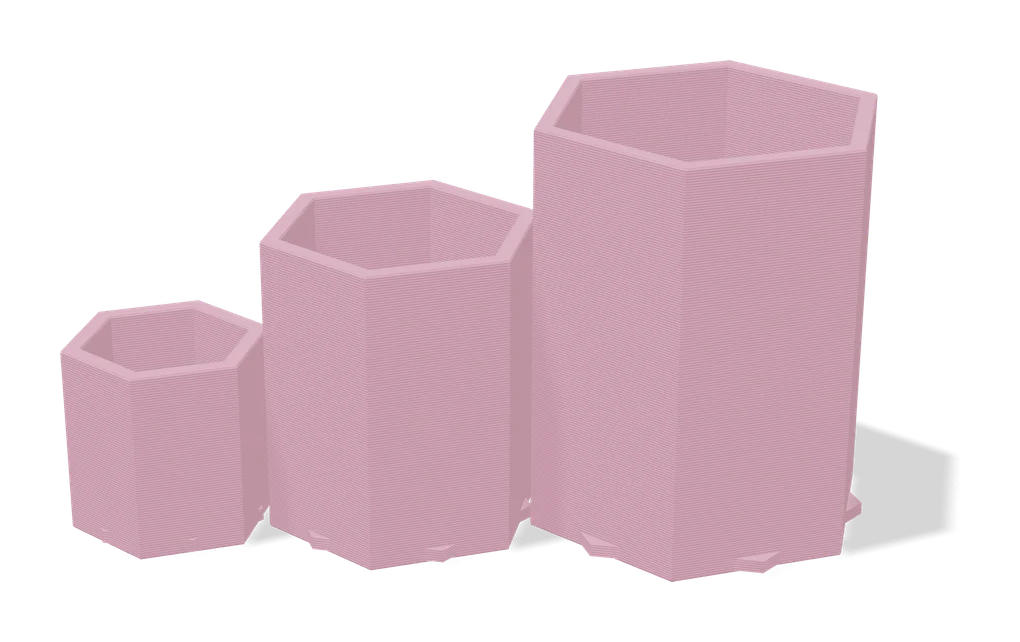
Vases & Lamps
Your Ideal Planter: Customizable Size
Planter customizer that keeps walls and drainage right at any size
Vases & Lamps
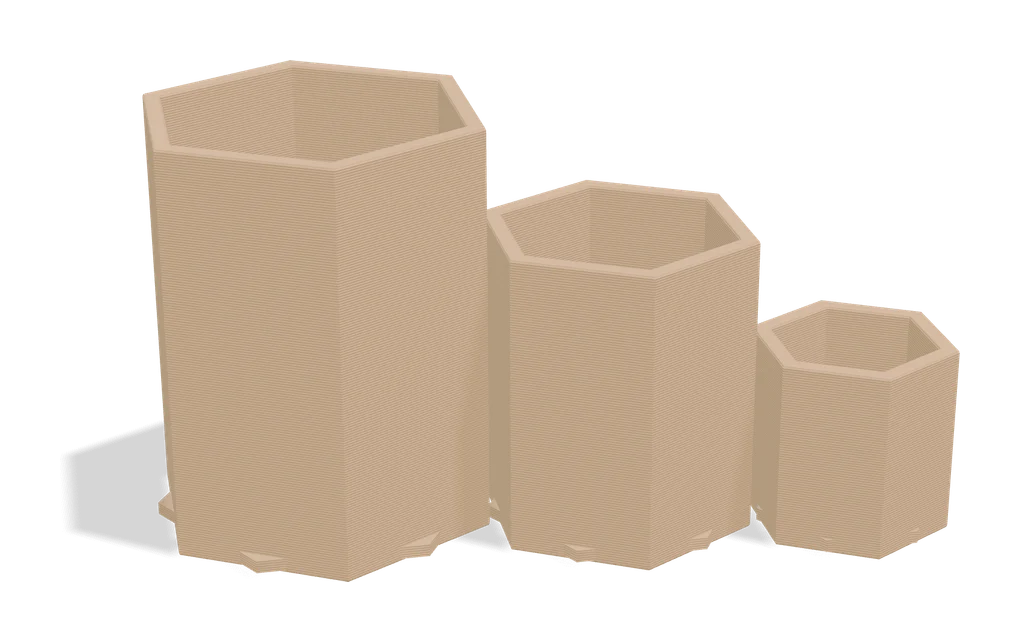
Parametric Woven Pot
Customizable plant pot with woven texture and seven swappable foot styles
Vases & Lamps
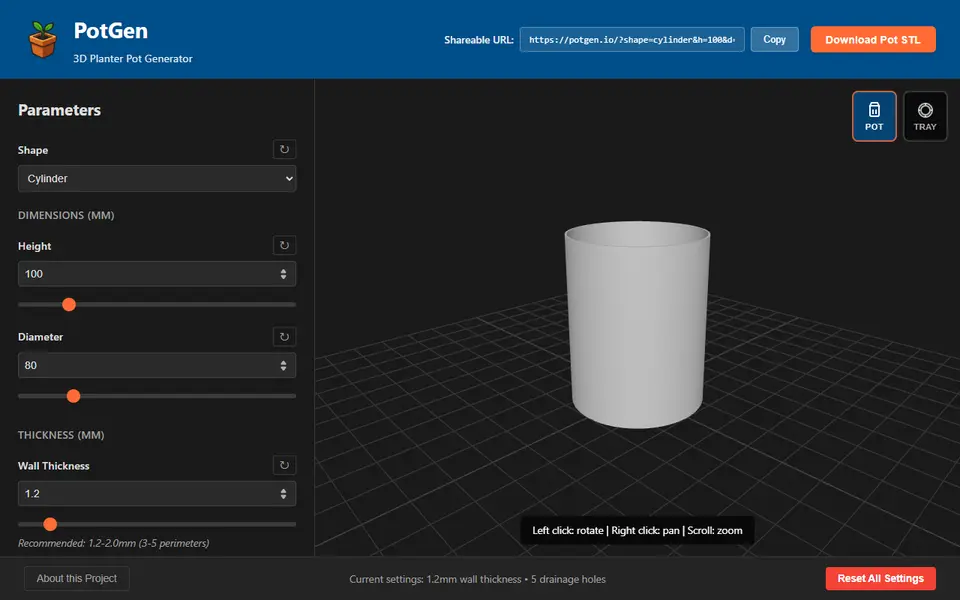
PotGen
Planter pots and matching drip trays with patterns, drainage holes and custom sizes
Vases & Lamps
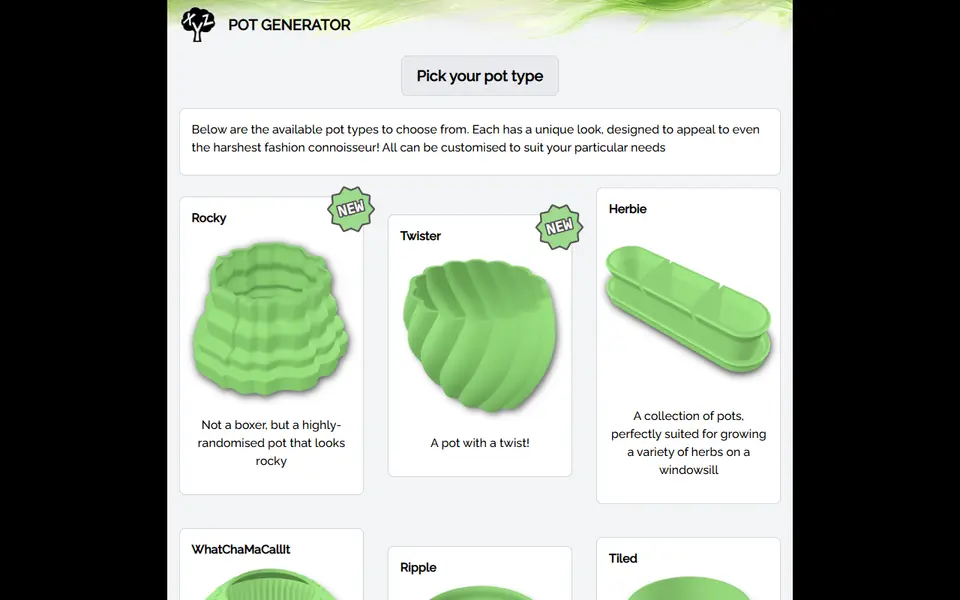
PlantXYZ Pot Generator
Plant pots in 13 styles, sized in mm, with an optional saucer and water chamber
Vases & Lamps
Parametric Liner Pot Generator
Popular MakerWorld customizer for plant liner pots sized to your plant
Vases & Lamps
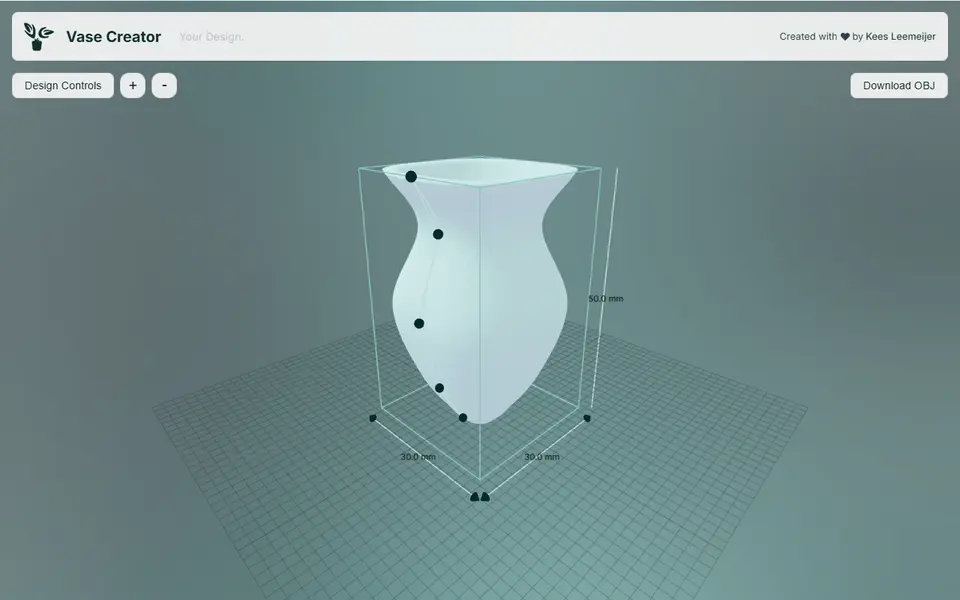
Vase Creator
Shape a vase or plant pot by dragging points on its outline, then download it as an OBJ