Vase Creator
Shape a vase or plant pot by dragging points on its outline, then download it as an OBJ
Vase Creator is a free browser tool for one-off vases and plant pots shaped by hand, without CAD. Free, no account and no paid plan seen. The source code is public on GitHub under GPL-3.0. Exports OBJ. Last checked .
Opens vasecreator.com
What is Vase Creator?
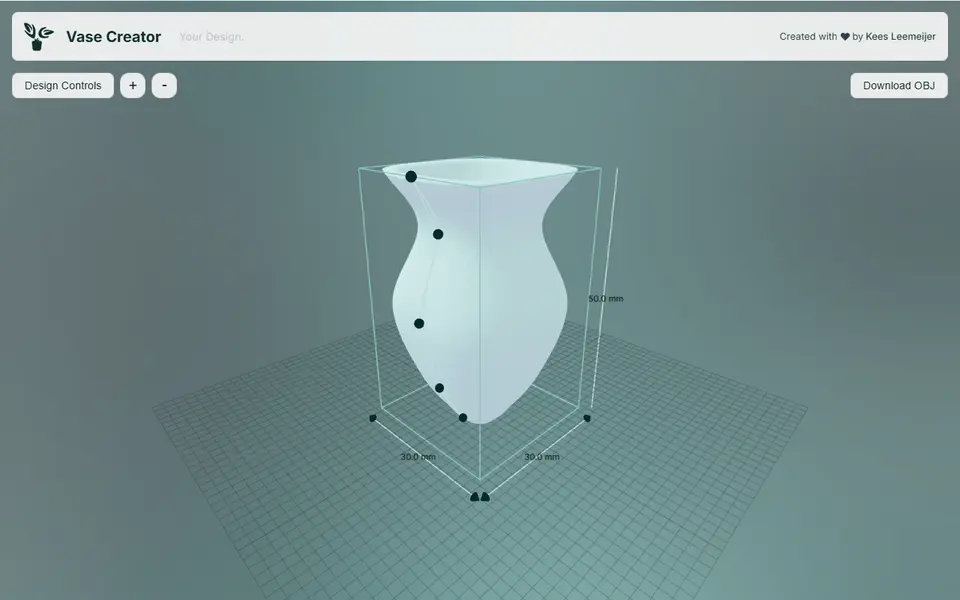
Vase Creator is a free browser tool that lets you design your own vase or plant pot by shaping its outline. It opens with a ready-made vase in a 3D preview, and you change the shape by dragging the dots along its side profile. You can add points for extra curves, up to ten in total, or take them away again. A dropdown switches the outline between a smooth curve with a tension slider and straight sections with rounded corners, which gives a crisper, more angular vase.
The side panel handles the practical details. Wall thickness runs from 0.5 to 5 mm, and the drainage hole is sized as a share of the floor, down to zero if you want a closed bottom. A rounding slider takes the footprint from a sharp square to a soft rounded shape, and separate width and depth sliders stretch it into an oval or a rectangle. Sizes are shown in millimeters while you work, and the OBJ you download comes out at that real size.
It suits anyone who wants a one-off pot for a particular plant, or a quick decorative vase, and would rather drag a curve than learn CAD. It is a one-person hobby project: no account and no paywall, but also no way to save a design and no STL button. Most slicers open the OBJ file directly.
What you can make
- Curved decorative vases
- Plant pots with a drainage hole
- Oval and rectangular planters
- Angular vases with sharp profile corners
How to use Vase Creator
- Open the site and drag the dots on the vase outline to shape the sides
- Add or remove points and choose smooth or sharp curves
- Open Design Controls to set wall thickness, drainage hole, corner rounding, width and depth
- Click Download OBJ and open the file in your slicer
What you'll need to print it
Filament and parts that suit what you make with Vase Creator.
PETG
Silk PLA
Translucent filament
Also handy
Filament dryers and dry boxes
Some of these are affiliate links: we may earn a small commission, at no extra cost to you. More about that
Vase Creator pros
- Free and open source, with no sign-up and no limit on downloads
- Wall thickness and a drainage hole are built in, so a plant pot needs no extra editing
- Dragging the outline directly in the preview, with live millimeter readouts, makes fine-tuning quick
Vase Creator cons
- Exports OBJ only, with no STL or 3MF option
- Designs cannot be saved or shared, so refreshing the page starts you over
- The starting vase is only 30 x 30 x 50 mm and height stops at about 150 mm, so big pieces need scaling in the slicer
Rate Vase Creator
One rating per account. Signing in takes one email link, no password.
Reviews
Made with Vase Creator
Read next
Vase Creator alternatives
Vase, planter and lamp generators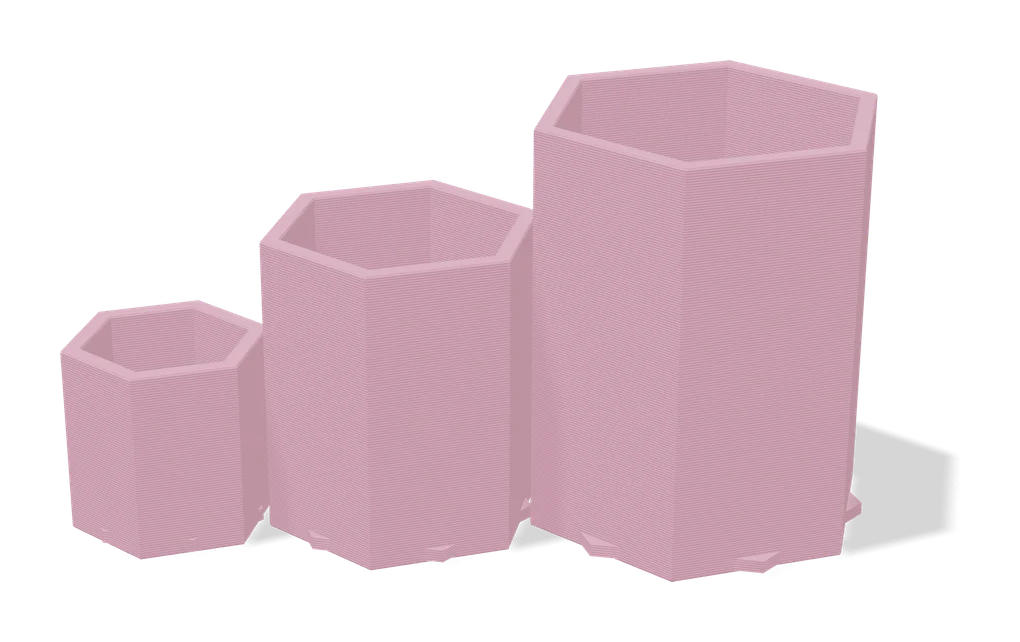
Vases & Lamps
Your Ideal Planter: Customizable Size
Planter customizer that keeps walls and drainage right at any size
Vases & Lamps
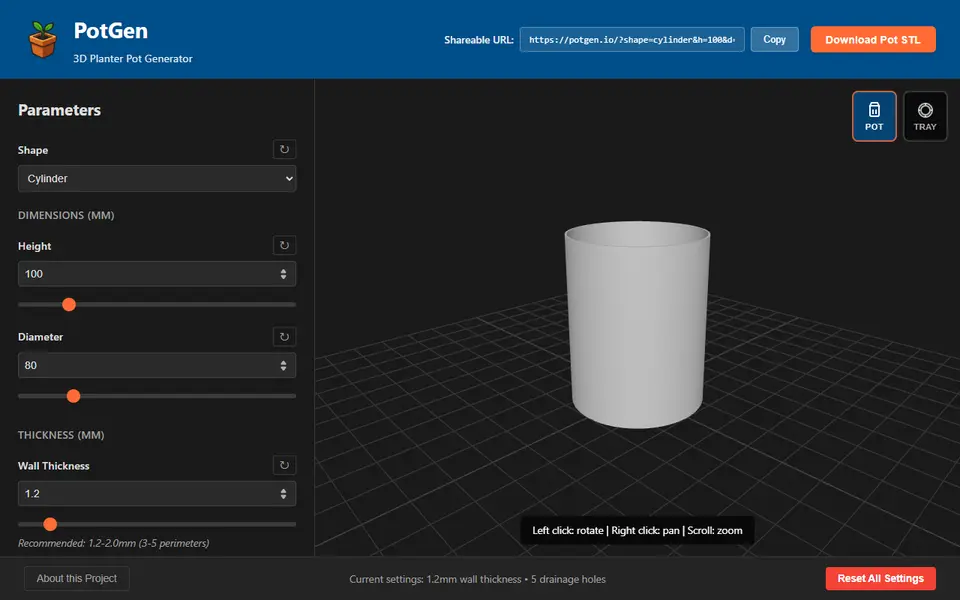
PotGen
Planter pots and matching drip trays with patterns, drainage holes and custom sizes
Vases & Lamps
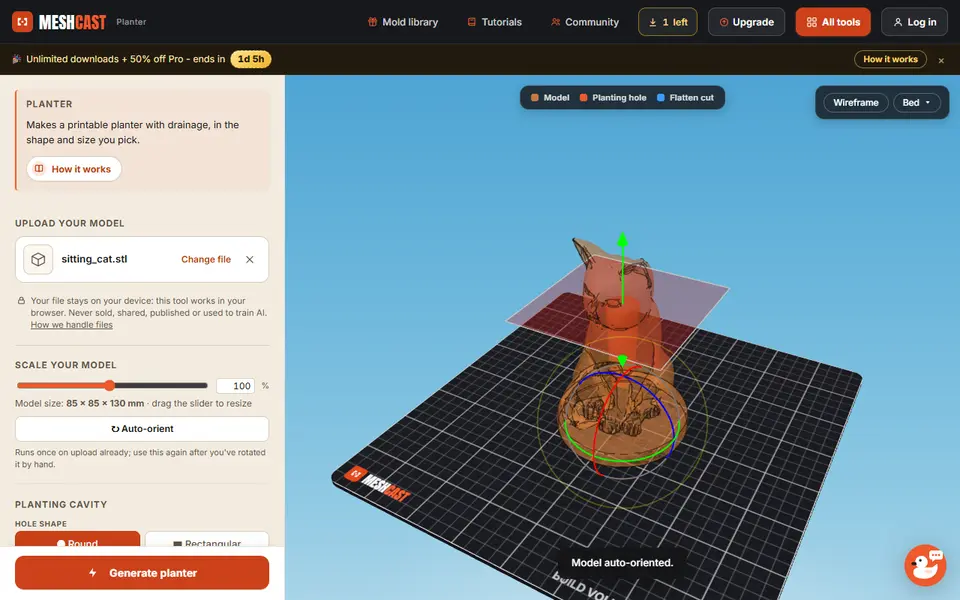
Meshcast Planter Generator
Turns your own STL into a planter with a planting hole, drainage hole, feet and a drip tray
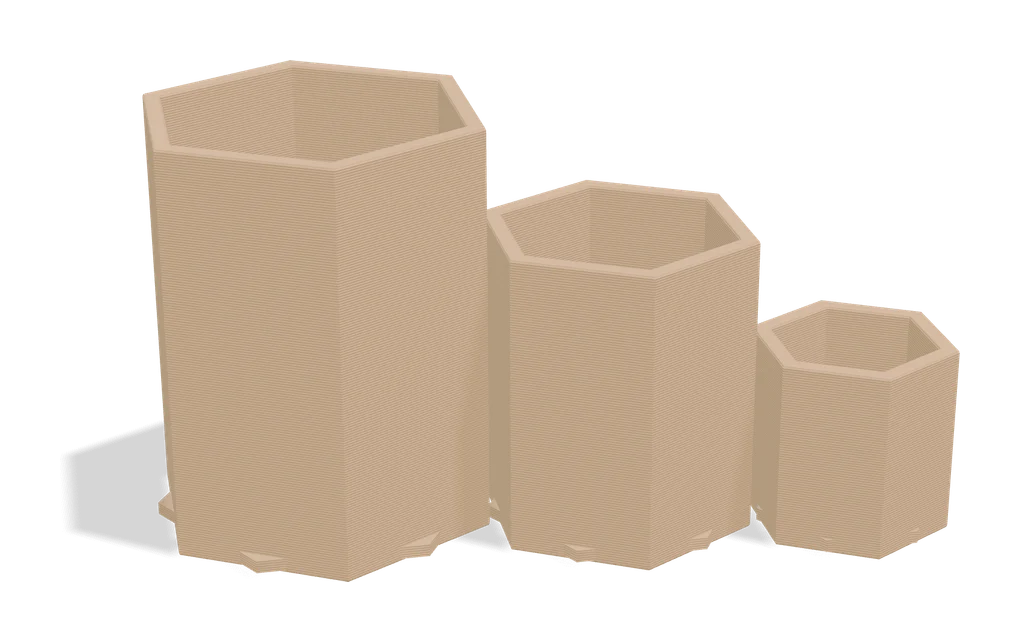
Vases & Lamps
Parametric Woven Pot
Customizable plant pot with woven texture and seven swappable foot styles
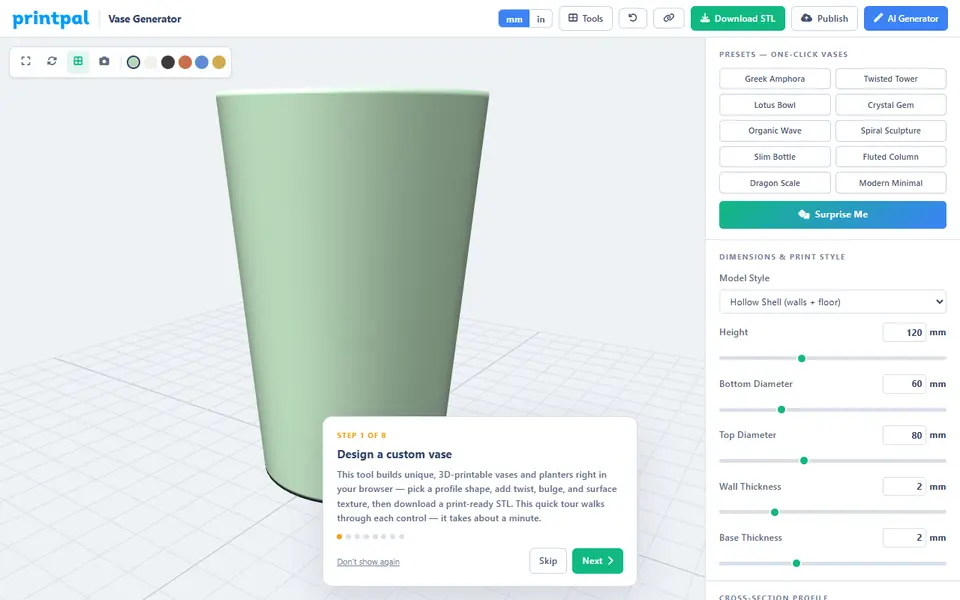
Vases & Lamps
PrintPal Vase Generator
Free browser vase maker with presets, profile curves and surface textures
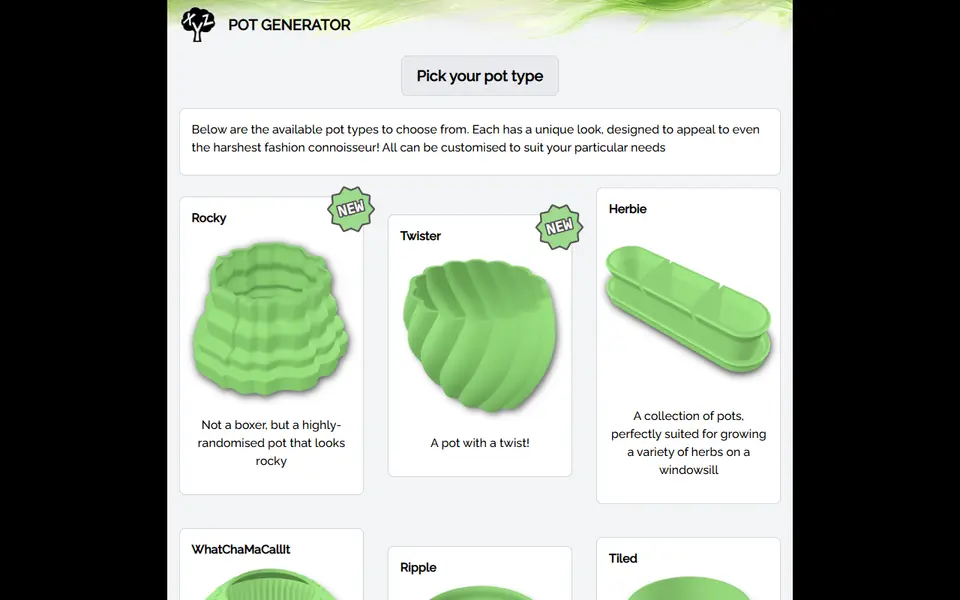
Vases & Lamps
PlantXYZ Pot Generator
Plant pots in 13 styles, sized in mm, with an optional saucer and water chamber