MiniForge Cookie Cutter Studio
Cookie cutters and matching stamps from symbols, SVGs, images or a name
MiniForge Cookie Cutter Studio is a freemium browser tool for a cutter and stamp from your own drawing. Free for personal use with MiniForge branding, up to 5 designs a day with a Google sign-in; the DIAMOND tier on Patreon adds commercial use, batch export and unlimited exports. Exports STL and 3MF. Last checked .
Opens tools.miniforge.io
What is MiniForge Cookie Cutter Studio?
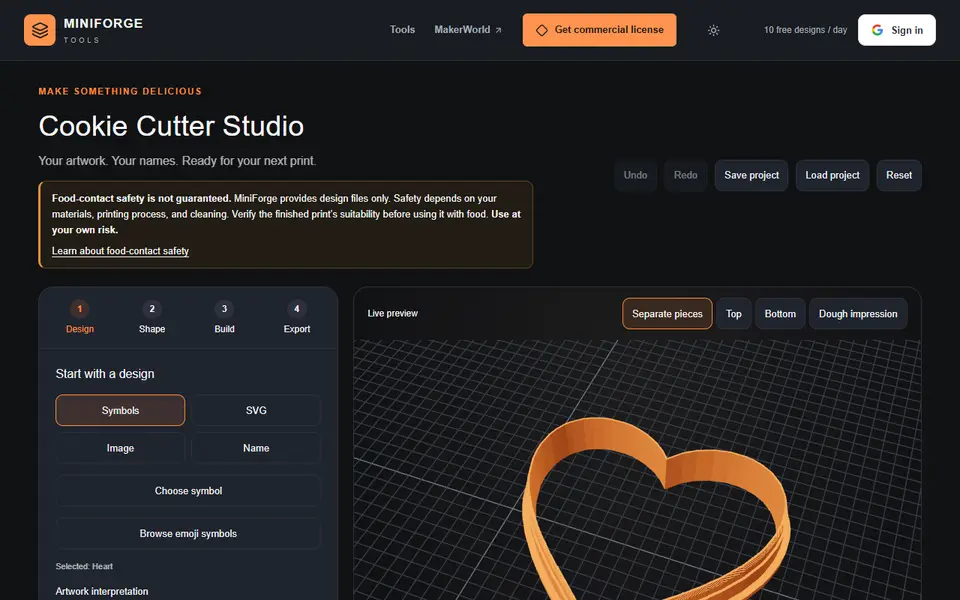
Cookie Cutter Studio turns a symbol, an SVG, an image or a standalone name into a 3D printable cookie cutter, with an optional matching stamp that presses the details into the dough. For images you choose whether it reads them as filled artwork or as a line drawing and traces the edges. You then set the size, the walls and the cutter height, and the preview warns you about separate pieces and shows the dough impression from the top and bottom.
It exports STL or a Bambu 3MF and saves editable projects as JSON. Exporting needs a Google sign-in and counts toward 10 free designs a day for personal use; batch names are for DIAMOND members on Patreon. MiniForge is clear that it supplies design files only and does not promise food safety, which depends on your filament, printing and cleaning. It suits bakers who want a cutter from their own drawing or a name.
What you can make
- Cookie cutters from a drawing or logo
- Name cookie cutters
- Matching cookie stamps
How to use MiniForge Cookie Cutter Studio
- Pick a symbol, upload an SVG or image, or type a name
- Set the size and cutter walls, and add a stamp if you want one
- Check the preview for thin or separate pieces
- Sign in and export the STL or Bambu 3MF
What you'll need to print it
Filament and parts that suit what you make with MiniForge Cookie Cutter Studio.
PETG
- Bambu Lab PETG Basic (affiliate link) Amazon
- Polymaker PETG (affiliate link) Polymaker EU: 3DJake (affiliate link)
Code gives 15% off your first order at Polymaker.
Matte PLA
Also handy
Filament dryers and dry boxes
- SUNLU FilaDryer S4 (affiliate link) Amazon
- Polymaker PolyDryer (affiliate link) Polymaker
Some of these are affiliate links: we may earn a small commission, at no extra cost to you. More about that
MiniForge Cookie Cutter Studio pros
- Matching stamp next to the cutter
- Image tracing for filled artwork or line drawings
- Preview warns about separate pieces and shows the dough impression
MiniForge Cookie Cutter Studio cons
- Exports need a Google sign-in, 5 designs a day on the free plan
- Food safety is up to you: filament, printing and cleaning
Rate MiniForge Cookie Cutter Studio
One rating per account. Signing in takes one email link, no password.
Reviews
Made with MiniForge Cookie Cutter Studio
Read next
MiniForge Cookie Cutter Studio alternatives
Cookie cutter and stamp generators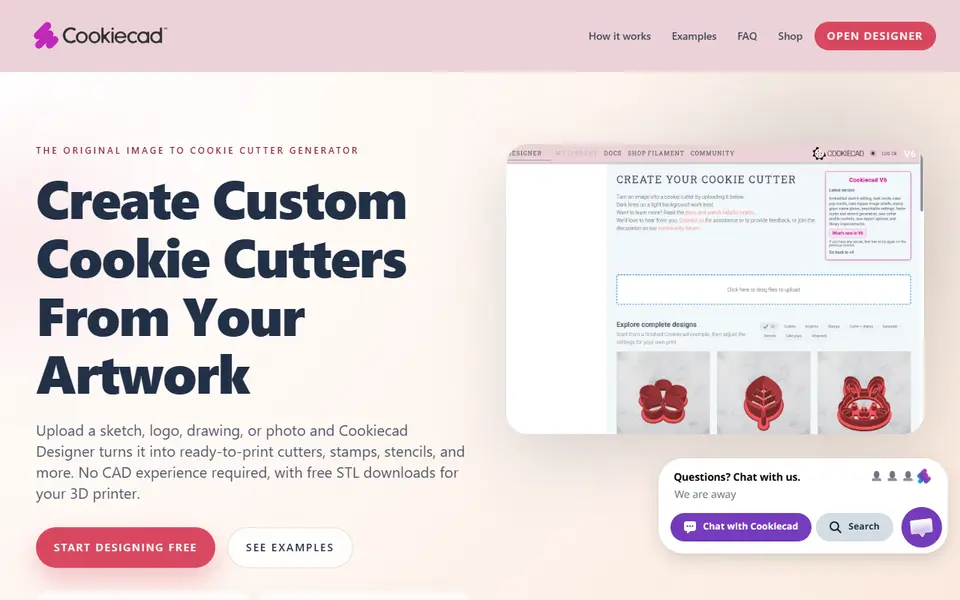
Cookie Cutters
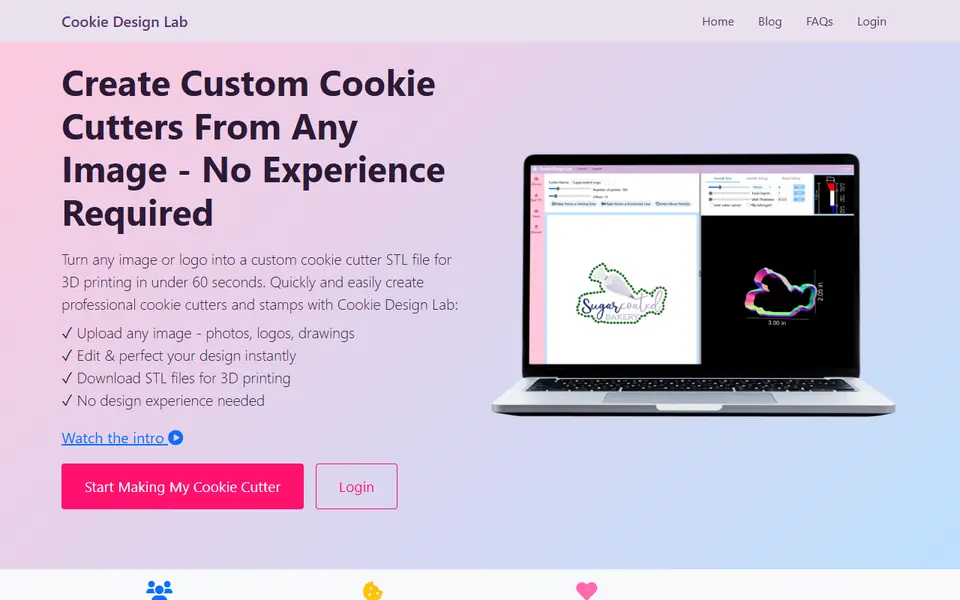
Cookie Design Lab
Upload a picture, refine the outline and download a cookie cutter STL
Cookie Cutters
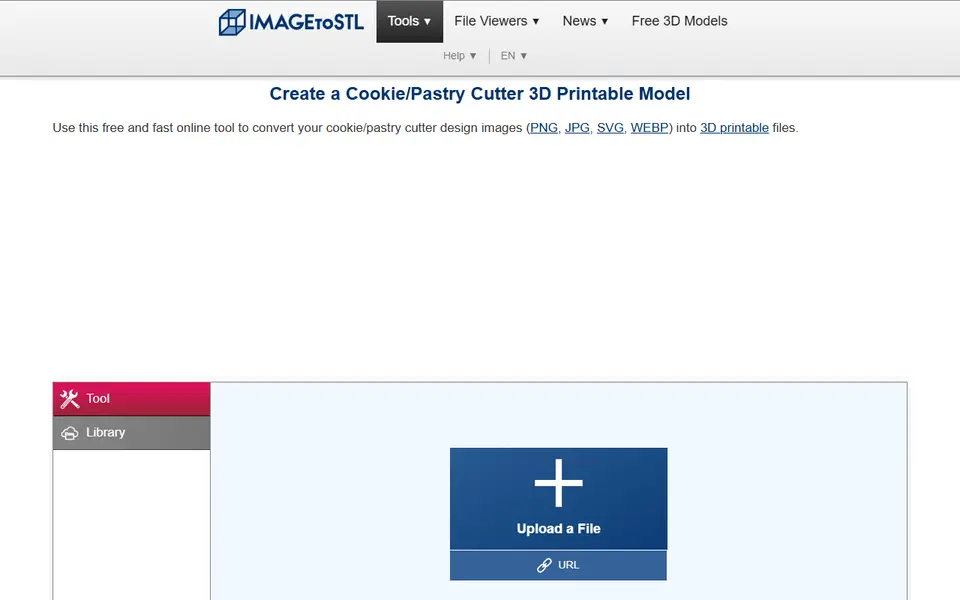
ImageToStl Cookie/Pastry Cutter
Free converter that turns a clean outline image into a cutter STL

Cookie Cutters
Cookie Cutter Designer
Free browser tool that turns an SVG, PNG or JPG into a checked cookie cutter or stamp model
Cookie Cutters
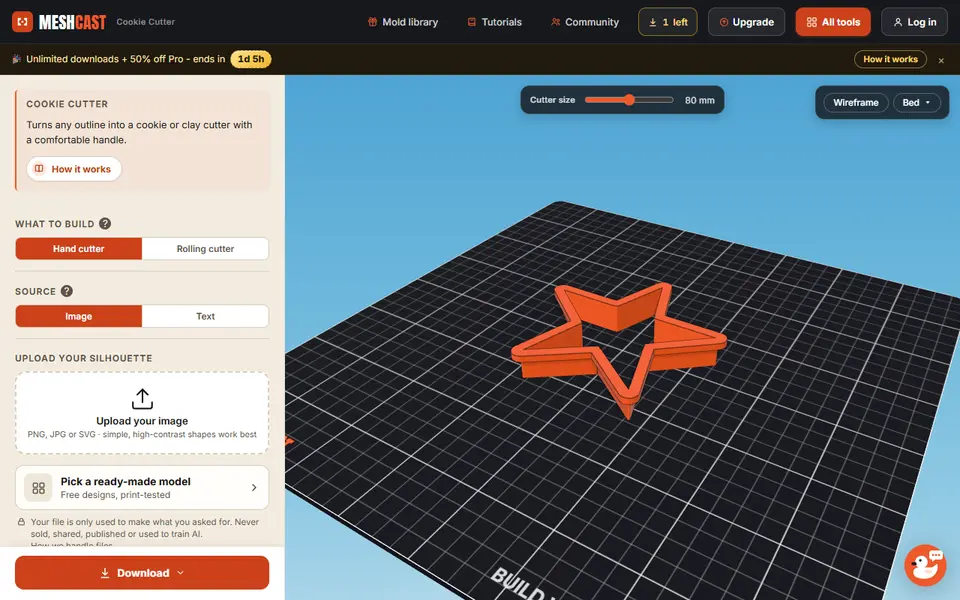
Meshcast Cookie Cutter Generator
Turns an image or a word into a hand or rolling cutter for dough and clay
Cookie Cutters
Stamp Maker (Koolm)
Hugely popular MakerWorld customizer for stamps with text, icons or SVG