Rack and Pinion Generator (OwlCAD)
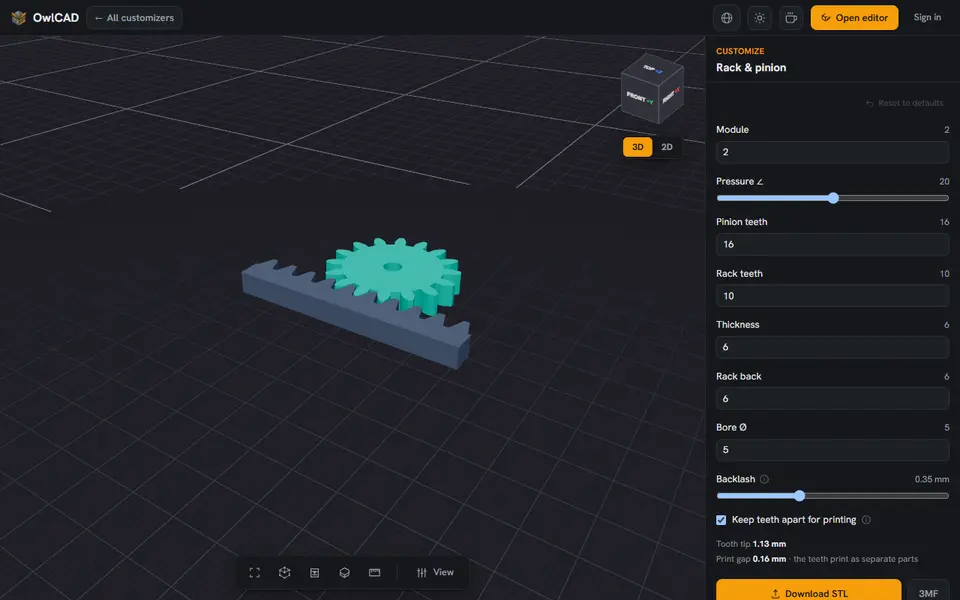
A straight gear rack with a meshing pinion, placed on the rack and ready to print
Rack and Pinion Generator (OwlCAD) is a free browser tool for turning a motor or knob into straight-line movement. The customizers and the editor are free; only OwlCAD's AI features need the Pro subscription. Exports STL and 3MF; no account needed. Last checked .
Opens owlcad.com
About this generator
The Rack and Pinion Generator is one of the free customizers in OwlCAD, a browser-based parametric CAD tool. It makes a straight toothed rack and a round pinion that rolls along it, the drive behind sliding doors, steering and linear axes, turning rotation into straight-line motion or back.
The two share a module so they mesh, and the pinion is placed on the rack's pitch line with a tooth sitting in a rack gap. You can change the module, the pressure angle (10 to 30 degrees), the pinion and rack tooth counts, the thickness, the rack back, the bore and the backlash (0 to 1 mm), and keep the teeth apart for printing. Both come out as separate bodies.
It runs in the browser with no account and costs nothing; only OwlCAD's AI features are paid. It is one of 35 free OwlCAD customizers, and you can open the result in the full editor if you want to change more. Its terms give you full commercial rights to what you make, the free plan included.
What you can make
- Rack and pinion sets
- Linear slides and sliding doors
- Steering for models and toys
How to use Rack and Pinion Generator
- Open the customizer
- Set the module and the pinion and rack tooth counts
- Adjust the thickness, bore and backlash
- Download the STL or 3MF
What you'll need to print it
Filament and parts that suit what you make with Rack and Pinion Generator.
PETG
- Bambu Lab PETG Basic (affiliate link) Amazon
- Polymaker PETG (affiliate link) Polymaker EU: 3DJake (affiliate link)
Code gives 15% off your first order at Polymaker.
Matte PLA
M3 heat-set inserts
Also handy
Digital calipers
Filament dryers and dry boxes
- SUNLU FilaDryer S4 (affiliate link) Amazon
- Polymaker PolyDryer (affiliate link) Polymaker
Some of these are affiliate links: we may earn a small commission, at no extra cost to you. More about that
Rack and Pinion Generator pros
- Rack and pinion always share a module, so they mesh
- Pinion placed and phased on the rack for you
- Backlash setting for printing
- Free, no account, and selling prints and files is allowed
Rack and Pinion Generator cons
- Only the gears: no guide rail, housing or shaft
- You need to know roughly what size and tooth count you want
Rate Rack and Pinion Generator
One rating per account. Signing in takes one email link, no password.
Reviews
Made with Rack and Pinion Generator
Read next
Rack and Pinion Generator alternatives
Gear, knob and part generators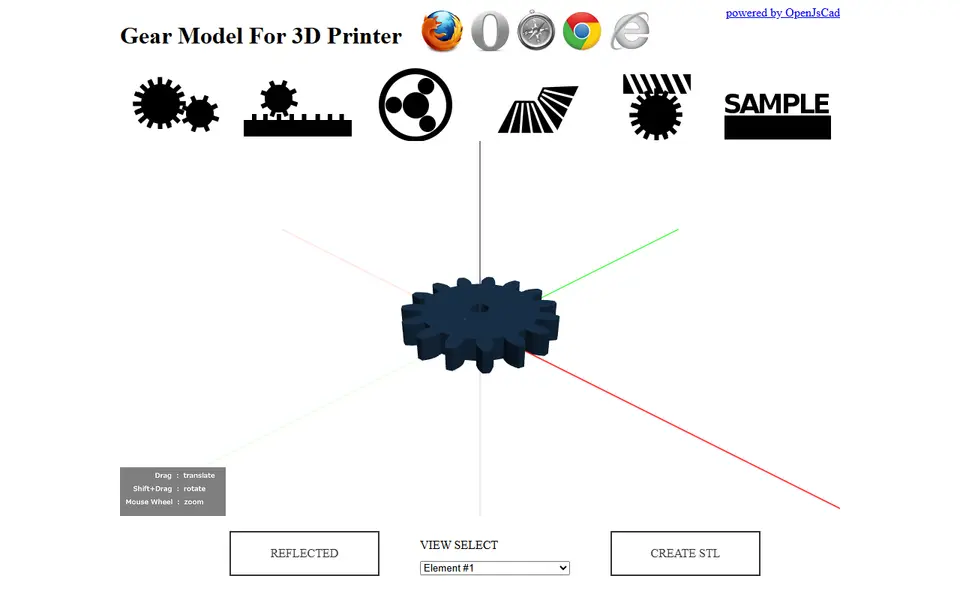
Mechanical Parts
Gear Model For 3D Printer (knowhave)
Free browser tool for spur, rack, planetary, bevel and worm gear sets, exported as STL
Mechanical Parts
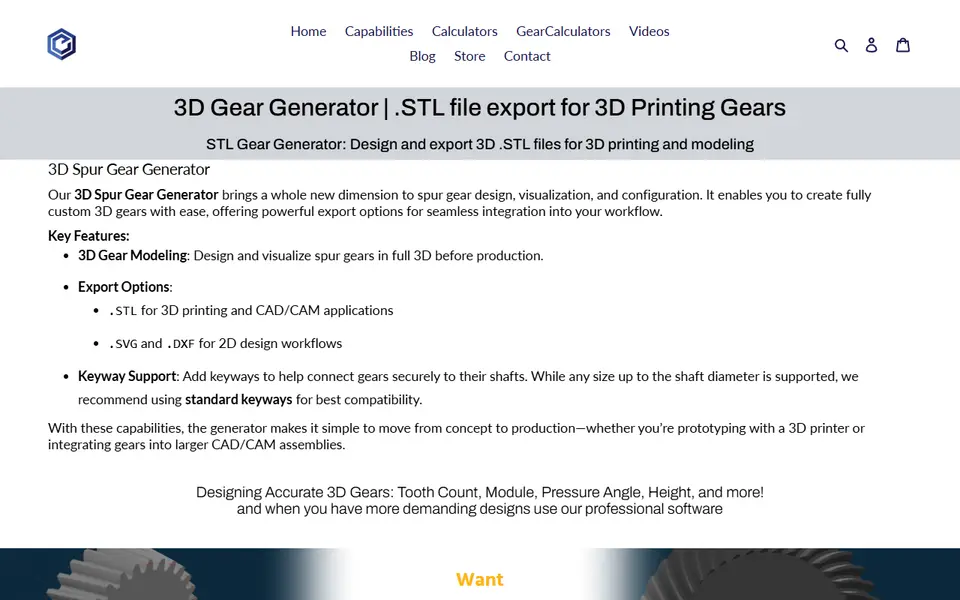
Evolvent Design 3D Gear Generator
Spur gear generator from a gear specialist; STL download unlocked via Patreon
Mechanical Parts
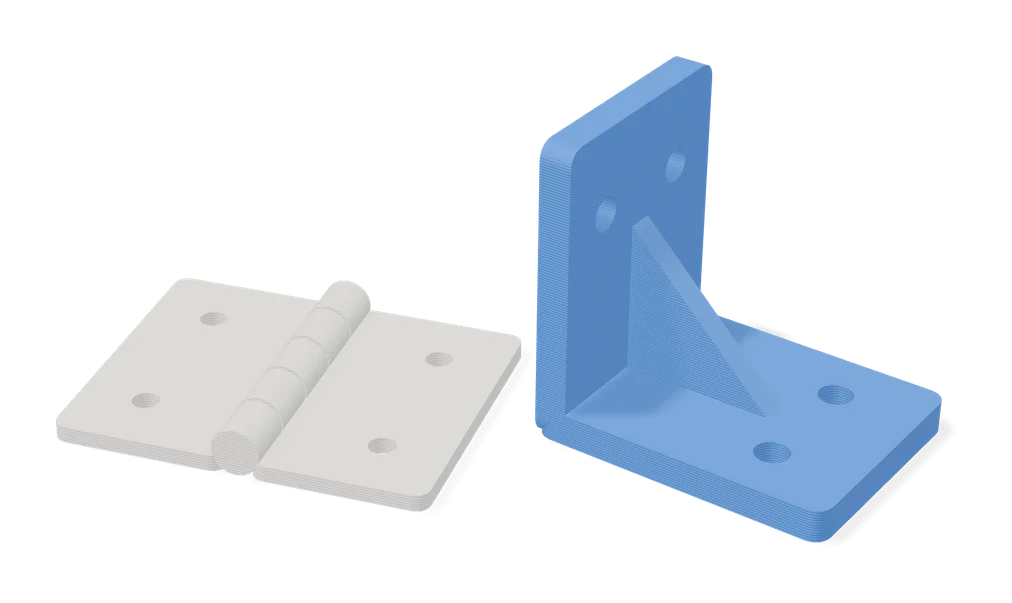
Flat Hinges Generator
Customizable flat hinges that open to 360 degrees and print without supports
Mechanical Parts
Custom Spacer / Standoff Generator (nassworks)
Round, hex or square spacers and standoffs in sets, with flange, counterbore or nut trap
Mechanical Parts
Pulley Generator by Koolm
Timing belt pulleys for GT2, HTD, MXL, XL and T-series belts with custom bores