Print Flute
Side-blown flutes tuned to the key you pick, exported as STL or STEP in one piece or in parts
Print Flute is a free browser tool for makers who want to print a playable flute in a chosen key. Free web app that runs in your browser; no account, paid tier or ads seen. Exports STL and STEP. Last checked .
Opens printflute.com
What is Print Flute?
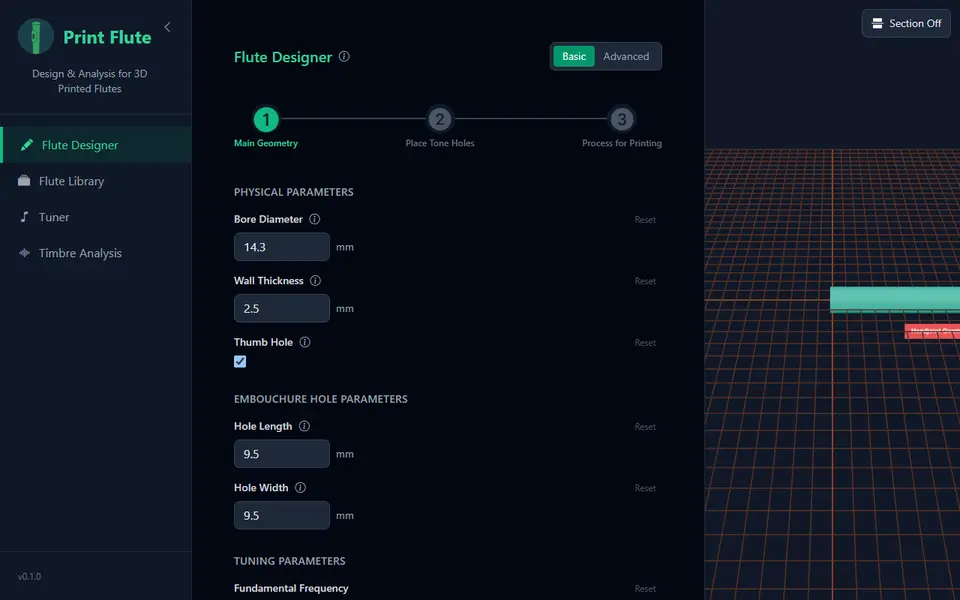
Print Flute is a free browser tool that designs a simple side-blown flute from acoustic formulas and exports it as a printable file. You set the key by choosing the lowest note, from C4 to G#5 or a custom frequency, and the app works out where each finger hole has to sit. The starting design is a D5 flute with six holes and a 14.3 mm bore.
The builder runs in three steps. First you enter the bore, wall thickness, blow hole size and number of tone holes (3 to 8). Next you get a table of hole sizes and calculated distances, plus a thumb hole you can switch on or off. Last you round the hole edges and cut the tube into as many as six sections joined by connectors, so a long flute fits a small bed. Export gives one STL or STEP file, or one file per part. Advanced mode adds cork, overhang, lip coverage and per-hole pitch settings.
A tuner and a timbre analysis view listen through your microphone, so you can compare a printed flute with the predicted notes, and a library saves designs in your browser, with JSON import and export. It is an early project (version 0.1.0 in September 2026) with little visible use, so it suits makers happy to test a first print.
What you can make
- Side-blown flutes in a chosen key
- Flutes with 3 to 8 finger holes and an optional thumb hole
- Flutes split into sections for small print beds
- Flutes tuned to a custom base frequency
How to use Print Flute
- Open the Print Flute builder and pick the lowest note of your flute
- Set bore, wall thickness, blow hole size and number of holes, then click Next Step
- Check the tone hole table and turn the thumb hole on or off
- Set the number of cuts and connector length, then click Export
- Choose Full Flute or Separate Parts, pick STL or STEP and download
What you'll need to print it
Filament and parts that suit what you make with Print Flute.
Multicolor PLA
Matte PLA
6 x 2 mm magnets
Also handy
Print removal and cleanup tools
Some of these are affiliate links: we may earn a small commission, at no extra cost to you. More about that
Print Flute pros
- Calculates the finger hole positions for you from the key you pick
- Cuts a long flute into up to six parts with connectors so it fits smaller printers
- Built-in tuner and timbre analysis let you check the printed flute with your microphone
Print Flute cons
- Early project (v0.1.0) with no visible user community, so real print results are unproven
- Makes only one instrument type, a side-blown flute
- Advanced settings such as cutoff ratio and lip coverage assume some acoustics knowledge
Rate Print Flute
One rating per account. Signing in takes one email link, no password.
Reviews
Made with Print Flute
Read next
Print Flute alternatives
Puzzle, game and insert generators
Puzzles & Games
Musical Fidget Generator
Pocket fidget with tuned note bars that plays a melody you enter note by note
Puzzles & Games
Lapinoo LEGO-compatible Bricks Generator
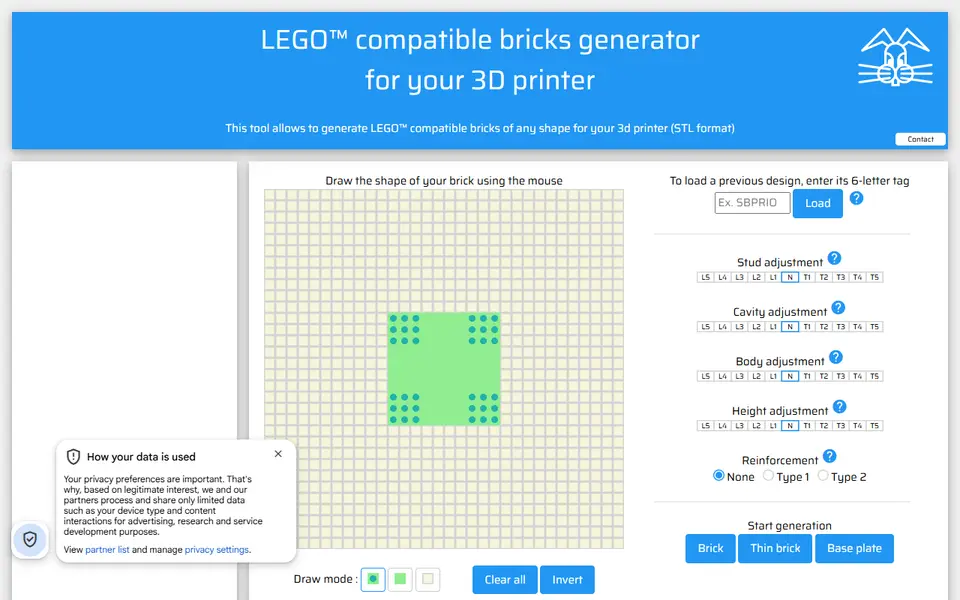
Draw a brick outline on a stud grid and get a LEGO-compatible STL
Puzzles & Games
Mineways
Free desktop exporter that turns a selected area of a Minecraft Java world into a printable model
Puzzles & Games
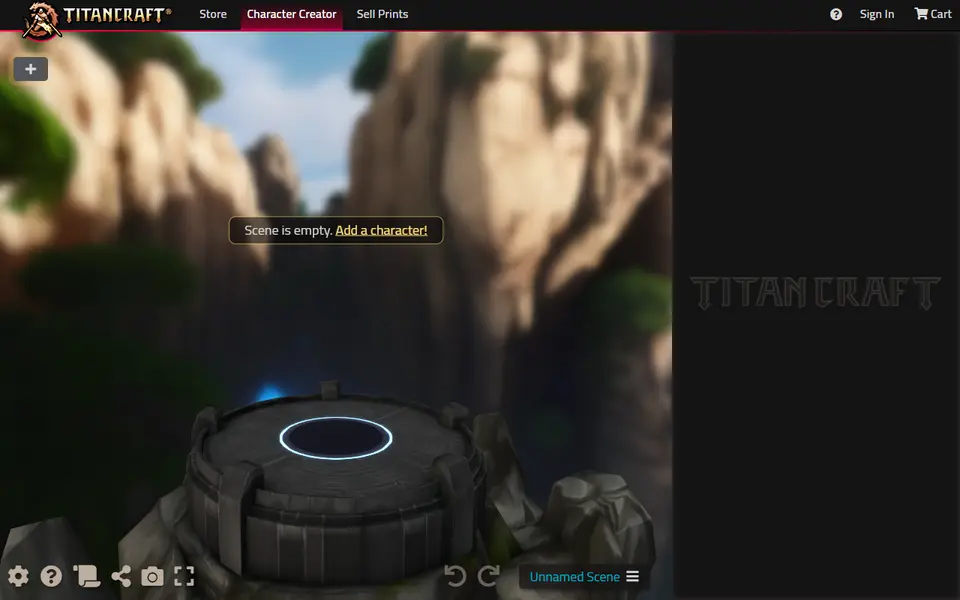
TitanCraft
Build and pose custom hero, monster and mech miniatures, then export them as STL
Puzzles & Games
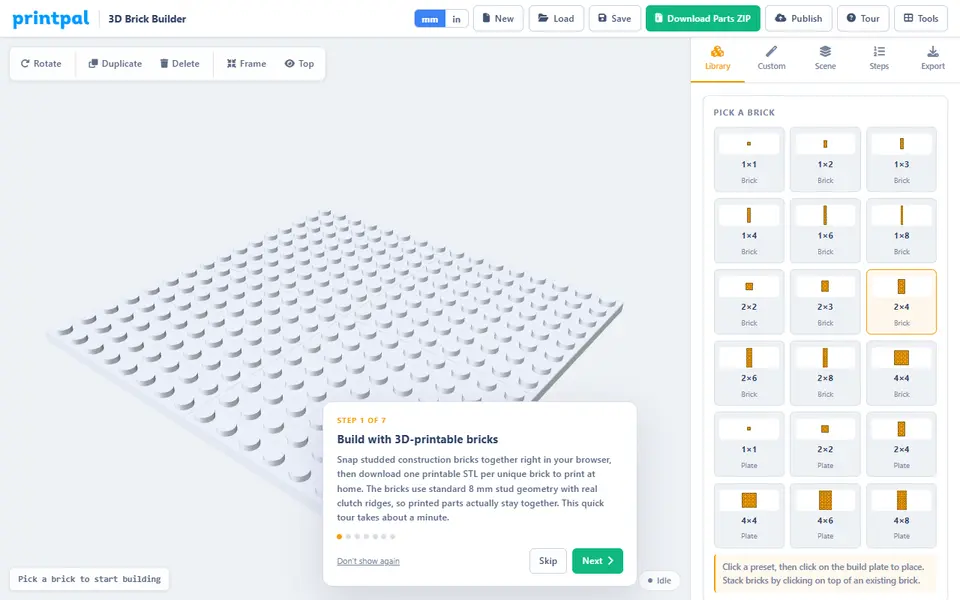
PrintPal 3D Brick Builder
Build a model from snap-fit studded bricks in your browser and get one STL per brick shape
Puzzles & Games
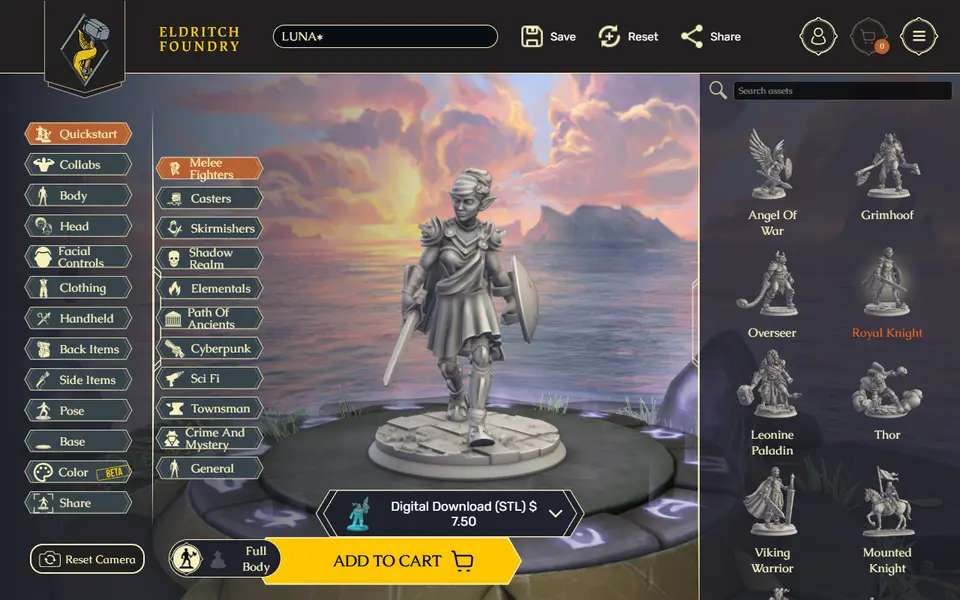
Eldritch Foundry
Browser character creator that turns your RPG hero into a printable miniature STL or 3MF