PrintPal 3D Brick Builder
Build a model from snap-fit studded bricks in your browser and get one STL per brick shape
PrintPal 3D Brick Builder is a free browser tool for kids, classrooms and custom brick sets. Free, but placing bricks and downloading need a free PrintPal account; the tool page promises no usage limits or watermarks. Exports STL. Last checked .
Opens printpal.io
What is PrintPal 3D Brick Builder?
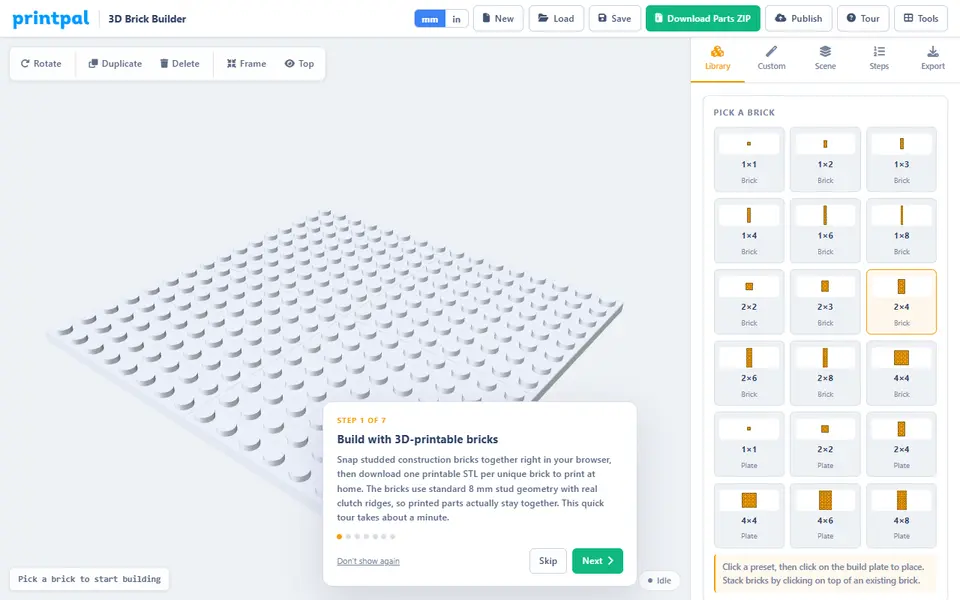
PrintPal 3D Brick Builder is a free browser tool that lets you design studded construction bricks and whole brick models, then download them as printable STL files. You pick one of 18 preset bricks and plates or set a custom size, choose a color and click the grid baseplate to place it. Clicking on top of a placed brick stacks the next one, R turns it, and pieces can be duplicated or deleted. The Custom tab makes any rectangular brick from 1 to 12 studs wide and deep and 1 to 9 plates tall.
The parts download is a ZIP with one STL per unique brick shape (the number to print is in the file name), a baseplate STL, a text parts list that notes the colors, the project file and a PDF assembly booklet with one step per brick. Export settings cover clutch fit (Standard, Tight or Extra Tight, plus stud and ridge sliders) and scale. The default is 130% for chunkier pieces; 100% is the size meant to fit standard toy bricks.
The builder opens without an account, but placing bricks and downloading ask you to sign in with a free PrintPal account. It suits kids, classrooms and hobbyists planning a small custom set. As of September 2026 it only makes square-edged bricks and plates, with no slopes or tiles.
What you can make
- Custom-size studded bricks
- Flat plates
- Baseplates up to 48 x 48 studs
- Complete brick models split into printable parts
- PDF assembly booklets
How to use PrintPal 3D Brick Builder
- Open the Brick Builder on printpal.io and sign in with a free PrintPal account
- Pick a brick from the library or set a custom size on the Custom tab
- Click the build plate to place bricks, and click on top of one to stack
- Set clutch fit and scale (100% for standard bricks) on the Export tab
- Download the parts ZIP and print each STL in the quantity shown in its file name
What you'll need to print it
Filament and parts that suit what you make with PrintPal 3D Brick Builder.
0.2 mm nozzle
PETG
Some of these are affiliate links: we may earn a small commission, at no extra cost to you. More about that
PrintPal 3D Brick Builder pros
- Exports one STL per unique brick plus a parts list and a step-by-step PDF booklet
- Custom bricks from 1 x 1 up to 12 x 12 studs and 1 to 9 plates tall
- Clutch-fit presets and sliders to tune how tightly printed bricks grip
PrintPal 3D Brick Builder cons
- Placing bricks and downloading need a free PrintPal login, even though the page copy says no signup
- Only rectangular bricks and plates as of September 2026, no slopes, tiles or round parts
- The default 130% scale will not mate with standard bricks; switch to 100% for that
Rate PrintPal 3D Brick Builder
One rating per account. Signing in takes one email link, no password.
Reviews
Made with PrintPal 3D Brick Builder
Read next
PrintPal 3D Brick Builder alternatives
Puzzle, game and insert generators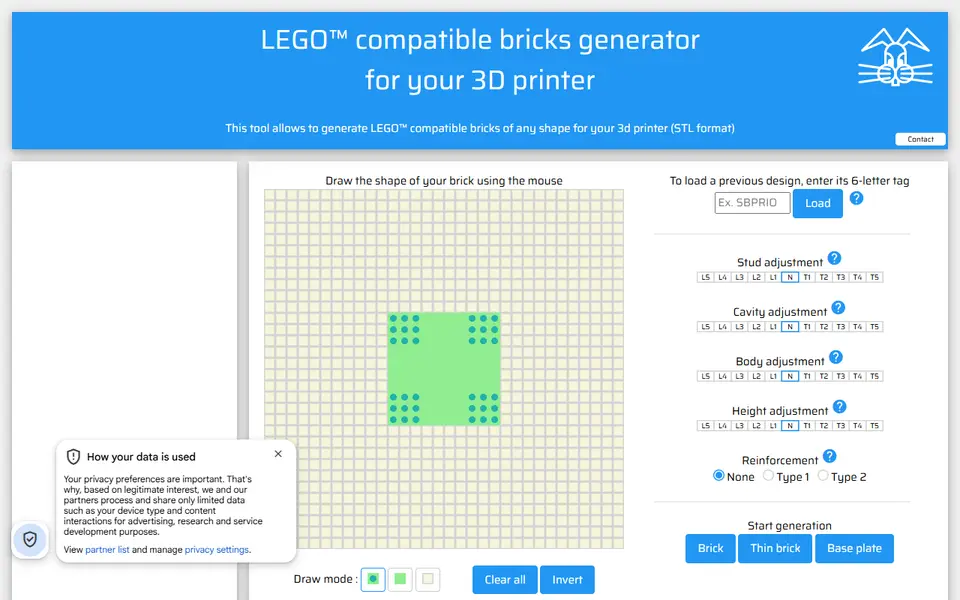
Puzzles & Games
Lapinoo LEGO-compatible Bricks Generator
Draw a brick outline on a stud grid and get a LEGO-compatible STL
Puzzles & Games
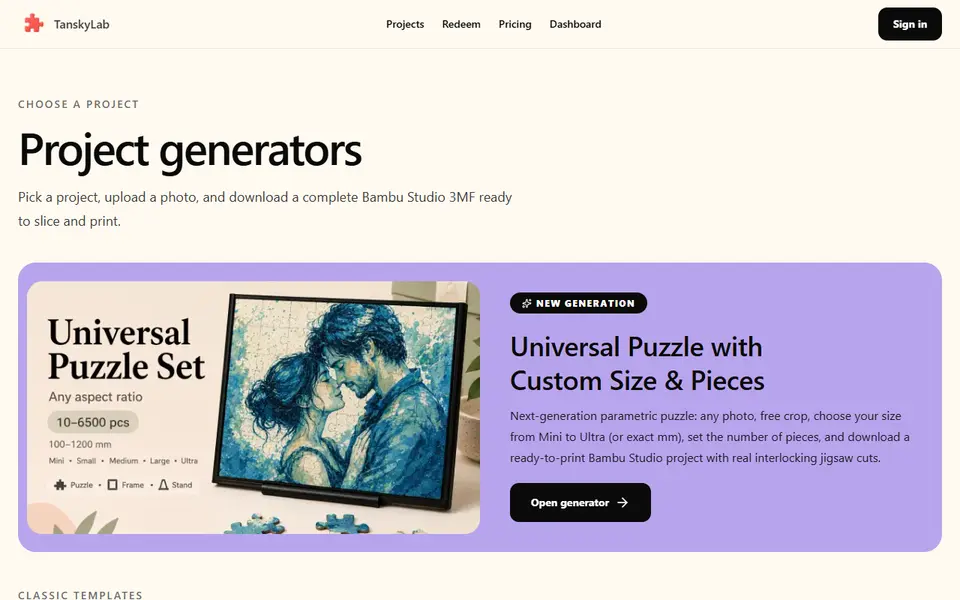
TanskyLab
Photo jigsaw puzzles as a multicolor 3MF with layer color changes set; free account, 2 puzzles a month
Puzzles & Games
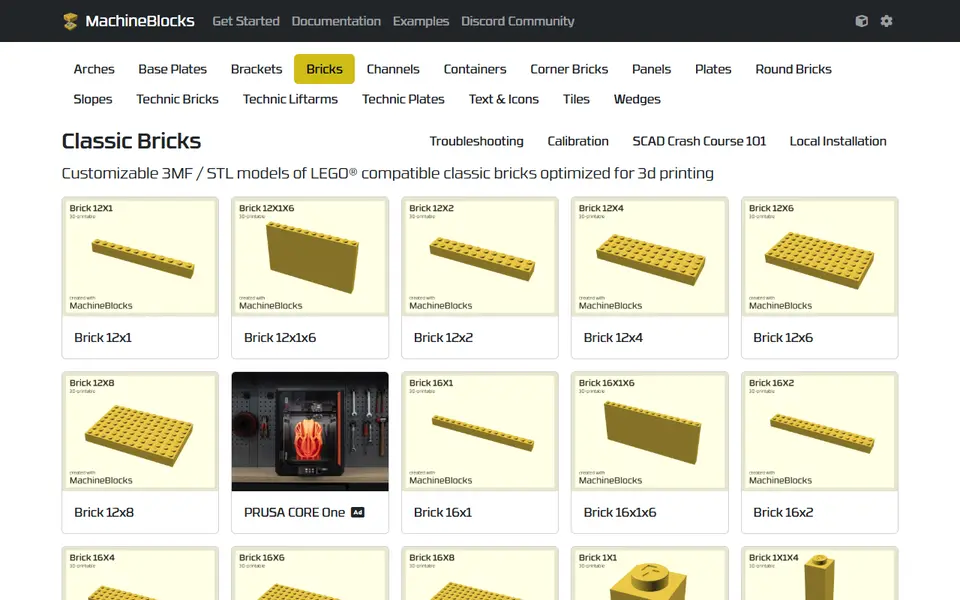
MachineBlocks
Customize LEGO compatible bricks online and export print-optimized 3MF or STL
Puzzles & Games
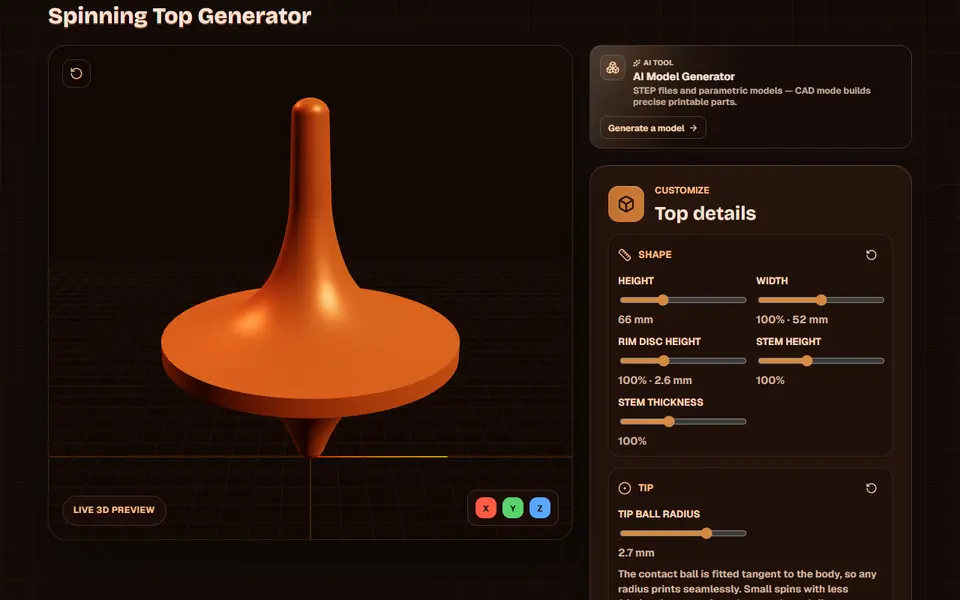
Obloid Spinning Top Generator
Totem-style spinning tops in three screw-together parts, shaped with sliders
Puzzles & Games
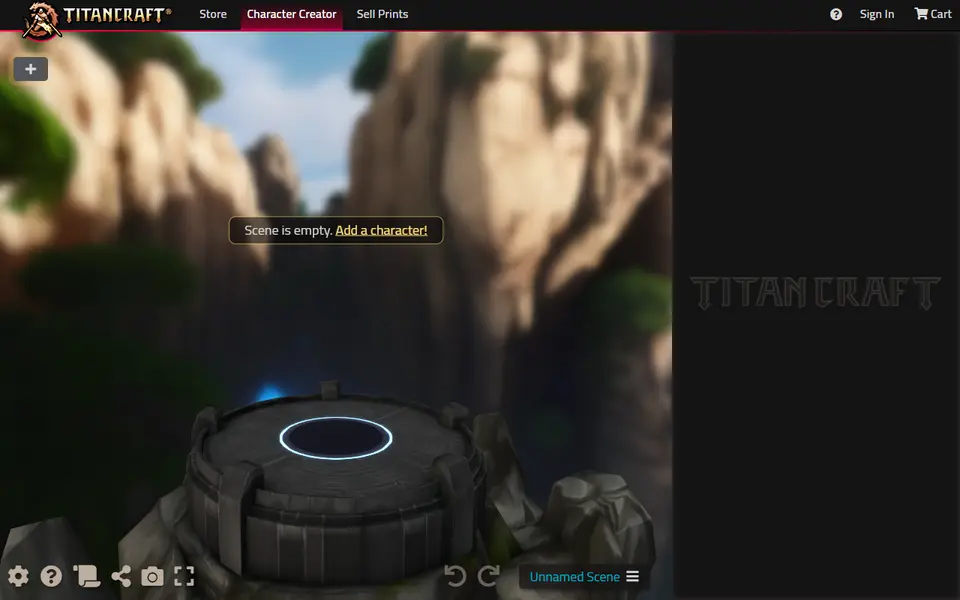
TitanCraft
Build and pose custom hero, monster and mech miniatures, then export them as STL