Keycap Generator (srwi)
Multi-color keyboard keycaps with your own letters or icons, saved as 3MF files
Keycap Generator (srwi) is a free browser tool for custom multi-color legends for a mechanical keyboard. Free with no paid tier seen; the author accepts donations through Ko-fi and PayPal. Exports 3MF; no account needed. Last checked .
Opens srwi.github.io
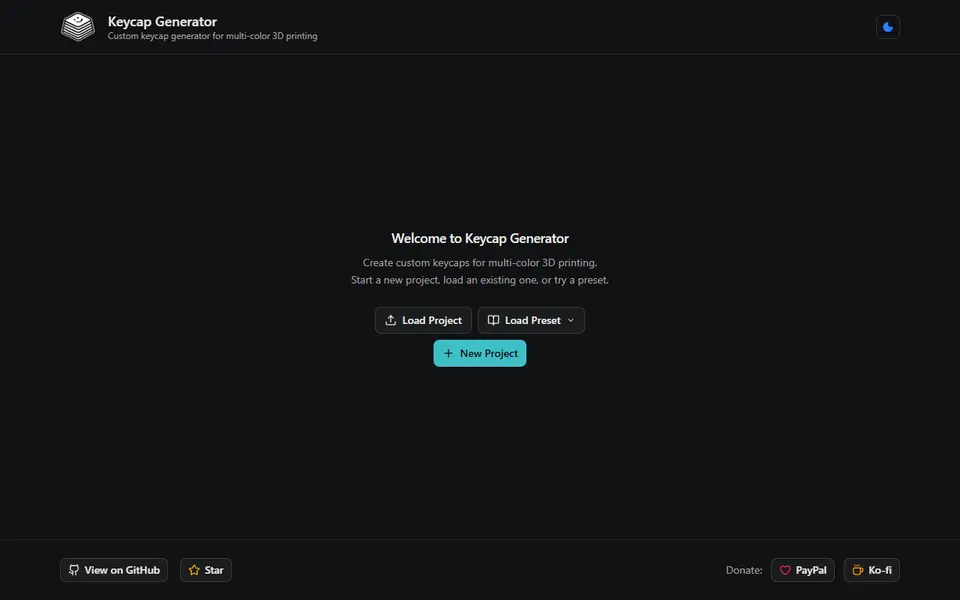
What is Keycap Generator (srwi)?
Keycap Generator by srwi is a free browser tool that turns keycap shapes and your own legends into multi-color 3MF files. It works with three building blocks: a keycap model for the physical shape, a template that sets where each legend sits and in which font, size, angle and color, and the keys themselves, where you type a character or pick an icon from the Phosphor set. A template can hold several legends, so one key can carry a main label plus a secondary one in another color.
The built-in models are Joe Scotto's flat, scooped and sculpted (rows R1 to R5) profiles in widths from 1u to 3u plus 6.25u, 7u and 10u spacebars, along with one flat DSA key. You can also upload any keycap STL and rotate it into place. Six fonts are included and you can add your own TTF. Legends are cut into the top surface to a depth you set (1.2 mm for a new model) and filled in their own color. Presets for a numpad, a 40% ortholinear and a 60% ANSI board give you a full layout to edit.
Generate downloads a zip with one numbered 3MF per key, written with Bambu Studio metadata. It suits keyboard hobbyists with a multi-material printer who want matching custom legends without modeling each cap by hand.
What you can make
- Keycaps with custom letters, numbers or symbols
- Icon keycaps from the Phosphor icon set
- Full numpad, 40% ortholinear or 60% ANSI keycap sets
- Modifier keys and spacebars up to 10u
- Multi-color legends on your own keycap STL
How to use Keycap Generator
- Open the generator and load a preset or start a new project
- Pick keycap models from the built-in list or upload your own STL, and set the legend depth
- Set up templates with legend position, font, size, rotation and color
- Add keys, choose a template for each and type a character or pick an icon
- Click Generate, unzip keycaps.zip and open the 3MF files in your slicer
What you'll need to print it
Filament and parts that suit what you make with Keycap Generator.
Multicolor filament systems
PETG
M3 heat-set inserts
Also handy
Some of these are affiliate links: we may earn a small commission, at no extra cost to you. More about that
Keycap Generator pros
- Each key comes out as its own multi-color 3MF with the legend colors already assigned
- Numpad, 40% ortholinear and 60% ANSI presets give you a complete layout to start from
- Takes text or Phosphor icons, your own fonts and your own keycap STL, with no account
Keycap Generator cons
- The built-in Joe Scotto keycap shapes are licensed CC BY-NC-SA 4.0, which rules out selling prints of them
- The model, template and key setup takes some getting used to before your first export
- Exports 3MF only, and the colored legends need a multi-material printer or manual filament swaps
Rate Keycap Generator
One rating per account. Signing in takes one email link, no password.
Reviews
Made with Keycap Generator
Read next
Keycap Generator alternatives
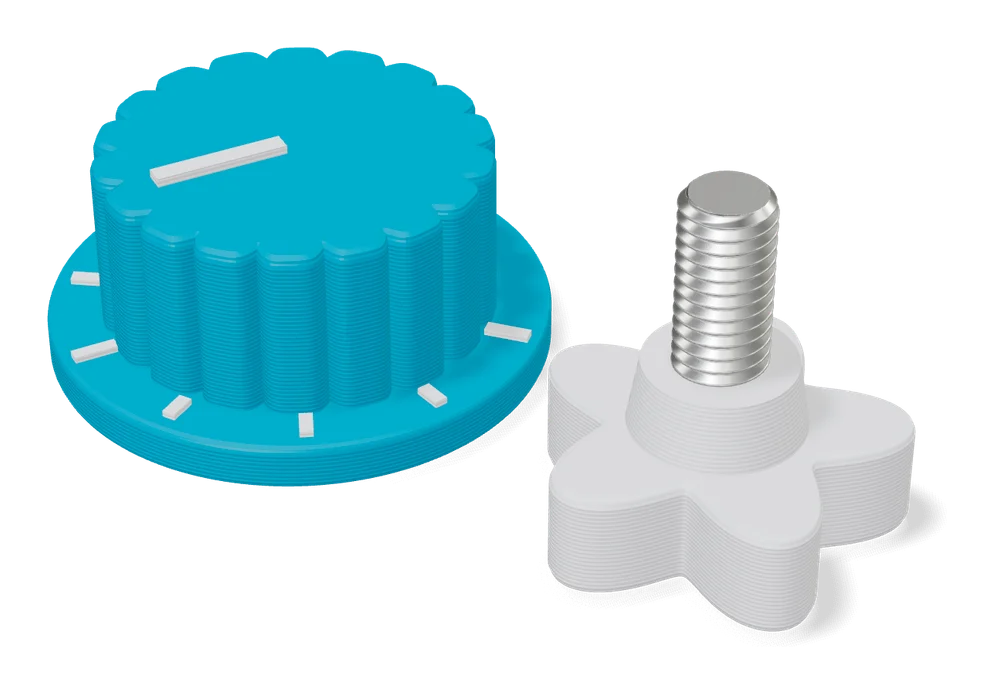
Gear, knob and part generators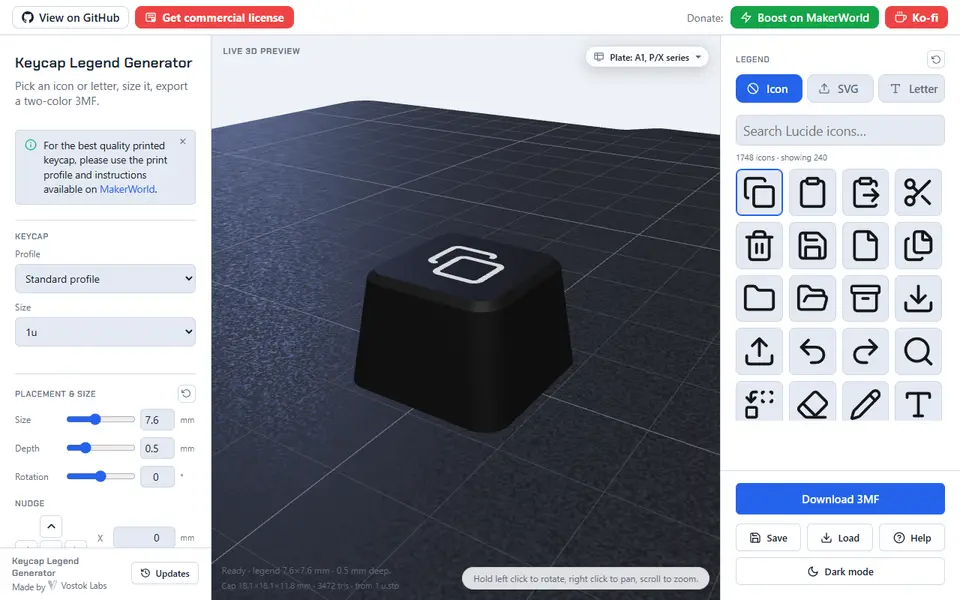
Mechanical Parts
Keycap Legend Generator (Vostok Labs)
Mechanical keyboard keycaps with your own icon, logo or letter as a two-color legend
Mechanical Parts
Customizable Keycaps (AEKI)
Up to nine Cherry MX style keycaps, each with its own letter, emoji or symbol in a second color
Mechanical Parts
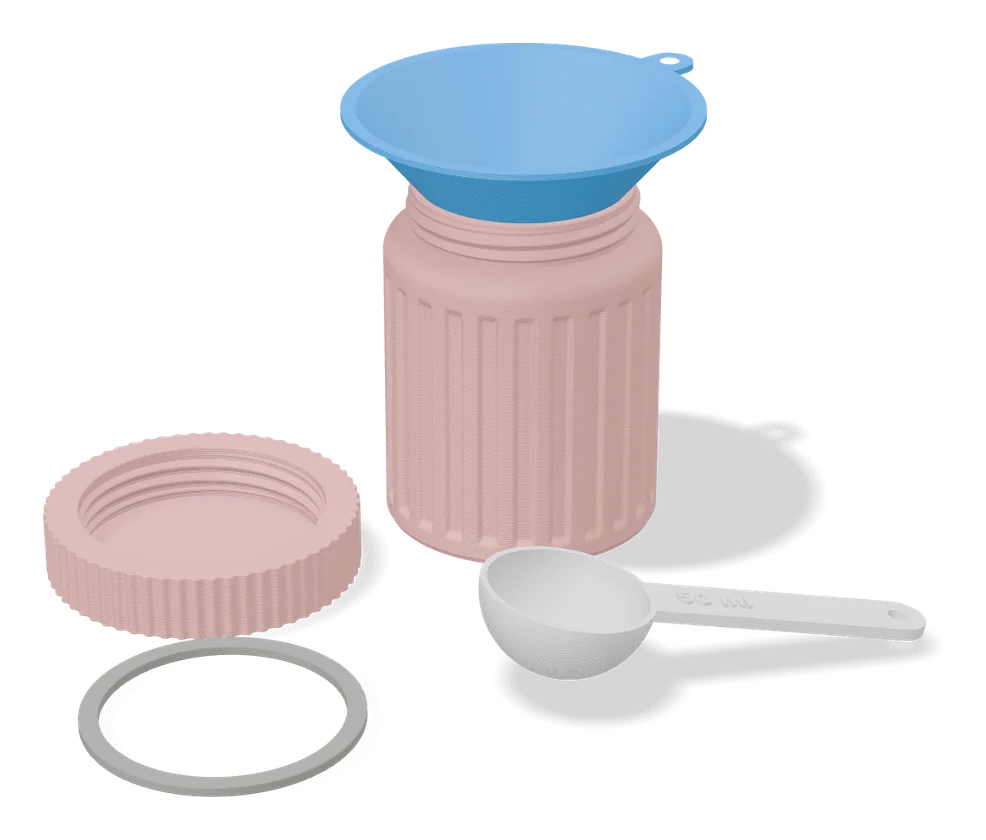
Measuring Cup / Spoon (Matthew Ghost)
Measuring cups and scoops in the volume you type, with the size in raised letters on the handle
Mechanical Parts
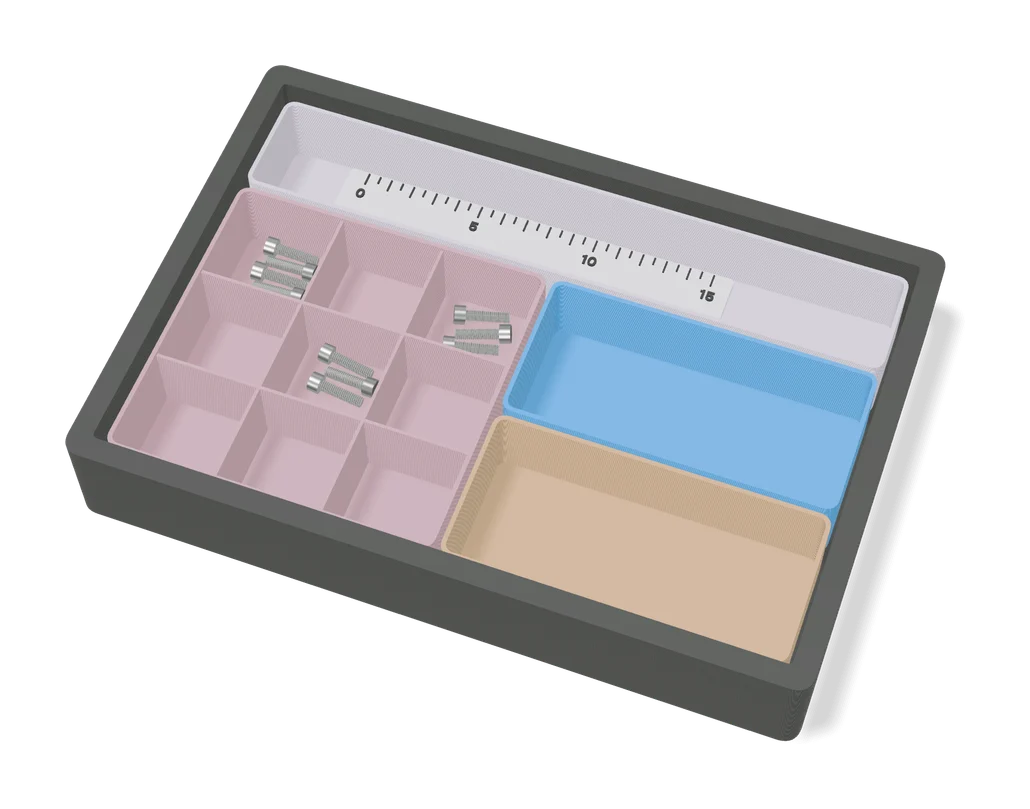
Ruler Maker by Koolm
Custom metric or inch rulers with your own ticks, numbers, logo and keychain eyelet
Mechanical Parts
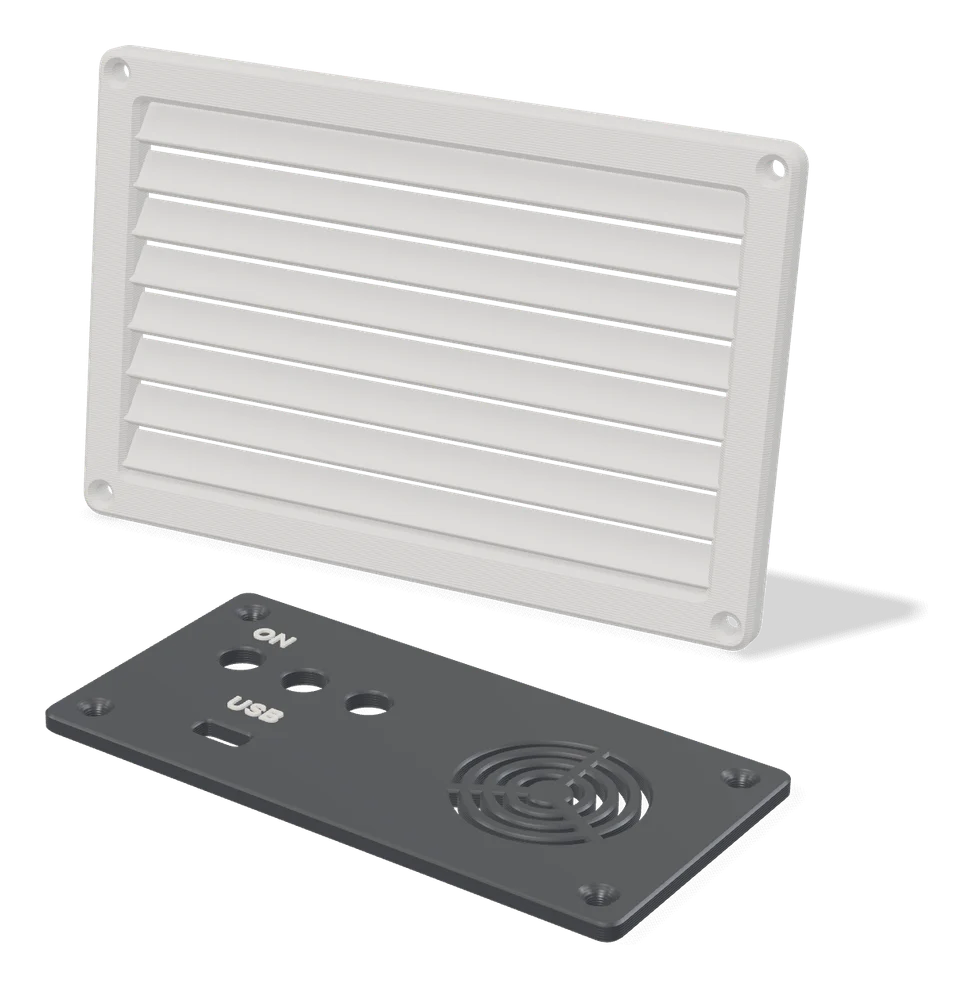
VentForge - Parametric Vents, Covers & Diffusers
Vent grilles, insect mesh, covers and disc-valve diffusers sized to your wall opening
Mechanical Parts
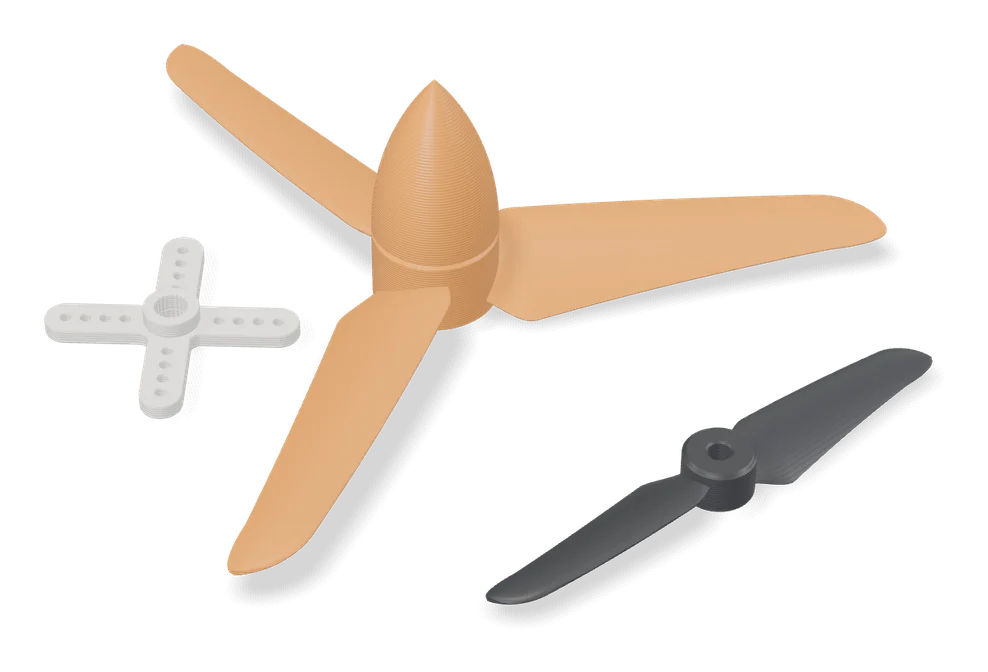
Customizable Servo Horn
Servo horns with your choice of arm count, arm length, holes and spline fit