Part Designer (LEGO Technic-compatible parts)
Build custom LEGO Technic-compatible beams and connectors from blocks and save an STL
Part Designer (LEGO Technic-compatible parts) is a free browser tool for missing or custom LEGO Technic beams and connectors. Free, no account needed; open source under the MIT license. Exports STL. Last checked .
Opens marian42.de
About this generator
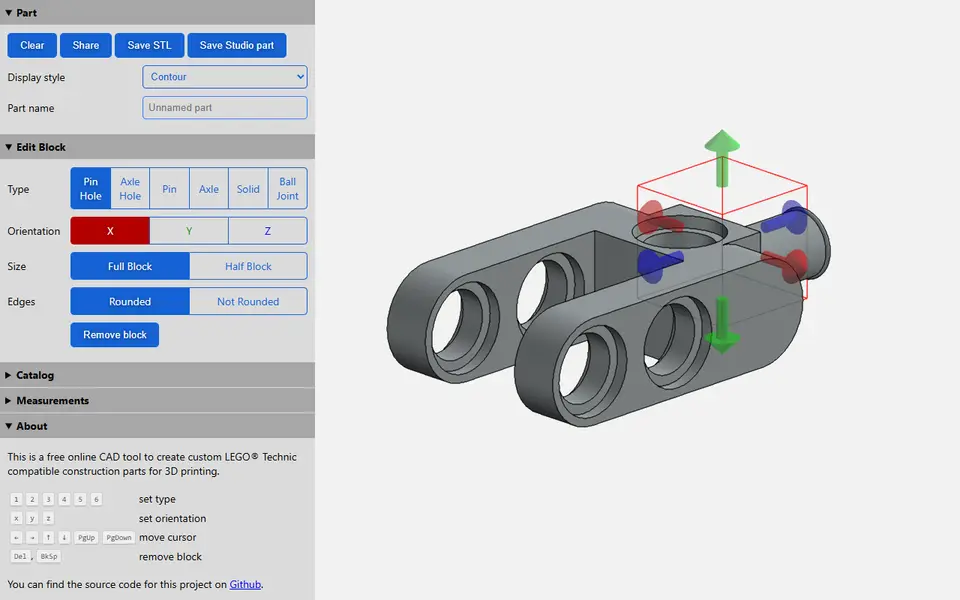
Part Designer is a free browser tool that builds custom parts to fit LEGO Technic pins and axles, made by developer Marian Kleineberg (marian42). You do not draw anything. You assemble the part on a 3D grid one block at a time, and each block is a pin hole, axle hole, pin, axle, solid cube or ball joint. For every block you pick the direction (X, Y or Z), full or half size, and rounded or square edges.
You can start from an empty grid or load one of 59 existing Technic parts from the catalog, such as beams, cross blocks, bushings and angle connectors, and change it into the piece you are missing. A Measurements panel with 17 settings, most of them in mm, lets you adjust the Technic unit and the pin hole and axle sizes to suit your printer. Save STL downloads the print file, Save Studio part writes a .part file for BrickLink Studio, and Share puts a link in the address bar that rebuilds the part.
It suits Technic builders who need a beam length, bracket or connector that LEGO never made. There is no undo and nothing is stored between visits, so press Share and keep the link if you want to come back to a design.
What you can make
- Technic-compatible beams and half beams
- Cross blocks and angle connectors
- Custom axles and pins
- Ball joint connectors
- Frames and right-angle bent beams
How to use Part Designer
- Open the page, then load a part from the Catalog or press Clear to start empty
- Move the cursor by dragging its colored arrows or with the arrow keys and PgUp/PgDown
- Pick size, orientation and edges, then click a block type to place it at the cursor
- If holes print too tight or too loose, change the Measurements and click Apply
- Click Save STL, then slice and print the part
What you'll need to print it
Filament and parts that suit what you make with Part Designer.
Multicolor PLA
Matte PLA
6 x 2 mm magnets
Also handy
Print removal and cleanup tools
Some of these are affiliate links: we may earn a small commission, at no extra cost to you. More about that
Part Designer pros
- Catalog of 59 existing Technic parts to use as a starting point
- 17 measurement settings to tune pin hole and axle fit for your printer
- Runs in the browser with no account and also exports a BrickLink Studio part and a share link
Part Designer cons
- Only six block types on a square grid, so no studs or gears and bends only at right angles
- Placing the 3D cursor, by dragging its arrows or with the arrow keys and PgUp/PgDown, takes some practice
- No undo and no saved projects, so the Share link is the only way to keep a design
Rate Part Designer
One rating per account. Signing in takes one email link, no password.
Reviews
Made with Part Designer
Read next
Part Designer alternatives
Puzzle, game and insert generators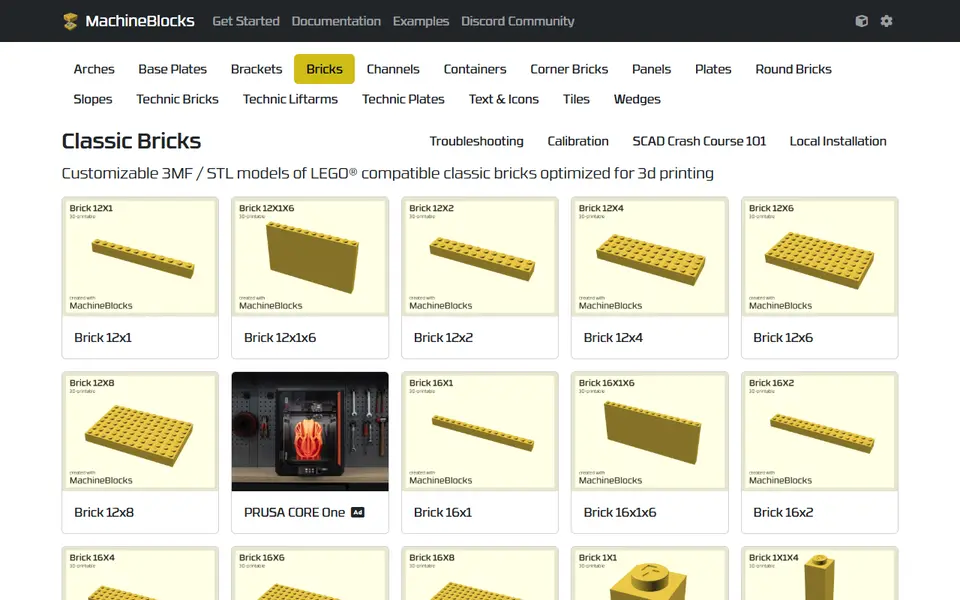
Puzzles & Games
MachineBlocks
Customize LEGO compatible bricks online and export print-optimized 3MF or STL
Puzzles & Games
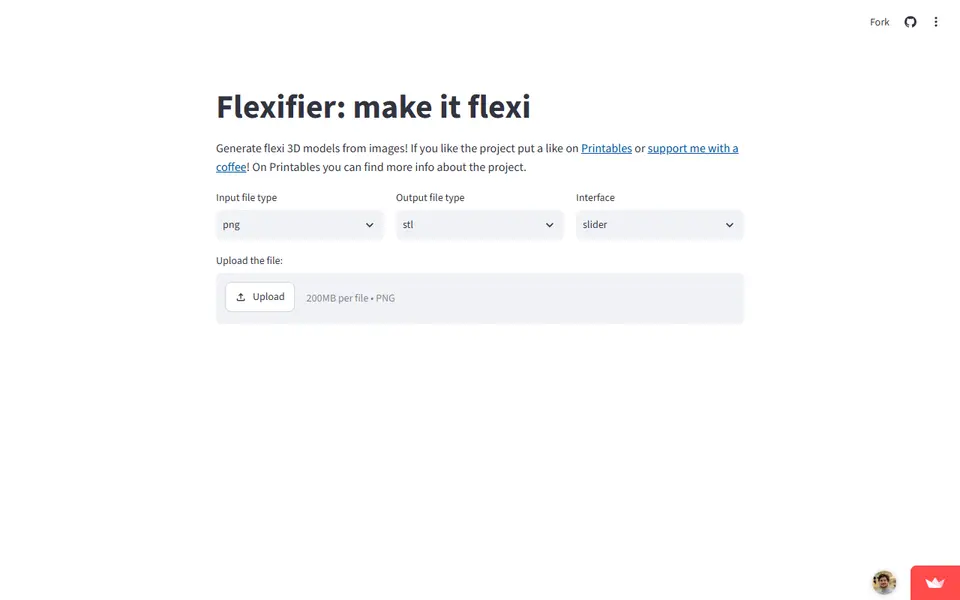
Flexifier
Turn a simple image into a print-in-place flexi toy with hinges or ball joints
Puzzles & Games
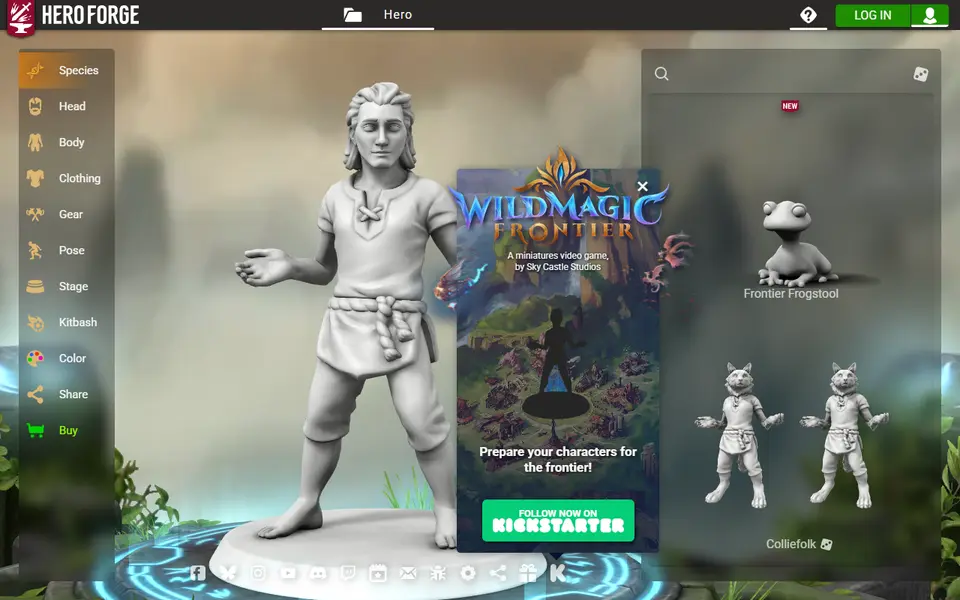
Hero Forge
Build a posed tabletop miniature in your browser and buy it as an STL to print at home
Puzzles & Games
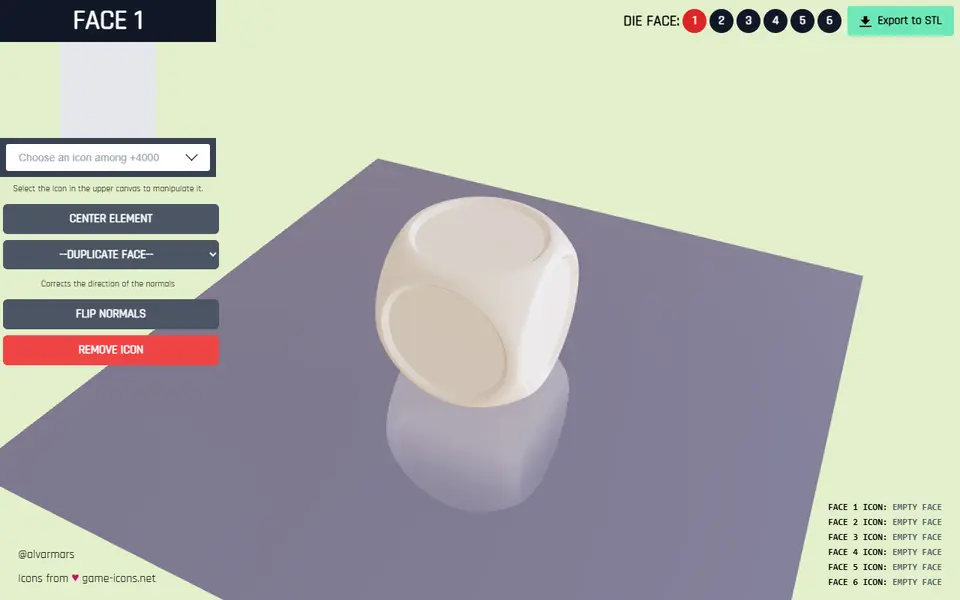
Dice Builder
Free browser tool for custom six-sided dice with a game icon on each face, exported as STL
Puzzles & Games
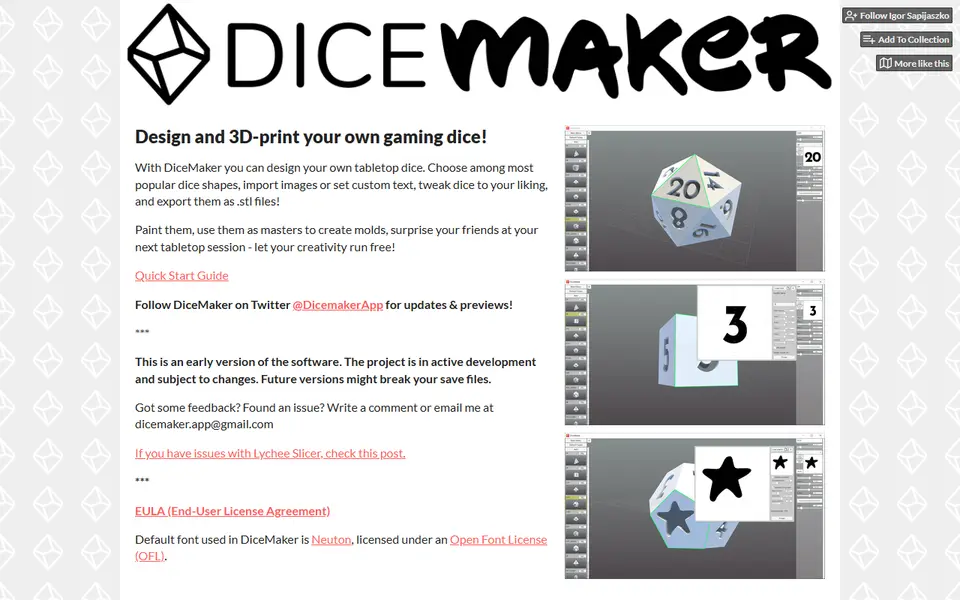
DiceMaker
Free desktop app for designing gaming dice with text, images and support fins