VASE 3D
Browser studio for shaping vases, jars and teapots like clay, with lids, handles and patterns, exported as STL or 3MF
VASE 3D is a freemium browser tool for vases, jars and pots with a shape of your own. Free plan with 19 patterns, 25 saved pieces and a VASE logo and QR code pressed into the base; Maker $29 a month ($15 a month billed yearly) for a clean base and lids; Foundry $79 a month ($29 a month billed yearly) for handles, legs and your own mark. Exports STL, 3MF, OBJ and GLB; an account is needed to download. Last checked .
Opens studio.vase3d.io
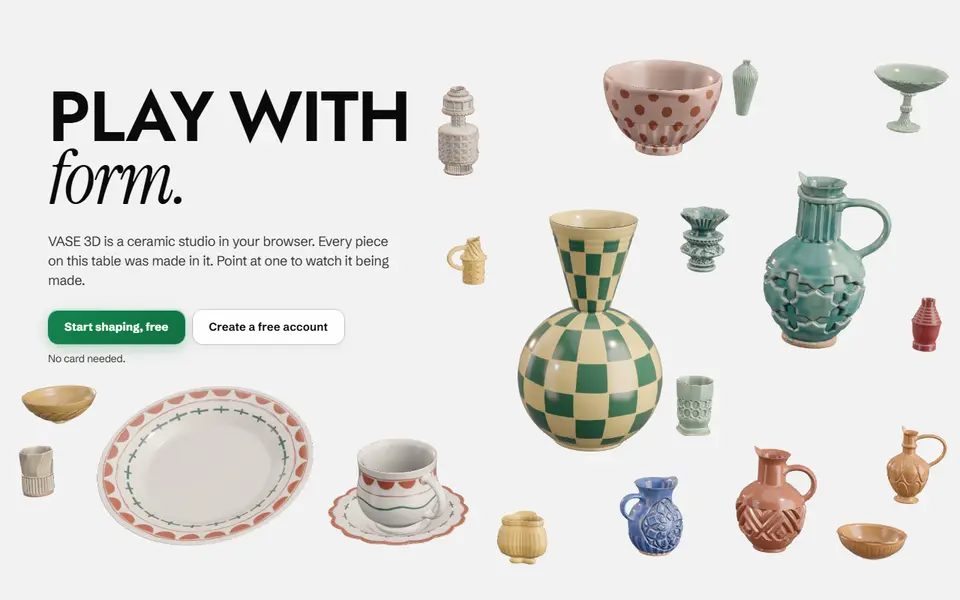
What is VASE 3D?
VASE 3D is a browser studio for shaping vessels, built by an industrial design student who wanted parametric control that feels like working with clay. You start from a gallery piece, draw the side curve by moving a few smooth points, or throw it by pushing and pulling the wall where your pointer touches. The outline shows the height, width and diameter at each point, and you can also trace a photo, round corners or add a bottom lip.
On top of the shape you can layer surface patterns, and paid plans add surface skins, fitted lids, screw-on lids with the thread cut into the opening, handles, lugs and legs. Every piece stays one closed solid, so it works as a print, or as a master for a plaster slip-casting mold, which is what the site was first built around. A glaze room previews colors on screen. Every plan exports STL, OBJ, GLB or 3MF.
The Free plan has 19 patterns and 25 saved pieces, but presses a VASE logo and QR code into the base. Maker ($29 a month, or $15 a month billed yearly) gives a clean base, 86 patterns and lids; Foundry ($79, or $29 a month yearly) adds handles, legs and your own mark. It suits makers who want a vase, jar or pot with a shape of their own rather than a preset profile.
What you can make
- Vases and bud vases
- Jars with fitted or screw-on lids
- Teapots, sugar bowls and pots with handles
- Masters for slip-casting molds
How to use VASE 3D
- Open the Studio and pick a gallery piece, Draw or Throw
- Shape the outline by dragging points or pulling the wall
- Add patterns, and on a paid plan lids or handles
- Create a free account to save the piece
- Export it as STL or 3MF and slice it
What you'll need to print it
Filament and parts that suit what you make with VASE 3D.
Matte PLA
- Bambu Lab PLA Matte (affiliate link) Amazon
- Polymaker Panchroma Matte PLA (formerly PolyTerra) (affiliate link) Polymaker EU: 3DJake (affiliate link)
Code gives 15% off your first order at Polymaker.
Silk PLA
Translucent filament
Some of these are affiliate links: we may earn a small commission, at no extra cost to you. More about that
VASE 3D pros
- Shape by drawing the curve or pushing the wall, which feels closer to clay than sliders
- Screw-on lids with a cut thread, fitted lids and handles that grow out of the wall
- Every plan exports STL, OBJ, GLB or 3MF, and you own and can sell what you make
VASE 3D cons
- The Free plan presses a VASE logo and QR code into the base
- Lids, handles and most patterns need a paid plan
- Made with ceramics in mind, so check wall thickness before you print
Rate VASE 3D
One rating per account. Signing in takes one email link, no password.
Reviews
Made with VASE 3D
Read next
VASE 3D alternatives
Vase, planter and lamp generators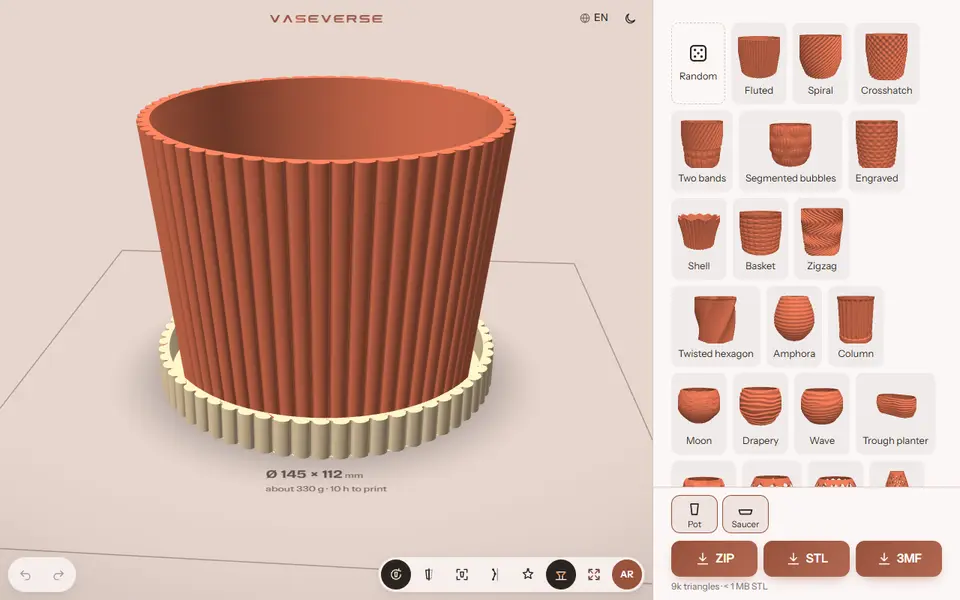
Vases & Lamps
Vaseverse
Free browser studio for vases, planters with saucers, Gridfinity bins and hydroponic towers
Vases & Lamps
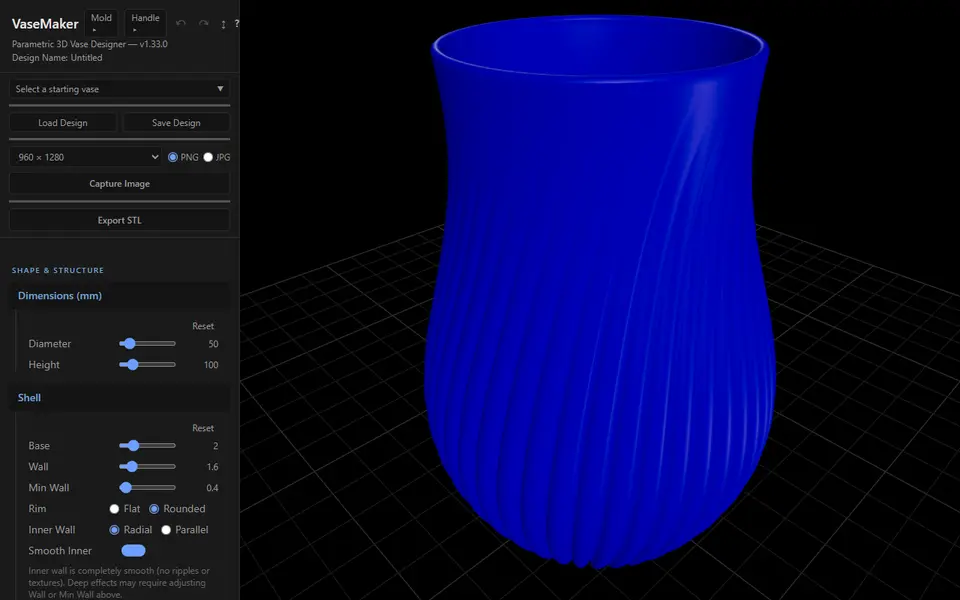
VaseMaker
Free vase designer with 29 cross-sections, shape morphing and 13 textures, plus a plaster slip-casting mold maker
Vases & Lamps
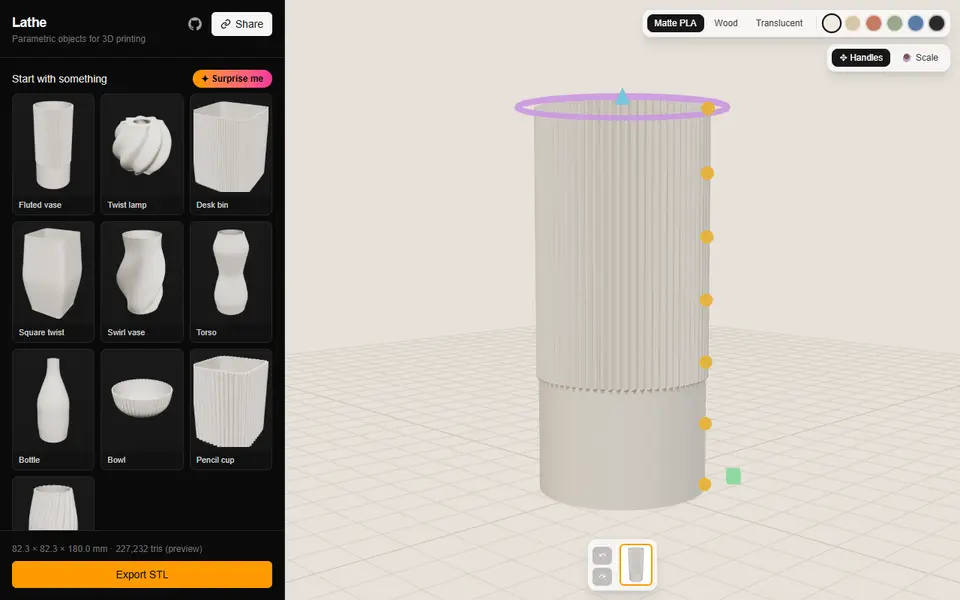
Lathe
Fluted vases, twist lamp shades and ribbed desk bins you shape by dragging the profile in 3D; free STL, no account
Vases & Lamps
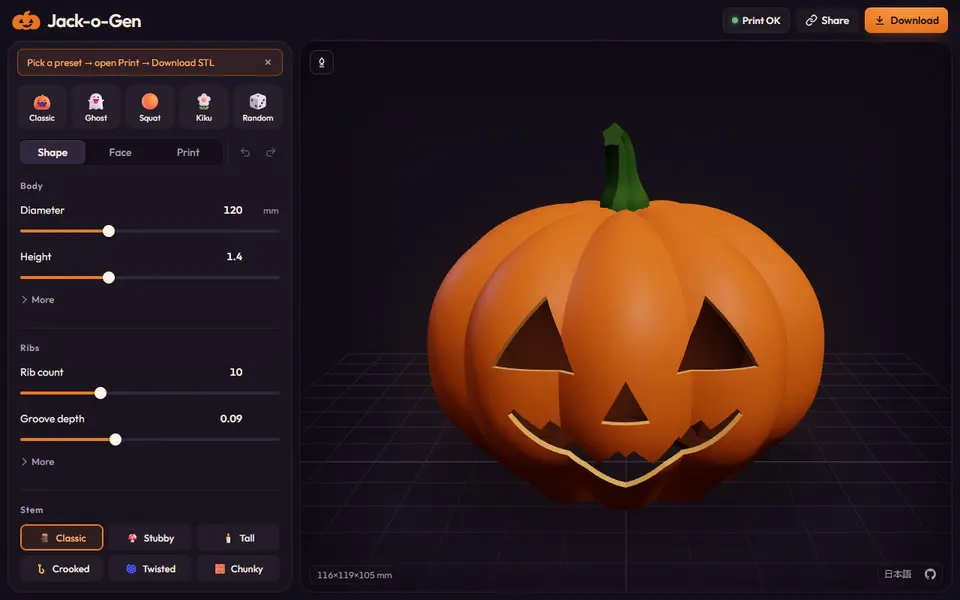
Jack-o-Gen
Free, open-source jack-o'-lantern designer: shape the pumpkin, drag the face, download an STL or two-color 3MF
Vases & Lamps
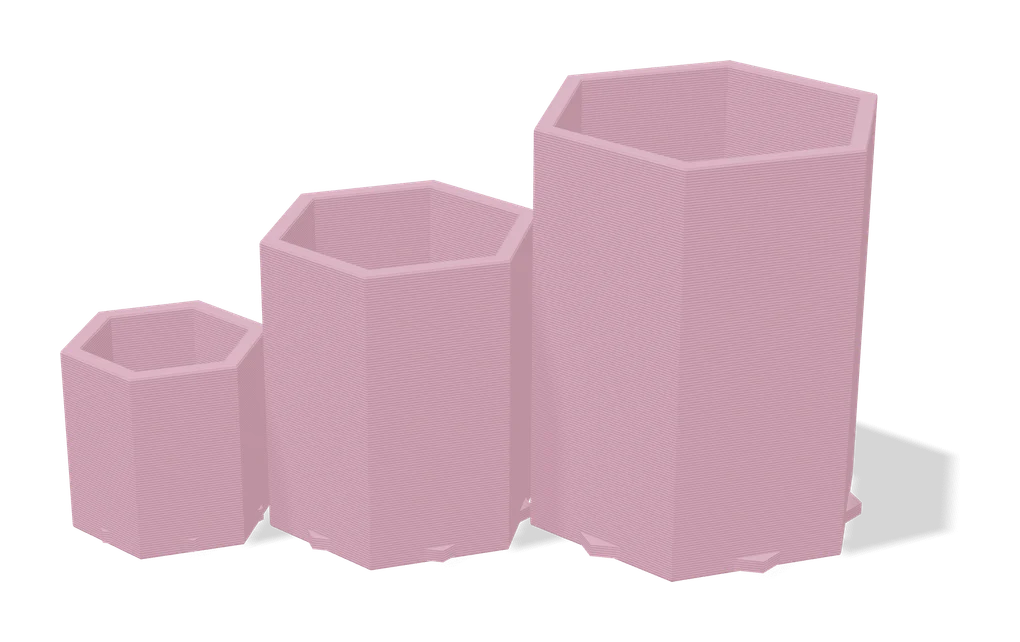
Your Ideal Planter: Customizable Size
Planter customizer that keeps walls and drainage right at any size
Vases & Lamps
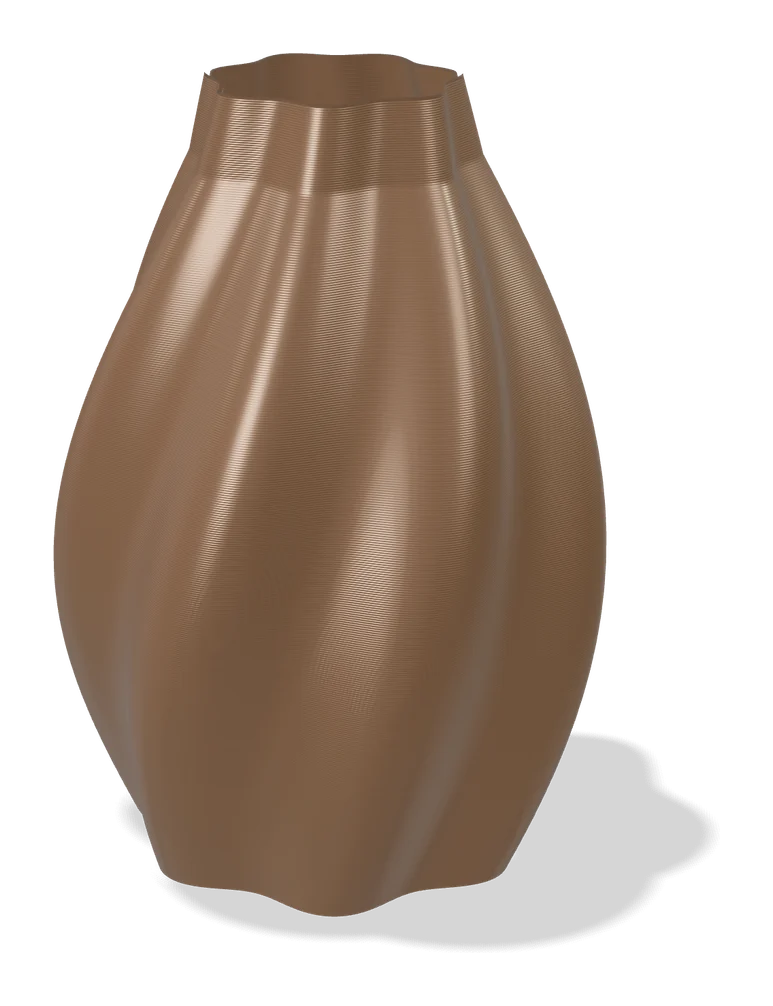
Make My Vase (MakerLab)
Bambu Lab's click-and-drag vase designer with spiral vase mode