Voice2STL
Turns a short WAV voice clip into a donut or heart-shaped soundwave ring to print
Voice2STL is a free browser tool for voice message gifts for anniversaries, weddings and new parents. Free with no account; optional donations through Buy Me a Coffee. Exports STL. Last checked .
Opens voice2stl.com
What is Voice2STL?
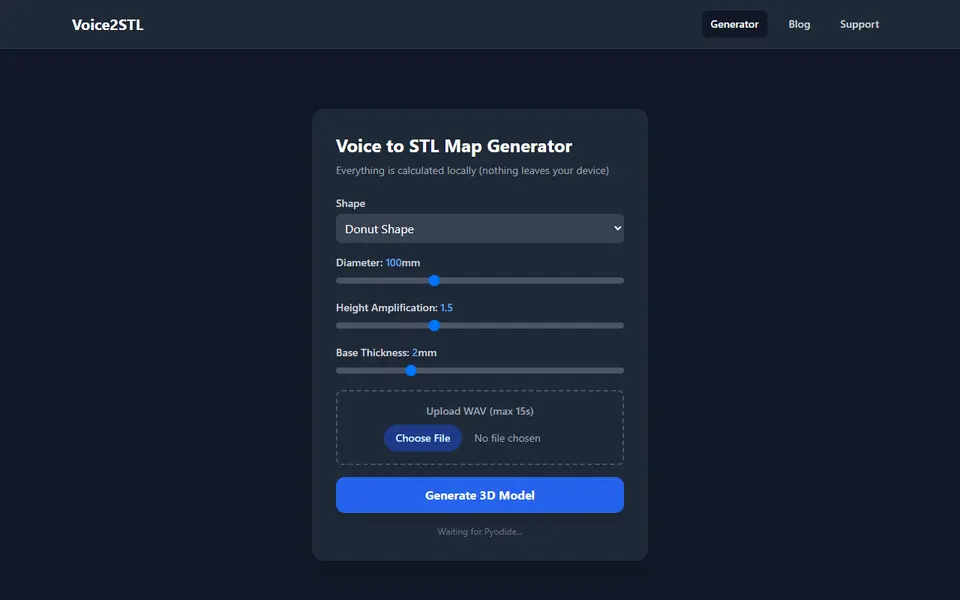
Voice2STL is a free browser tool that turns a short voice recording into a round soundwave ring you can 3D print. Instead of the usual straight waveform bar, it wraps a spectrogram of the clip around a circle: time runs once around the ring, low to high pitch runs from the inner edge to the outer edge, and the strength of the sound at each point sets the height. You pick a donut or heart outline, a diameter from 50 to 200 mm and a base from 1 to 5 mm, then upload a WAV clip. The site asks for 15 seconds or less.
A height amplification slider from 1.0 to 2.5 sets the contrast. Higher values push the quieter parts down so the loud syllables stand out as peaks. Peaks can reach a quarter of the diameter, so about 25 mm on a 100 mm ring. Everything runs in your browser through Python on WebAssembly, so the audio is not uploaded, and the STL downloads as soon as it is built.
There is no 3D preview and only WAV files are accepted, so MP3s and phone recordings need converting first. Clean clips with little background noise give the clearest pattern. It suits anyone turning a few spoken words into an anniversary, wedding or new-baby keepsake.
What you can make
- Donut-shaped voice soundwave rings
- Heart-shaped voice soundwave rings
- Desk ornaments from a spoken message
- Keepsakes of a baby's first words or a pet's bark
- Small keychains with a ring through the center hole
How to use Voice2STL
- Save a clip of 15 seconds or less as a 16-bit WAV file
- Open voice2stl.com and wait for the loading box to disappear and the Generate button to turn on
- Pick Donut or Heart and set diameter, height amplification and base thickness
- Upload the WAV and click Generate 3D Model; the STL downloads right away
- Slice and print it, optionally with the maker's MakerWorld print profile
What you'll need to print it
Filament and parts that suit what you make with Voice2STL.
Silk PLA
Key rings
Some of these are affiliate links: we may earn a small commission, at no extra cost to you. More about that
Voice2STL pros
- The recording is processed in your browser and is not uploaded
- Maps time and pitch into a radial pattern, so it looks different from the usual straight waveform bar
- Free with no sign-up, plus a matching print profile from the maker on MakerWorld
Voice2STL cons
- WAV only, and the code reads just 8-bit and 16-bit files, so a 24-bit or 32-bit float WAV comes out as a flat disc with no warning
- No 3D preview on the page, so you first see the shape in your slicer
- Only two outlines and no text, name or loop options; a keyring has to go through the center hole
Rate Voice2STL
One rating per account. Signing in takes one email link, no password.
Reviews
Made with Voice2STL
Read next
Voice2STL alternatives
Personalized gift generators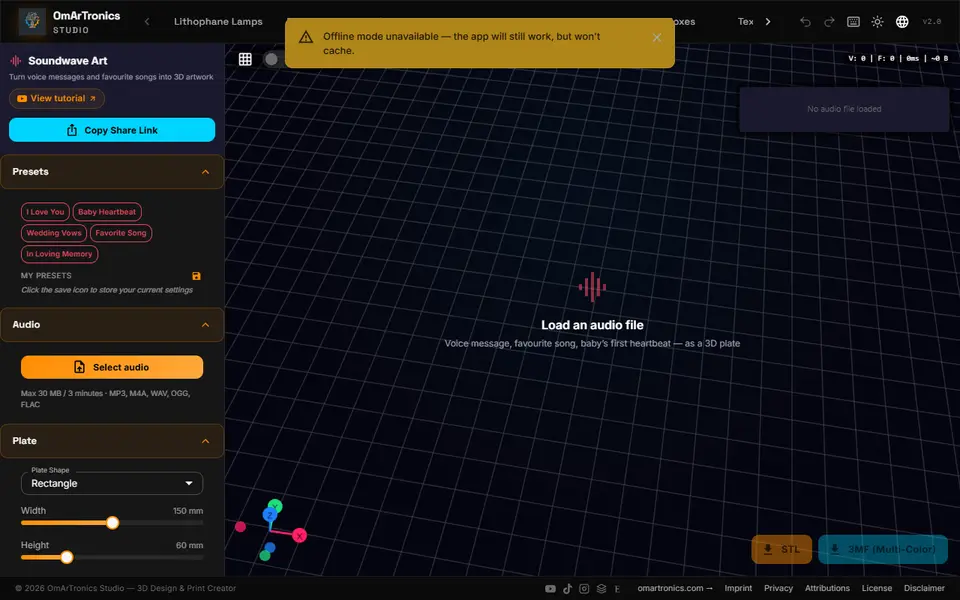
Gifts
OmArTronics 3D Kollektion
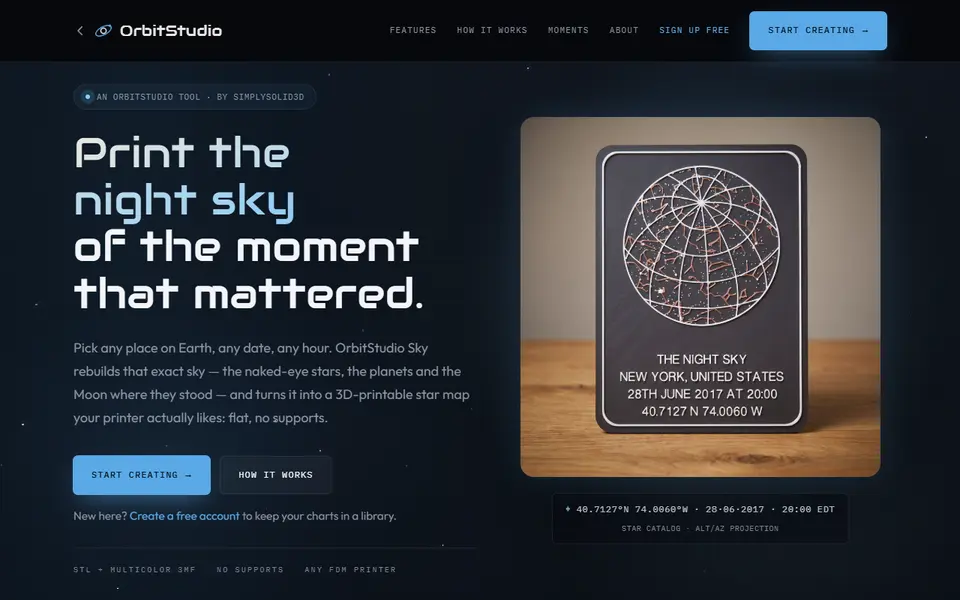
Free browser studio for soundwave art, lithophane lamps, vases and planters
Gifts
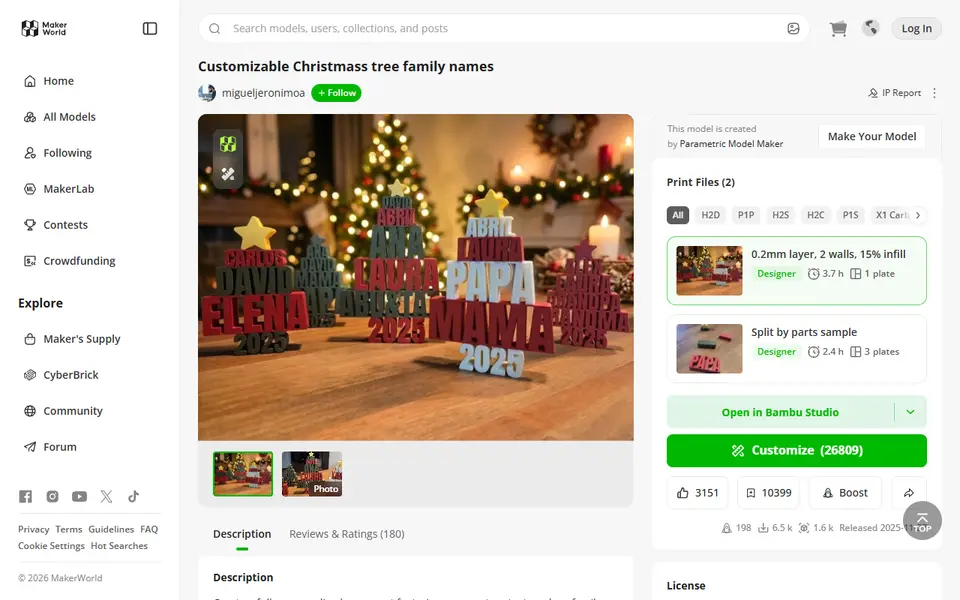
Customizable Christmas Tree Family Names
Tree-shaped ornament that stacks family names in auto-scaled rows
Gifts
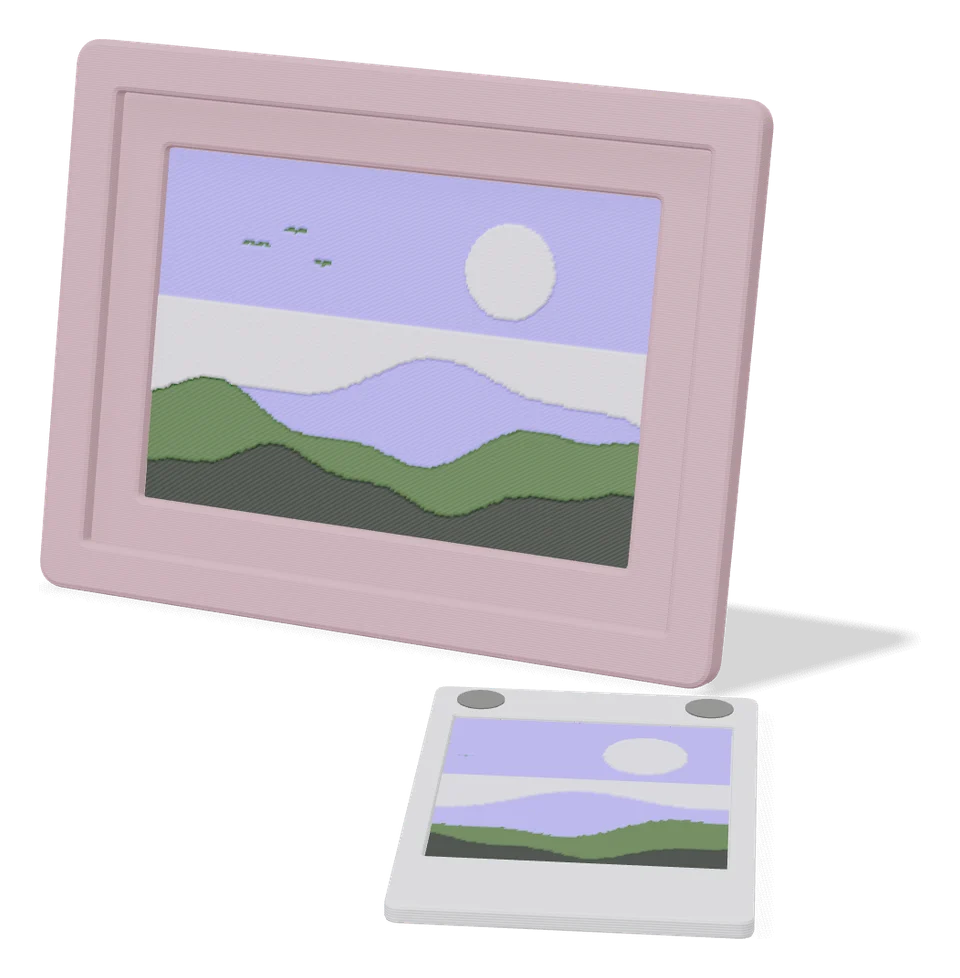
Personal Memory Card (MakerLab)
Keepsake plaque for births, weddings and anniversaries with names and dates
 Made by us
Gifts
Ultimate Personalized Name Bookmark
Clip-on bookmark with your name in raised letters, sized with a few sliders
Gifts
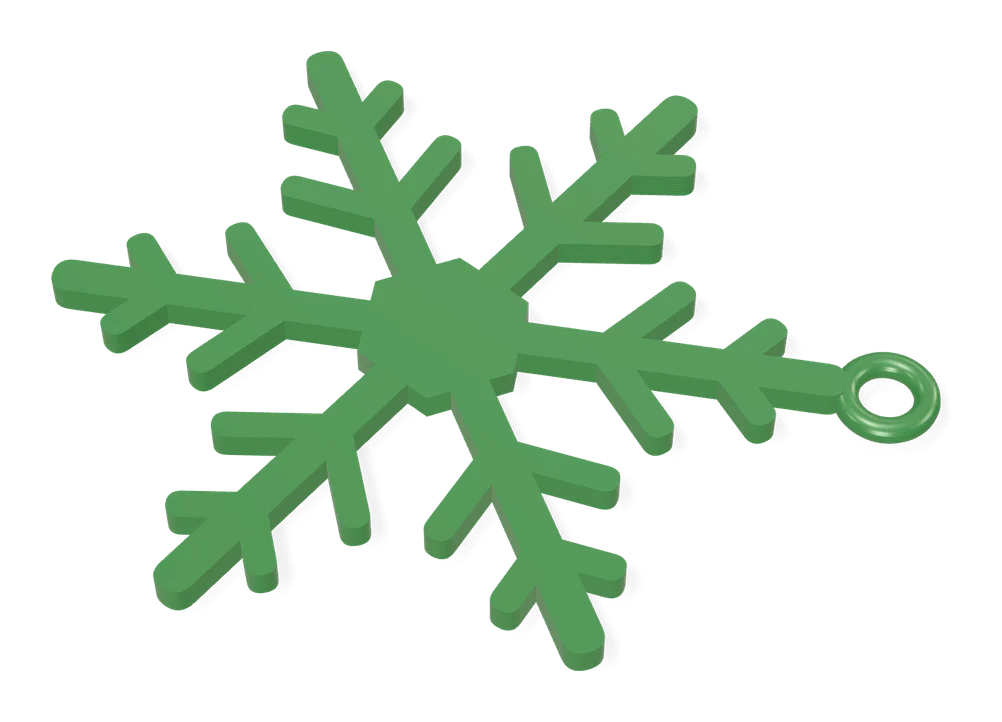
Infinite Unique Snowflake Generator
Random snowflake ornament generator: change the seed, get a new design