Voronator
Turns a 3D model you upload into an open Voronoi lattice you can print
Voronator is a free browser tool for giving a model you already have an open Voronoi look. Free and supported by Google AdSense ads; the donate page asks for optional PayPal donations and says the service will stay free. Exports STL and PLY; no account needed. Last checked .
Opens voronator.com
What is Voronator?
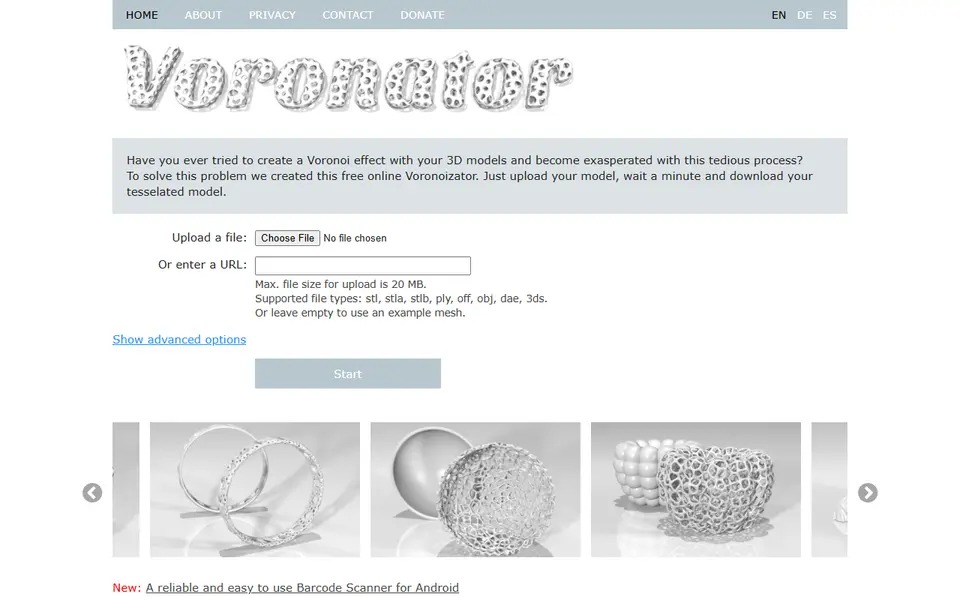
Voronator is a free browser tool that turns a 3D model you already have into an open Voronoi lattice. It cuts irregular, cell-shaped holes across the surface and keeps a web of struts with a set thickness, so a plain bowl, bust or figurine comes back looking like an organic cage. You do no modeling yourself: upload a file or paste a link to one, pick a few options and wait about a minute. The page itself is titled Voronoization Online.
The upload takes STL, OBJ, PLY, OFF, DAE and 3DS files up to 20 MB, and if you leave it empty the tool runs on a sample mesh. The advanced options offer fewer, standard or more holes and a thinner, standard or thicker strut layer. Results come as binary STL or PLY. PLY is preselected because the files are smaller, but STL is the safer pick for most slicers. Skip the 'Plane only' thickness, since the site warns it gives a surface that cannot be printed.
It suits makers who want a decorative take on a vase, bowl, animal figure or scanned bust. Results depend on the input: the site says thin or very convoluted models do not work, and apart from a 2023 privacy update it shows few signs of recent work.
What you can make
- Voronoi lattice versions of your own STL or OBJ models
- Open-cell bowls, cups and vases
- Decorative figurines and busts with a cage look
- Lattice versions of 3D scans
How to use Voronator
- Open voronator.com and upload an STL, OBJ or other mesh up to 20 MB, or paste a link to one
- Click 'Show advanced options' and set the output format to STL
- Pick fewer or more holes and a thinner or thicker layer, avoiding 'Plane only'
- Press Start, wait about a minute and download the result
- Open it in your slicer and check for broken areas before printing
What you'll need to print it
Filament and parts that suit what you make with Voronator.
Silk PLA
Matte PLA
Translucent filament
Some of these are affiliate links: we may earn a small commission, at no extra cost to you. More about that
Voronator pros
- Works on meshes you already have, including downloaded models and 3D scans
- Three dropdowns and a built-in sample mesh, so you can try it without uploading anything
- No account needed, and the privacy page says uploads and results are deleted after 30 minutes
Voronator cons
- Thin or intricate models can come back unusable, which the site itself warns about
- Only three presets each for hole count and strut thickness, so there is no fine control over the pattern
- Output defaults to PLY, and the site looks dated, with a gallery of early-2010s models such as an iPhone 5 dock
Rate Voronator
One rating per account. Signing in takes one email link, no password.
Reviews
Made with Voronator
Read next
Voronator alternatives
Vase, planter and lamp generators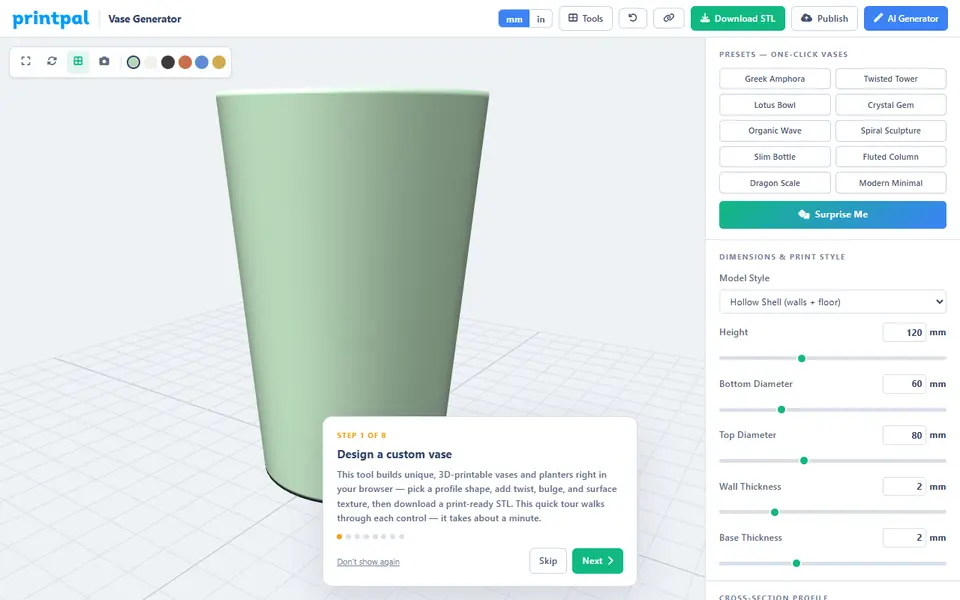
Vases & Lamps
PrintPal Vase Generator
Free browser vase maker with presets, profile curves and surface textures
Vases & Lamps
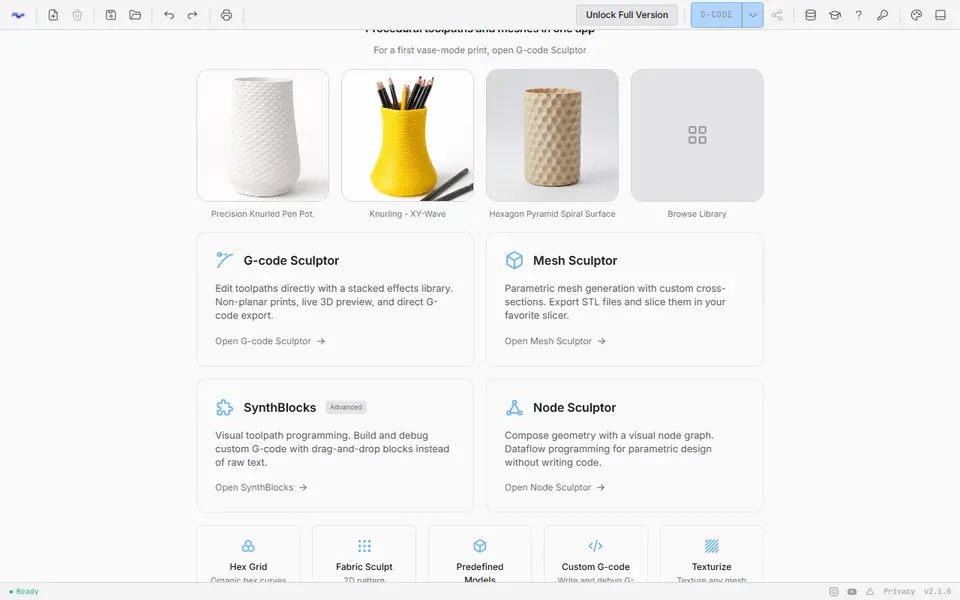
3dSynth
Shapes textured vases and lamp shades with sliders, then exports vase-mode G-code or STL
Vases & Lamps
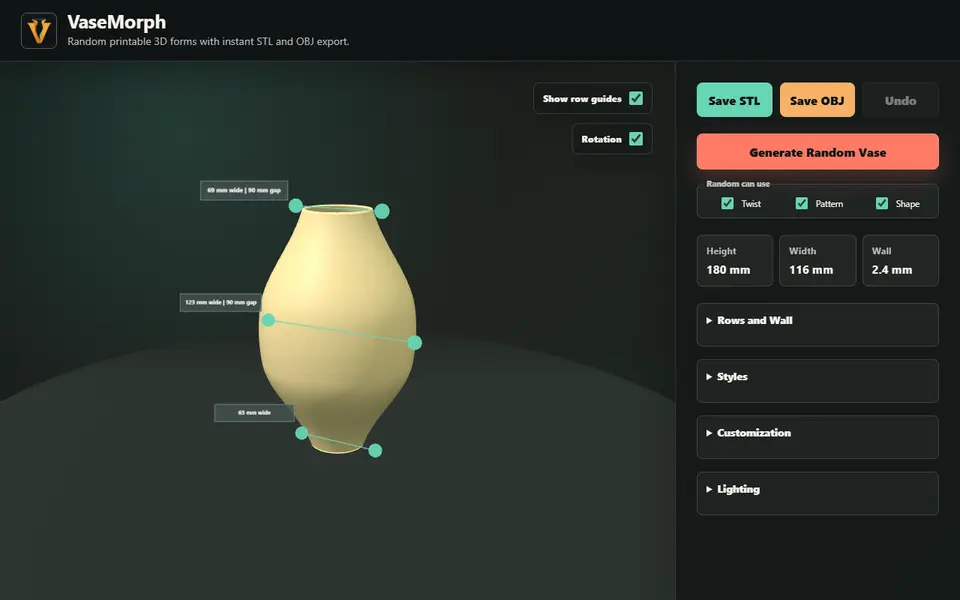
VaseMorph
Random or slider-tuned vases and bowls with patterns and twist, saved as STL or OBJ
Vases & Lamps
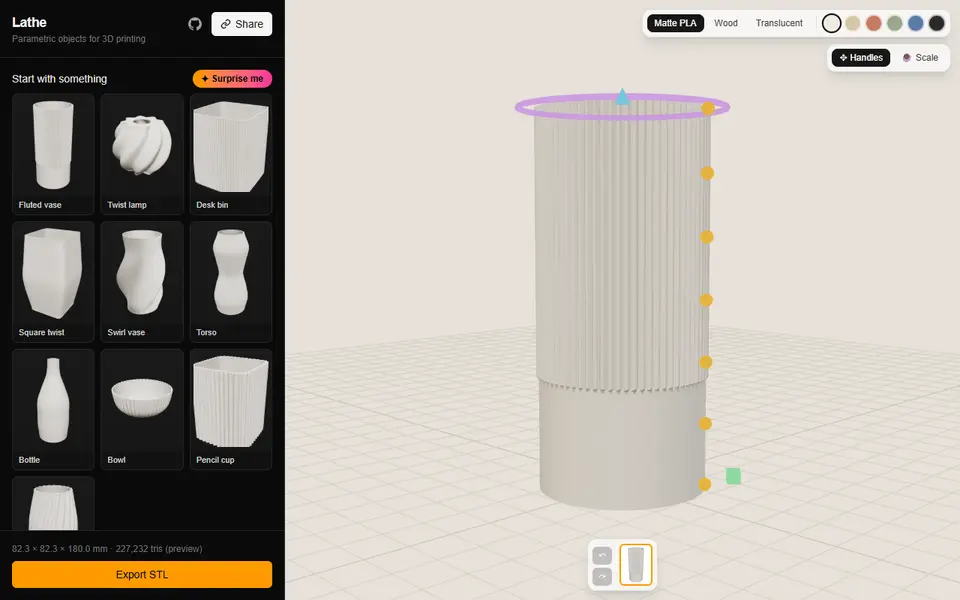
Lathe
Fluted vases, twist lamp shades and ribbed desk bins you shape by dragging the profile in 3D; free STL, no account
Vases & Lamps
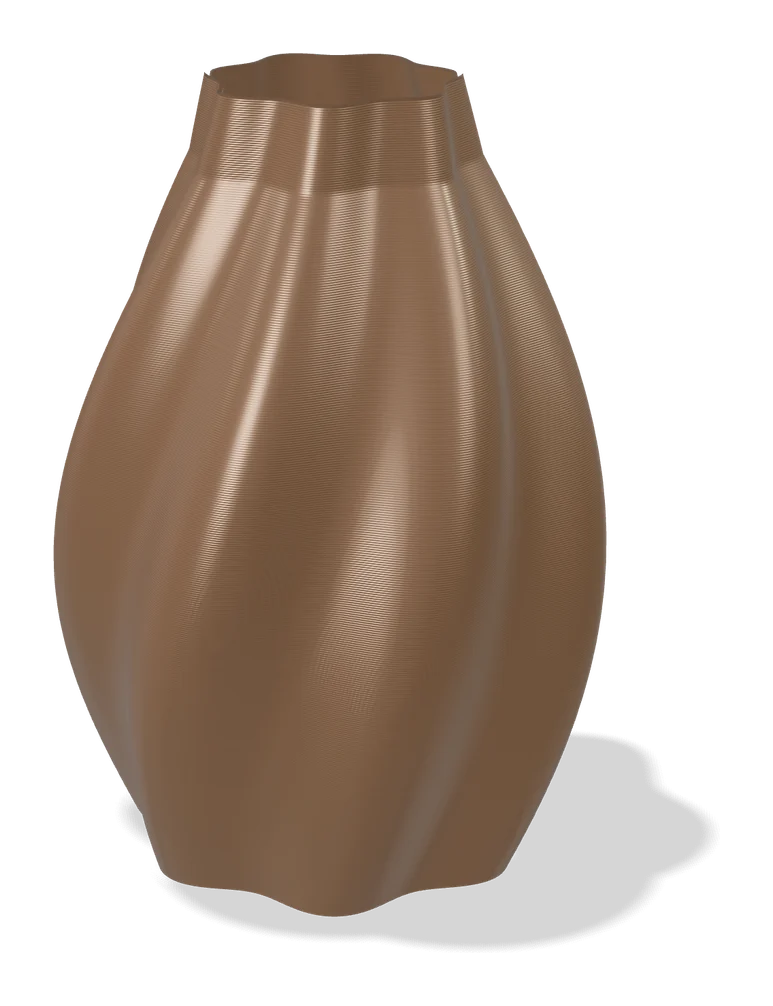
Make My Vase (MakerLab)
Bambu Lab's click-and-drag vase designer with spiral vase mode
Vases & Lamps
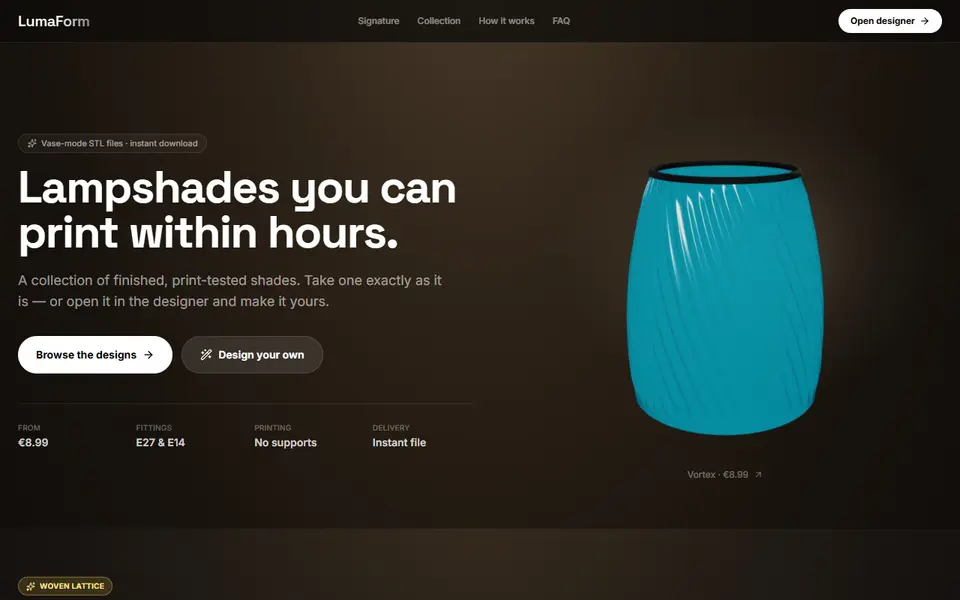
LumaForm
Browser designer for vase-mode lampshades with E27 and E14 fittings, sold as paid STL downloads