3dSynth
Shapes textured vases and lamp shades with sliders, then exports vase-mode G-code or STL
3dSynth is a freemium browser and desktop tool for textured vase-mode vases, planters and lamp shades. Free web app with no account; Premium is a one-time $39 USD lifetime license sold through Gumroad that removes the two-effect export cap, adds project saving and unlocks the desktop app. Exports STL, OBJ and GLB. Last checked .
Opens app.3dsynth.app
What is 3dSynth?
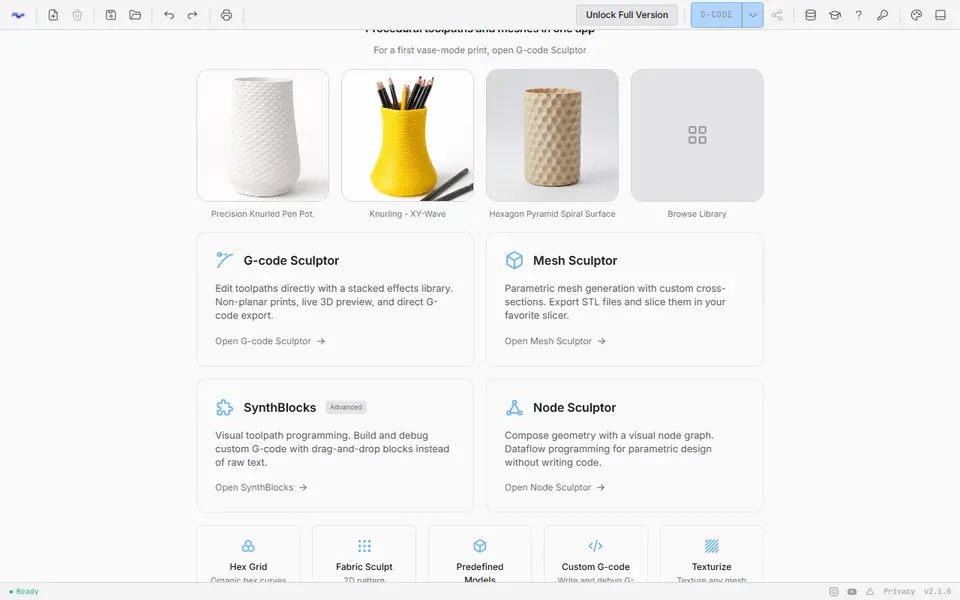
3dSynth is a free browser tool from Kubuz that turns a drawn profile and a stack of slider-driven effects into textured vases, planters and lamp shades, with no modeling needed. You pick your printer, material and nozzle from hundreds of built-in machine profiles, draw a radius-to-height curve or start from a shape preset, and add effects such as ripples, noise, knurling, Voronoi cutouts, twists and top or bottom caps. A live 3D preview lets you scrub through the toolpath layer by layer.
G-code Sculptor writes spiral vase-mode G-code for your machine, so that route skips the slicer, and it can also save the shape as an STL, OBJ or glTF mesh. Mesh Sculptor sweeps a cross-section (circle, polygon, sine or a custom curve) along the profile, adds an optional inner wall and exports STL for your usual slicer. Texturize puts knurl, hexagon or custom heightmap patterns on any mesh, including an STL or OBJ you import.
It suits makers who like tuning surfaces and want more than a plain smooth vase. The extra modules (a node graph, Scratch-style blocks and a G-code editor) make the app busier than a single-form generator, so beginners do best staying in G-code Sculptor. The web app needs no account, and a one-time Premium license lifts the two-effect export cap.
What you can make
- Spiral vase-mode vases
- Textured planters and pots
- Single-wall lamp shades
- Solid vase meshes for your own slicer
- Textured versions of imported STL models
How to use 3dSynth
- Open the web app and pick G-code Sculptor or Mesh Sculptor
- Set your printer, material and nozzle in the Print tab
- Draw the profile or pick a shape preset, then add effects and tune their sliders
- Check the toolpath or mesh in the 3D preview
- Download the G-code for your printer, or the STL for your slicer
What you'll need to print it
Filament and parts that suit what you make with 3dSynth.
Silk PLA
Translucent filament
Some of these are affiliate links: we may earn a small commission, at no extra cost to you. More about that
3dSynth pros
- Writes ready-to-print vase-mode G-code, with a toolpath preview you can scrub layer by layer
- Mesh Sculptor and Texturize export STL, so you can keep using your own slicer
- Free browser version needs no account and lets you stack from more than 40 effects and transforms
3dSynth cons
- Free G-code Sculptor exports stop at two stacked effects, and saving project files needs the $39 license
- Nine modules, node graphs and a G-code editor make the interface busier than a simple vase form
- Direct G-code means you set layer height, speed and temperature yourself, and the docs warn that Bambu Studio and Creality Print cannot preview its non-planar paths correctly
Rate 3dSynth
One rating per account. Signing in takes one email link, no password.
Reviews
Made with 3dSynth
Read next
3dSynth alternatives
Vase, planter and lamp generators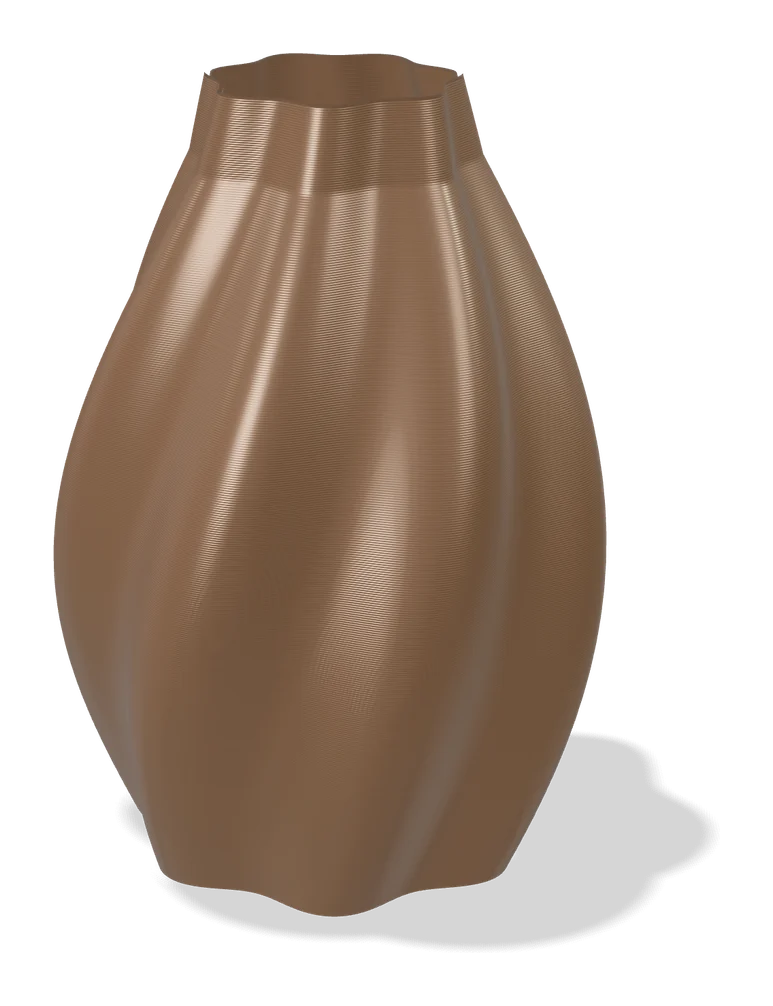
Vases & Lamps
Make My Vase (MakerLab)
Bambu Lab's click-and-drag vase designer with spiral vase mode
Vases & Lamps
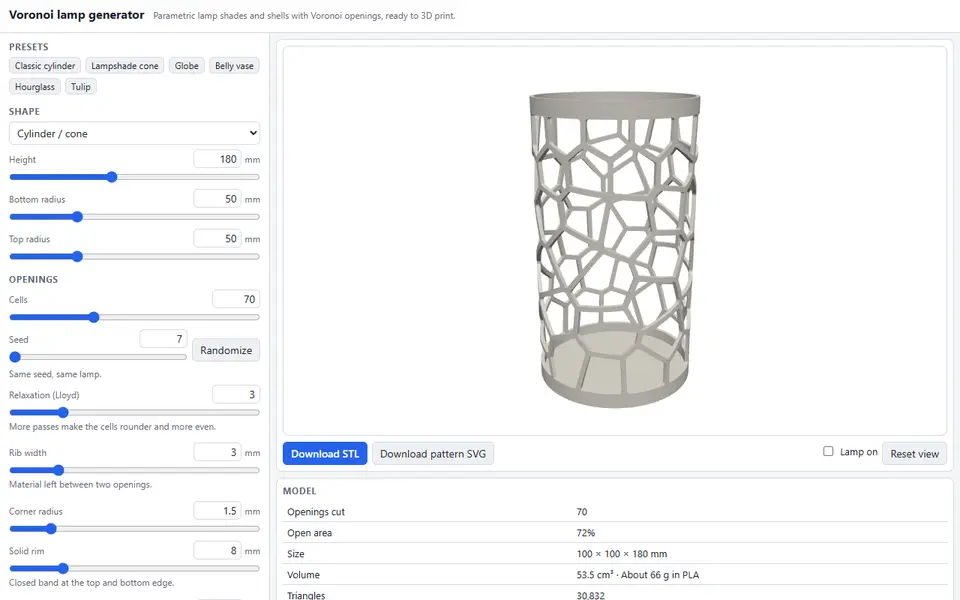
Voronoi Lamp Generator
Free lamp shades, globes and vases cut with Voronoi openings, with a light-on shadow preview; STL and flat SVG pattern
Vases & Lamps
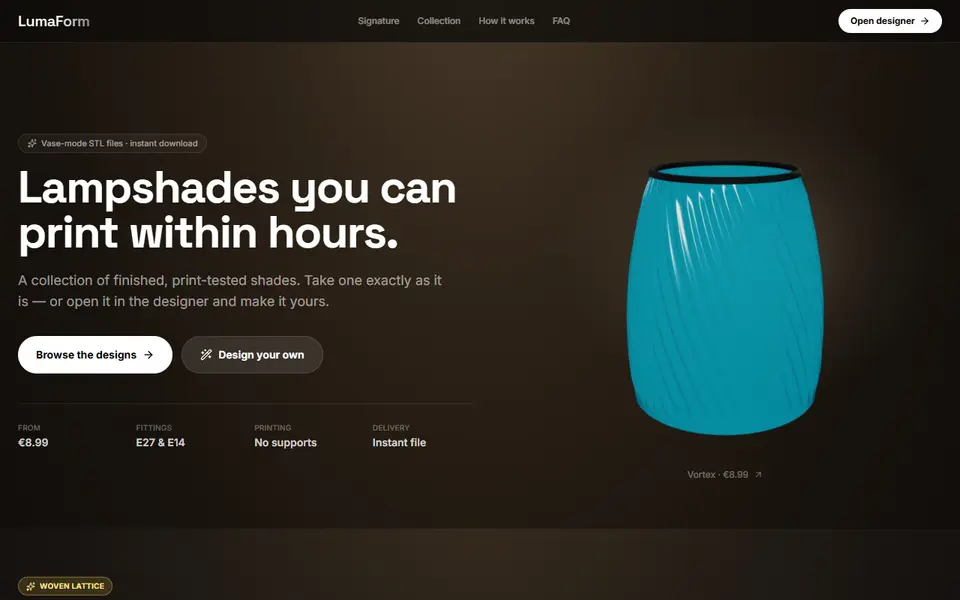
LumaForm
Browser designer for vase-mode lampshades with E27 and E14 fittings, sold as paid STL downloads
Vases & Lamps
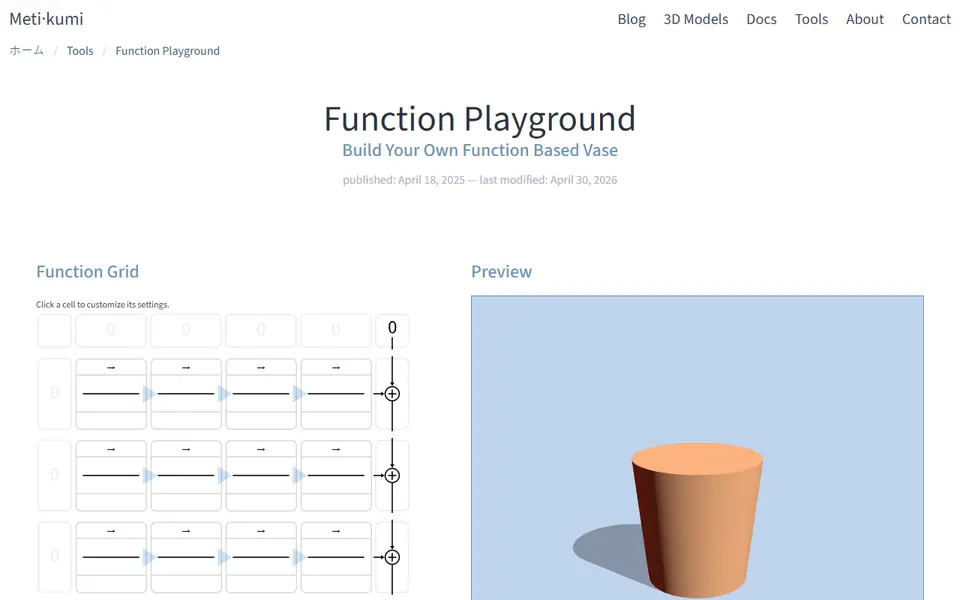
Metikumi Function Playground
Free browser app that builds wavy, ribbed or twisted vases from math blocks on a 4x4 grid
Vases & Lamps
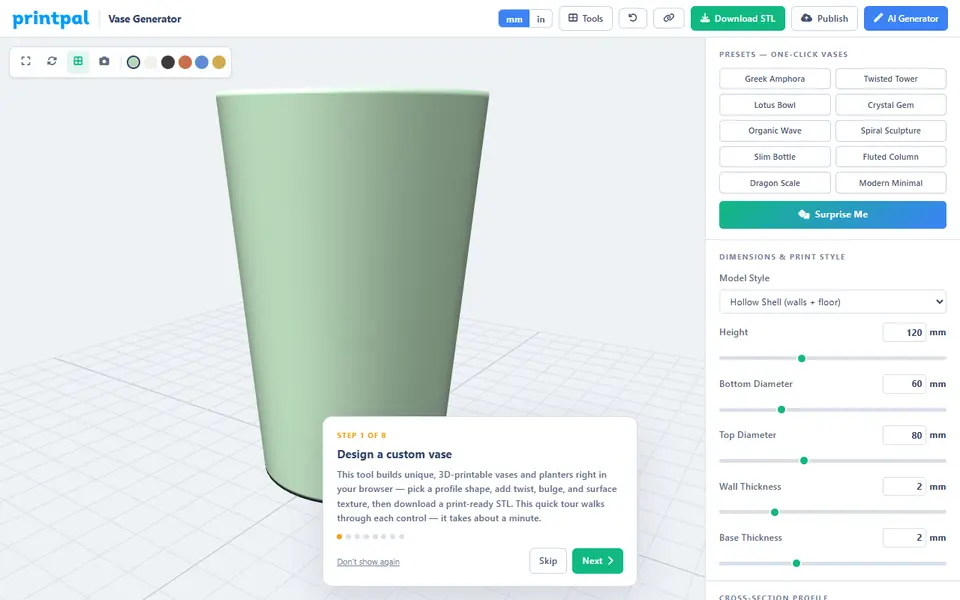
PrintPal Vase Generator
Free browser vase maker with presets, profile curves and surface textures