Metikumi Function Playground
Free browser app that builds wavy, ribbed or twisted vases from math blocks on a 4x4 grid
Metikumi Function Playground is a free browser tool for experimental vase shapes for spiral vase mode. Free in the browser with no login; listed under Metikumi's free web apps, no paid plan seen. Exports STL. Last checked .
Opens metikumi.com
What is Metikumi Function Playground?
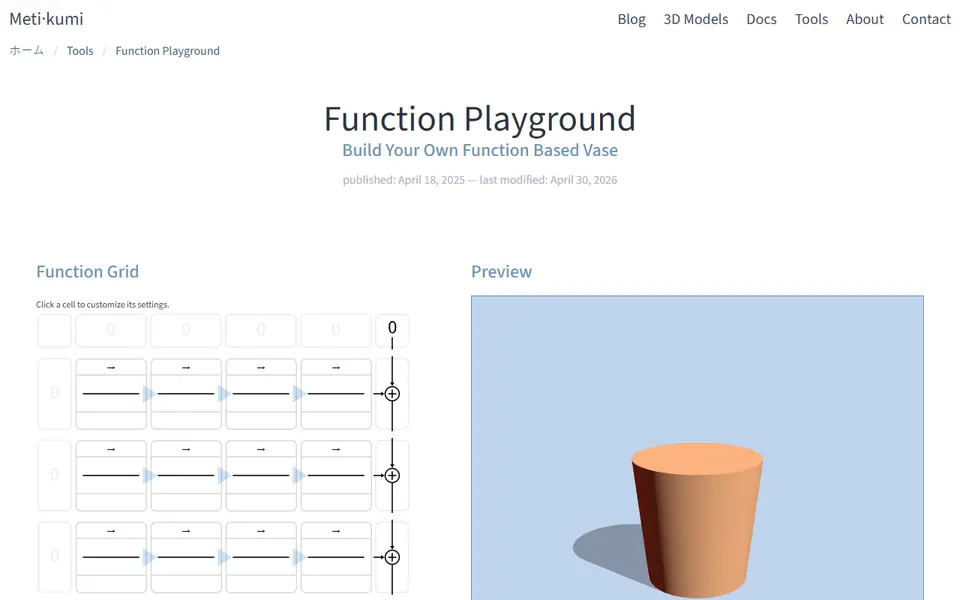
Function Playground by Metikumi is a free browser tool that designs round vases from math functions instead of drawing. You drop blocks such as sine waves, noise, splines or Bezier curves into a small 4x4 grid, feed them the height or the angle, and the 3D preview updates as you go. Three separate grid pages control the base radius, how far the wall moves in and out, and how much it twists, so you can set an overall outline and then layer ribs, ripples or a spiral on top.
Main Settings take a height plus an inner and outer diameter (the smallest and largest base size), each between 20 and 400 mm, plus the strength of the functions and the mesh detail. Thirteen example designs are in the Load Example menu, the easiest way in: open one, change the size and export an STL. A project saves as a JSON file or as a share link that holds the whole design, and all the math runs in your own browser with no account.
It suits makers who enjoy tinkering and want vase shapes that preset generators do not offer. The grid logic takes a while to learn, and the site warns that it is not made for phones and runs best on a desktop or laptop.
What you can make
- Vases to print in spiral vase mode
- Wavy, ribbed and twisted cylinders
- Noise-textured vase surfaces
- Resized remixes of 13 example designs
How to use Metikumi Function Playground
- Open Function Playground in a desktop browser
- Load one of the 13 examples or drop functions into the grid pages
- Set height, inner and outer diameter and variation in Main Settings
- Click Export as STL and slice it, for example in spiral vase mode
What you'll need to print it
Filament and parts that suit what you make with Metikumi Function Playground.
Silk PLA
Wood-fill PLA
Translucent filament
Also handy
Spare nozzles and hotends
Some of these are affiliate links: we may earn a small commission, at no extra cost to you. More about that
Metikumi Function Playground pros
- Free, no account, and all calculations run locally in the browser
- 13 example designs you can load, resize and export as a quick start
- Share links and JSON project files keep the full design for later edits
Metikumi Function Playground cons
- The function grid is abstract and takes time to learn beyond the examples
- Not built for phones; the site recommends a desktop, laptop or fast tablet
- Exports a single STL only, with no 3MF or multicolor option
Rate Metikumi Function Playground
One rating per account. Signing in takes one email link, no password.
Reviews
Made with Metikumi Function Playground
Read next
Metikumi Function Playground alternatives
Vase, planter and lamp generators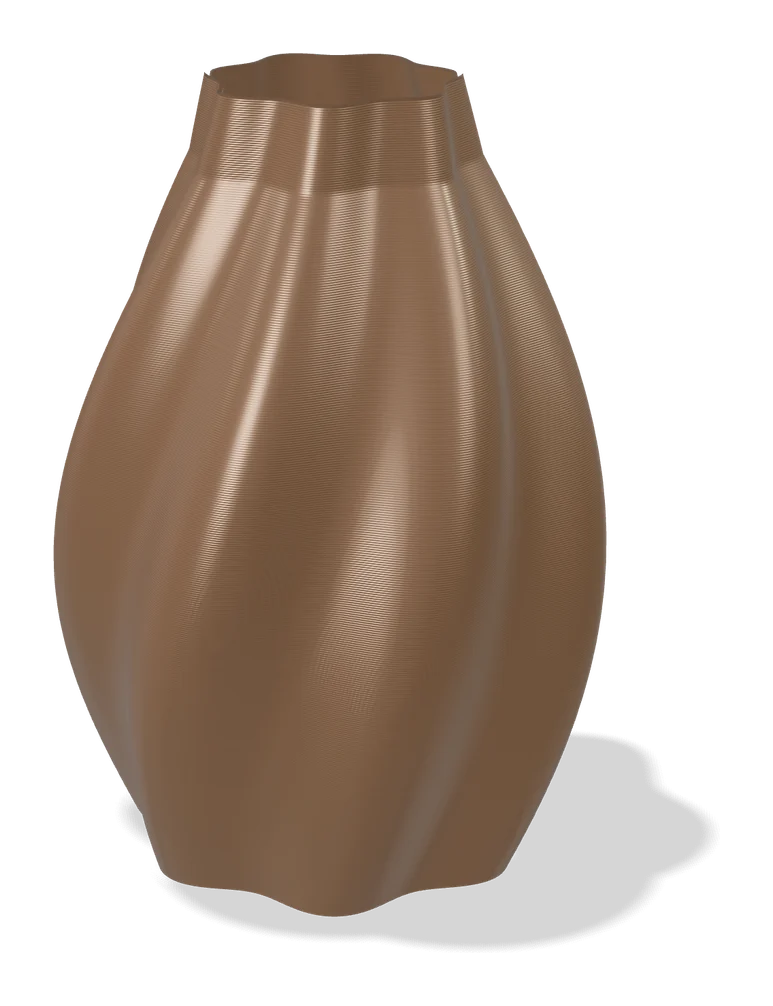
Vases & Lamps
Make My Vase (MakerLab)
Bambu Lab's click-and-drag vase designer with spiral vase mode
Vases & Lamps
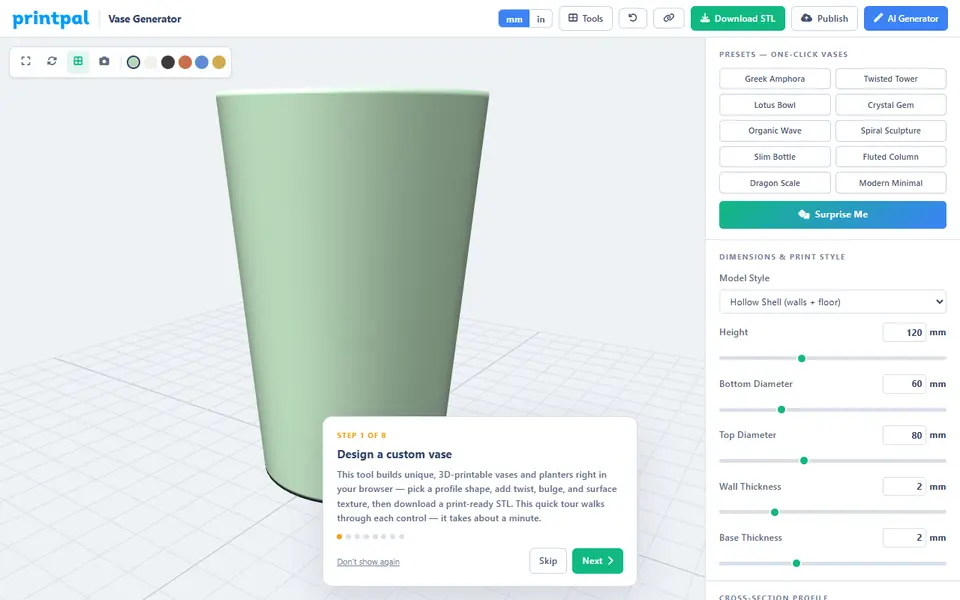
PrintPal Vase Generator
Free browser vase maker with presets, profile curves and surface textures
Vases & Lamps
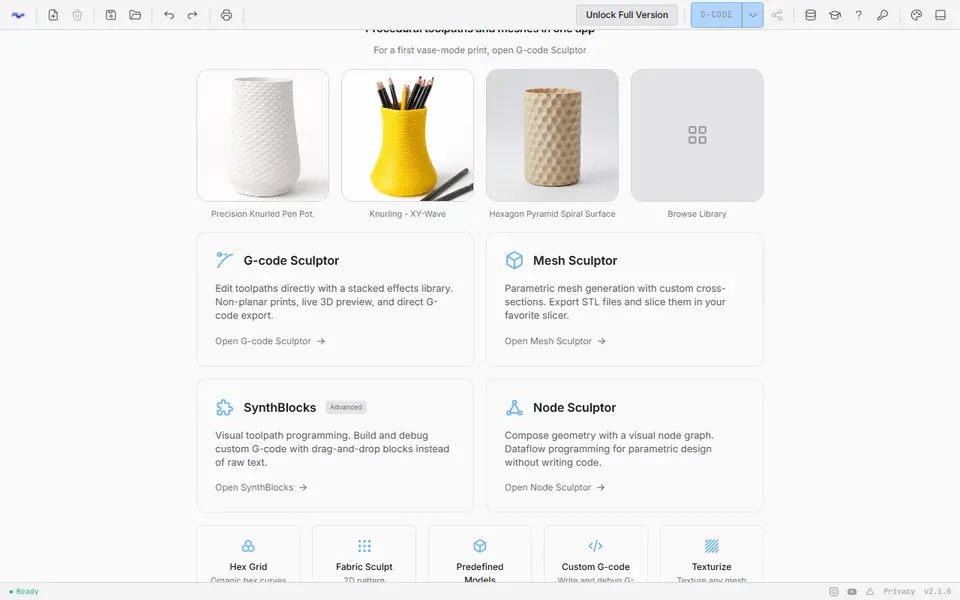
3dSynth
Shapes textured vases and lamp shades with sliders, then exports vase-mode G-code or STL
Vases & Lamps
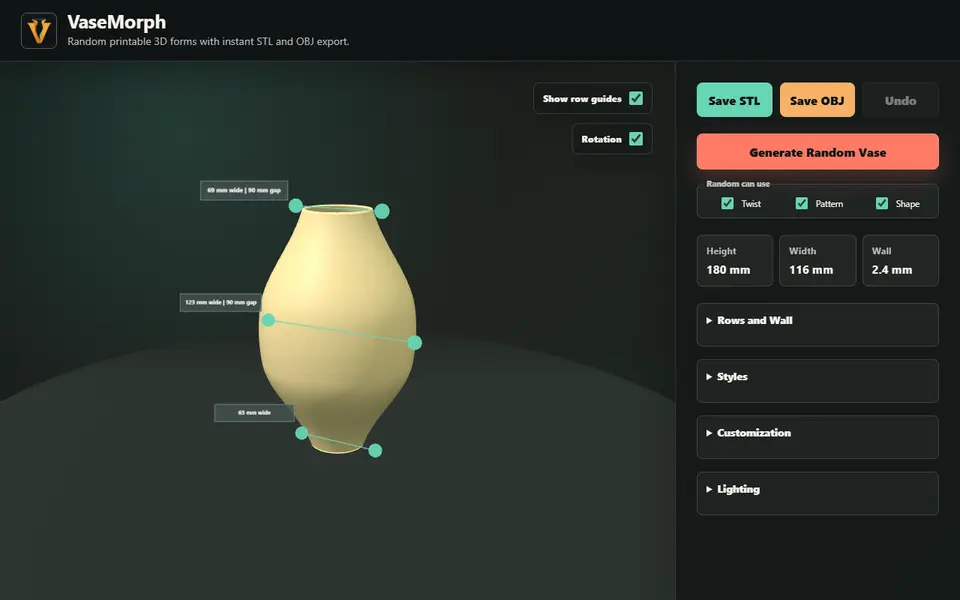
VaseMorph
Random or slider-tuned vases and bowls with patterns and twist, saved as STL or OBJ
Vases & Lamps
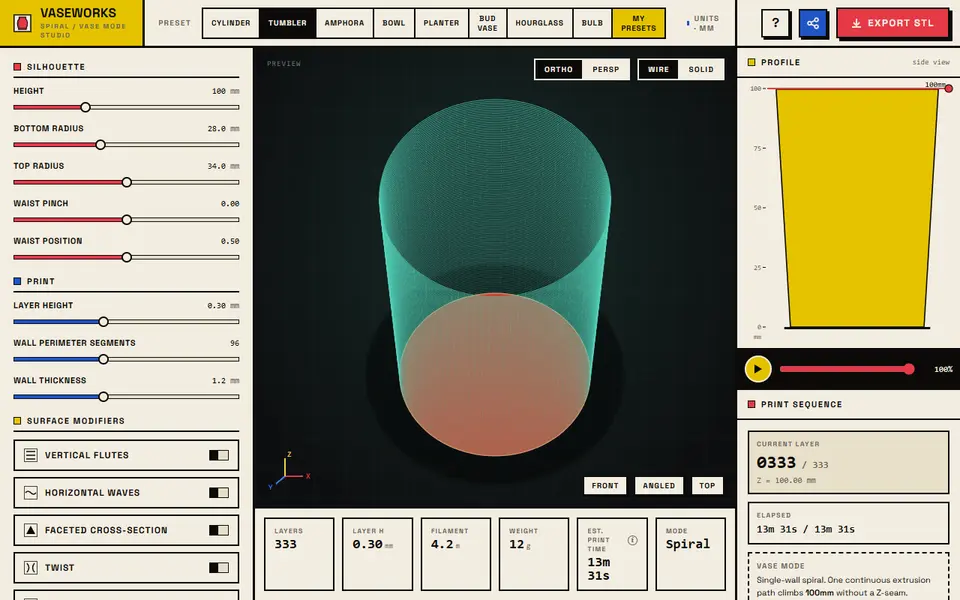
VASEWORKS
Free vase-mode studio that shows layers, filament, weight and print time for vases, tumblers and planters as STL
Vases & Lamps
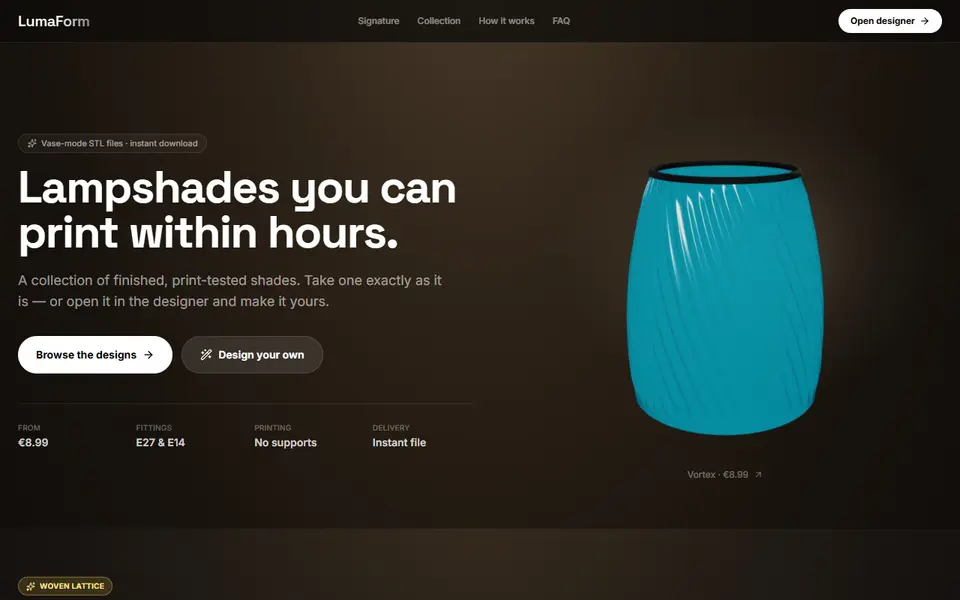
LumaForm
Browser designer for vase-mode lampshades with E27 and E14 fittings, sold as paid STL downloads