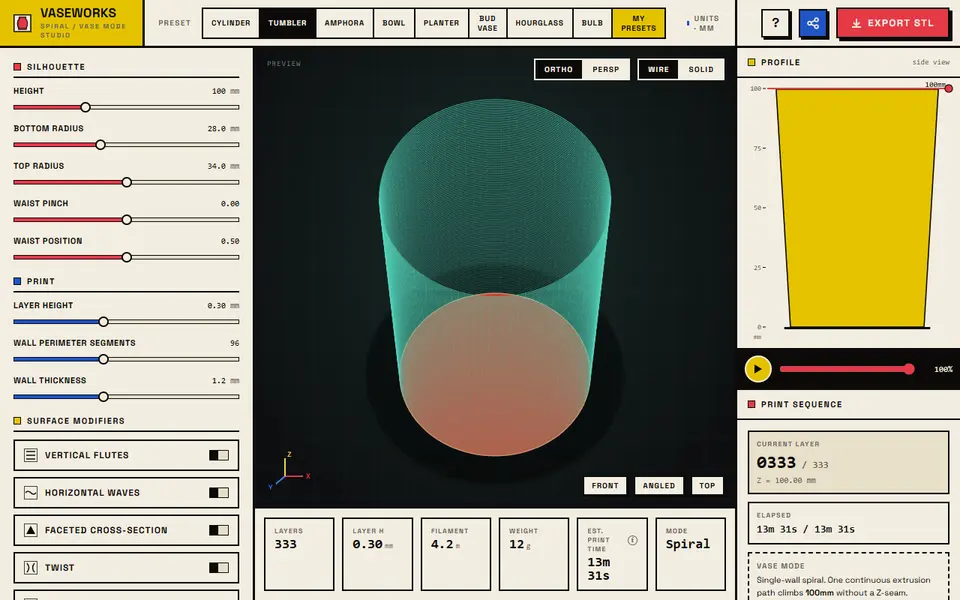
What is VASEWORKS?
VASEWORKS is a vase generator built around vase mode, the slicer setting that prints one continuous spiral wall. The difference from other vase tools is the print side: as you change the shape it shows the layer count, filament length, weight and an estimated print time, and a print sequence view plays back how the spiral wall climbs layer by layer.
You start from eight presets (cylinder, tumbler, amphora, bowl, planter, bud vase, hourglass, bulb) and set the height, bottom and top radius and a waist pinch. Surface modifiers add vertical flutes, horizontal waves, a faceted cross-section, twist, organic lumps, helical spiral ribs or an embossed pattern. You also enter the layer height and wall thickness you will slice with, and you can save your own presets or copy a share link.
The download is a watertight single-wall STL meant for spiralize mode in Bambu Studio, PrusaSlicer or Cura. It is free with no account. The code is MIT licensed, which covers the software, not prints. It suits people who print vases in vase mode and want to know the filament and time before slicing.
What you can make
- Vase-mode vases
- Tumblers and bud vases
- Bowls and planters
- Fluted, faceted and twisted shapes
How to use VASEWORKS
- Pick a preset such as tumbler or planter
- Set the silhouette and add flutes, waves or twist
- Check the filament and print time estimate
- Export the STL and slice it with vase mode on
What you'll need to print it
Filament and parts that suit what you make with VASEWORKS.
Silk PLA
- Bambu Lab PLA Silk+ (affiliate link) Amazon
- Polymaker Panchroma Silk PLA (affiliate link) Polymaker EU: 3DJake (affiliate link)
Code gives 15% off your first order at Polymaker.
Matte PLA
Translucent filament
Some of these are affiliate links: we may earn a small commission, at no extra cost to you. More about that
VASEWORKS pros
- Layer count, filament length, weight and print time update as you design
- Print sequence preview of the spiral wall
- Eight presets and seven surface modifiers
VASEWORKS cons
- Made for vase mode only, so no thick-walled or closed-top parts
- Round profile with a single waist, less shape control than profile-curve editors
Rate VASEWORKS
One rating per account. Signing in takes one email link, no password.
Reviews
Made with VASEWORKS
Read next
VASEWORKS alternatives
Vase, planter and lamp generators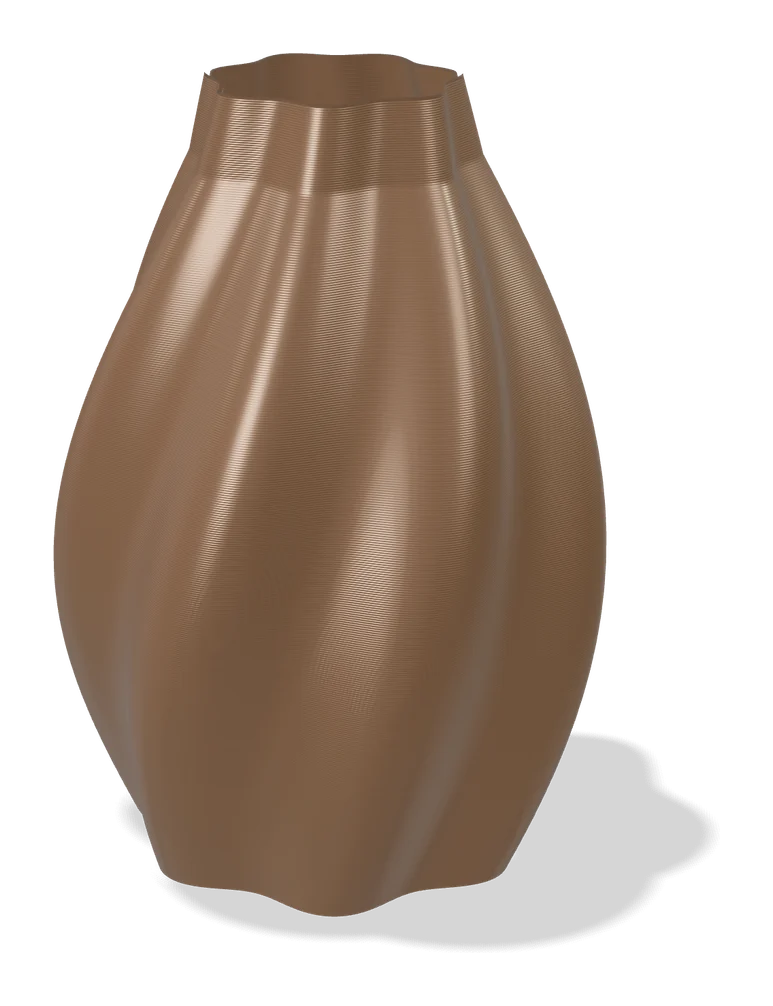
Vases & Lamps
Make My Vase (MakerLab)
Bambu Lab's click-and-drag vase designer with spiral vase mode
Vases & Lamps
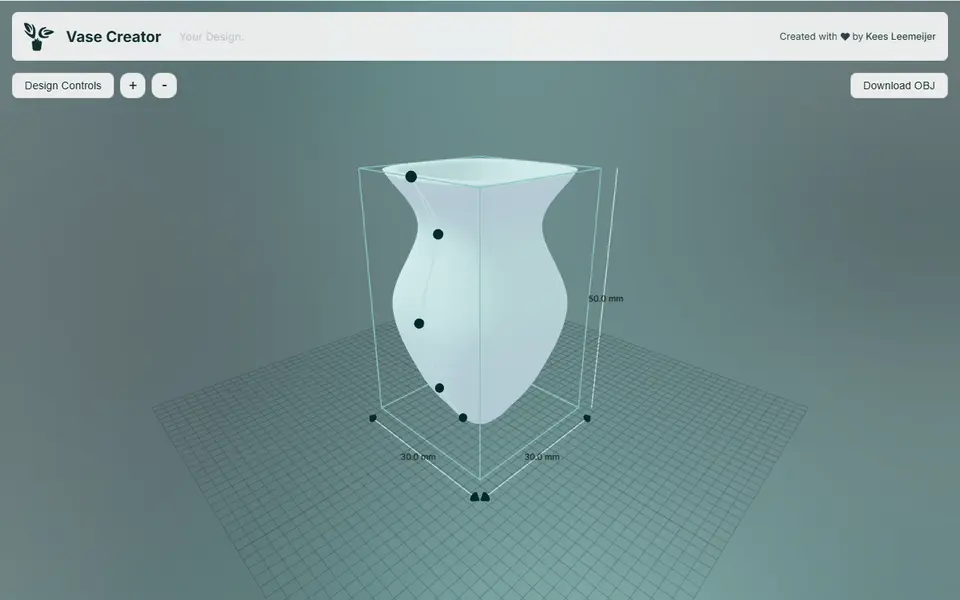
Vase Creator
Shape a vase or plant pot by dragging points on its outline, then download it as an OBJ
Vases & Lamps
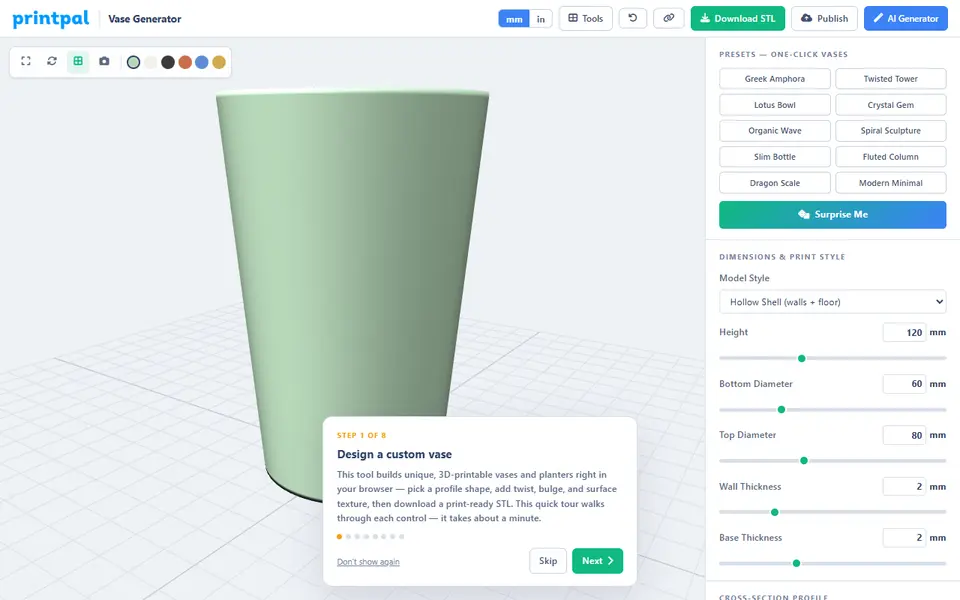
PrintPal Vase Generator
Free browser vase maker with presets, profile curves and surface textures
Vases & Lamps
VesselMaker
Browser vase, bowl and planter designer with stacked modifiers, a reshape cage and print checks
Vases & Lamps
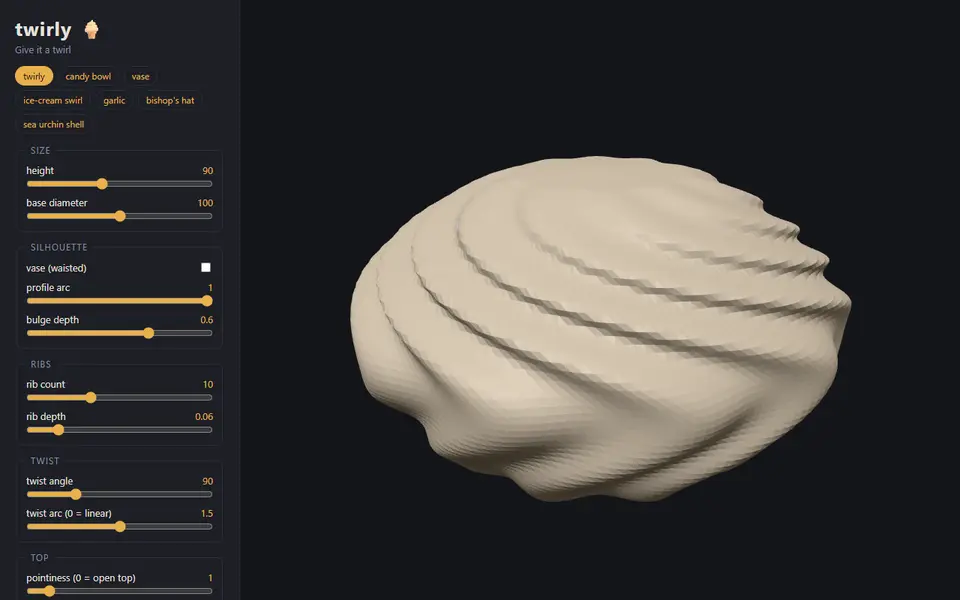
twirly
Free twisted, ribbed shapes with open or pointed tops: candy bowls, vases, garlic bulbs and ice-cream swirls as STL
Vases & Lamps
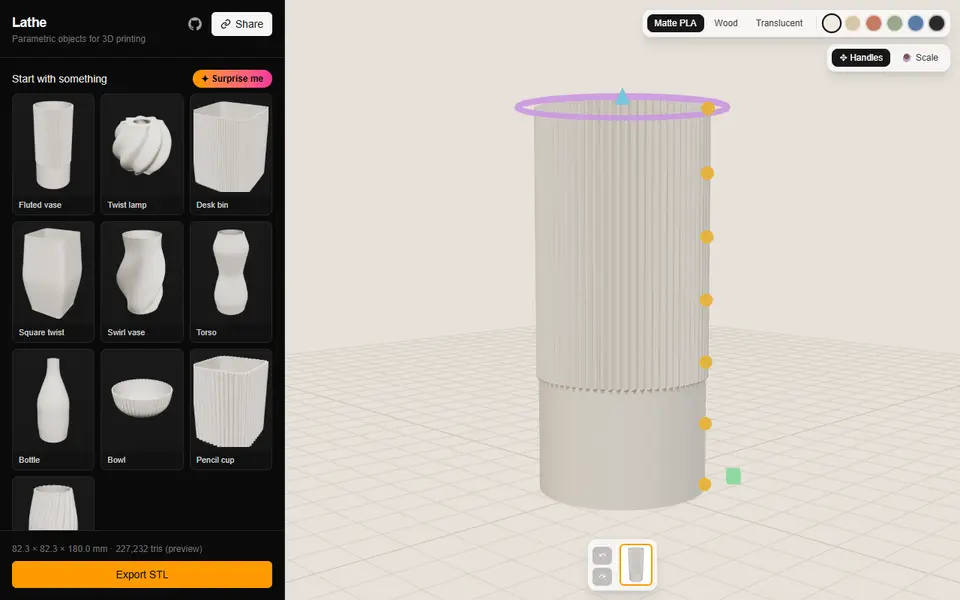
Lathe
Fluted vases, twist lamp shades and ribbed desk bins you shape by dragging the profile in 3D; free STL, no account