About this generator
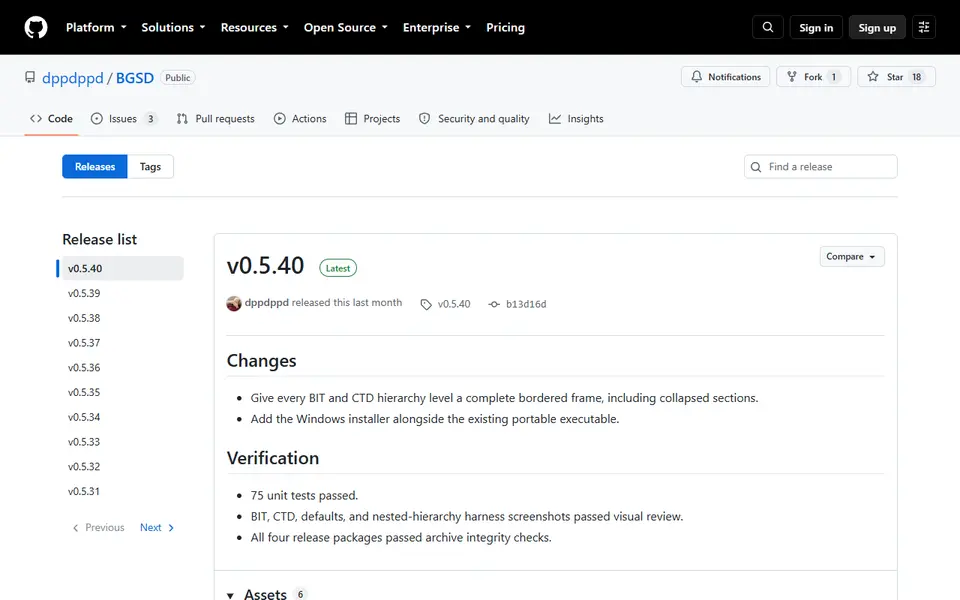
BGSD (Board Game Solutions Designer, called Board Game Storage Designer until February 2026) is a free desktop app that puts a visual form on top of the Boardgame Insert Toolkit, so you can design custom board game inserts without editing OpenSCAD code. It comes from the author of the toolkit, one of the best known ways to design inserts, and lets you set up boxes, compartments and lids with controls instead of typing.
Every setting of the toolkit and its companion Counter Tray Designer is exposed as a field, arranged in the same hierarchy as the design, with global overrides for things like wall thickness. It keeps your existing files intact, shows the generated code as you edit, and downloads the library files for you. To render and export the STL you still need OpenSCAD installed, but you only open the file and export.
It runs on Windows, macOS and Linux and was updated several times in August 2026. It suits board gamers who want inserts with lids and card wells that fit their exact game box.
What you can make
- Board game inserts with lids
- Card wells and token compartments
- Counter trays
- Game box organizers
How to use Board Game Solutions Designer
- Install OpenSCAD and download BGSD
- Create a design and set box and compartment sizes
- Open the result in OpenSCAD and export the STL
- Slice and print
What you'll need to print it
Filament and parts that suit what you make with Board Game Solutions Designer.
Matte PLA
- Bambu Lab PLA Matte (affiliate link) Amazon
- Polymaker Panchroma Matte PLA (formerly PolyTerra) (affiliate link) Polymaker EU: 3DJake (affiliate link)
Code gives 15% off your first order at Polymaker.
Large-format printers
Some of these are affiliate links: we may earn a small commission, at no extra cost to you. More about that
Board Game Solutions Designer pros
- No coding for a very capable insert library
- Handles lids, compartments and counter trays
- Actively developed
Board Game Solutions Designer cons
- OpenSCAD must be installed to export
- Many settings, so there is a learning curve
- Desktop only
Rate Board Game Solutions Designer
One rating per account. Signing in takes one email link, no password.
Reviews
Made with Board Game Solutions Designer
Read next
Board Game Solutions Designer alternatives
Puzzle, game and insert generators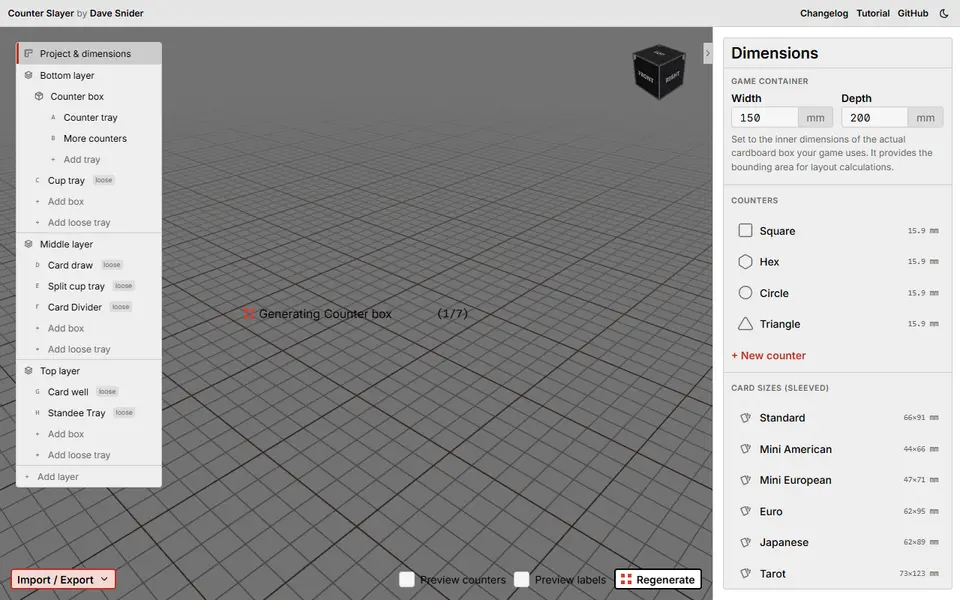
Puzzles & Games
Counter Slayer
Free board game insert designer for counter trays, card trays and lidded boxes sized to your game, as STL or 3MF
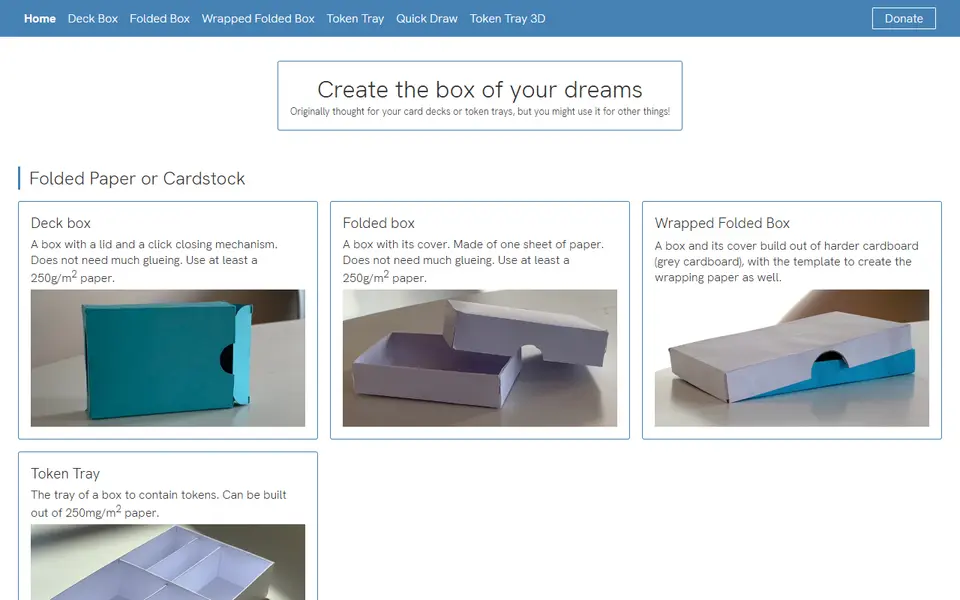
Puzzles & Games
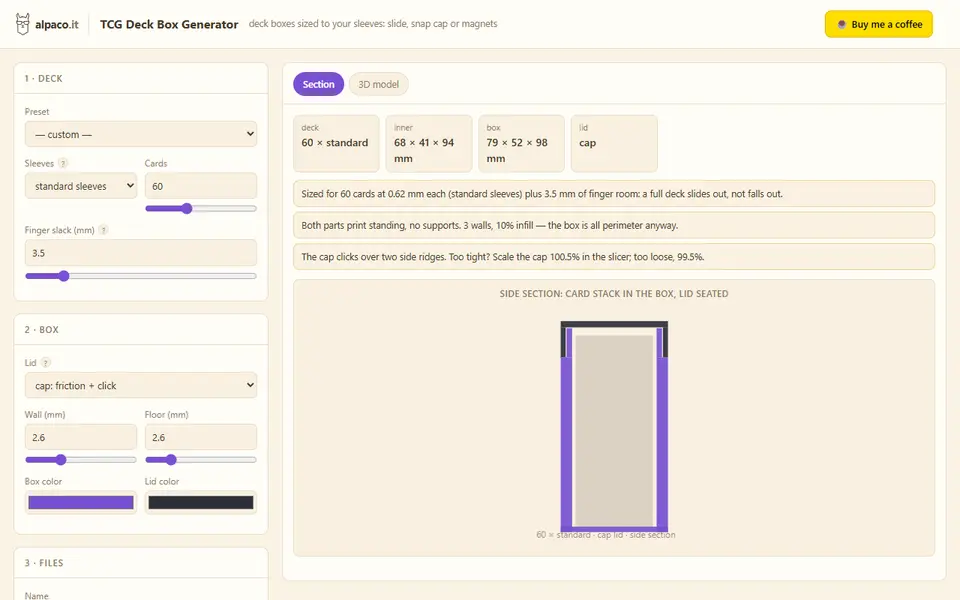
alpaco.it TCG Deck Box Generator
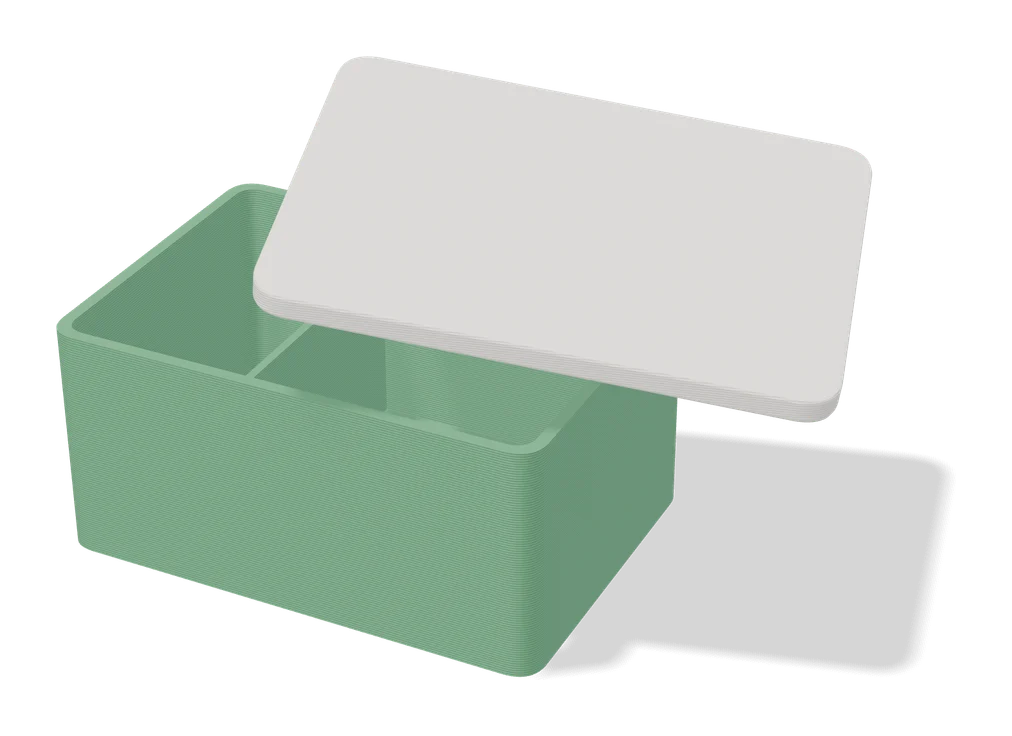
Card deck boxes sized to your sleeves and card count, with a slide, cap or magnet lid
Puzzles & Games
Commander Case - Parametric MTG Commander Deckbox
Magic Commander deck boxes with a sliding lid, a window for your commander and optional magnets

Puzzles & Games
Custom Coins / Tokens Generator
Game coins and tokens with your own text or symbols on one side or both
Puzzles & Games
Dice Builder
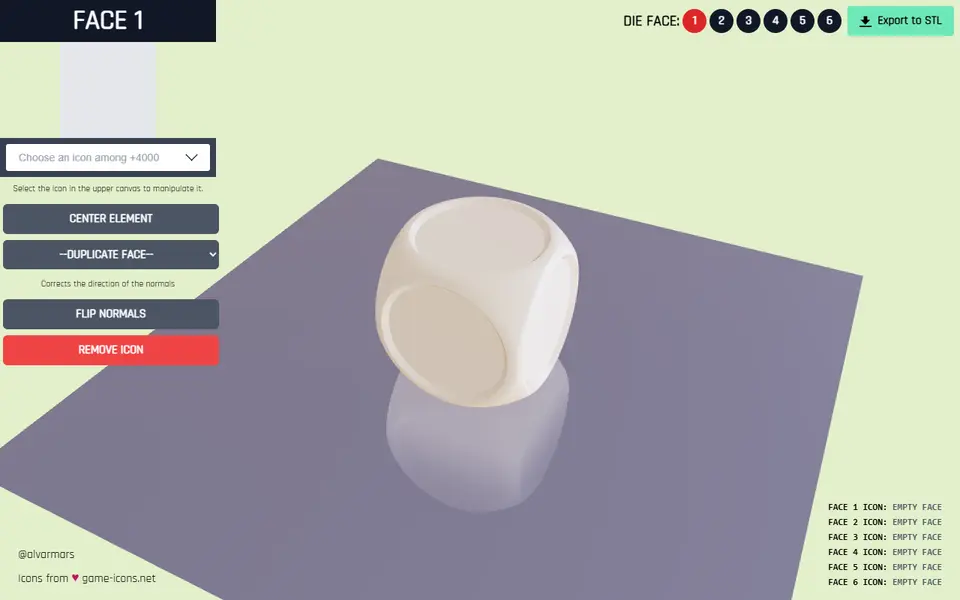
Free browser tool for custom six-sided dice with a game icon on each face, exported as STL