Custom Braille STL Generator
Turns typed text into braille embossing cylinders for a printable hand card embosser
Custom Braille STL Generator is a free browser tool for embossing braille business cards at home. Free, with no account, price or paid plan seen. The source code is public on GitHub under the PolyForm Noncommercial license. Exports STL. Last checked .
Opens braille-cylinder-stl-generator.vercel.app
What is Custom Braille STL Generator?
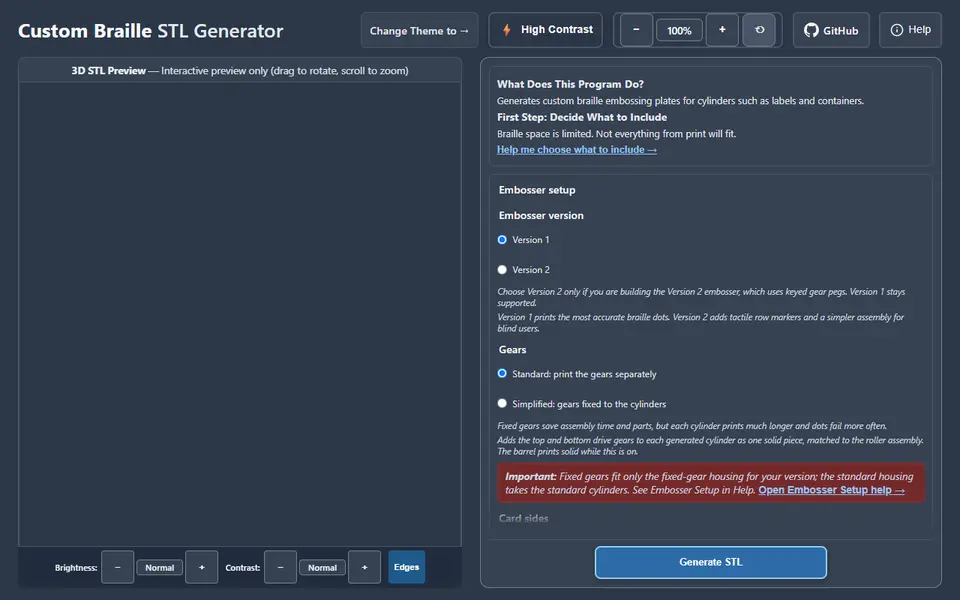
Custom Braille STL Generator is a free browser tool that turns typed text into braille cylinders for a hand-operated card embosser. You type up to four lines, such as a name, company, phone number and email, and it translates them into braille with liblouis, so you do not need to know braille. It then builds two matching cylinders: one with raised dots and a counter plate with the matching hollows. By default both come out side by side in one STL file, and a 3D preview shows them before you download.
An Embosser setup section asks which version of the companion embosser you are building, whether the drive gears are separate or fixed to the cylinders, and whether cards get braille on one side or both. As of September 2026 the project's README calls the double-sided mode a beta. Presets tune the dots for 0.3 mm or 0.4 mm card stock, and an optional Expert Mode opens dot shape, spacing and cylinder sizes in millimeters. The language list offers about 140 braille table options, with contracted UEB English as the default, and you can edit single braille cells by hand.
It builds the model in your browser with no account, and the source is on GitHub under the PolyForm Noncommercial license, so it is meant for personal and educational use. It suits schools, braille users and makers who want short runs of braille business cards and are happy to print the embosser too.
What you can make
- Braille embossing cylinders
- Matching counter plate cylinders
- Cylinder pairs for double-sided braille cards
- Cylindrical braille labels for jars and bottles
How to use Custom Braille STL Generator
- Pick your embosser version, gear type and card sides under Embosser setup
- Type up to four lines of text and choose a braille table
- Press Translate to Braille to check the cells, then pick a card thickness preset
- Press Generate STL, check the 3D preview and download the STL
- Print the cylinders standing upright and fit them into the embosser
What you'll need to print it
Filament and parts that suit what you make with Custom Braille STL Generator.
Matte PLA
PETG
Some of these are affiliate links: we may earn a small commission, at no extra cost to you. More about that
Custom Braille STL Generator pros
- Translates your text to contracted or uncontracted braille for you, with a field to fix single cells
- Builds the embossing cylinder and its counter plate together in one STL, with a 3D preview first
- Free and account-free, with presets for 0.3 mm and 0.4 mm card stock and a double-sided card mode
Custom Braille STL Generator cons
- Mainly useful if you also print and assemble the companion hand embosser
- Space is tight, about 13 braille cells per row, so longer text has to be shortened
- Noncommercial license on the code and on the embosser model, so it is not meant for making cards or labels to sell
Rate Custom Braille STL Generator
One rating per account. Signing in takes one email link, no password.
Reviews
Made with Custom Braille STL Generator
Read next
Custom Braille STL Generator alternatives
Sign and text to STL generators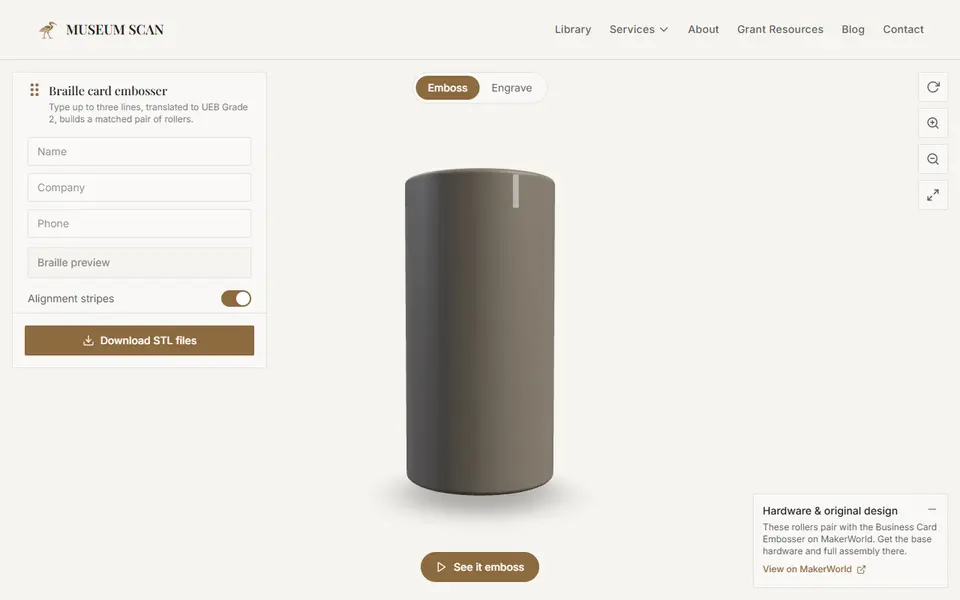
Signs & Text
Braille Business Card Embosser Generator (Museum Scan)
Turns up to three lines of text into a pair of braille embossing rollers for business cards
Signs & Text
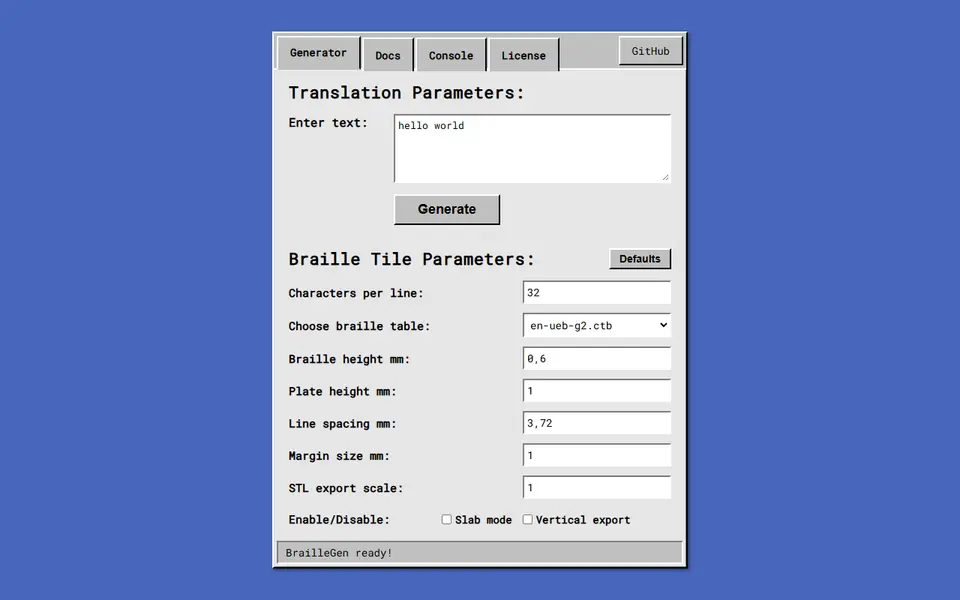
BrailleGen
Open-source web app that turns text into printable Grade 1 or Grade 2 braille tiles
Signs & Text
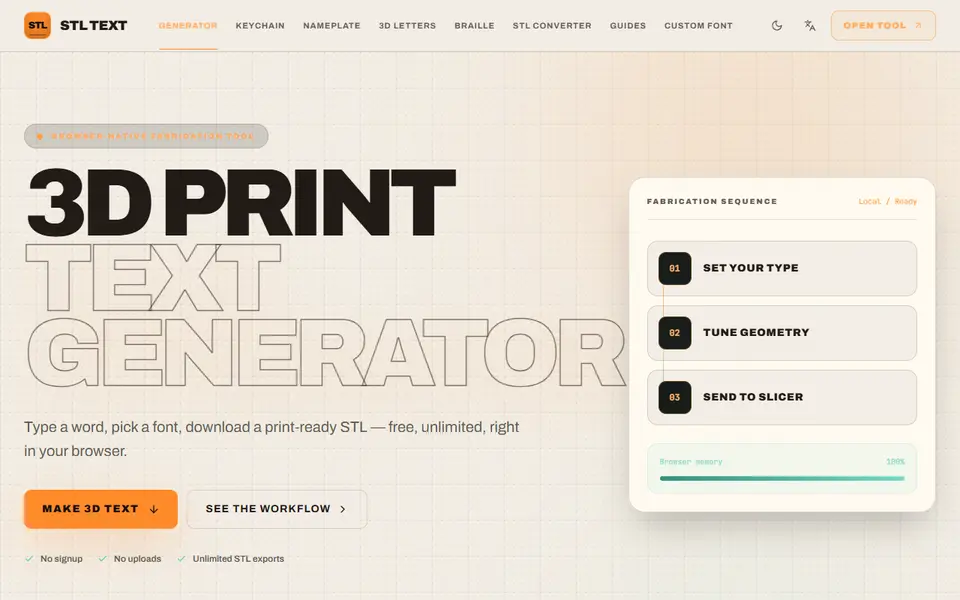
STL Text
Free browser text-to-STL generator with 10 fonts, your own TTF or OTF, and keychain, plate and braille presets
Signs & Text
Customizable Spray Stencil Text Box
Parametric spray-paint text stencils with automatic bridges, up to three lines