InBraille
Turns typed text into Braille plates or loose dot sets, downloaded as STL
InBraille is a free browser tool for quick tactile Braille labels and dot sets for existing models. Free with no account and no paid plan; it is a university lab project. Exports STL. Last checked .
Opens inbraille.cienciaembarcada.com.br
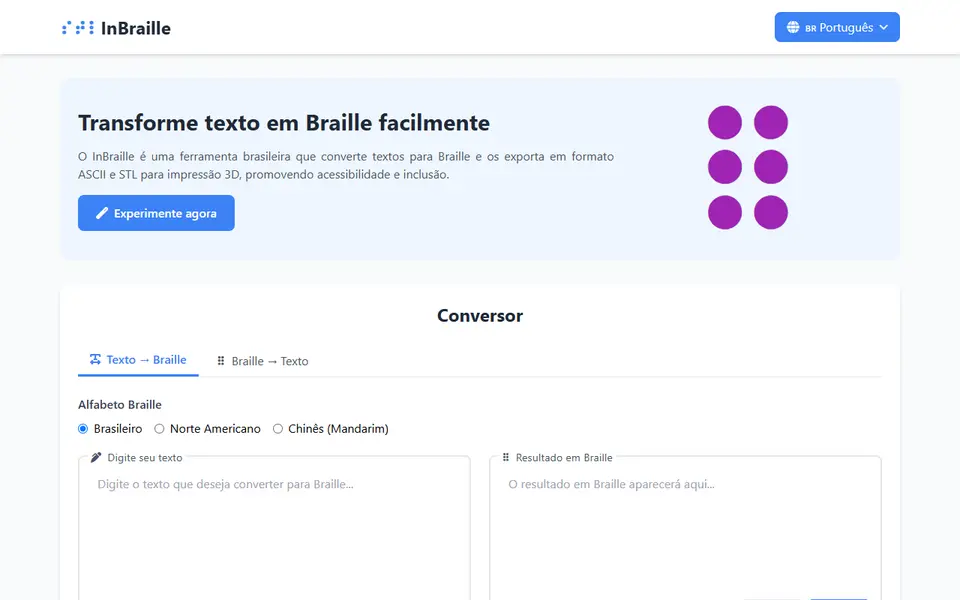
What is InBraille?
InBraille is a free browser tool that turns typed text into Braille and exports it as a printable STL plate. It comes from the 3D and Inclusive Technology Lab at the Federal Rural University of Pernambuco in Brazil and was built by student developer Lucas Guerra. You pick the Brazilian, North American or Chinese Braille alphabet, convert your text and turn the plate in a 3D preview before you download. The page opens in Portuguese, with English and Chinese in the language menu.
You set how many Braille cells fit on a line (8 to 50), the plate thickness, dot smoothness, alignment and rounded corners, and you can give each line its own plate. A dots-only mode leaves out the plate and exports just the 0.65 mm dot caps plus a small orientation bar, so you can merge them onto a model you already have. Plates get one larger corner dot so you mount them the right way up.
Brazilian mode adds capital and number signs, but North American mode spells words out letter by letter with neither, so have English signs checked by a Braille reader. The Braille to Text tab also exports Braille pasted from another translator. It is a small MIT-licensed project with few users and suits teachers, makers and accessibility projects that need quick tactile labels.
What you can make
- Braille plates and signs
- One plate per line of text
- Loose Braille dots to add to other models
- Tactile labels for classrooms and homes
How to use InBraille
- Open the site and switch the language to English in the top menu if needed
- Pick a Braille alphabet, type your text and press Convert
- Adjust cells per line, plate thickness or dots-only mode under Advanced Options
- Press Generate & Preview STL, download the STL and lay it flat in your slicer
What you'll need to print it
Filament and parts that suit what you make with InBraille.
Matte PLA
PETG
0.2 mm nozzle
Some of these are affiliate links: we may earn a small commission, at no extra cost to you. More about that
InBraille pros
- Free, no account, and the code is open source under the MIT license
- Dots-only mode exports just the Braille dots, ready to merge onto an existing model
- Brazilian, North American and Chinese Braille, with a 3D preview before you download
InBraille cons
- North American mode adds no capital or number signs and uses no contractions, so check English text or paste correct Braille into the Braille to Text tab
- Plates carry Braille only, with no raised print letters for sighted readers
- The page opens in Portuguese, and the STL comes in standing on its edge in common slicers, so lay it flat first
Rate InBraille
One rating per account. Signing in takes one email link, no password.
Reviews
Made with InBraille
Read next
InBraille alternatives
Sign and text to STL generators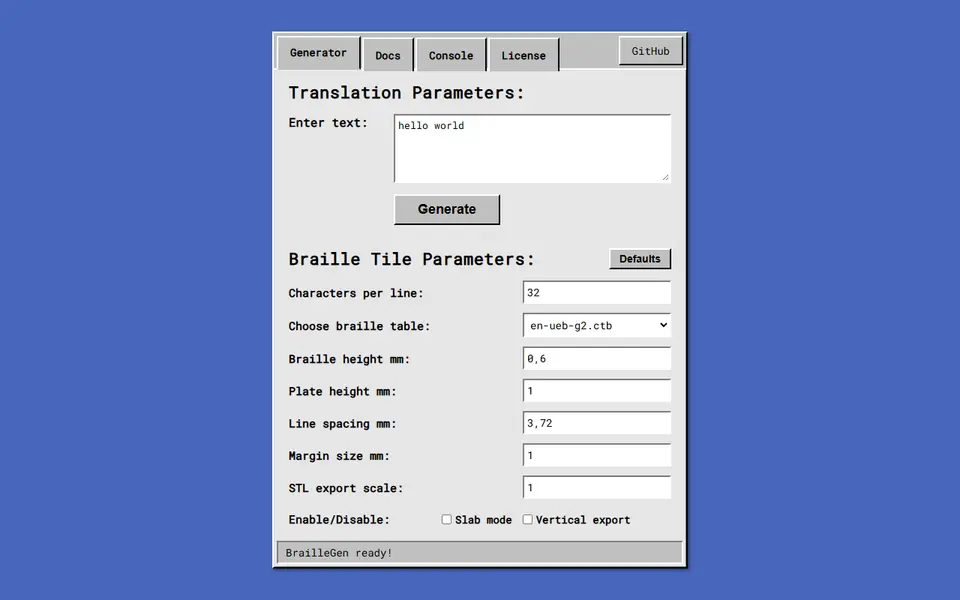
Signs & Text
BrailleGen
Open-source web app that turns text into printable Grade 1 or Grade 2 braille tiles
Signs & Text
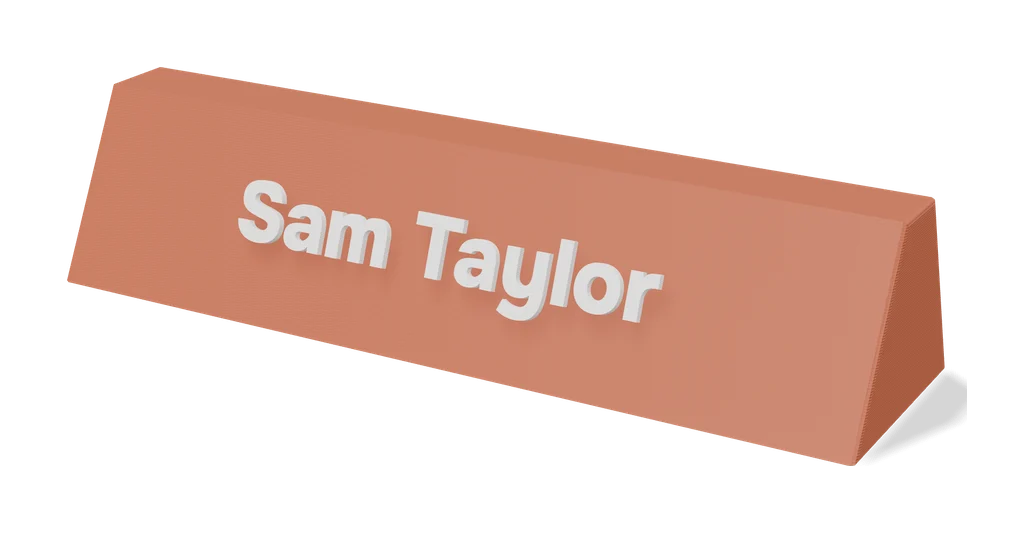
Customizable Spray Stencil Text Box
Parametric spray-paint text stencils with automatic bridges, up to three lines
Signs & Text
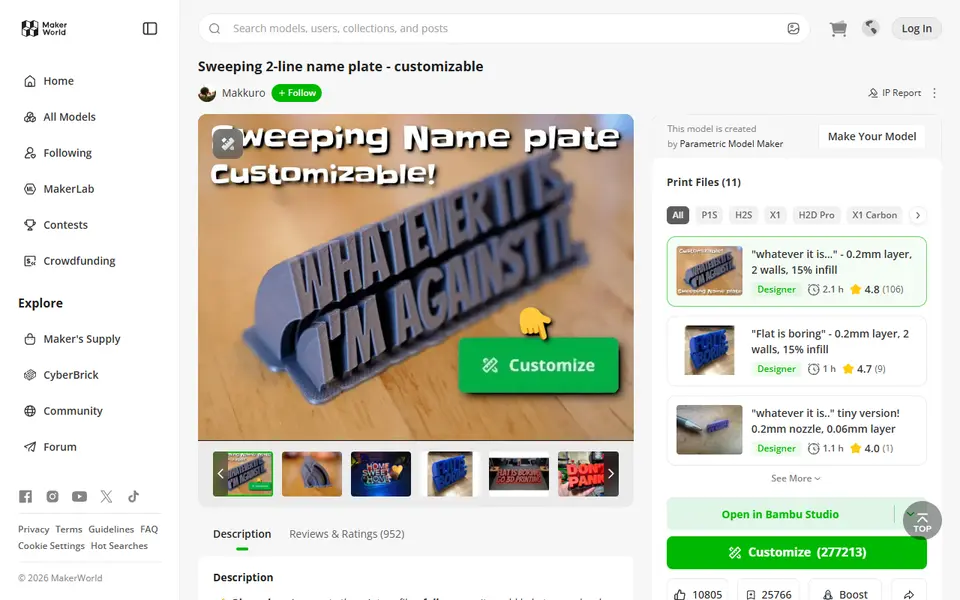
Sweeping 2-Line Name Plate
Hugely popular curved desk name plate you customize in MakerWorld's browser editor
Signs & Text
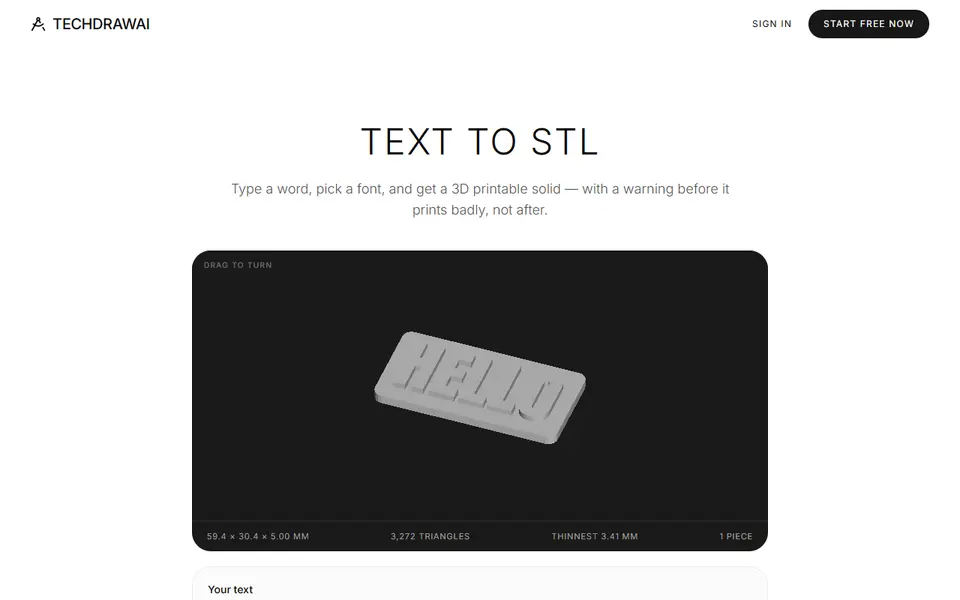
TechDraw AI Text to STL
Typed text to a plate, loose letters, engraved sign or stencil, with print warnings
Signs & Text
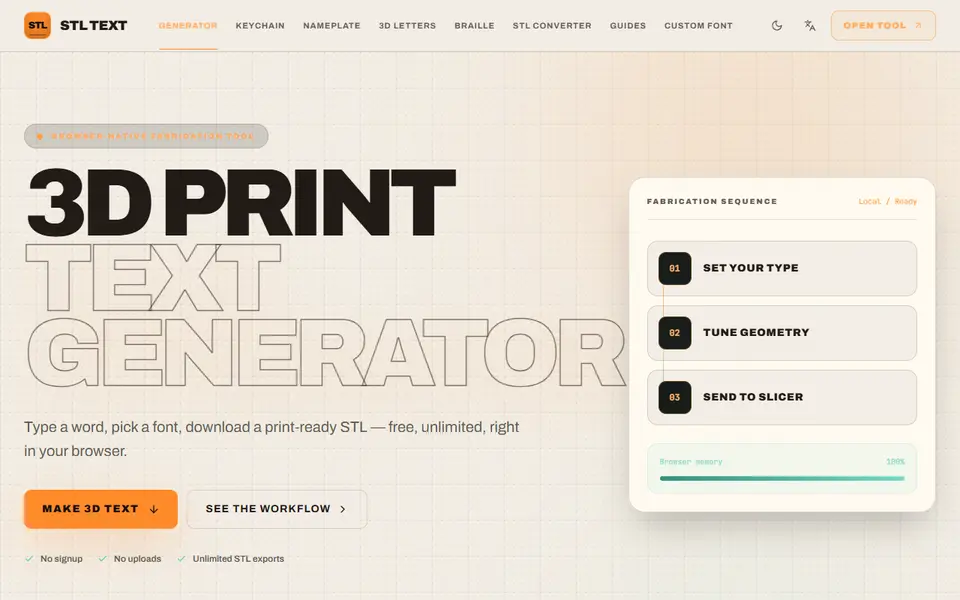
STL Text
Free browser text-to-STL generator with 10 fonts, your own TTF or OTF, and keychain, plate and braille presets
Signs & Text
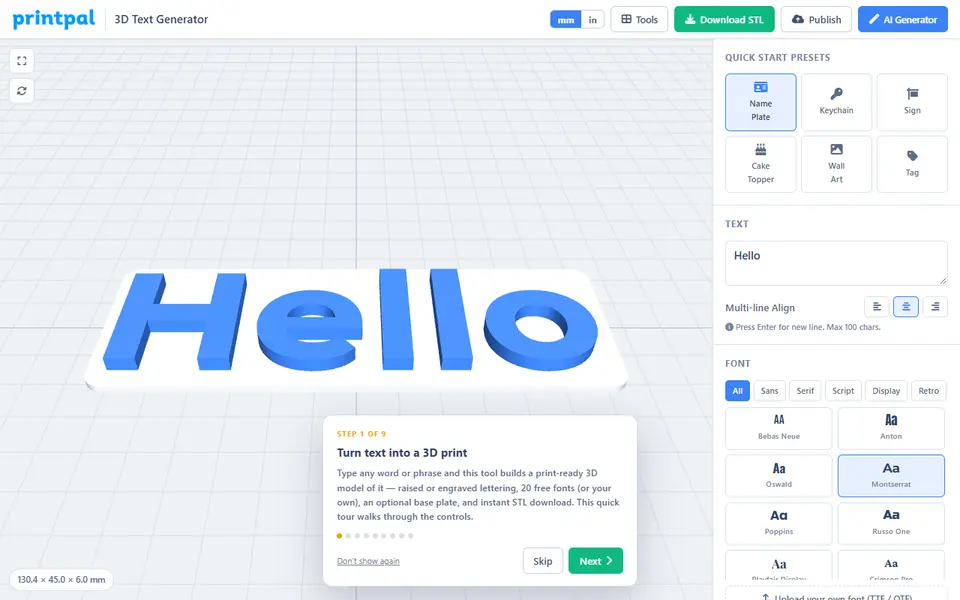
printpal 3D Text Generator
Free raised or engraved text generator with custom fonts and keychain holes