TechDraw AI Text to STL
Typed text to a plate, loose letters, engraved sign or stencil, with print warnings
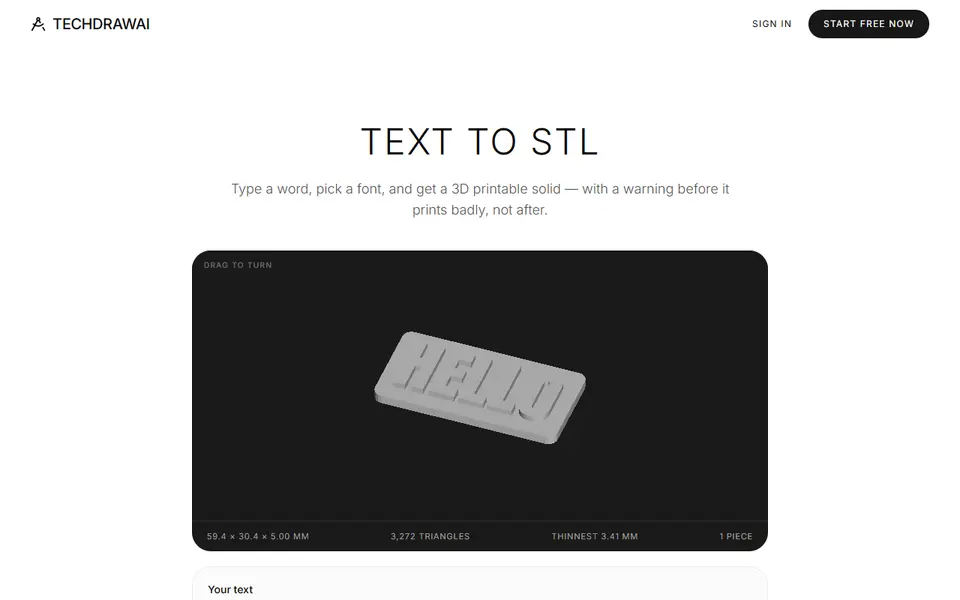
TechDraw AI Text to STL is a free browser tool for quick name plates, keyrings and stencils. Free with no account, size limit or watermark; the page says this tool has no paid tier. Exports STL, 3MF and OBJ. Last checked .
Opens techdrawai.com
What is TechDraw AI Text to STL?
TechDraw AI Text to STL is a free browser generator that turns typed text into a printable solid. It is one of many free file tools on the TechDraw AI site, whose main product is an app that makes technical drawings from photos. You type one or more lines, pick one of 17 fonts under the SIL Open Font License, and choose letters on a backing plate, loose letters, letters engraved into a plate or letters cut through it like a stencil.
Size is set by capital letter height in millimeters, from 3 to 120 mm. Sliders cover letter depth, plate margin, plate thickness, corner radius and an optional keyring hole that widens the plate to fit. A fold-out panel adds letter and line spacing, alignment, kerning, your nozzle width and a mirror switch for stamps.
The part that sets it apart is the checking. It counts loose pieces, flags strokes thinner than your nozzle and warns when the middle of a letter like O would drop out of a stencil. For loose pieces and thin strokes it also says what to change. Everything runs in the page with no upload or account. It suits anyone who wants a quick name plate, keyring or stencil without opening CAD.
What you can make
- Name plates and desk signs
- Name keyrings and tags
- Engraved plates for a color fill
- Text stencils
- Loose 3D letters
- Mirrored text for stamps
How to use TechDraw AI Text to STL
- Open the Text to STL page and type your text (Enter starts a new line)
- Pick a font and choose plate, letters only, engraved or cut through
- Set the letter height, depth and plate size, and add a keyring hole if you want one
- Read any warnings and apply the suggested fix
- Download the STL, 3MF or OBJ and slice it
What you'll need to print it
Filament and parts that suit what you make with TechDraw AI Text to STL.
Matte PLA
Key rings
0.2 mm nozzle
Some of these are affiliate links: we may earn a small commission, at no extra cost to you. More about that
TechDraw AI Text to STL pros
- Warns about loose letters, strokes under your nozzle width and stencil centers that fall out, before you print
- Four layouts (on a plate, letters only, engraved, cut through) plus a keyring hole and a mirror option for stamps
- Free, runs in the browser with no account or upload, and exports STL, 3MF or OBJ at real millimeter size
TechDraw AI Text to STL cons
- Only the 17 built-in fonts; you cannot upload your own
- Exports one merged mesh, so a second color means a color swap in the slicer or paint
- A new page with little track record in maker communities
Rate TechDraw AI Text to STL
One rating per account. Signing in takes one email link, no password.
Reviews
Made with TechDraw AI Text to STL
Read next
TechDraw AI Text to STL alternatives
Sign and text to STL generators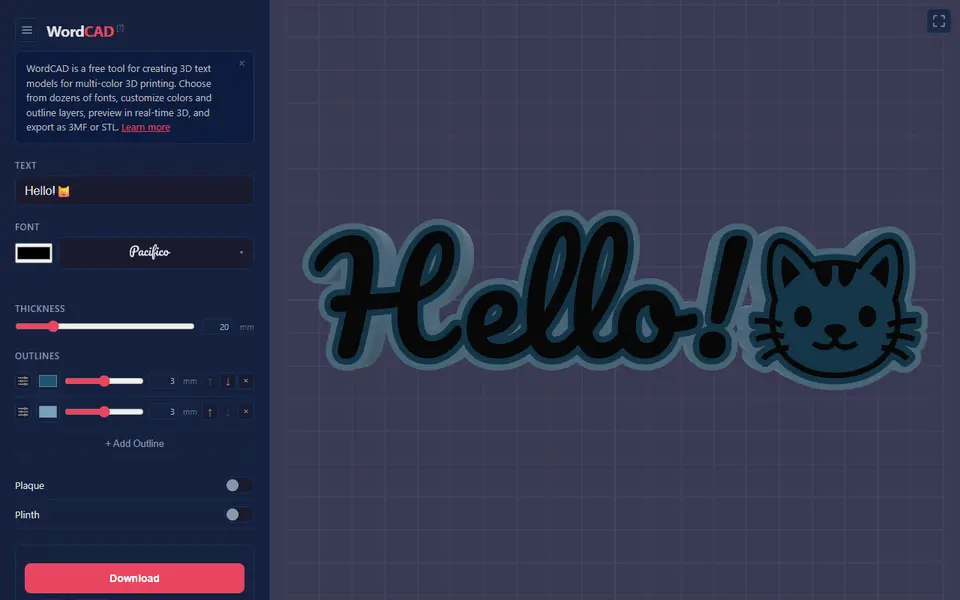
Signs & Text
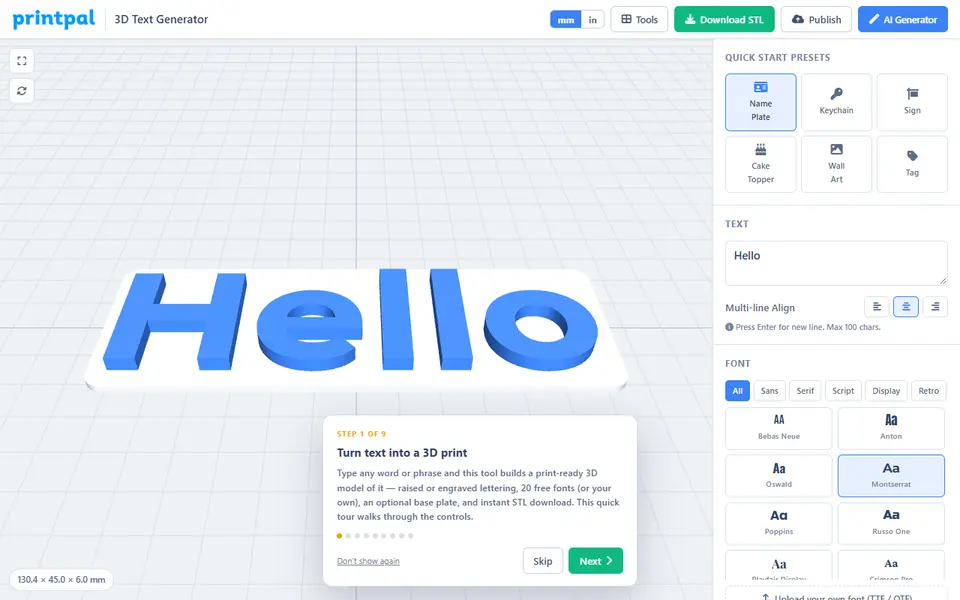
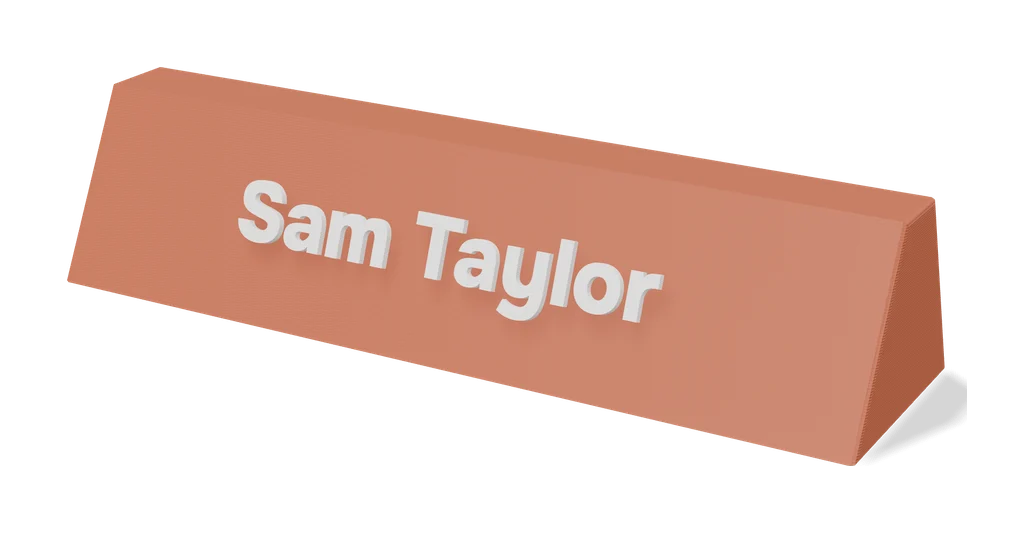
printpal 3D Text Generator
Free raised or engraved text generator with custom fonts and keychain holes
Signs & Text
Make My Sign (MakerLab)
Bambu Lab's browser editor for flat name plates, badges, signs and tags
Signs & Text
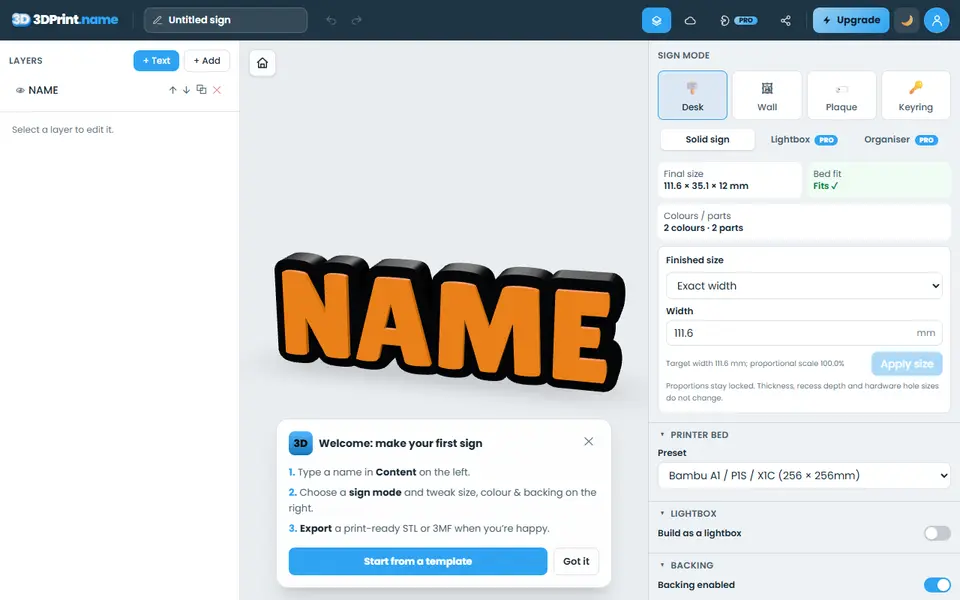
3dprint.name
Type a name and export a desk sign, door plaque, wall sign or keyring as an STL
Signs & Text
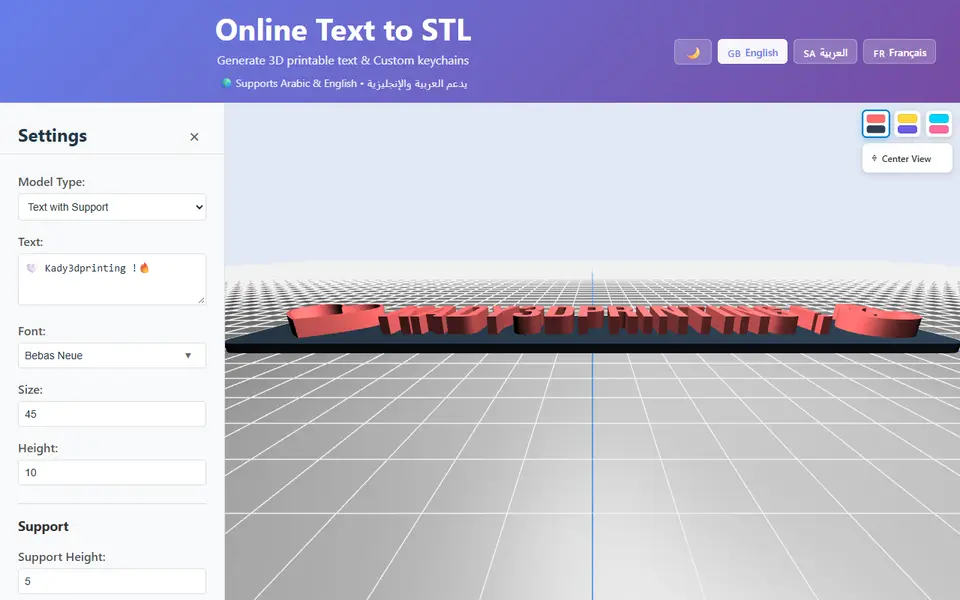
Kady Text to STL
3D text, signs and name keychains in Arabic or English, saved as STL or OBJ