Kady Text to STL
3D text, signs and name keychains in Arabic or English, saved as STL or OBJ
Kady Text to STL is a free browser tool for arabic and bilingual name keychains and small text signs. Free to use with no registration; no paid plan seen. Exports STL and OBJ. Last checked .
Opens text-to-stl.kady3dprinting.com
What is Kady Text to STL?
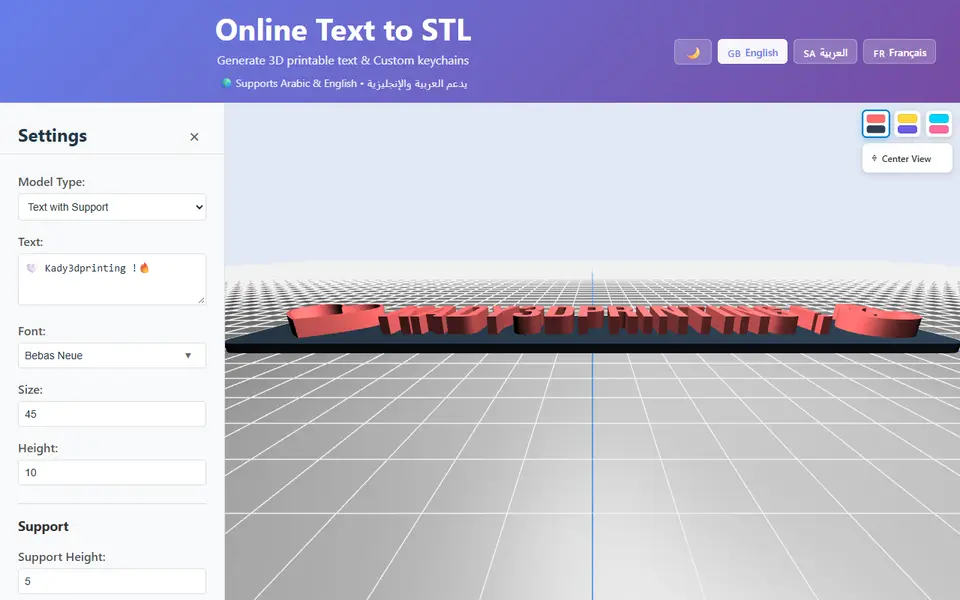
Kady Text to STL is a free browser tool from the Kady 3D Printing YouTube channel that turns typed words into a 3D printable model. Its standout feature is Arabic support: it detects Arabic script, shapes it so the joined letters run right to left, and puts 18 Arabic fonts such as Cairo, Tajawal and Amiri at the top of a searchable list of nearly 2,000 Google Fonts. Latin text works too, and emoji turn into 3D shapes.
A dropdown offers five model types: plain letters, letters on a rounded base plate, a plate with the text cut into it, upright letters on a base, and a name keyring with its own ring and a height and spacing field for every letter. The two base plate types add padding, corner radius and an optional hole or handle on any side. The preview shows the model size in millimeters, and Save Settings gives you a URL that restores the whole setup.
Downloads are a single STL or OBJ file, built in your browser with no account. The interface comes in English, Arabic and French. It suits makers who print Arabic or bilingual names, keychains and small signs.
What you can make
- Arabic and English 3D text
- Name keyrings with varied letter heights
- Text on a base plate with a hole or handle
- Upright text signs on a base
- Plates with engraved text
How to use Kady Text to STL
- Open the generator and type your text in Arabic, English or both
- Pick a font and a model type, such as a base plate or name keyring
- Set size and height, and add a hole or handle if the model has a base
- Check the 3D preview and its size in millimeters
- Download the STL or OBJ and slice it
What you'll need to print it
Filament and parts that suit what you make with Kady Text to STL.
Key rings
Matte PLA
Some of these are affiliate links: we may earn a small commission, at no extra cost to you. More about that
Kady Text to STL pros
- Arabic script is shaped right to left, with 18 Arabic fonts listed first
- Name keyring mode sets the height and spacing of each letter
- Free, no sign-up, and Save Settings gives a shareable URL
Kady Text to STL cons
- Exports one STL or OBJ file, with no 3MF or separate color parts
- Only five model types, and holes or handles only on the base plate types
- Side project of a YouTube channel, and the app warns some fonts may show squares instead of Arabic
Rate Kady Text to STL
One rating per account. Signing in takes one email link, no password.
Reviews
Made with Kady Text to STL
Read next
Kady Text to STL alternatives
Sign and text to STL generators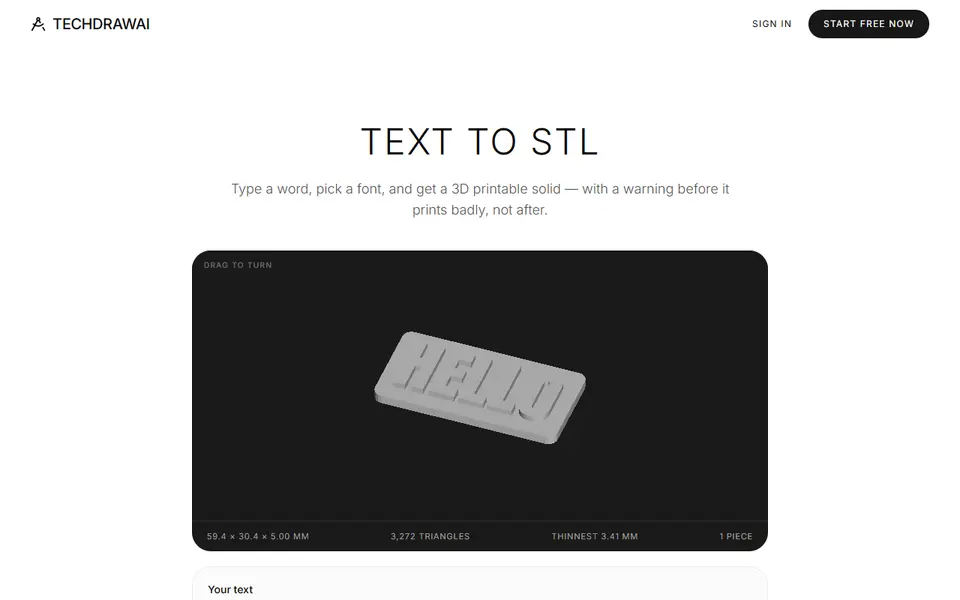
Signs & Text
TechDraw AI Text to STL
Typed text to a plate, loose letters, engraved sign or stencil, with print warnings
Signs & Text
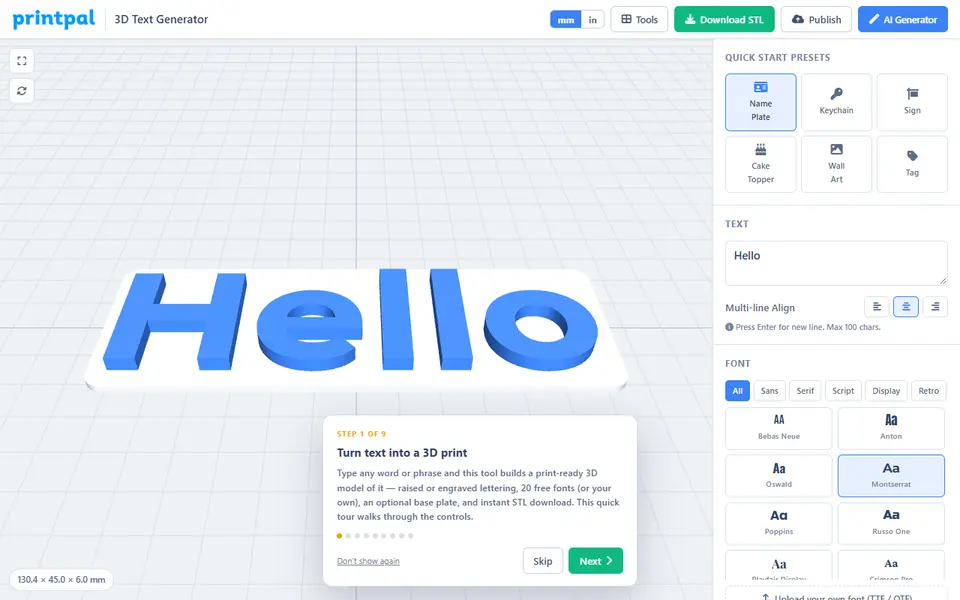
printpal 3D Text Generator
Free raised or engraved text generator with custom fonts and keychain holes
Signs & Text
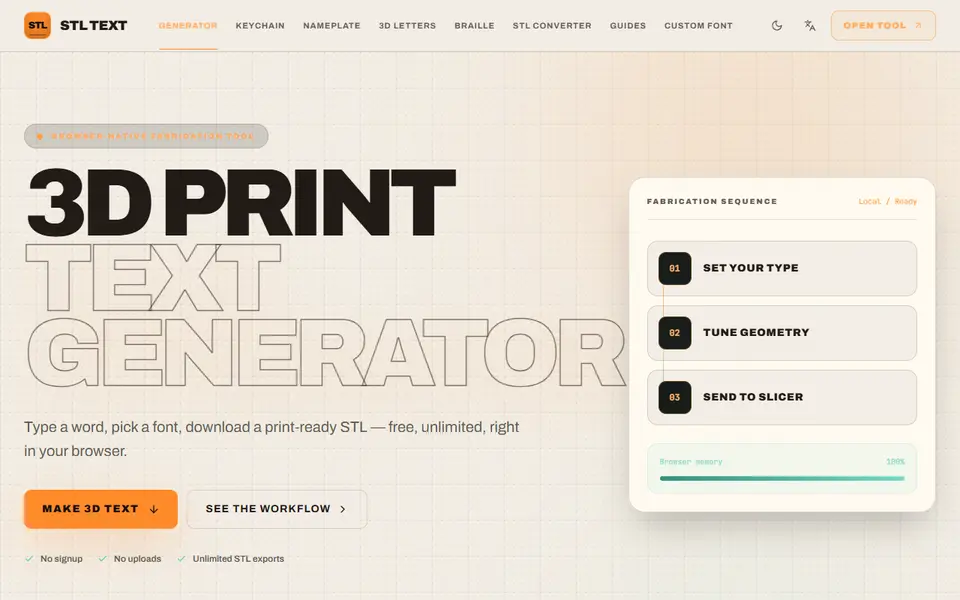
STL Text
Free browser text-to-STL generator with 10 fonts, your own TTF or OTF, and keychain, plate and braille presets
Signs & Text
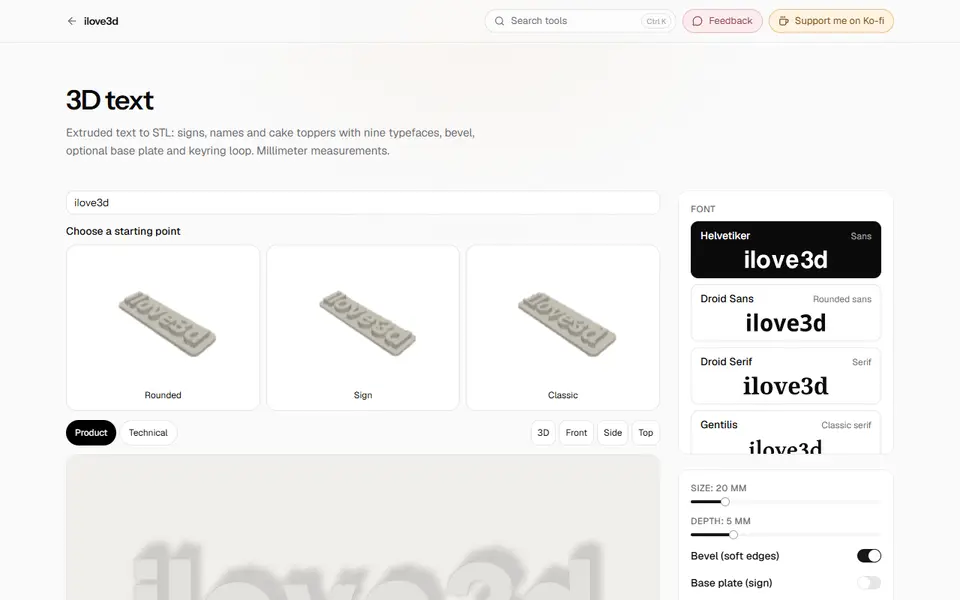
3D Text (ilove3d)
Free browser tool for extruded 3D text with nine fonts, base plate and keyring loop, as STL or GLB