WordCAD
Type a word and get layered multi-color 3D text as a 3MF or per-color STLs
WordCAD is a free browser tool for layered multi-color name signs and word art on AMS printers. Free for any use with no account; designs are CC BY 4.0, so you must credit WordCAD.com when you share or sell them. Exports 3MF and STL. Last checked .
Opens wordcad.com
What is WordCAD?
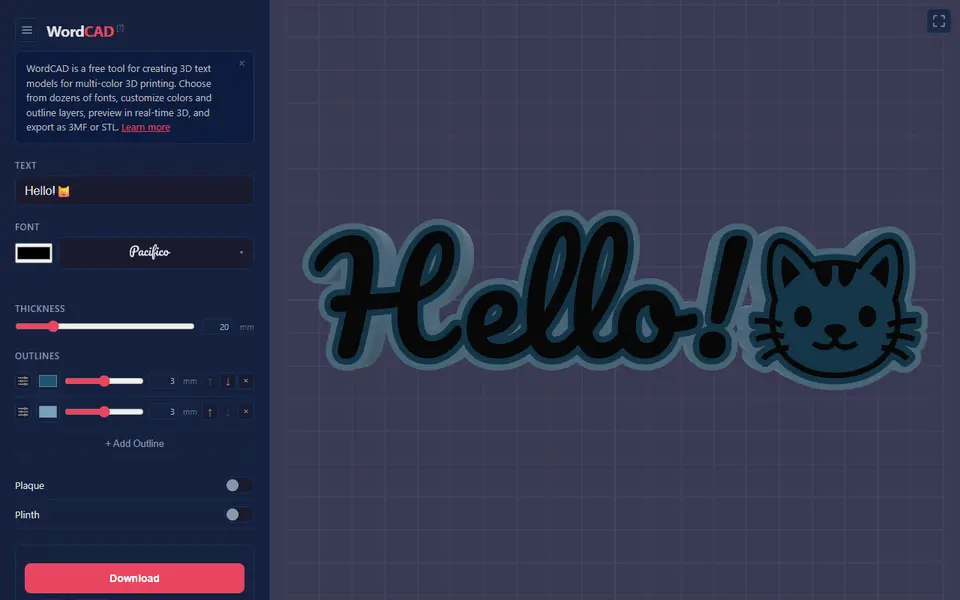
WordCAD is a free browser tool that turns a word or short phrase into 3D text made for multi-color printing. You type one line of up to 80 characters, and emoji work too. Then you pick one of 55 fonts, 18 of which cover scripts such as Korean, Japanese, Chinese, Thai and Arabic, set the thickness and stack up to seven outline rings around the letters, each with its own color, width and depth. The 3D preview updates as you go.
Optional toggles add a backing plaque, a plinth so the word stands on a shelf, a keychain hole, keyhole slots for wall hanging, or a mode that prints each letter as its own piece. A warning appears when outlines get too fine for the chosen print size. The 3MF download keeps each color as a named part, so in Bambu Studio you only assign filaments. The STL option gives you a zip with one file per color.
There is no account, and every design is saved in a shareable link. Designs are released under CC BY 4.0, so you can sell prints if you credit WordCAD.com. It suits AMS owners who want bold layered name signs. It is a small project by Pencil Research that launched in March 2026.
What you can make
- Multi-color 3D word art
- Name signs on a backing plaque
- Standing shelf and desk words
- Text and emoji keychains
- Wall-hung name signs
- Separate 3D letters
How to use WordCAD
- Type your text (emoji allowed) and pick a font
- Set the thickness and add up to seven colored outlines
- Turn on a plaque, plinth, keychain hole or wall mount if you want one
- Set the print size and download a 3MF or a zip of STLs
- Assign a filament to each named part in your slicer and print
What you'll need to print it
Filament and parts that suit what you make with WordCAD.
Matte PLA
Multicolor filament systems
Some of these are affiliate links: we may earn a small commission, at no extra cost to you. More about that
WordCAD pros
- The 3MF keeps every color as a named part, so there is no manual color painting in the slicer
- Up to seven outline layers, each with its own color, width and depth
- Free with no sign-up, emoji support and 55 fonts including non-Latin scripts
WordCAD cons
- Selling prints is allowed only if you credit WordCAD.com in the listing or packaging
- One line of flat text only, up to 80 characters: no second line and no option to arch or bend the text
- Small and little known, with few community prints or reviews, and the blog has had no new posts since March 2026
Rate WordCAD
One rating per account. Signing in takes one email link, no password.
Reviews
Made with WordCAD
Read next
WordCAD alternatives
Sign and text to STL generators
Signs & Text
Make My Sign (MakerLab)
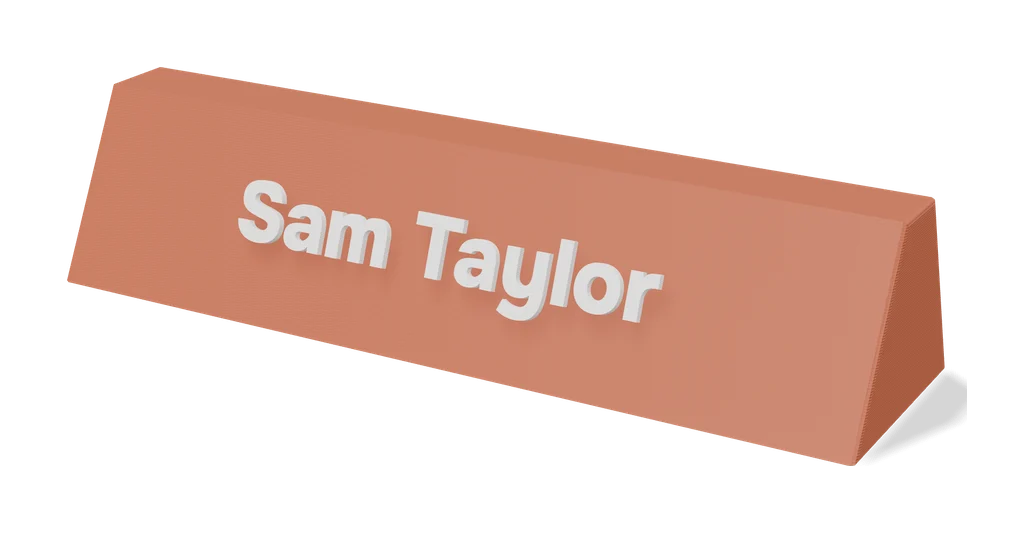
Bambu Lab's browser editor for flat name plates, badges, signs and tags
Signs & Text
3dprint.name
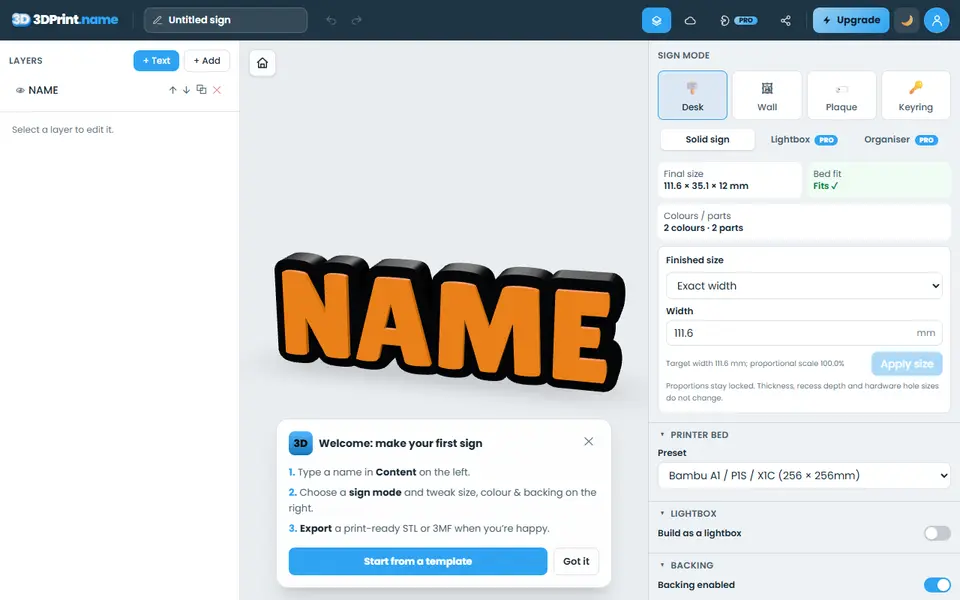
Type a name and export a desk sign, door plaque, wall sign or keyring as an STL
Signs & Text
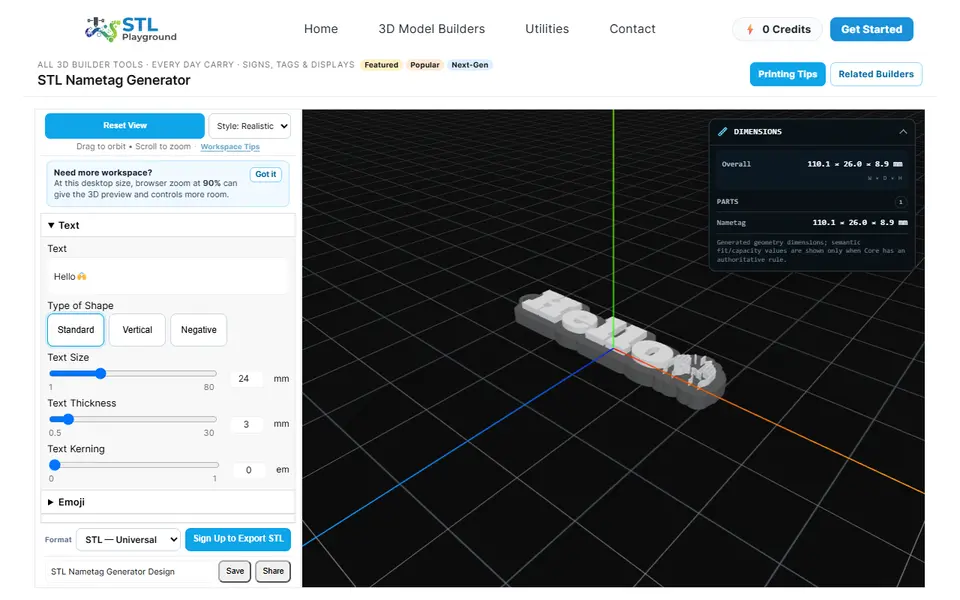
STL Playground Nametag Generator
Browser builder for name tags, bag tags and keychains with emoji or your own SVG logo, STL or 3MF
Signs & Text
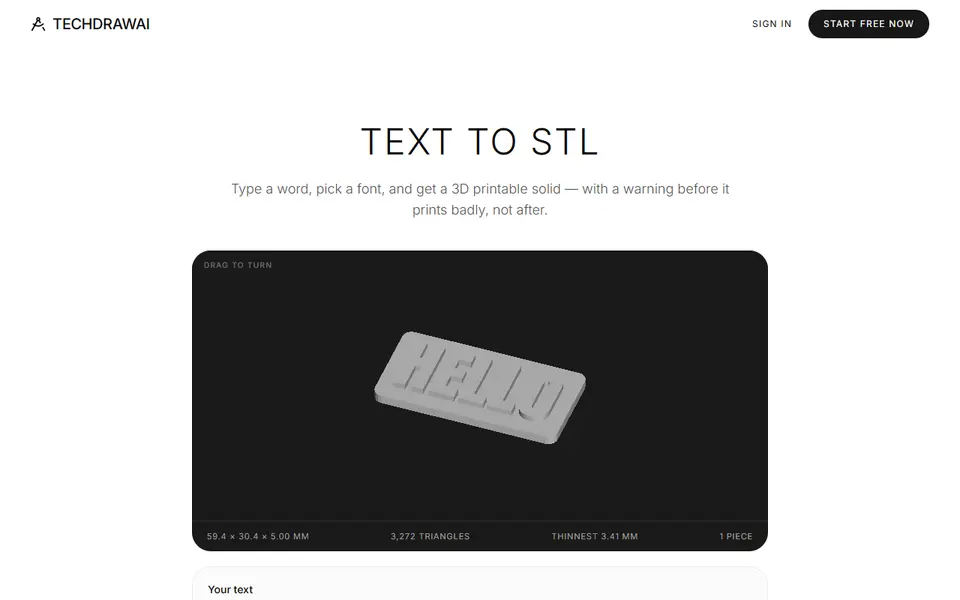
TechDraw AI Text to STL
Typed text to a plate, loose letters, engraved sign or stencil, with print warnings
Signs & Text
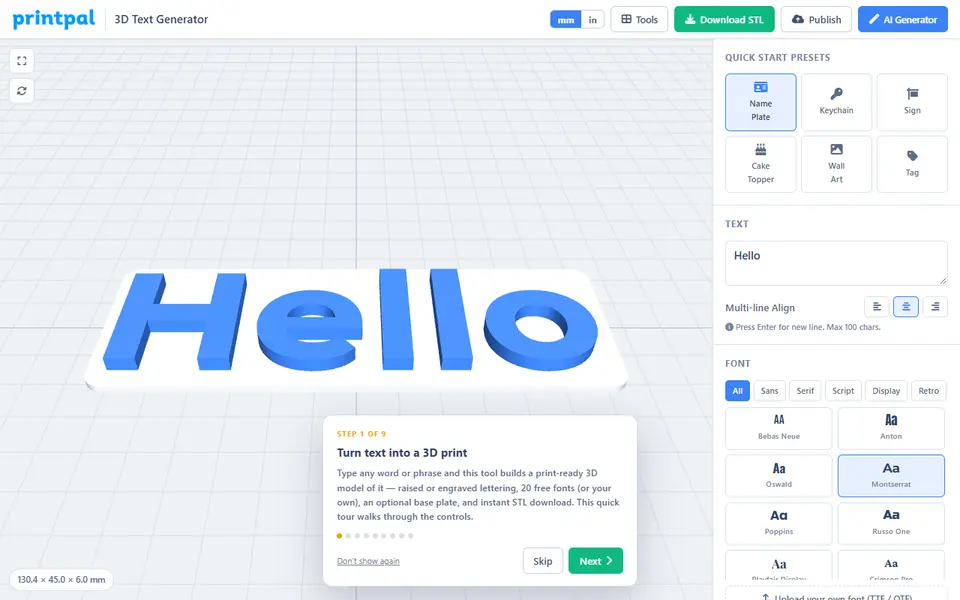
printpal 3D Text Generator
Free raised or engraved text generator with custom fonts and keychain holes