Designer Bee 3D Keychain Designer
Free browser tool for name and pet tag keychains with raised or carved text
Designer Bee 3D Keychain Designer is a free browser tool for pet tags, bag tags and simple name keychains. Free, no signup; the site FAQ says the things you make are yours to sell. Exports STL. Last checked .
Opens designerbee.build
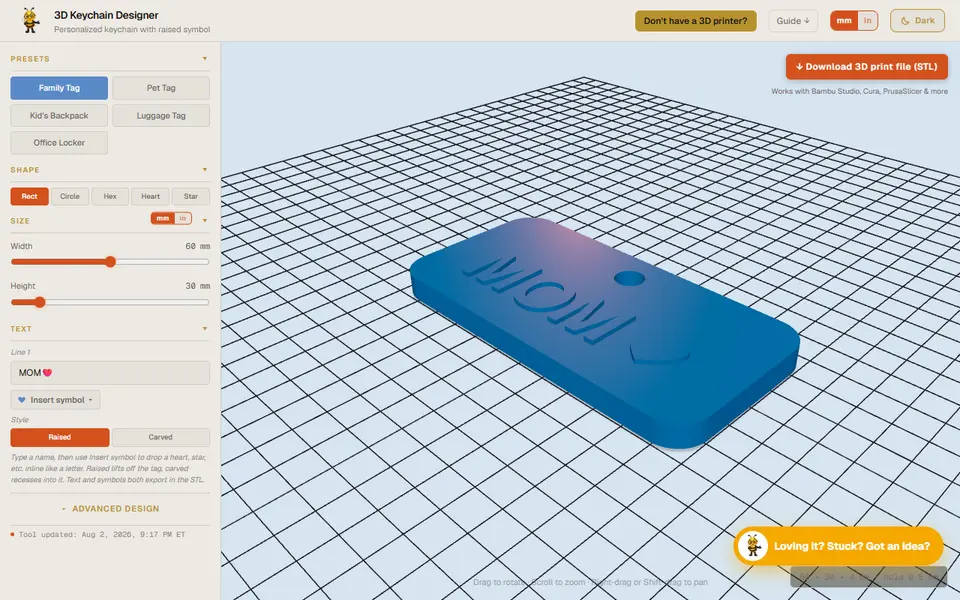
About this generator
Designer Bee 3D Keychain Designer is a free browser tool that makes a tag-style keychain with your text built into the model. It is part of Designer Bee, a small site of maker tools by Ebrahim Montazeri that also has box, lithophane and text flip generators. Everything runs on your own device, with no account and nothing to upload.
You pick one of five tag shapes (rounded rectangle, circle, hexagon, heart or star) or start from a preset such as Pet Tag, Kid's Backpack or Luggage Tag. You type one or two lines of text, and each line can stand up from the tag or be cut into it. A symbol menu drops hearts, stars, paws and other icons into the text as if they were letters. Sliders set the width and height from 20 to 100 mm, the base thickness, relief depth, text angle and hole size, and buttons choose whether the hole sits on the top, left or right edge. An optional charm disc with its own symbol is added as a separate piece in the same file.
It suits beginners who want a readable pet tag, bag tag or name keychain in a few minutes. There is only one font, and the download is a single STL, so two-color text means setting a color change in your slicer.
What you can make
- Name keychains
- Pet ID tags
- Luggage and backpack tags
- Heart and star shaped tags
- Small symbol charm discs
How to use Designer Bee 3D Keychain Designer
- Open the 3D Keychain Designer and pick a preset or a tag shape
- Type your text and add symbols from the Insert symbol menu
- Choose raised or carved text and set the size, thickness and hole position
- Check the 3D preview, then click Download to save the STL
- Slice and print it, then fit a split ring through the hole
What you'll need to print it
Filament and parts that suit what you make with Designer Bee 3D Keychain Designer.
Key rings
Multicolor PLA
Some of these are affiliate links: we may earn a small commission, at no extra cost to you. More about that
Designer Bee 3D Keychain Designer pros
- Raised or carved text chosen per line, with inline symbols such as hearts, stars and paws
- Hole can go on the top, left or right edge, which works well for wide luggage tags
- Free with no account, runs in the browser and shows sizes in mm or inches
Designer Bee 3D Keychain Designer cons
- Only one font, and no way to add your own image or logo
- Exports a single STL with no separate color parts, so two-color text needs a color change in the slicer
- Text shrinks to fit the tag, so long names or steep text angles can end up small
Rate Designer Bee 3D Keychain Designer
One rating per account. Signing in takes one email link, no password.
Reviews
Made with Designer Bee 3D Keychain Designer
Read next
Designer Bee 3D Keychain Designer alternatives
Name keychain and tag generators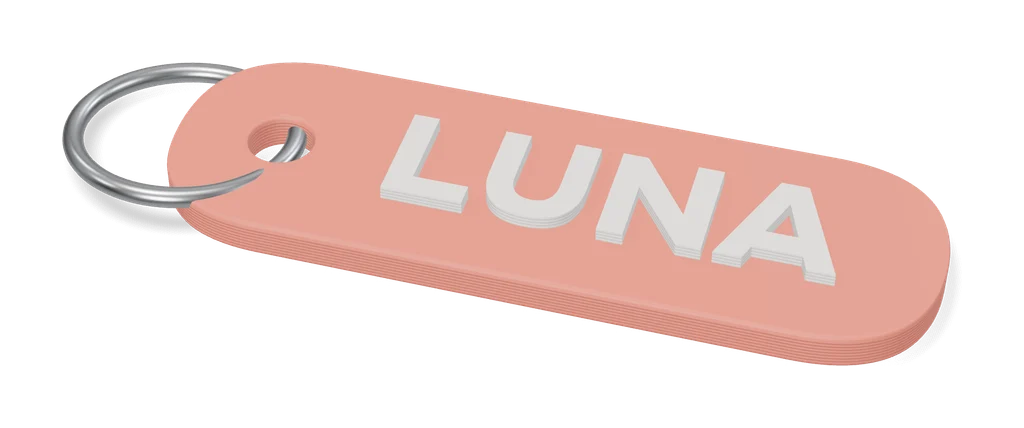
Keychains
Obloid Keychain & Pet Tag Generator
Name keychains and pet tags in rounded, circle, bone or heart shapes, as STL or two-color 3MF; sign-in to export
Keychains
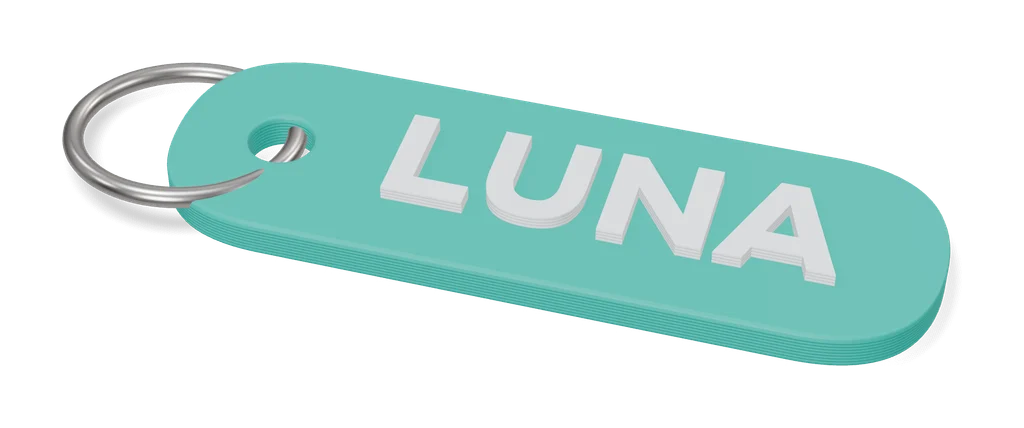
Customizable Keychain Brick (Canale)
Name keychain in four-color toy-brick logo lettering, made in MakerWorld's customizer
Keychains
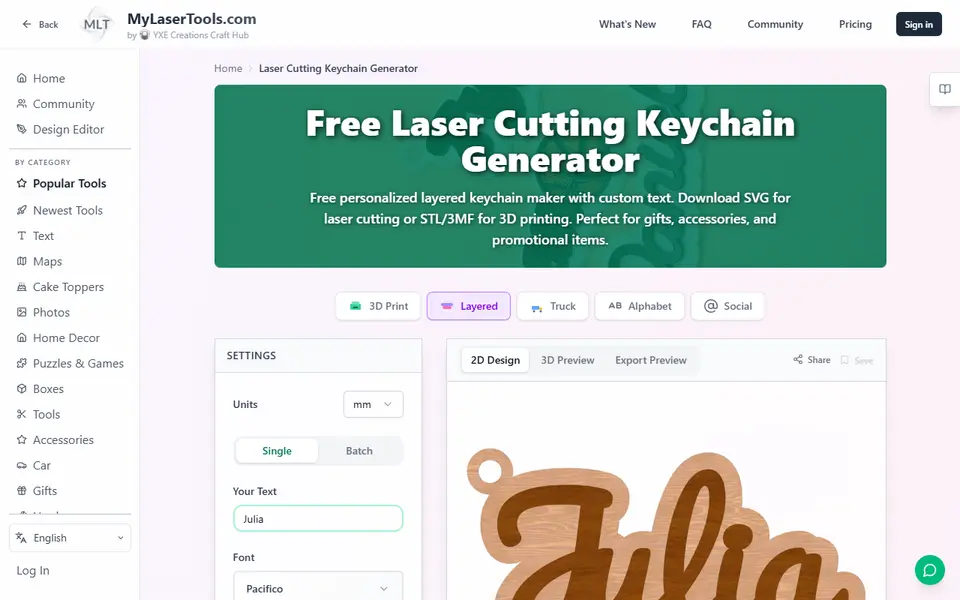
MyLaserTools Keychain & Cake Topper Generators
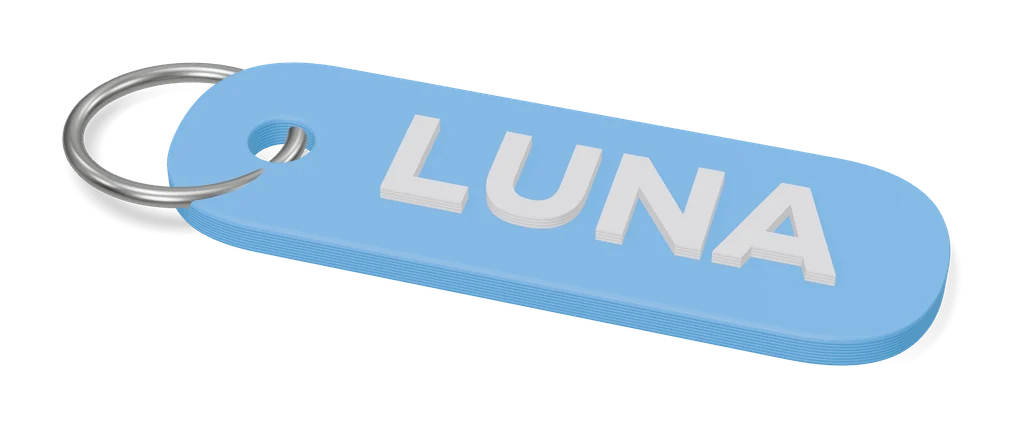
Type a name and get a two-color keychain, bag tag or cake topper as STL, 3MF or SVG
Keychains
Custom Multicolour Name Keyring (Hayden Kong)
Two-tone name keyrings with an outlined base and a spacing slider for every letter
Keychains
Nametag Studio (Minecraft-style nametags)
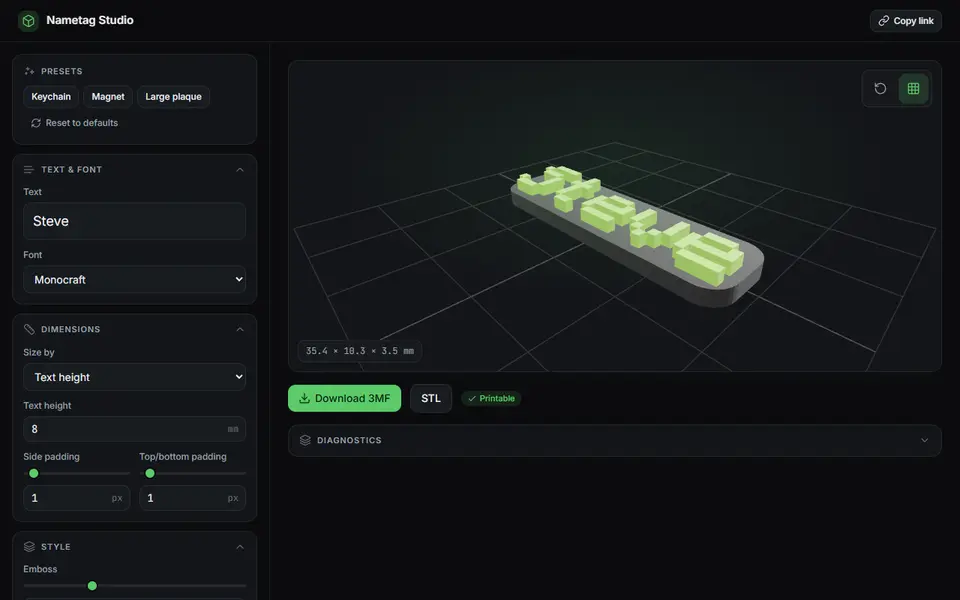
Free, open-source pixel-font nametags, keychains and magnets in the Minecraft style, STL or two-color 3MF
Keychains
Car Plate Keychain Creator [OpenSCAD]
Mini license plate keychains with your registration or any short text, in three colors