Designer Bee Lithophane Generator
Free browser tool that turns a photo into a flat, curved or cylinder lithophane STL
Designer Bee Lithophane Generator is a free browser tool for quick photo gifts and night lights for beginners. Free, no signup; the FAQ says you may use and sell what you make. Exports STL. Last checked .
Opens designerbee.build
About this generator
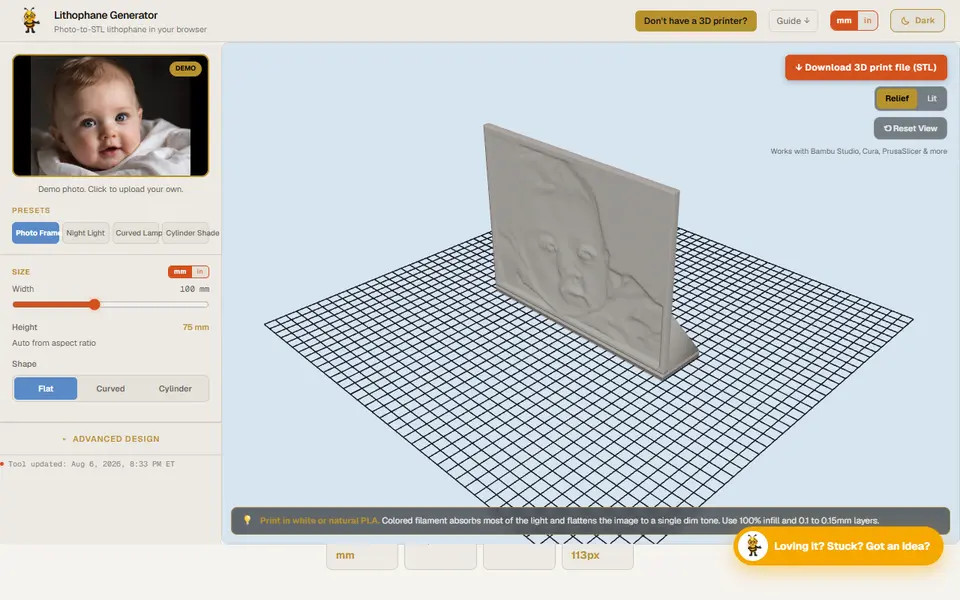
Designer Bee Lithophane Generator is a free browser tool that turns a photo into a printable lithophane STL. It belongs to Designer Bee, a small maker-education site by Ebrahim Montazeri that also has box, keychain and clock-hand generators. There is nothing to install and no account, and the site says your photo never leaves your device.
You upload a JPG or PNG and start from one of four presets: Photo Frame, Night Light, Curved Lamp or Cylinder Shade. You can then switch between a flat, curved or cylinder shape, set the width from 30 to 200 mm and change the curve angle from 30 to 330 degrees for bent panels. An advanced panel covers minimum and maximum thickness, three resolution levels, auto contrast, a stand, a border frame, invert mode and image smoothing. The live 3D preview has a lit view, so you can judge the result before you download the binary STL.
It suits beginners who want a quick photo gift or night light without learning a bigger lithophane app. It offers fewer shapes than ItsLitho or Lithophane Maker, and it has no color lithophanes, but the presets give sensible starting values for each use.
What you can make
- Flat photo lithophanes with a stand
- Curved night-light panels
- Curved lamp panels
- Cylinder lampshades
How to use Designer Bee Lithophane Generator
- Open the tool and upload a JPG or PNG photo
- Pick a preset such as Photo Frame or Night Light
- Adjust width, shape and thickness if you want
- Check the lit preview, then download the STL
- Print in white PLA at 100% infill with 0.1 to 0.15 mm layers
What you'll need to print it
Filament and parts that suit what you make with Designer Bee Lithophane Generator.
White PLA
LED bases and puck lights
- Bambu Lab LED Lamp Kit Bambu Lab
- Bambu Lab Remote Controlled 16-color RGBW Puck Lights (2 pcs) Bambu Lab
0.2 mm nozzle
Some of these are affiliate links: we may earn a small commission, at no extra cost to you. More about that
Designer Bee Lithophane Generator pros
- No account or install, and the site says photos stay on your device
- Four presets fill in size, curve and thickness in one click
- Live 3D preview with a lit view before you download
Designer Bee Lithophane Generator cons
- Only flat, curved and cylinder shapes, and no color lithophanes
- STL only, with a maximum width of 200 mm
- Flat panels with a stand get a small Designer Bee wordmark on the foot unless you switch it off
Rate Designer Bee Lithophane Generator
One rating per account. Signing in takes one email link, no password.
Reviews
Made with Designer Bee Lithophane Generator
Read next
Designer Bee Lithophane Generator alternatives
Lithophane generators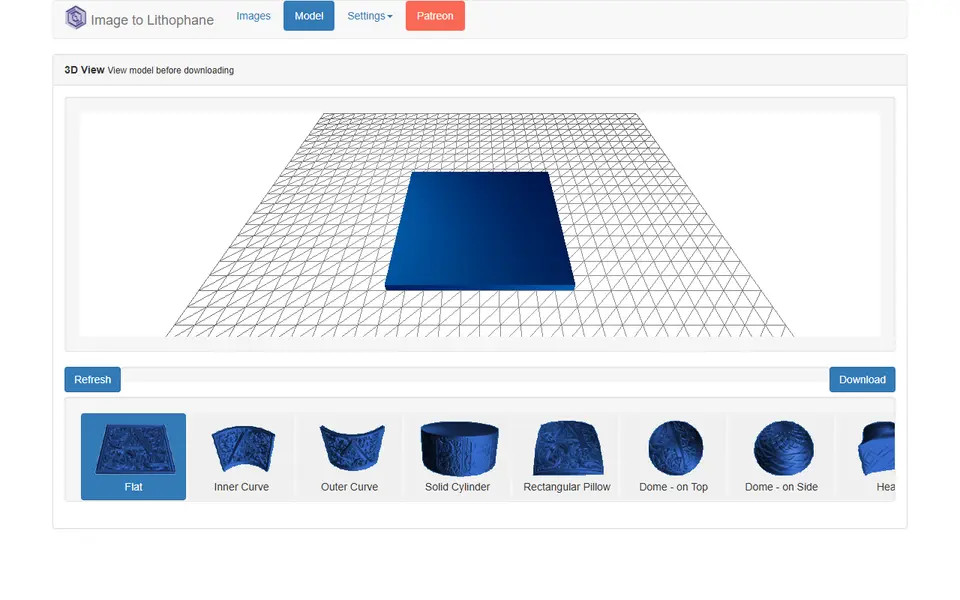
Lithophanes
3dp.rocks Image to Lithophane
Classic free lithophane converter with flat, curved, dome and heart shapes
Lithophanes
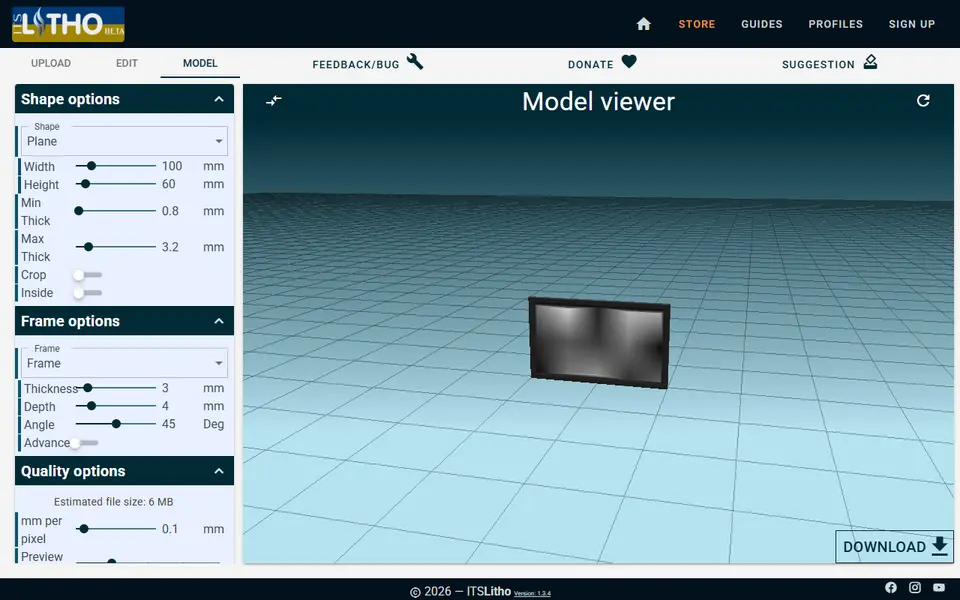
ItsLitho
Browser lithophane designer with many shapes, an image editor and a backlit preview
Lithophanes
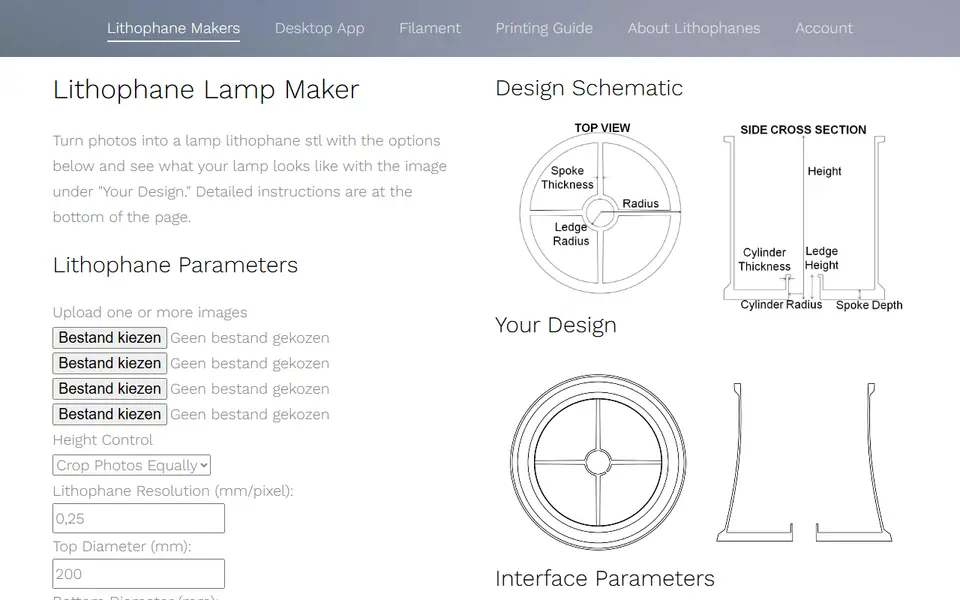
Lithophane Maker
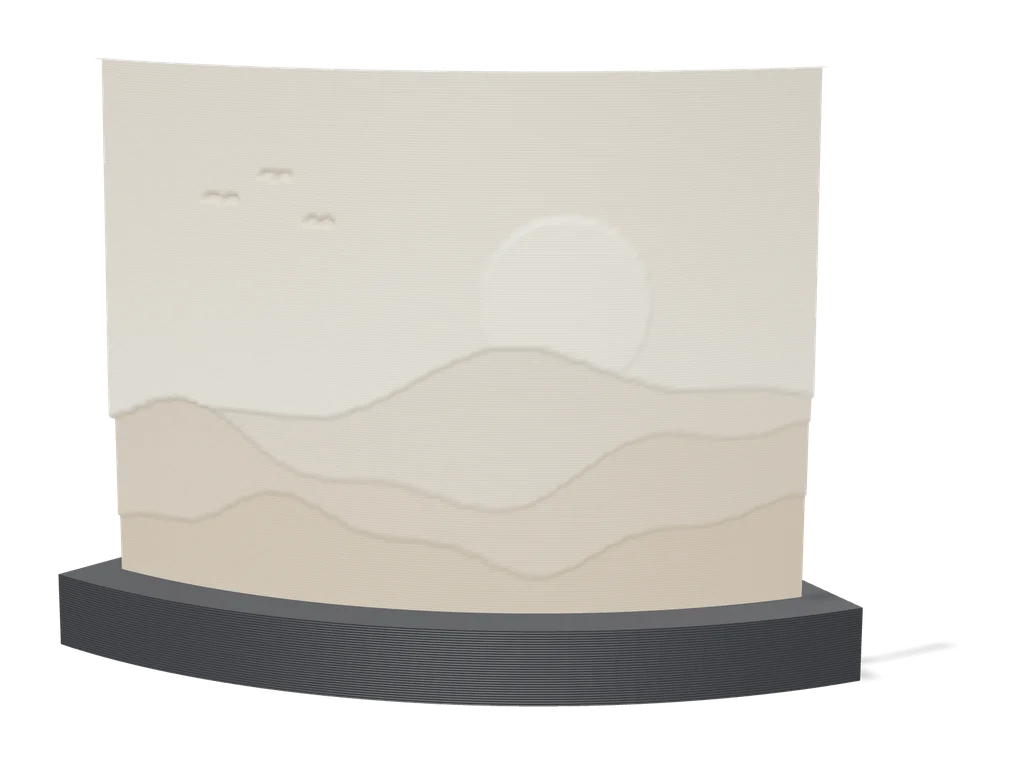
Specialist lithophane site for lamps, night lights, globes and color lithophanes
Lithophanes
Make My Lithophane (MakerLab)
Bambu Lab's free lithophane tool with mono and CMYK color modes and frames
Lithophanes
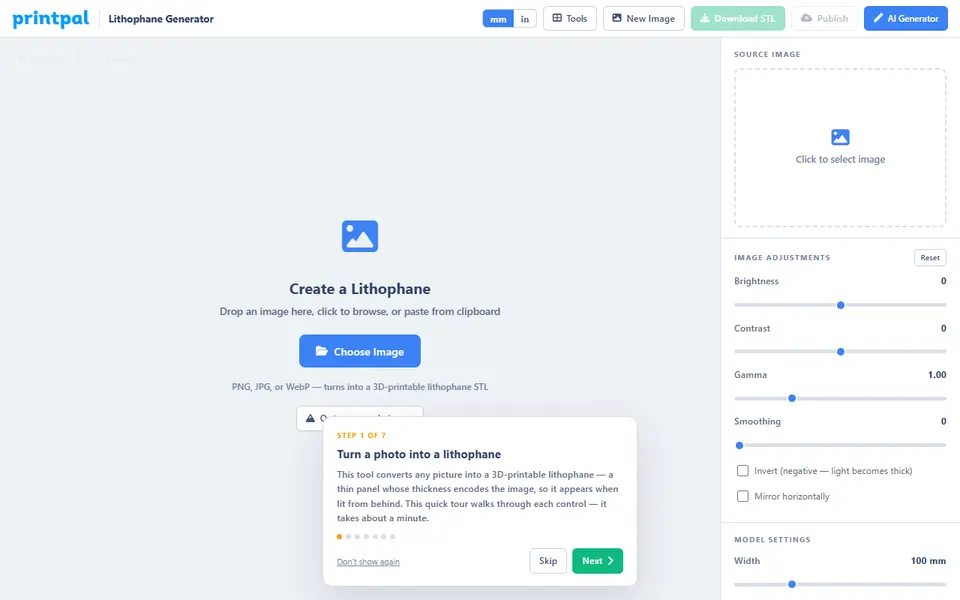
PrintPal Lithophane Generator
Free browser tool that turns a photo into a flat or curved lithophane STL
Lithophanes
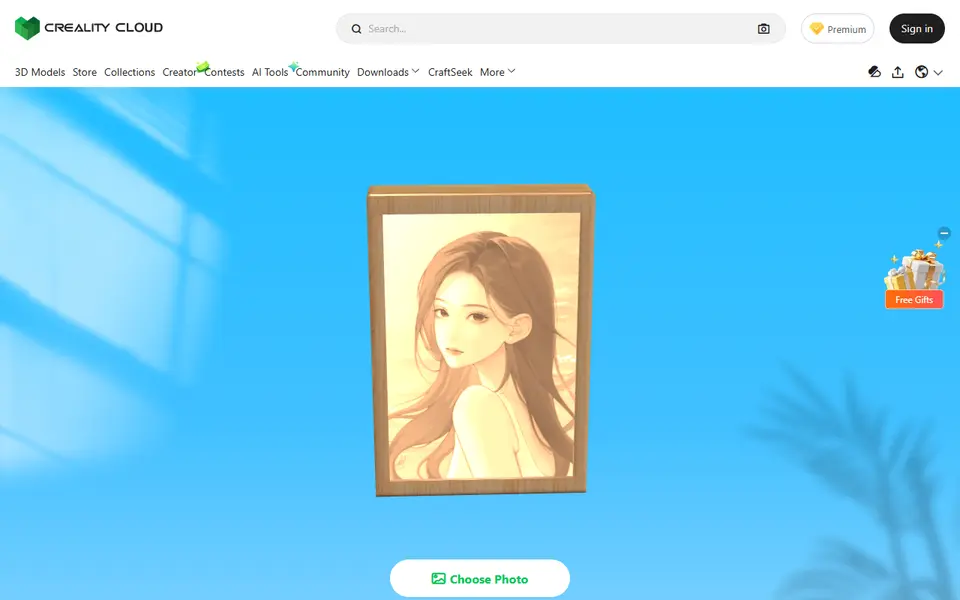
Creality Cloud Lithophane Maker
Turns a photo into a flat 6 x 4 inch lithophane with a matching frame and stand, in Creality Cloud