Faraday Enclosure Generator
Fitted cases for Pi, Arduino, LoRa and SDR boards, with ports, fans and many lid types
Faraday Enclosure Generator is a free browser tool for cases for LoRa, SDR and single-board computer projects. Free with no account; everything runs in the browser, and the code can also be self-hosted with Docker. No paid tier seen. Exports STL and 3MF. Last checked .
Opens faraday.d3frag.net
What is Faraday Enclosure Generator?
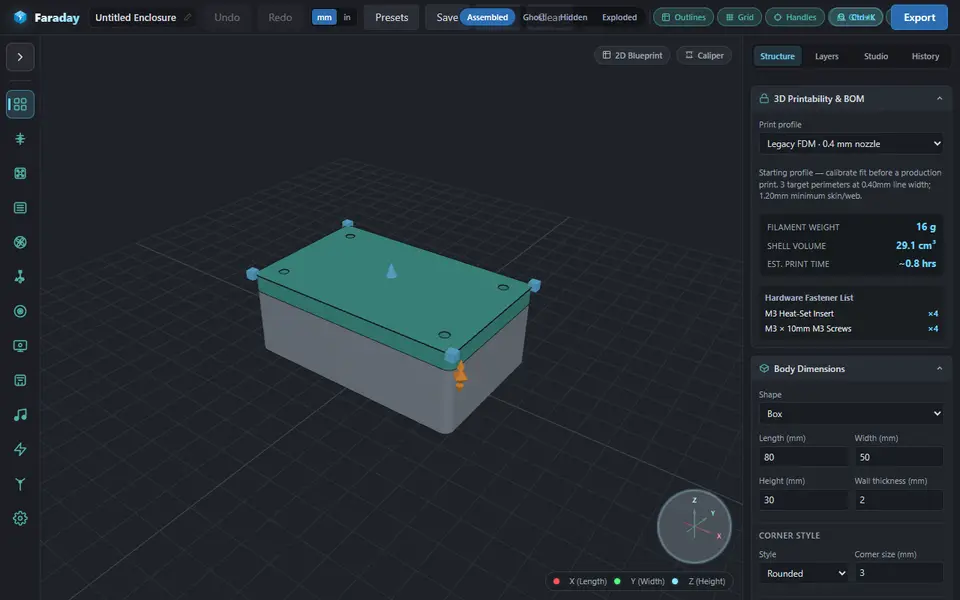
Faraday Enclosure Generator is a free browser tool that builds printable cases for electronics and radio projects. You start from one of 21 presets, such as a Raspberry Pi 3B, 4B or 5, a Pi Zero or Pico, an Arduino Uno or Mega, a Heltec WiFi LoRa 32 V3, a LILYGO T-Beam, a Seeed XIAO, an ESP32 Cheap Yellow Display or an RTL-SDR dongle, or you type in your own size and wall thickness. The body can be a box, cylinder, hexagon, octagon, pill or sloped desktop wedge.
Lids close with a friction lip, screw bosses for M2 to M4 heat-set inserts or self-tapping screws, a snap fit, a sliding rail or, on cylinder bodies, a quarter-turn bayonet. You then pick parts from a side palette and click a wall to place them: SMA and BNC antenna ports, USB, HDMI, RJ45 and DC jacks, PG cable glands, fans from 20 to 120 mm, vent panels, mounting flanges and PCB standoffs. A gasket channel is available for outdoor builds, and a side panel estimates filament weight and print time and lists the screws and inserts you need.
It runs fully in the browser with no account, and the source is public on GitHub, though without a license file. It is a young project from one developer, labeled beta as of September 2026, with a lot of settings, so it suits LoRa, Meshtastic and IoT builders who are happy to print a test fit first.
What you can make
- Raspberry Pi and Arduino cases
- LoRa radio enclosures
- RTL-SDR dongle cases
- Outdoor node boxes with a gasket channel
- Round, hexagonal and wedge-shaped project boxes
How to use Faraday Enclosure Generator
- Open the site and pick a board preset, or set the case size by hand
- Choose the body shape, corner style and lid type
- Pick connectors, vents or fans from the left palette and click a wall in the 3D view to place them
- Check the weight, print time and screw list in the side panel
- Click Export for a ZIP of STL parts, or download the 3MF from the same dialog, then slice the base and lid
What you'll need to print it
Filament and parts that suit what you make with Faraday Enclosure Generator.
PETG
M3 heat-set inserts
M3 screws
Also handy
Digital calipers
Filament dryers and dry boxes
Some of these are affiliate links: we may earn a small commission, at no extra cost to you. More about that
Faraday Enclosure Generator pros
- 21 starting presets for popular Pi, Arduino, ESP32, LoRa and SDR boards
- Wide lid choice, from snap fit and screw bosses to a slide rail and a bayonet
- Shows filament weight, print time and a screw and insert list, and the STL ZIP includes a bill of materials
Faraday Enclosure Generator cons
- Beta software (as of September 2026) from a single developer, with almost no community feedback
- Many options and a click-to-place wall editor take a while to learn
- Preset sizes are starting points, so you need to check them against your own hardware
Rate Faraday Enclosure Generator
One rating per account. Signing in takes one email link, no password.
Reviews
Made with Faraday Enclosure Generator
Read next
Faraday Enclosure Generator alternatives
Box and enclosure generators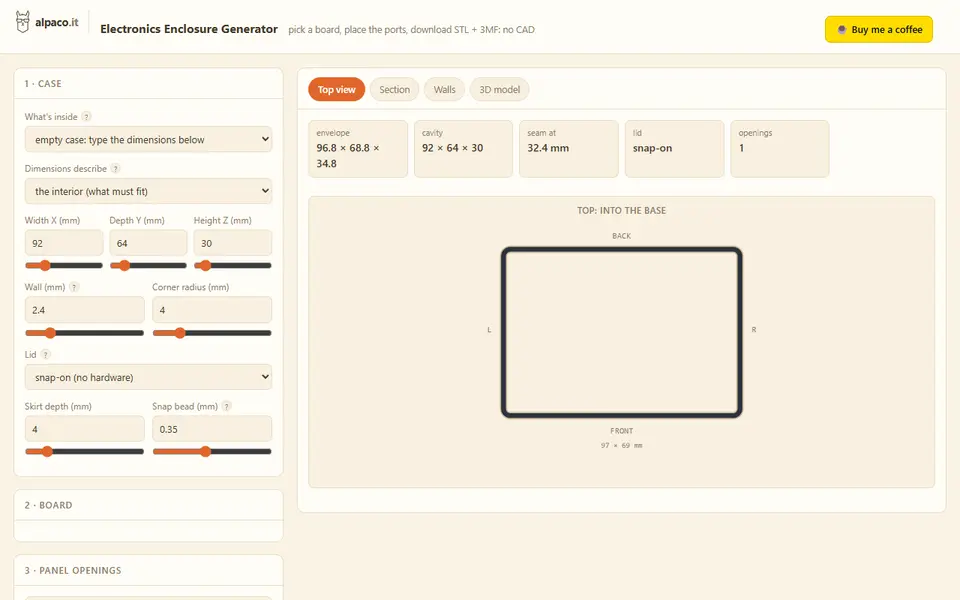
Boxes
alpaco.it Electronics Enclosure Generator
Two-part cases for Raspberry Pi, Arduino or custom boards, with port openings and vents
Boxes
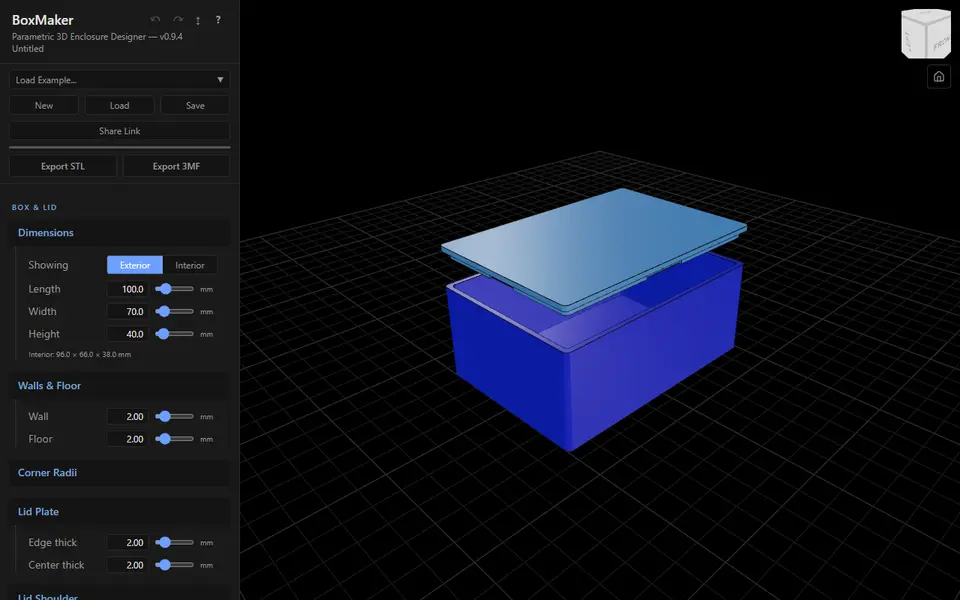
BoxMaker (dcity)
Free snap-fit electronics enclosure with PCB standoffs, cutouts and raised text labels as separate 3MF parts
Boxes
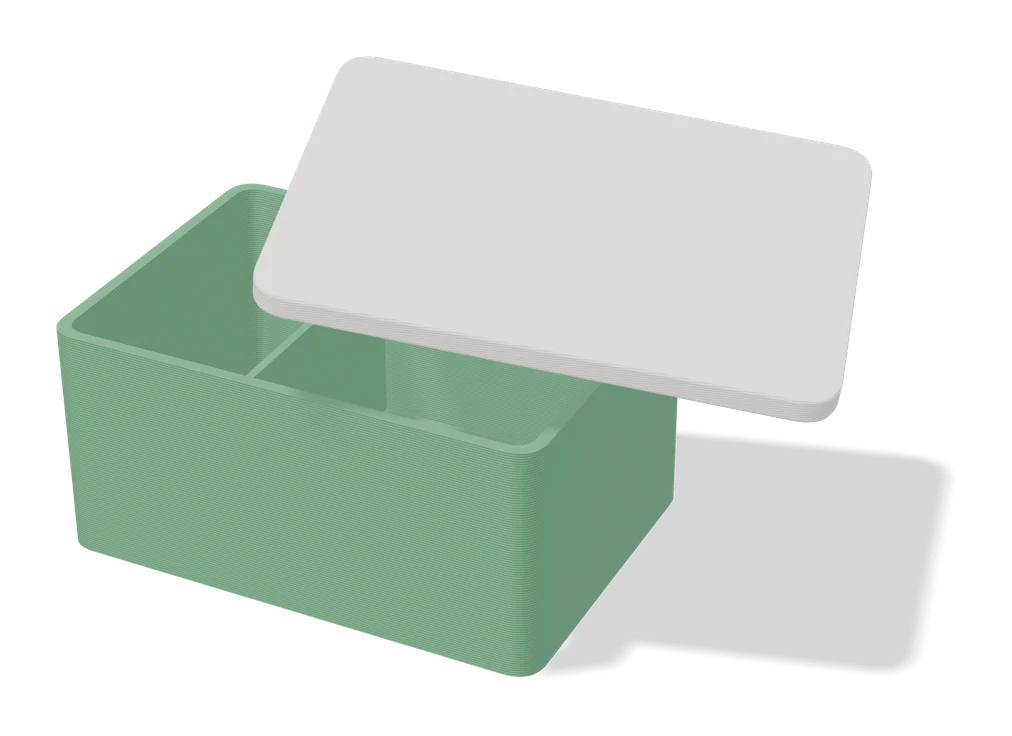
Parametric PCB Enclosure Generator
Enter your board size and holes, get a printable electronics case with lid
Boxes
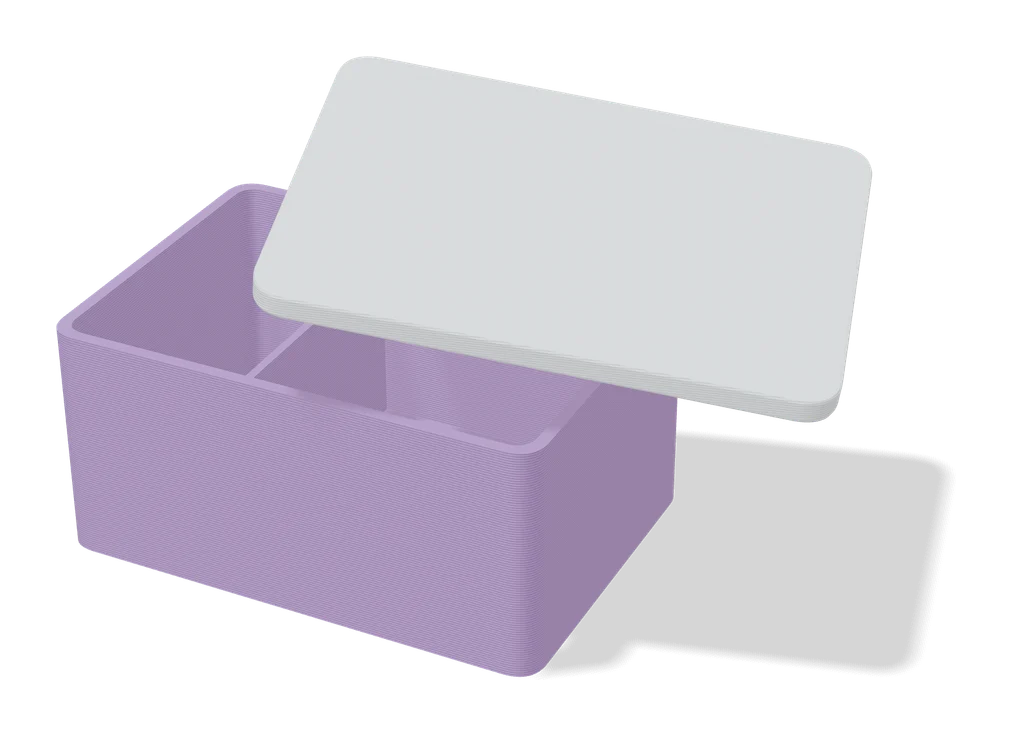
Customizable Rugged Box (Vostok Labs)
Compact rugged box with a print-in-place hinge, sized in MakerWorld, no screws or assembly
Boxes
Customizable Snap-Lock Box
Parametric box with a snap-on lid and a locking latch, sized to your needs
Boxes
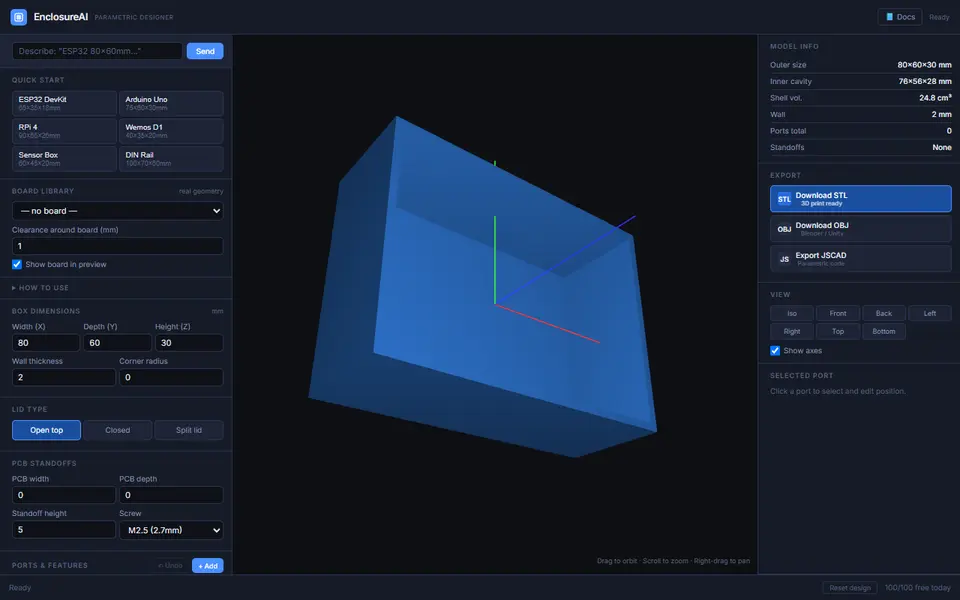
EnclosureAI (3D MakerBench)
Free electronics enclosures built around a real board, with standoffs, port cutouts and vents, as STL or OBJ