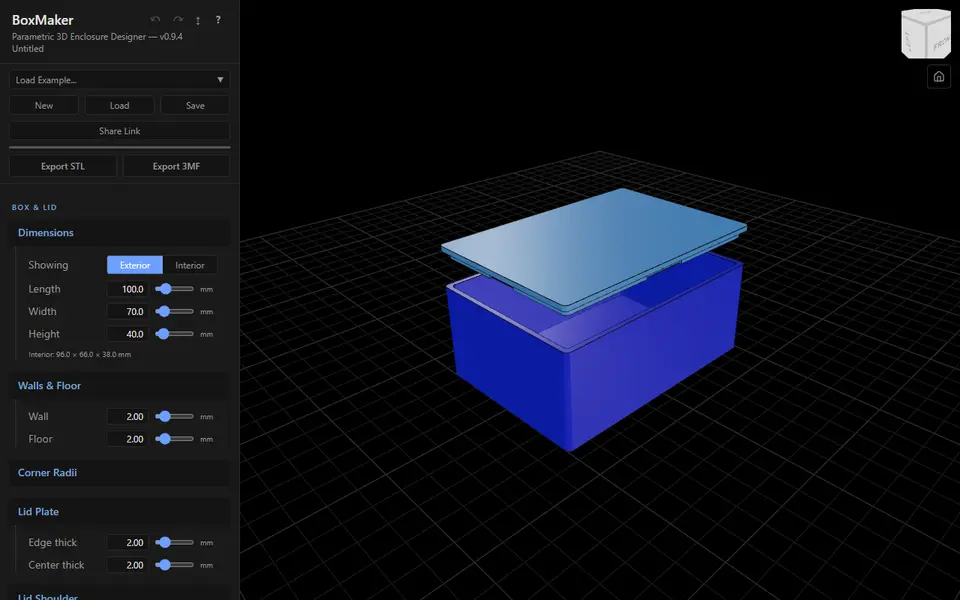
What is BoxMaker (dcity)?
BoxMaker designs a project box with a snap-fit lid for electronics. You set the length, width and height as inside or outside sizes, the wall and floor thickness, corner radii, the lid plate and the shoulder that fits into the box, and turn snap clips on or off for each wall with their nub height and lead-in.
Standoffs for circuit boards, round and rectangular cutouts on any face and embossed or debossed text labels are added by typing values into short comma-separated lists, with a help panel that explains the format. You can also describe a board or part once in a small definition file and place it by name, so its standoffs and holes are made for you. Bundled fonts or your own TTF or OTF can be used for labels, and there are starter designs under Load Example.
Export STL gives a ZIP with the box and the lid; Export 3MF gives one file where text labels are separate objects, so you can print them in a second color. Designs save and load as JSON or as a share link. It is free with no account and MIT licensed, which covers the software, not the prints. It suits makers who know their board dimensions and want a neat labeled case.
What you can make
- Snap-fit project boxes with lids
- Enclosures with PCB standoffs
- Cases with port cutouts and raised labels
- Two-color labeled enclosures
How to use BoxMaker
- Set the box size, walls and lid in the Box & Lid panel
- Add standoffs, cutouts and text labels in their lists
- Check the box, lid and assembled views
- Export the STL ZIP or the 3MF and print
What you'll need to print it
Filament and parts that suit what you make with BoxMaker.
PETG
Matte PLA
Multicolor filament systems
Also handy
Filament dryers and dry boxes
Some of these are affiliate links: we may earn a small commission, at no extra cost to you. More about that
BoxMaker pros
- Text labels come out as separate 3MF objects for a second color
- Per-wall snap clips with tunable nubs and lead-in
- Reusable board files place standoffs and holes for you
BoxMaker cons
- Standoffs, cutouts and labels are typed as value lists, not dragged
- No ready-made connector library like some enclosure tools
Rate BoxMaker
One rating per account. Signing in takes one email link, no password.
Reviews
Made with BoxMaker
Read next
BoxMaker alternatives
Box and enclosure generators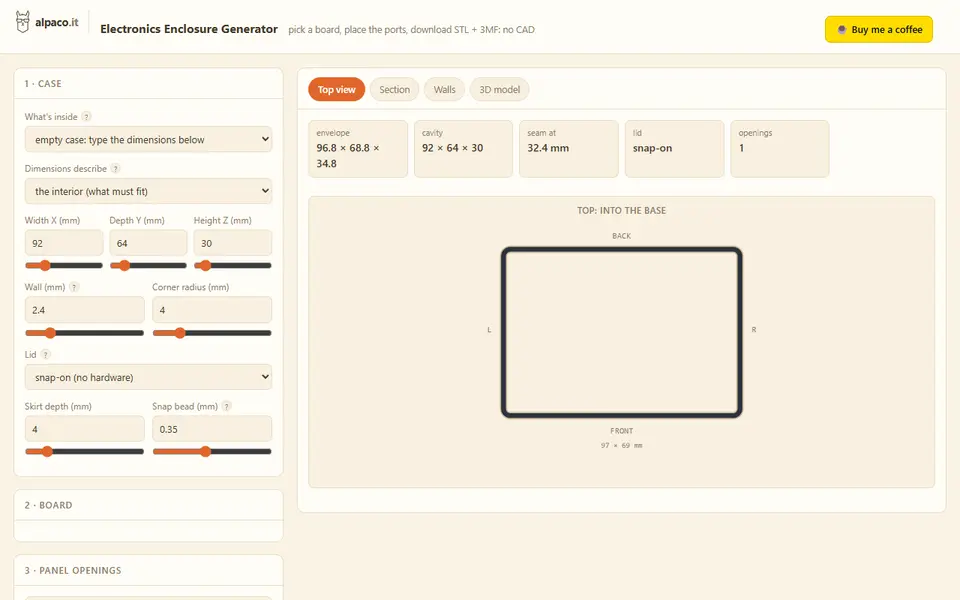
Boxes
alpaco.it Electronics Enclosure Generator
Two-part cases for Raspberry Pi, Arduino or custom boards, with port openings and vents
Boxes
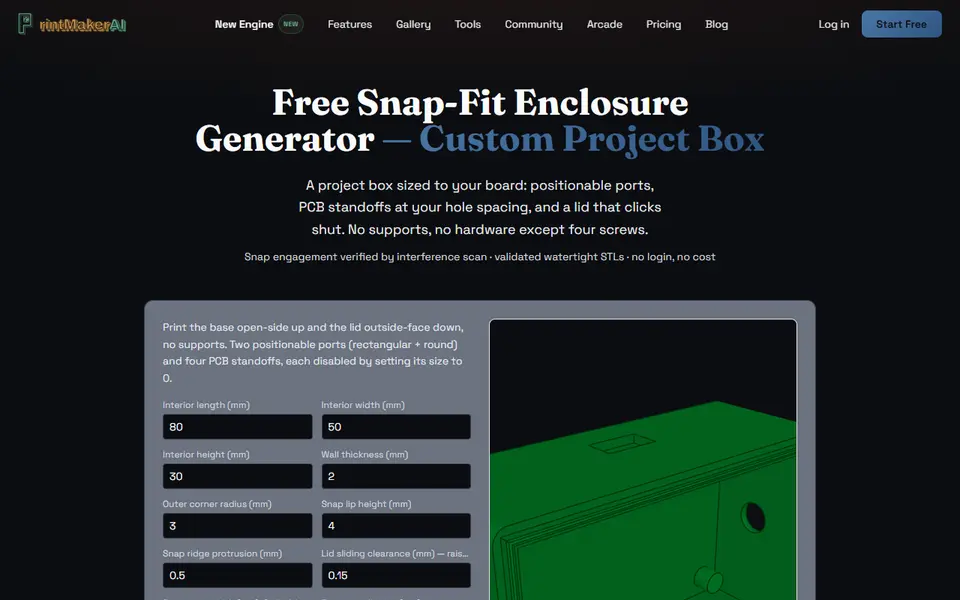
PrintMakerAI Snap-Fit Enclosure Generator
Snap-lid project boxes sized to your circuit board, with port cutouts and PCB standoffs
Boxes
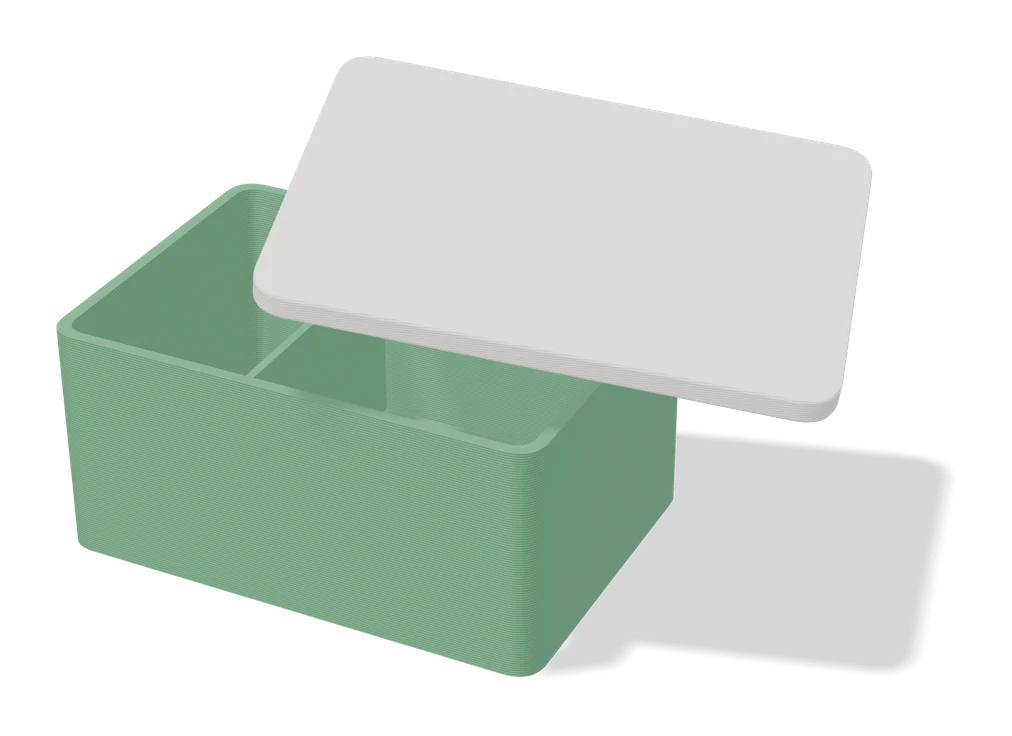
Parametric PCB Enclosure Generator
Enter your board size and holes, get a printable electronics case with lid
Boxes
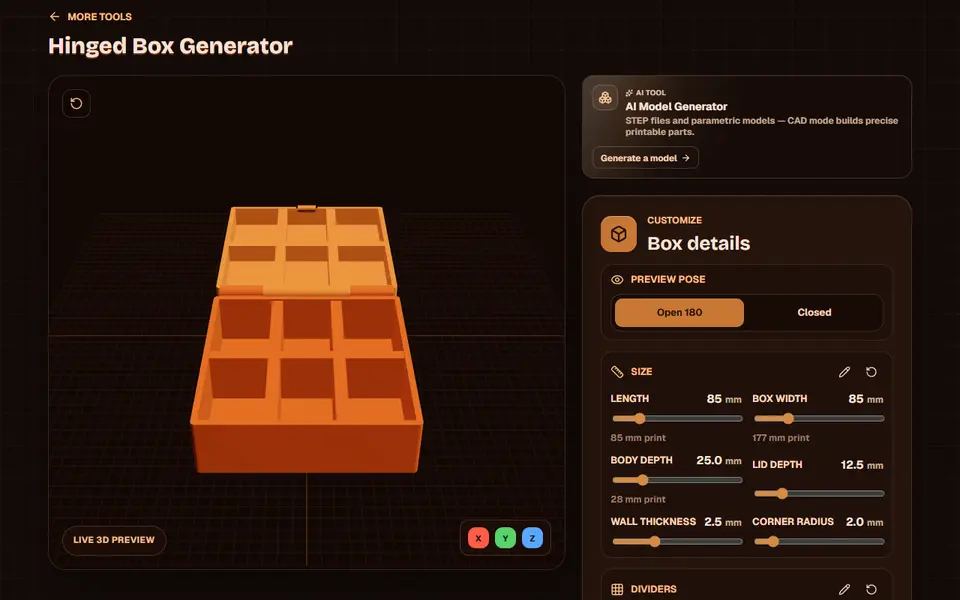
Obloid Hinged Box Generator
Print-in-place hinged snap-fit boxes with dividers and lid text, sized with sliders
Boxes
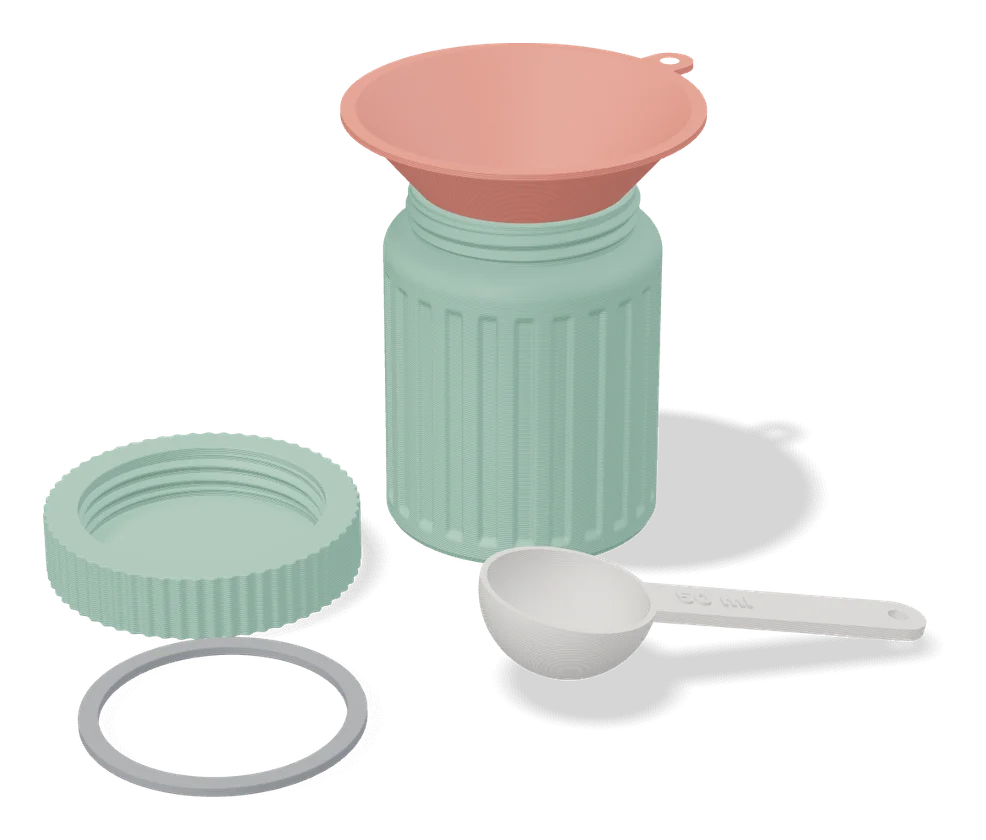
Jar Generator (Fletch)
Screw-top jars with patterned walls and lids, set up in MakerWorld's online customizer
Boxes
DnD Dice and Miniature Box (Print in Place)
Hinged print-in-place box sized to your dice set and one standing miniature