PrintMakerAI Snap-Fit Enclosure Generator
Snap-lid project boxes sized to your circuit board, with port cutouts and PCB standoffs
PrintMakerAI Snap-Fit Enclosure Generator is a free browser tool for snap-shut project boxes for microcontroller and sensor boards. Free with no login or watermark. PrintMakerAI's separate AI design app has a free tier and paid plans from $15/month. Exports STL. Last checked .
Opens printmakerai.com
About this generator
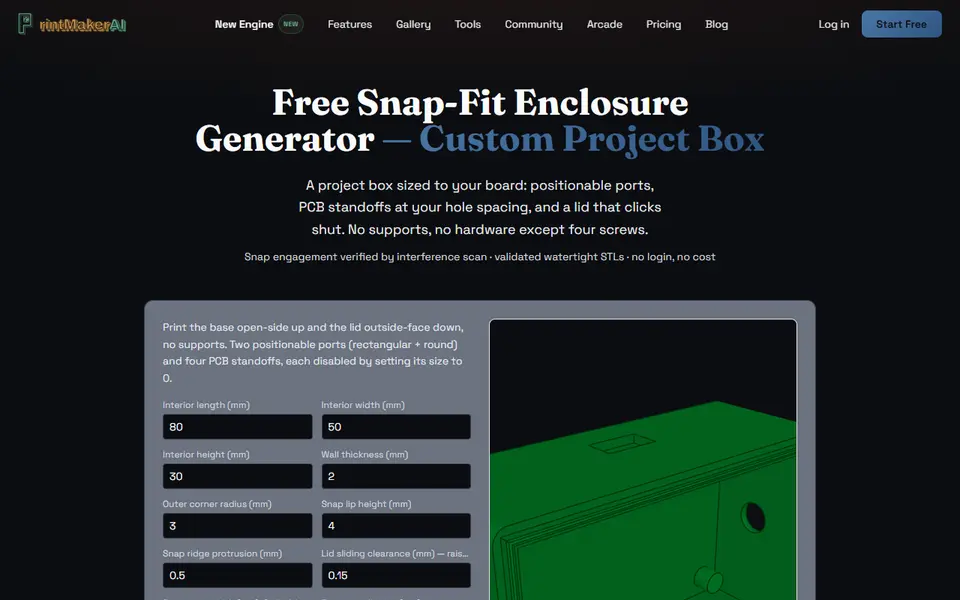
PrintMakerAI Snap-Fit Enclosure Generator is a free browser tool that builds a two-part electronics project box: a base and a lid that clicks onto a small bead on the base's lip. You type the interior size your board needs, anywhere from 30 x 30 x 10 mm up to 200 x 150 x 80 mm, and the walls are added around it. It is one of a handful of free tools on PrintMakerAI, a site whose main product is a paid AI design app, but this generator runs a fixed CAD script and needs no login.
Twenty number fields cover the details. The front wall gets a rectangular cutout, sized for a USB-C plug by default, and the right side gets a round hole meant for a cable gland, each with its own offset and height. Four standoffs with pilot holes for M2.5 self-tapping screws follow your board's mounting hole spacing. Setting a port or the standoffs to 0 removes them, and a clearance field loosens the lid if it fits too tight. A 3D preview lets you switch between base and lid before you download.
There are no board presets, so have your measurements ready. It suits makers boxing up a microcontroller or a small sensor board.
What you can make
- Snap-lid project boxes
- Electronics enclosures with PCB standoffs
- Boxes with a USB-C port cutout
- Boxes with a round side hole for a cable gland
How to use PrintMakerAI Snap-Fit Enclosure Generator
- Measure your board's size, tallest part and mounting hole spacing
- Enter the interior size and wall thickness
- Position the front and side ports, or set them to 0
- Set the standoff spacing and click Regenerate with my dimensions
- Download the base and lid STLs and print them without supports
What you'll need to print it
Filament and parts that suit what you make with PrintMakerAI Snap-Fit Enclosure Generator.
PETG
M3 screws
Also handy
Digital calipers
Filament dryers and dry boxes
Some of these are affiliate links: we may earn a small commission, at no extra cost to you. More about that
PrintMakerAI Snap-Fit Enclosure Generator pros
- No login, no watermark and no cost to download
- Port cutouts and standoffs are placed by offset, so the box fits one specific board
- Snap lid with an adjustable clearance, and the print guide has both parts printing without supports
PrintMakerAI Snap-Fit Enclosure Generator cons
- Every size and offset is typed in by hand, with no presets for common boards
- No vent slots, screw-down lid or waterproofing options
- Only one front cutout and one side hole, on fixed walls, and STL is the only format
Rate PrintMakerAI Snap-Fit Enclosure Generator
One rating per account. Signing in takes one email link, no password.
Reviews
Made with PrintMakerAI Snap-Fit Enclosure Generator
Read next
PrintMakerAI Snap-Fit Enclosure Generator alternatives
Box and enclosure generators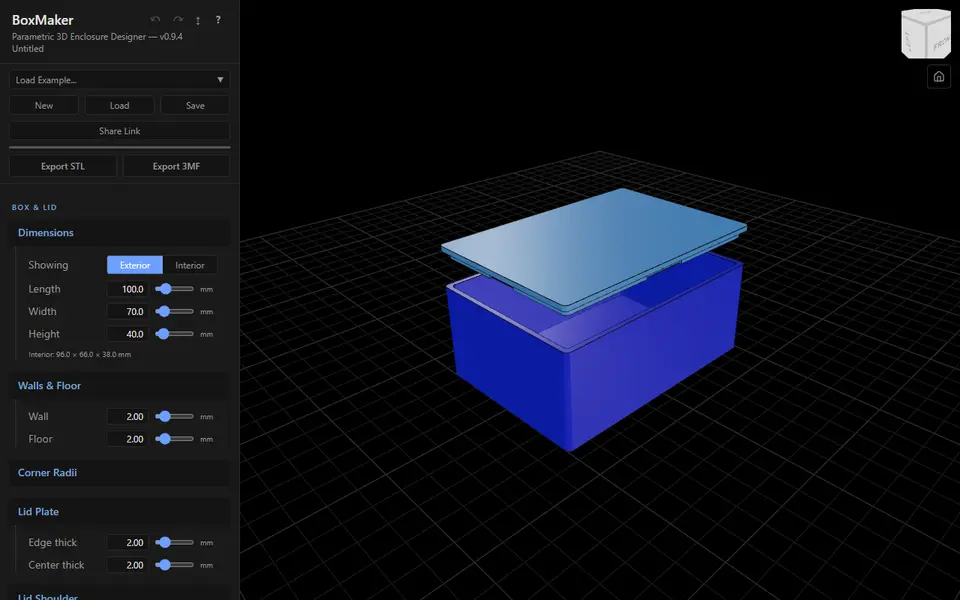
Boxes
BoxMaker (dcity)
Free snap-fit electronics enclosure with PCB standoffs, cutouts and raised text labels as separate 3MF parts
Boxes
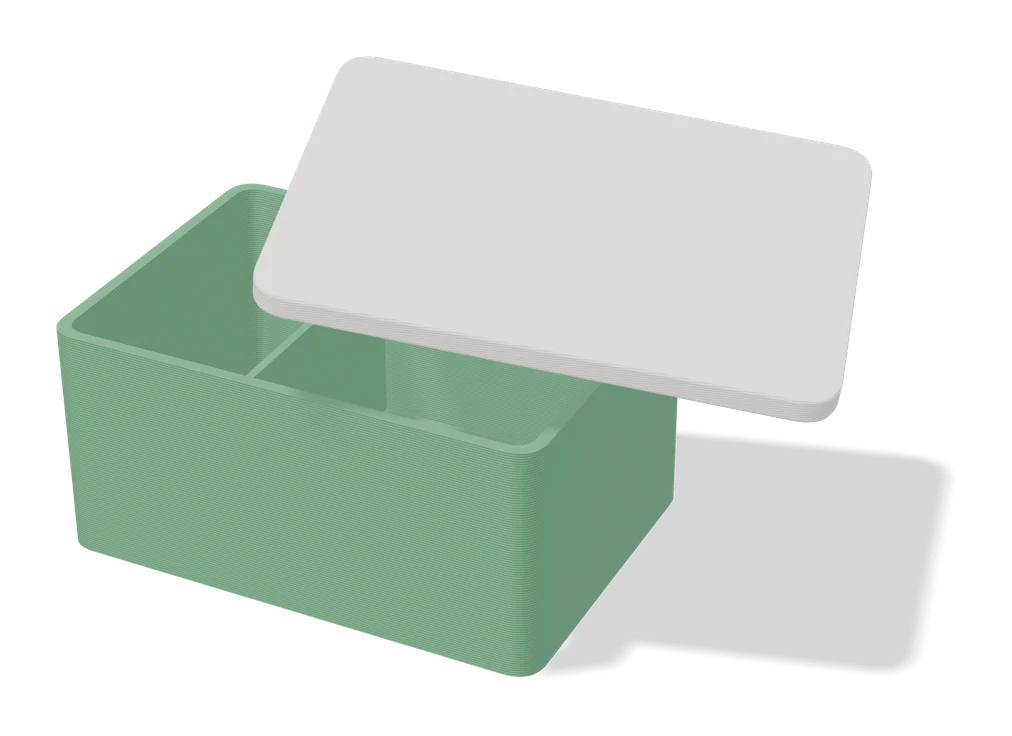
Parametric PCB Enclosure Generator
Enter your board size and holes, get a printable electronics case with lid
Boxes
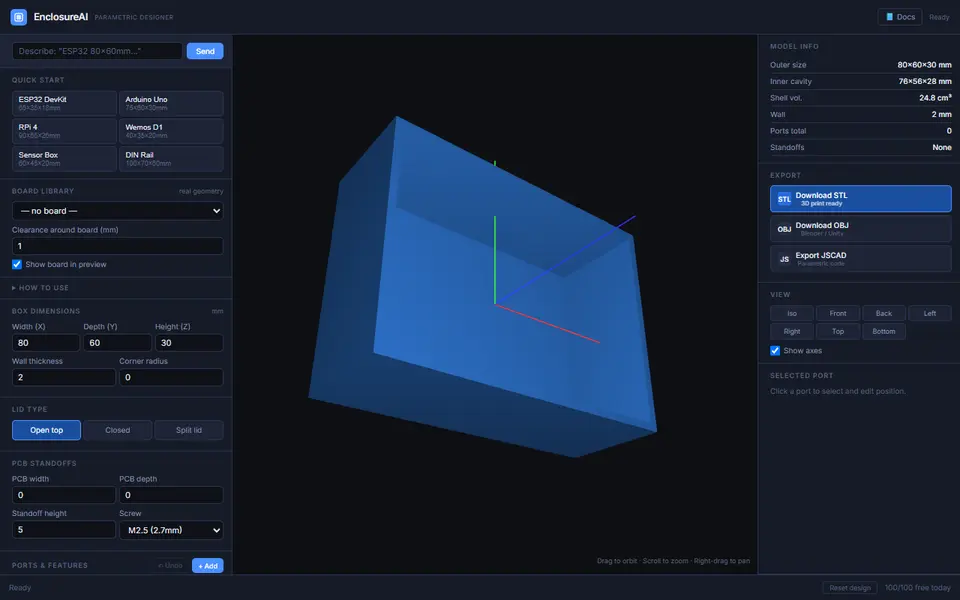
EnclosureAI (3D MakerBench)
Free electronics enclosures built around a real board, with standoffs, port cutouts and vents, as STL or OBJ
Boxes
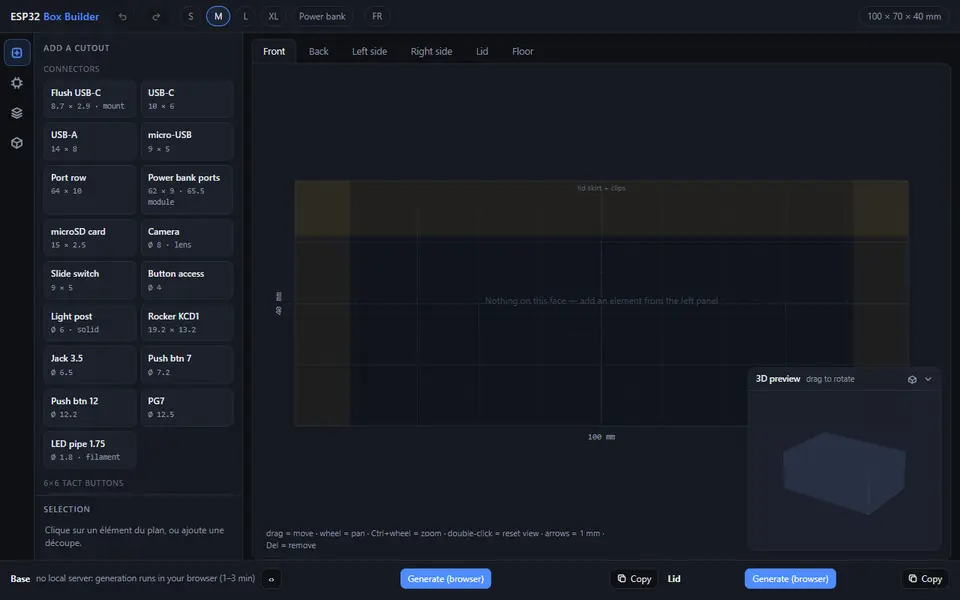
ESP32 Box Builder
Free drag-and-drop enclosure for ESP32 and sensor projects: place USB-C, buttons, screens and vents on each face
Boxes
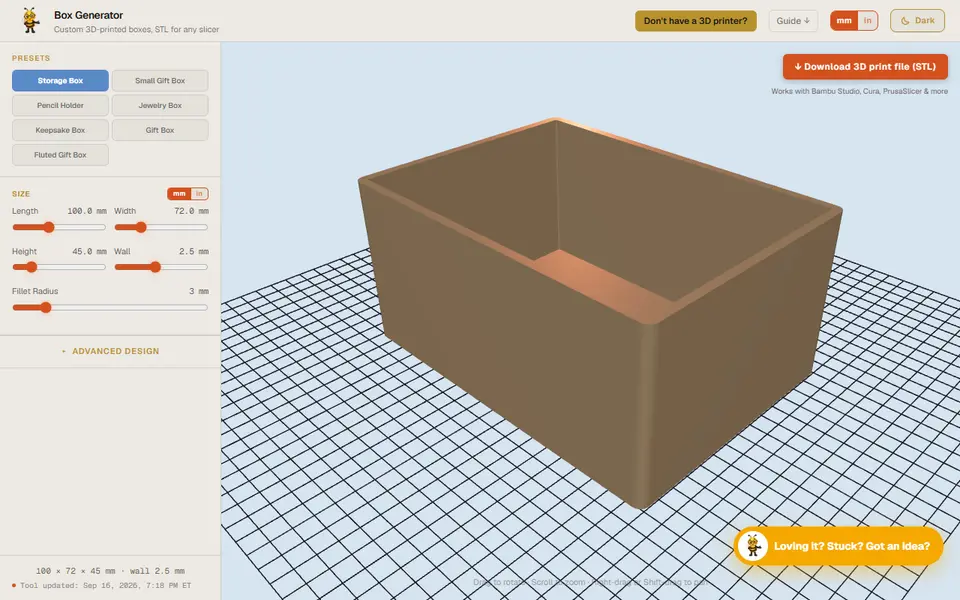
Designer Bee Box Generator
Free browser box generator with hinged or sliding lids, dividers and gift-box styles
Boxes
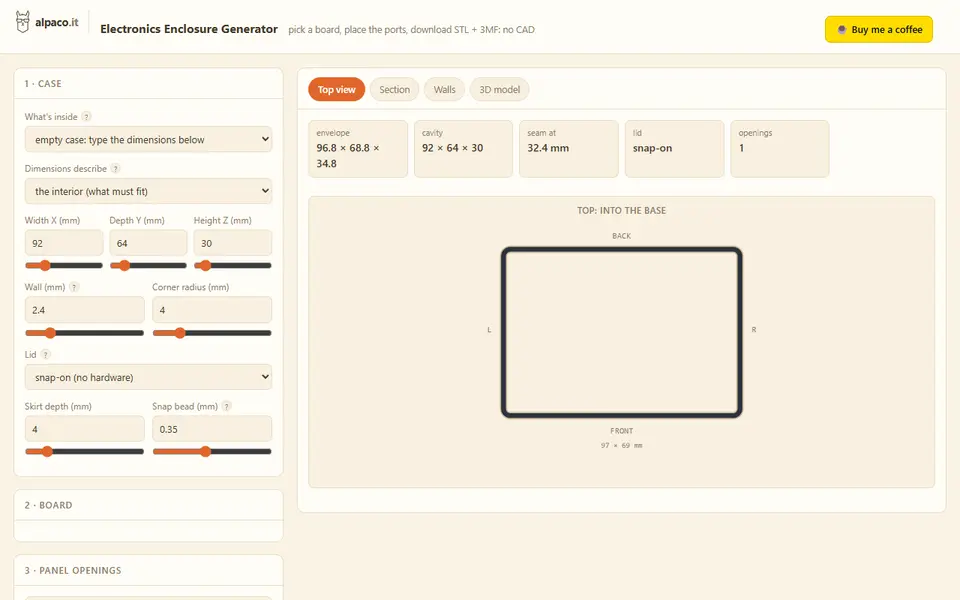
alpaco.it Electronics Enclosure Generator
Two-part cases for Raspberry Pi, Arduino or custom boards, with port openings and vents