EnclosureAI (3D MakerBench)
Free electronics enclosures built around a real board, with standoffs, port cutouts and vents, as STL or OBJ
EnclosureAI (3D MakerBench) is a free browser tool for a case that fits a specific Arduino, ESP32 or Raspberry Pi board. Free, no account; the optional AI assistant has a daily free allowance (100 requests when checked). Exports STL and OBJ. Last checked .
Opens enclosure.3dmakerbench.com
What is EnclosureAI (3D MakerBench)?
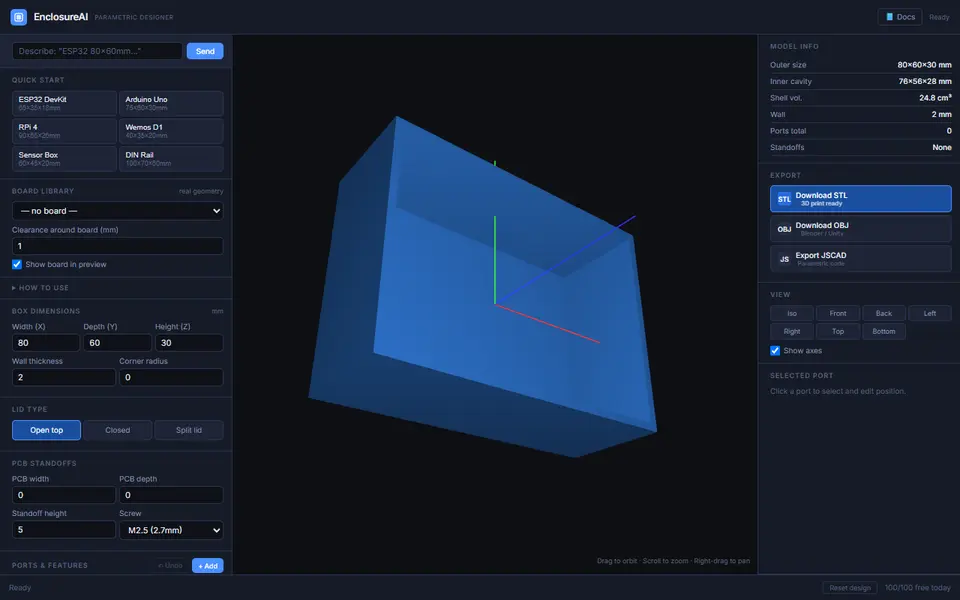
EnclosureAI is the electronics enclosure designer from the makers of 3D MakerBench. You pick a board from a library of about two dozen with real geometry, including the Arduino Uno and Mega, ESP32 and ESP8266 boards, Raspberry Pi 4, 5, Zero 2 W and Pico, and the BeagleBone Black, and the box resizes around it with standoffs under the mounting holes and the known connector cutouts already in the walls. Quick-start sizes and manual dimensions cover boards that are not listed.
You set the box size, wall thickness, corner radius, clearance around the board, the lid (open top, closed or split) and M2, M2.5 or M3 standoffs. Ports and features are added per face from groups such as USB, video, audio, power, network, buttons, displays, vents and pin headers, and each cutout can be nudged to exact distances from the edges. An optional AI bar fills in the design from a description; it showed a free allowance of 100 requests a day when checked. Exports are STL, OBJ, or JSCAD code to keep editing.
It is free and the form works without an account. The 3D MakerBench About page calls EnclosureAI its sister app, and the maker states that files made with 3D MakerBench may be printed and sold. It suits hobbyists boxing up an Arduino, ESP32 or Raspberry Pi project.
What you can make
- Raspberry Pi and Arduino cases
- ESP32 and sensor project boxes
- Enclosures with port cutouts and vents
- Split-lid boxes with board standoffs
How to use EnclosureAI
- Pick your board from the library or a quick-start size
- Set the box, lid and standoff options
- Add ports and vents on each face and check the side views
- Download the STL and print
What you'll need to print it
Filament and parts that suit what you make with EnclosureAI.
PETG
M3 screws
Also handy
Digital calipers
Filament dryers and dry boxes
Some of these are affiliate links: we may earn a small commission, at no extra cost to you. More about that
EnclosureAI pros
- Board library with real mounting holes and connector cutouts
- Ports, buttons, vents and headers placed per face at exact positions
- STL, OBJ and editable JSCAD export, free and without an account
EnclosureAI cons
- Boards outside the library need manual dimensions or the AI bar
- Three lid types only (open top, closed or split), and the AI bar has a daily free limit
Rate EnclosureAI
One rating per account. Signing in takes one email link, no password.
Reviews
Made with EnclosureAI
Read next
EnclosureAI alternatives
Box and enclosure generators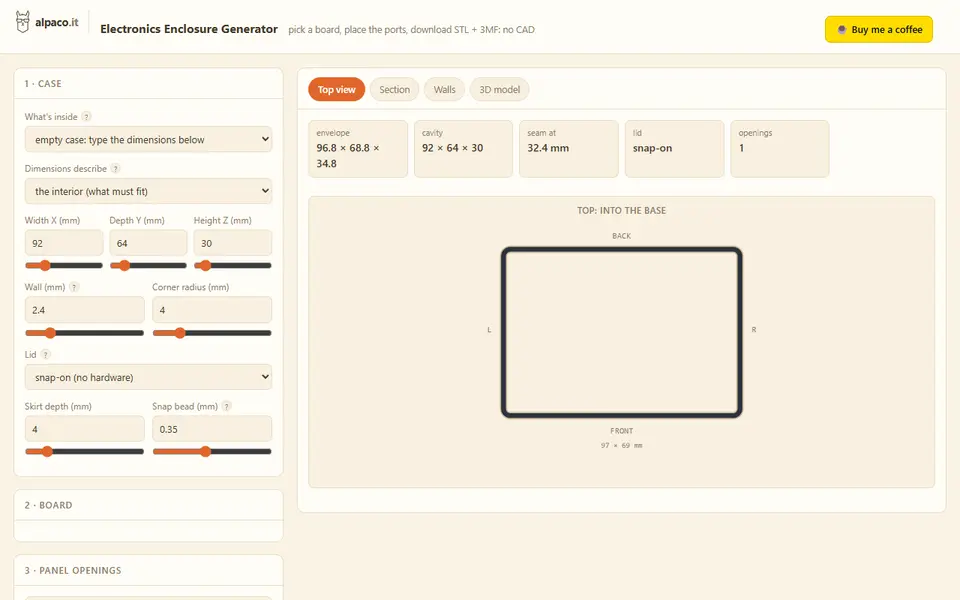
Boxes
alpaco.it Electronics Enclosure Generator
Two-part cases for Raspberry Pi, Arduino or custom boards, with port openings and vents
Boxes
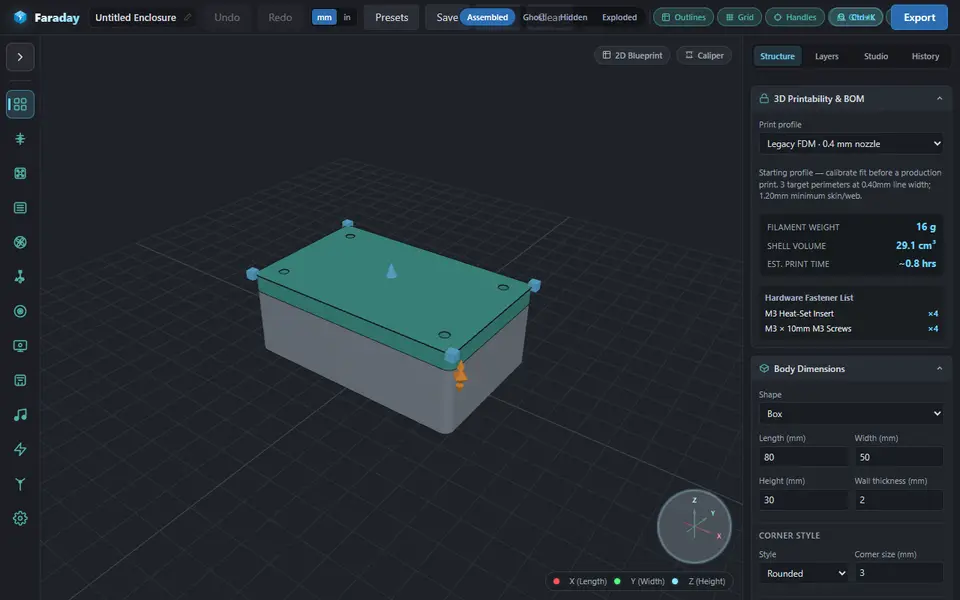
Faraday Enclosure Generator
Fitted cases for Pi, Arduino, LoRa and SDR boards, with ports, fans and many lid types
Boxes
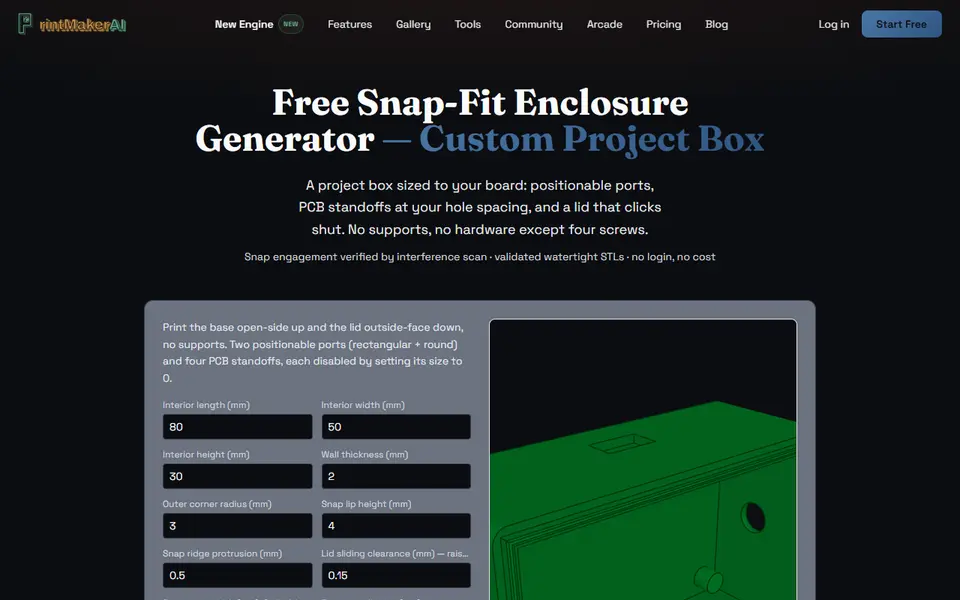
PrintMakerAI Snap-Fit Enclosure Generator
Snap-lid project boxes sized to your circuit board, with port cutouts and PCB standoffs
Boxes
Parametric PCB Enclosure Generator
Enter your board size and holes, get a printable electronics case with lid
Boxes
Universal Smartphone Case Generator
Fitted TPU phone case for any phone you can measure, with your own port and button cutouts
Boxes
LittleBoxes.ai
Free browser designer for boxes, lids, brackets and holders sized to your measurements