LittleBoxes.ai
Free browser designer for boxes, lids, brackets and holders sized to your measurements
LittleBoxes.ai is a free browser tool for custom-size trays, enclosures and household holders. Free, no account needed to download. A free account saves designs and unlocks the Drawer Planner (in beta as of September 2026); no paid plans seen. Exports STL. Last checked .
Opens littleboxes.ai
What is LittleBoxes.ai?
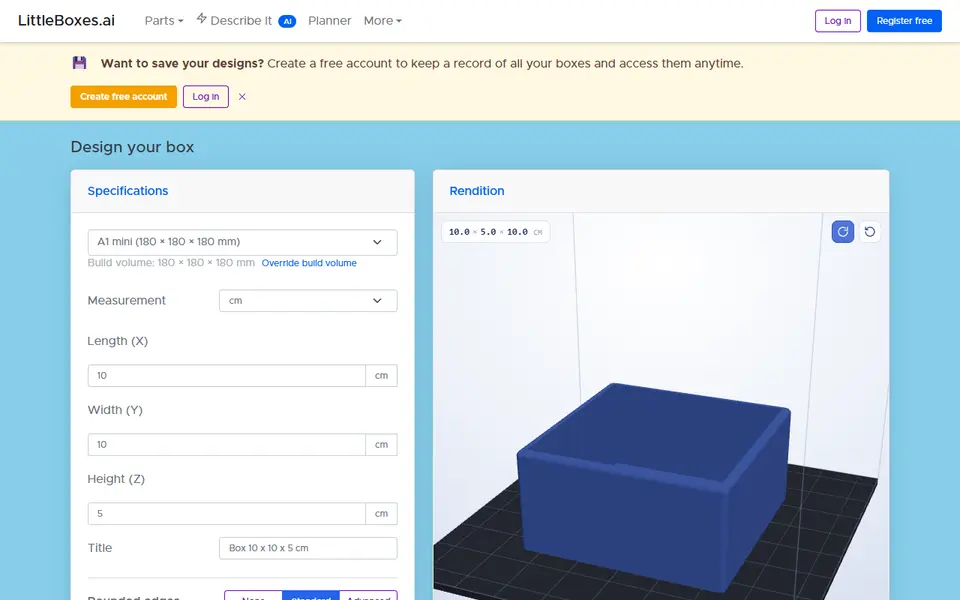
LittleBoxes.ai is a free browser tool that designs boxes, lids, brackets and holders to your own measurements. Its main designer makes open-top boxes and trays. You enter the length, width and height in millimeters, centimeters or inches, set the wall and floor thickness, and choose how much the outer and inner edges are rounded. A 3D preview updates as you type, and the STL file is built in your browser, so you can download it without an account.
Seven more designers cover related jobs. Vented boxes get slits, round holes, teardrops, diamonds or a honeycomb pattern on the walls you choose. Stackable boxes have a stepped rim so identical boxes stack neatly, and the lid designer makes a cap or drop-in lid, either from typed sizes or carried over from a box you just made. There are also L-brackets and flat plates with screw holes, wall cradles for TV remotes, phone stands and docks, and sawtooth rails for adjustable cabinet shelves. A Describe it box takes a short sentence and opens the matching designer with starting sizes filled in.
Pick your printer from the list and the site warns you when a part is larger than the bed. It suits anyone who needs a tray, enclosure or holder in an exact size. The site is new, with few outside reviews.
What you can make
- Open-top boxes and trays
- Vented electronics enclosures
- Stackable boxes
- Cap and inset lids
- L-brackets and mounting plates
- Remote and phone holders
How to use LittleBoxes.ai
- Open the box designer, or type what you need into the Describe it box
- Enter the length, width and height and pick your printer
- Set the wall and floor thickness and how rounded the edges are
- Click Create a lid if the box needs one
- Click Download STL and slice the file
What you'll need to print it
Filament and parts that suit what you make with LittleBoxes.ai.
M3 screws
PETG
Also handy
Some of these are affiliate links: we may earn a small commission, at no extra cost to you. More about that
LittleBoxes.ai pros
- STL is generated in the browser and downloads without an account
- Lid designer can take its sizes straight from a box you just designed
- Every designer has a printer list that warns when a part is too big for the bed; the box designer also estimates filament weight and cost
LittleBoxes.ai cons
- STL only, and each part comes out as a single-color body
- Boxes are plain open-top shapes, with no dividers, hinges or latches
- New site with no outside reviews found, and in September 2026 several designer pages said you must register to download although no account was needed
Rate LittleBoxes.ai
One rating per account. Signing in takes one email link, no password.
Reviews
Made with LittleBoxes.ai
Read next
LittleBoxes.ai alternatives
Box and enclosure generators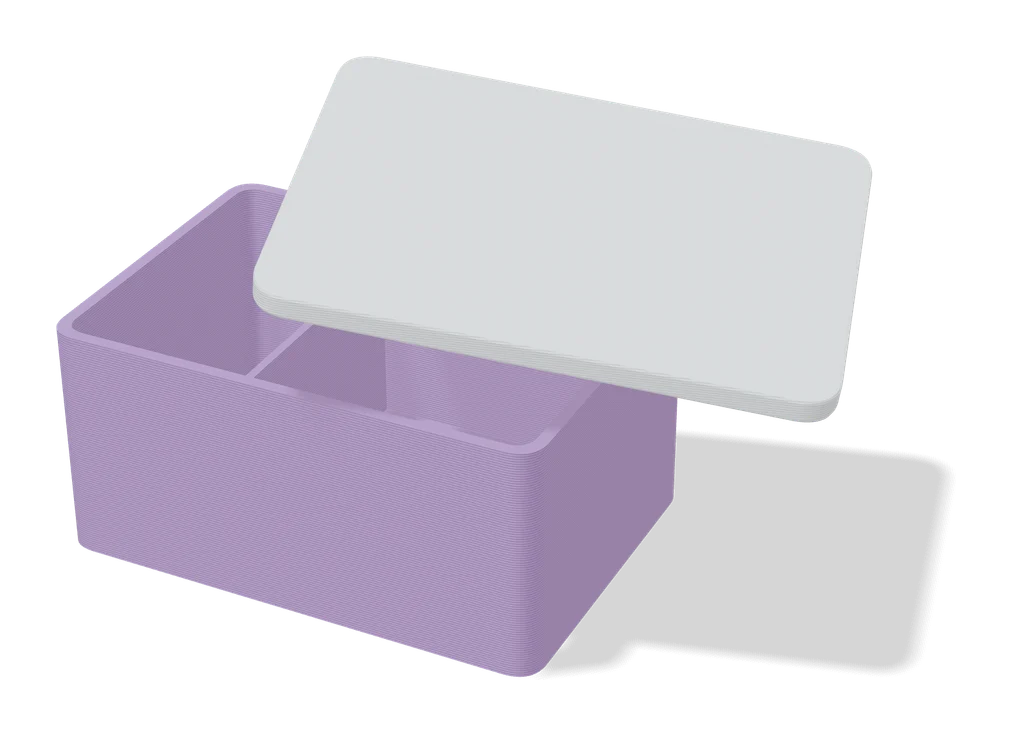
Boxes
Customizable Box with Slide Lid
Custom-size storage box with a sliding, stackable lid and optional compartments
Boxes
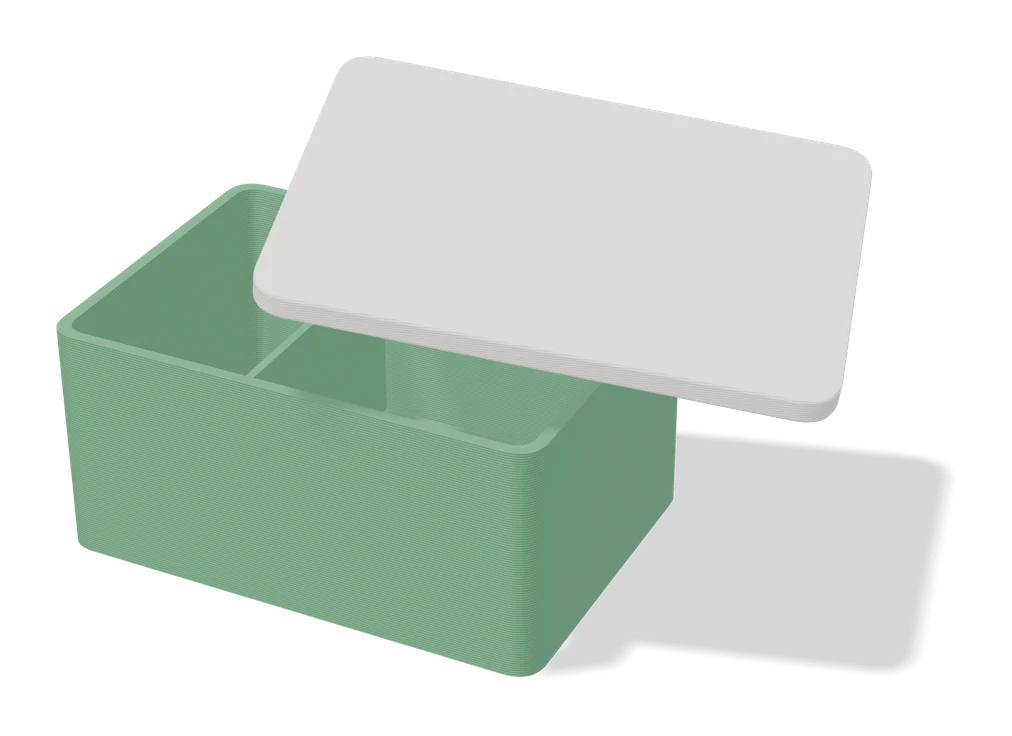
Parametric PCB Enclosure Generator
Enter your board size and holes, get a printable electronics case with lid
Boxes
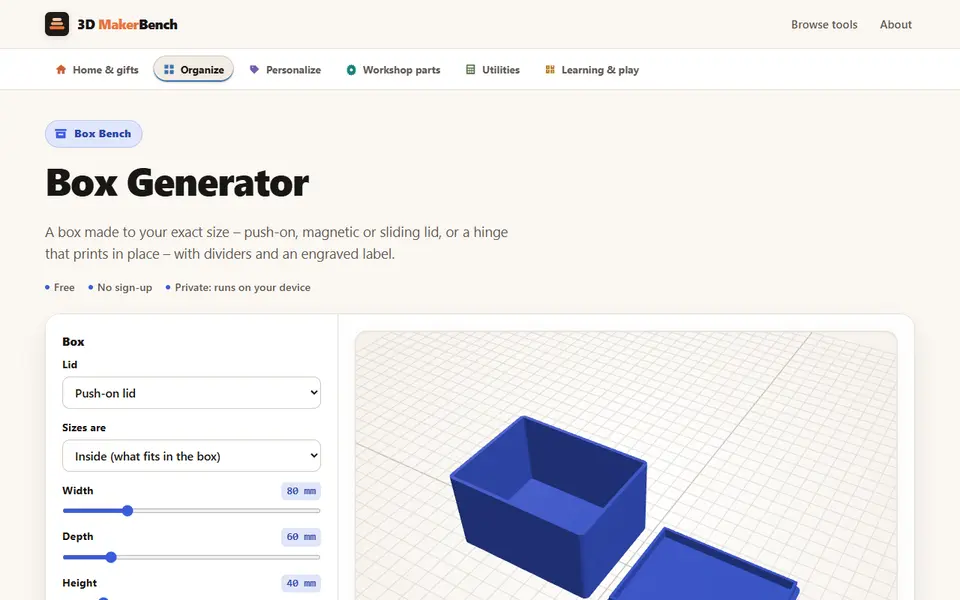
Box Generator (3D MakerBench)
Free boxes to your exact size with a push-on, magnetic, sliding or hinged lid, as one STL, no account
Boxes
EnclosureAI (3D MakerBench)
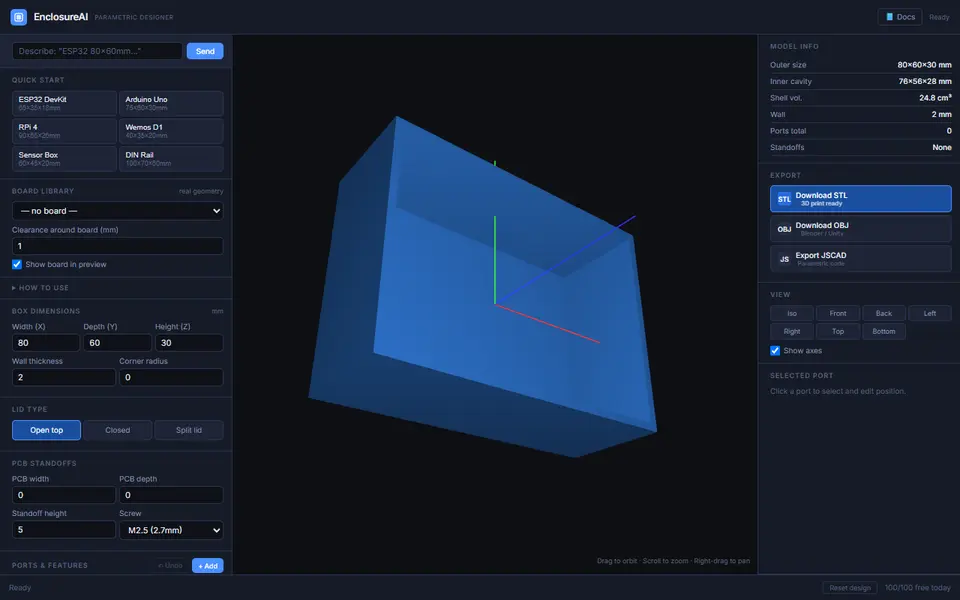
Free electronics enclosures built around a real board, with standoffs, port cutouts and vents, as STL or OBJ
Boxes
Ultimate Sample Box (Filament Swatch Box)
Lidded box built around your filament swatch cards, with custom text, a lid window and an optional tilt