FrameCraft
Free browser app that turns any OpenStreetMap location into a framed miniature city, with a multicolor Bambu 3MF
FrameCraft is a free browser tool for multicolor framed city models from any location. Free, open source, no account. Exports 3MF, STL, OBJ and STEP. Last checked .
Opens naxhq.github.io
What is FrameCraft?
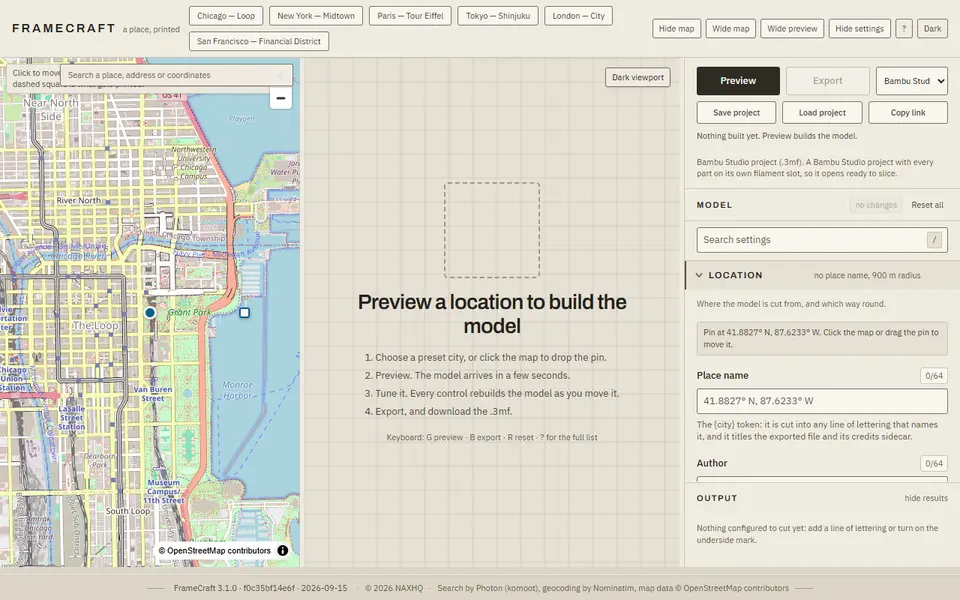
FrameCraft builds a framed miniature city from any place on the map. You search for an address or coordinates, or start from a preset such as Chicago, New York, Paris, Tokyo, London or San Francisco, set the radius of the square to print and press Preview. The buildings, roads, water, parks and bridges come from OpenStreetMap, and the model is built in your browser in a few seconds.
The settings panel has twelve groups: plate size, base and nozzle, building heights, how deep roads and water are cut, bridges, real terrain elevation, the frame and engraved text, colors and the printer. A search box finds any control, and you can right-click a single building or road to resize, recolor or hide it, or pick landmark buildings to stand out. Eight printer profiles, a printability check that refuses a failing model, filament and time estimates, and tiling into dovetailed pieces for large models are built in.
Export formats are a Bambu Studio project 3MF with every part on its own filament slot, a generic 3MF, STL as one body or per region, OBJ, faceted STEP and a color-change 3MF for single-nozzle printers. Each model carries an engraved OpenStreetMap credit. It is free and needs no account. With so many options it is more involved than a one-click city tool, and the maker lists known limits, such as thin walls on the Tokyo preset.
What you can make
- Framed miniature city models
- Multicolor city maps
- Neighborhood and landmark models
How to use FrameCraft
- Search for a place or pick a preset city
- Set the radius and press Preview
- Tune heights, colors, frame and text
- Choose an export format and download the model
What you'll need to print it
Filament and parts that suit what you make with FrameCraft.
Multicolor filament systems
Matte PLA
Some of these are affiliate links: we may earn a small commission, at no extra cost to you. More about that
FrameCraft pros
- Bambu Studio project 3MF with every region on its own filament slot
- Per-building and per-road overrides, frames, engraved text and terrain
- Printability check, filament estimate and tiling for large models
FrameCraft cons
- Many settings; takes longer to learn than simpler city tools
- Building detail depends on what OpenStreetMap has for the area
- The maker lists known defects, such as thin walls on the Tokyo preset
Rate FrameCraft
One rating per account. Signing in takes one email link, no password.
Reviews
Made with FrameCraft
Read next
FrameCraft alternatives
Terrain and map generators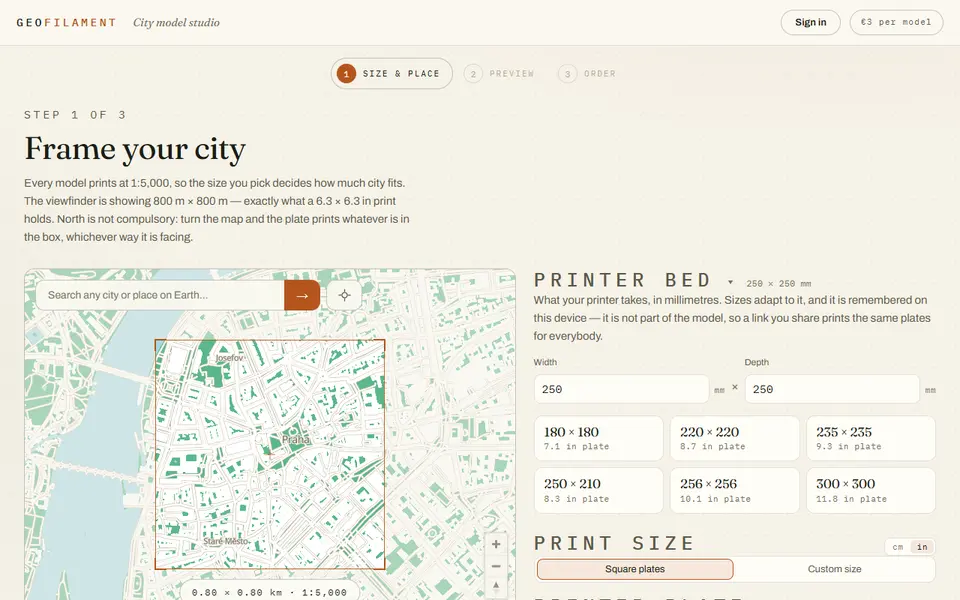
Maps & Terrain
GeoFilament
Any place on Earth as a multicolor city model at 1:5,000, from 3 EUR per model with a free in-browser preview
 Made by us
 Maps & Terrain
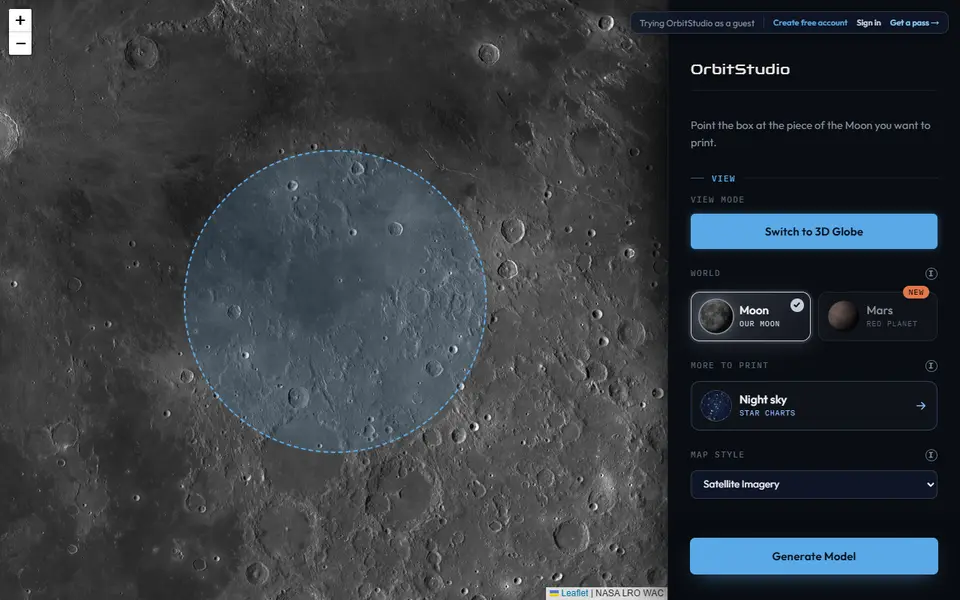
OrbitStudio
Print any place on the Moon or Mars as a snap-together puzzle or ornament
Maps & Terrain
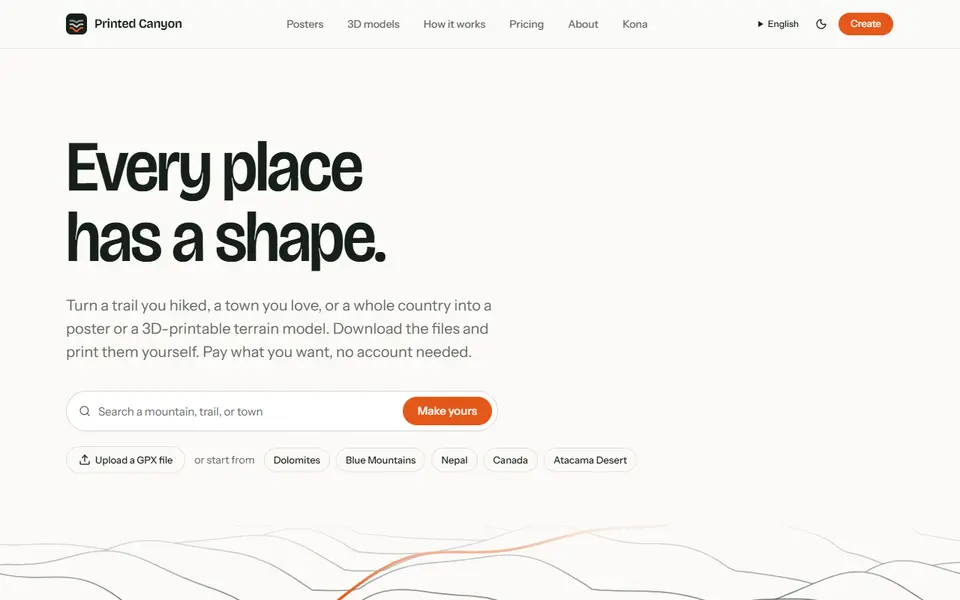
Printed Canyon
Pay-what-you-want terrain models and posters from a place or GPX route, as STL, 3MF or GLB, no account

Maps & Terrain
Star Map Generator (MakerLab)
Printable two-color star map of the real sky for any place and date
Maps & Terrain
gpx2stl
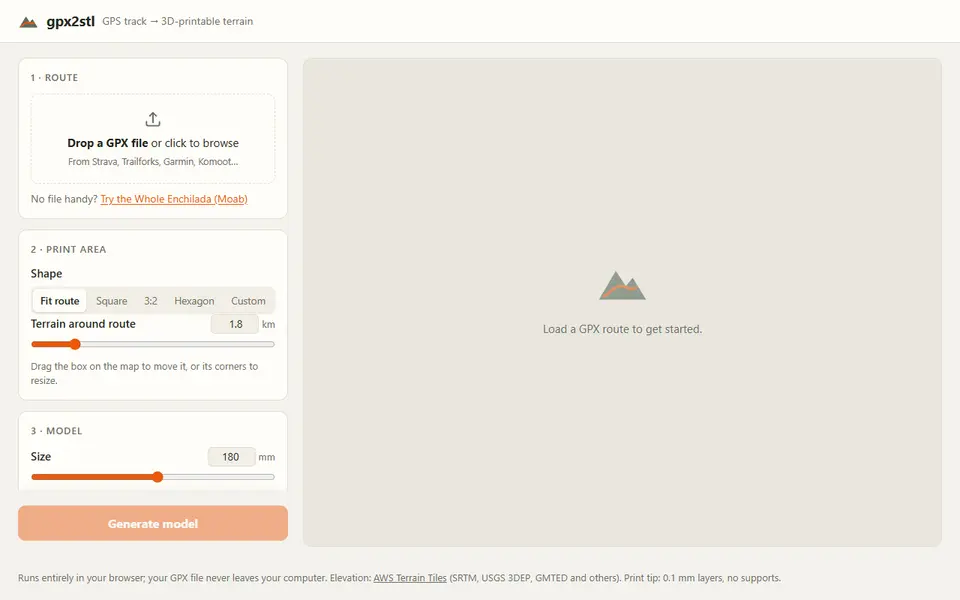
Free browser tool that turns a GPX track into a terrain relief with the route as a ridge, groove or color inlay