Gear Generator 3
Gear designer and simulator in the browser or as a desktop app; exports need a pass or a 45 EUR lifetime license
Gear Generator 3 is a paid browser and desktop tool for designing and testing gear trains. Designing and simulating are free; exports need a pass (5 EUR for 7 days, 10 EUR for 30 days, 30 EUR for a year) or the desktop app's lifetime license (45 EUR). Exports STL, OBJ and SVG; no account needed. Last checked .
Opens geargenerator.com
What is Gear Generator 3?
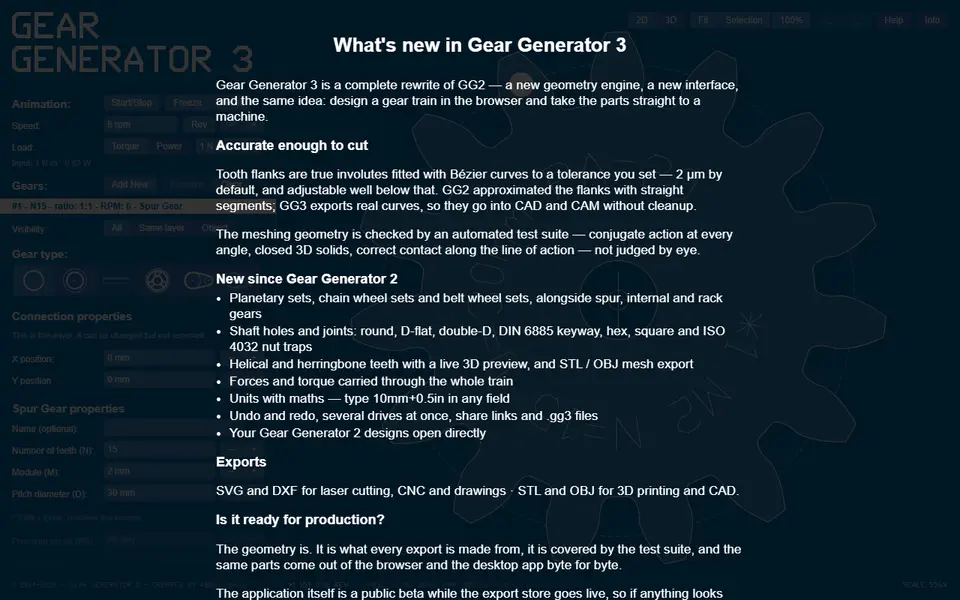
Gear Generator 3 is a browser tool that designs and simulates involute gear trains; designing is free, and exporting files needs a paid pass. Abel Vincze has run Gear Generator since 2014, and version 3 brings it into 3D: spur, helical and herringbone gears, racks, ring gears, planetary sets, chain sprockets and belt pulleys can all be added to one drawing, with shaft holes such as D-flat, keyway, hex and nut traps.
The standout feature is the simulation. Gears mesh on screen and you can start the animation to watch a whole train turn, which shows ratios, torque and fit before you print. When the design looks right, export the parts as STL or OBJ for 3D printing, or as SVG or DXF for laser cutting and CNC. A 3D preview shows thickness and other 3D settings when your browser supports WebGL2.
Designing and simulating cost nothing and need no account, but every export in the browser needs an export pass: 5 EUR for 7 days, 10 EUR for 30 days or 30 EUR for a year, which you can recover later by email. Since October 2026 there is also a desktop app for macOS (Apple silicon), Windows and Linux with a lifetime license for 45 EUR: it works offline, saves gear sets as files on your computer, includes every export without a pass, runs on up to three computers and gets free minor updates. It suits makers, students and teachers who want to understand a gear train, not just download a single gear, though it has more controls than a simple form.
What you can make
- Spur and helical gears
- Herringbone gears
- Planetary gear sets
- Chain sprockets
- Belt pulleys
How to use Gear Generator 3
- Open the site and add gears to the canvas
- Set tooth count, size and gear type
- Run the animation to check meshing
- Buy an export pass or the desktop app, then export STL or OBJ and slice
What you'll need to print it
Filament and parts that suit what you make with Gear Generator 3.
PETG
- Bambu Lab PETG Basic (affiliate link) Amazon
- Polymaker PETG (affiliate link) Polymaker EU: 3DJake (affiliate link)
Code gives 15% off your first order at Polymaker.
M3 heat-set inserts
M3 screws
Also handy
Digital calipers
Filament dryers and dry boxes
- SUNLU FilaDryer S4 (affiliate link) Amazon
- Polymaker PolyDryer (affiliate link) Polymaker
Some of these are affiliate links: we may earn a small commission, at no extra cost to you. More about that
Gear Generator 3 pros
- Live simulation of whole gear trains
- Many gear types including planetary sets and sprockets
- Exports for both 3D printing and laser cutting, also from an offline desktop app with a lifetime license
Gear Generator 3 cons
- Every file export needs a paid pass (from 5 EUR for 7 days) or the 45 EUR desktop app
- Interface has many controls and assumes some gear knowledge
- 3D preview needs WebGL2; the Mac app needs Apple silicon
Rate Gear Generator 3
One rating per account. Signing in takes one email link, no password.
Reviews
Made with Gear Generator 3
Read next
Gear Generator 3 alternatives
Gear, knob and part generators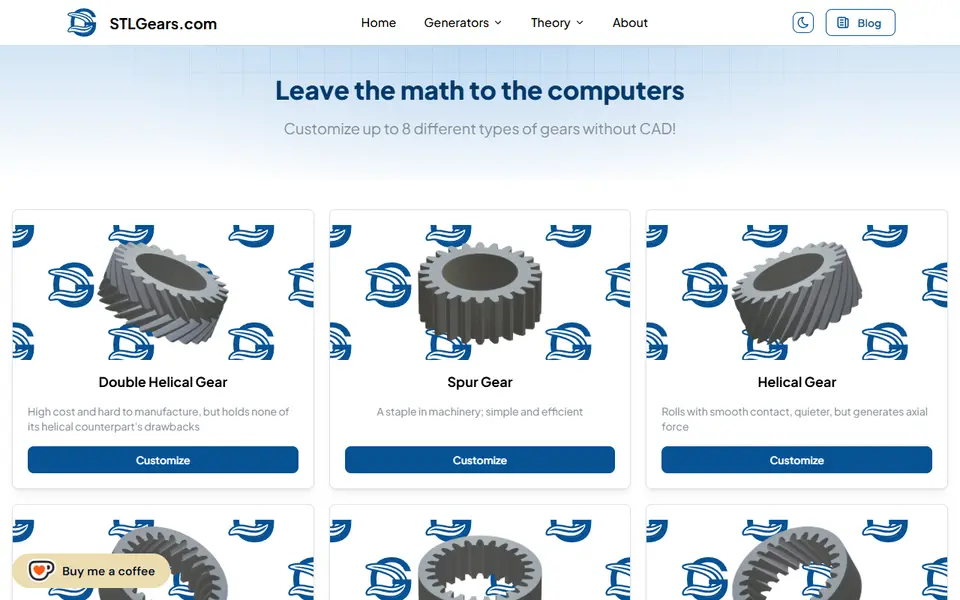
Mechanical Parts
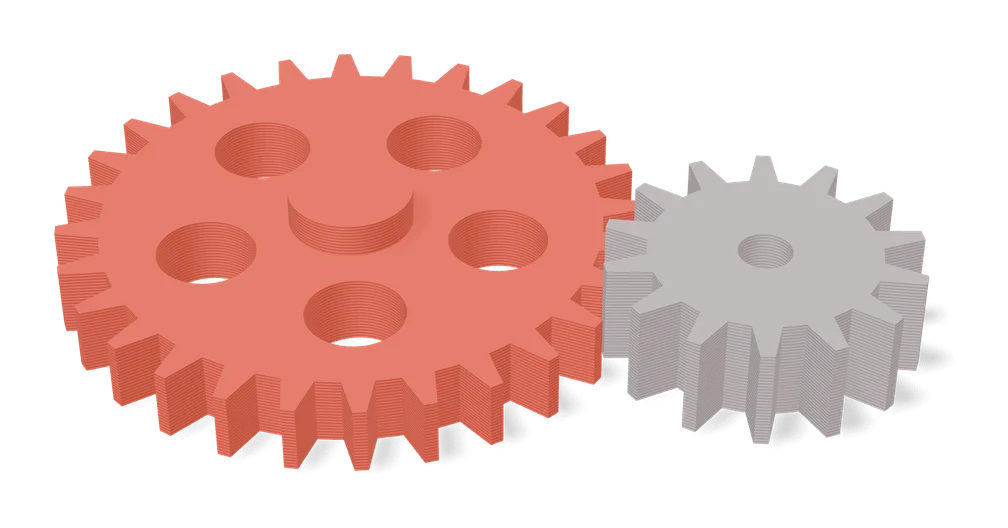
Gear Generator by Koolm
Spur, ring, bevel, crown and worm gears plus racks, all from one MakerWorld form
Mechanical Parts
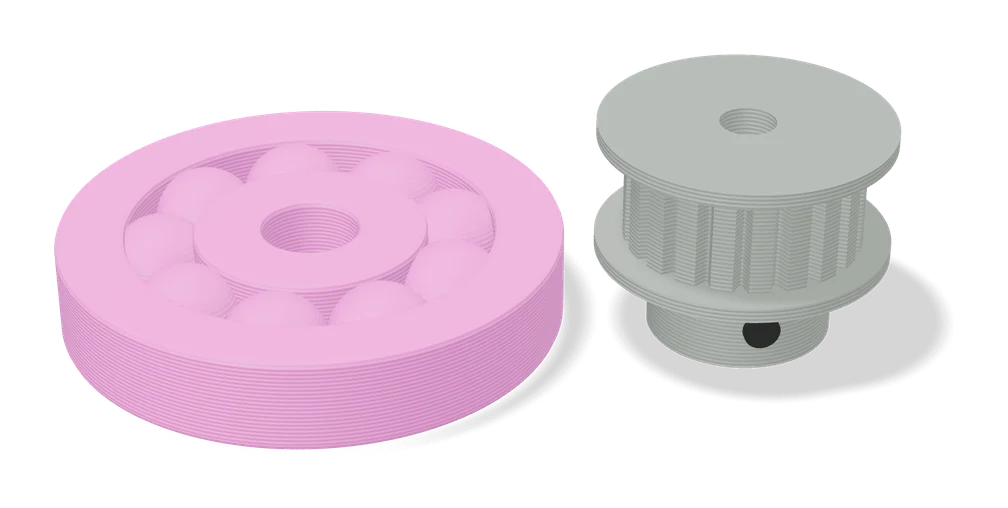
Pulley Generator by Koolm
Timing belt pulleys for GT2, HTD, MXL, XL and T-series belts with custom bores
Mechanical Parts
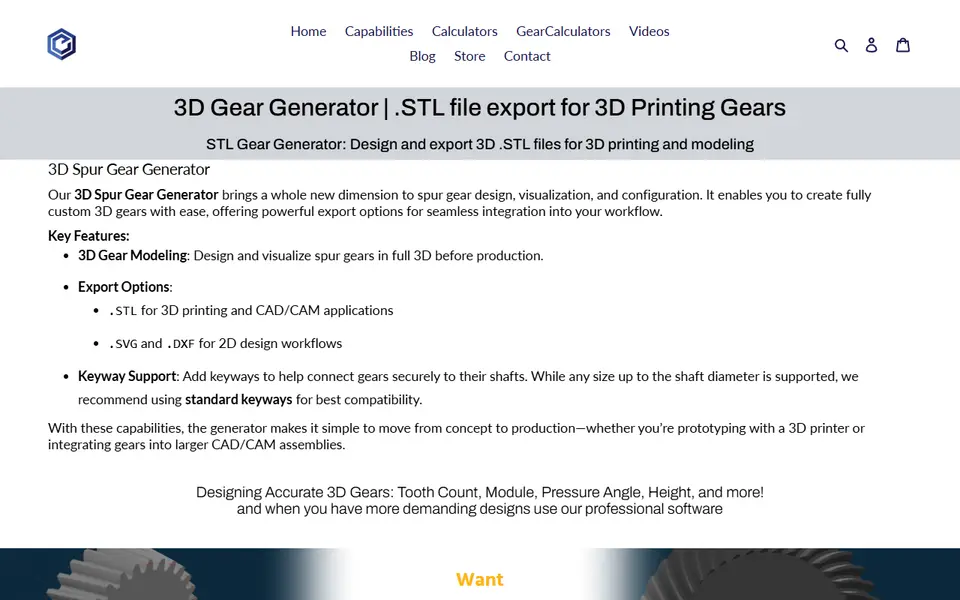
Evolvent Design 3D Gear Generator
Spur gear generator from a gear specialist; STL download unlocked via Patreon
Mechanical Parts
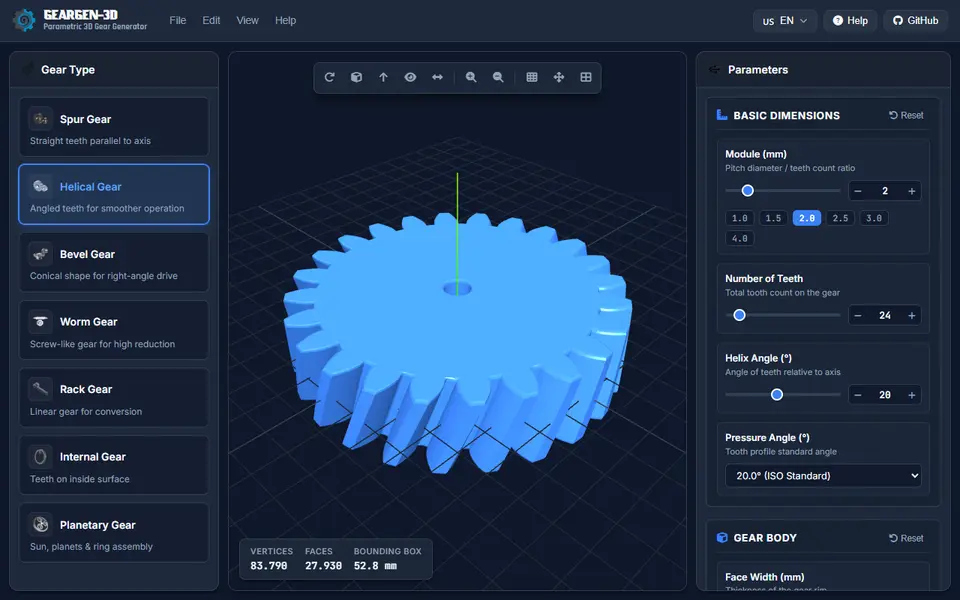
GearGen-3D
Free open-source browser generator for seven gear types, with involute teeth and STL, STEP and DXF export
Mechanical Parts
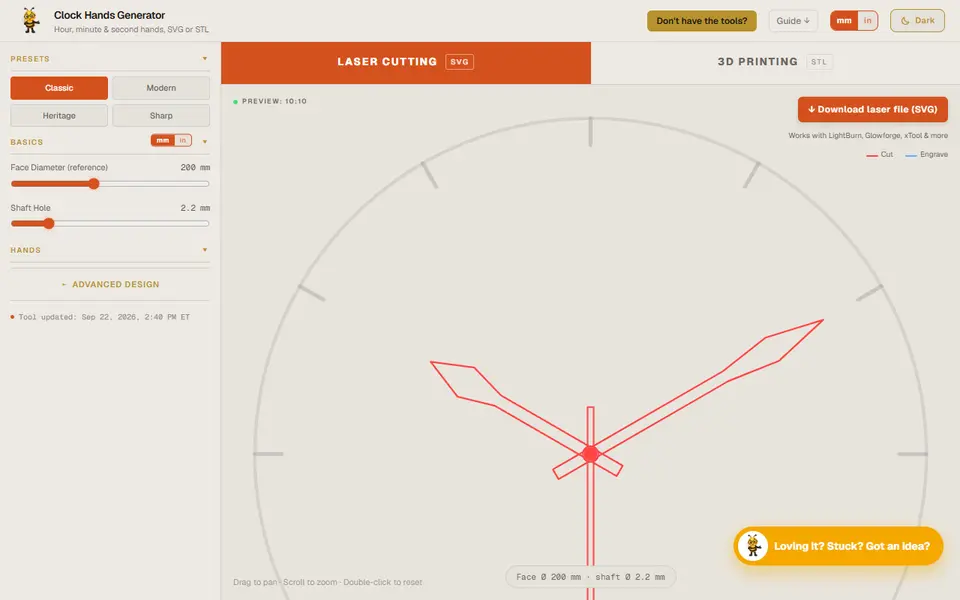
Designer Bee Clock Hands Generator
Custom hour, minute and second hands for a quartz clock movement, exported as a printable STL