Cavity (Genform)
Turn any STL into printable rigid or silicone mold pieces with sprues and vents; Genform account and plan
Cavity (Genform) is a paid browser tool for casting copies of your own models without CAD. Genform plan required: Starter $29 a month or Business $49 a month ($19 and $39 for the first 12 months when you subscribe by Nov 12, 2026); free 7-day Starter trial for verified new accounts, no card. Exports STL. Last checked .
Opens gen-form.com
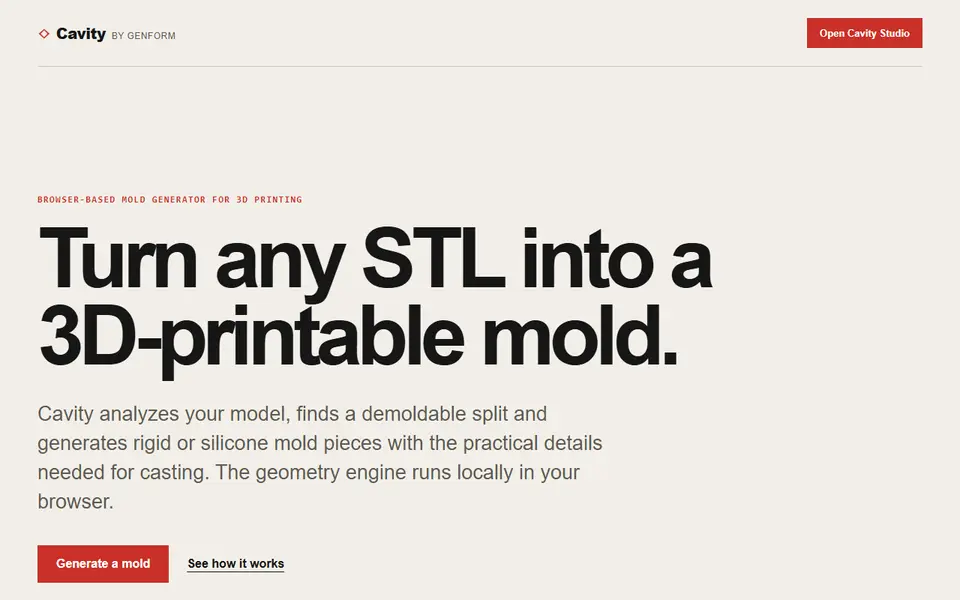
What is Cavity (Genform)?
Cavity is a browser-based mold generator from Genform, the company behind PlakHaus and LumHaus. You upload an STL of the object you want to cast, and Cavity repairs common mesh problems, looks for a pull direction and a split that will release from the mold, and builds the mold pieces around it. A heatmap shows where undercuts or trapped areas would stop the part from coming out.
You can choose a rigid mold split into several printed blocks, or a flexible silicone mold held by a printed supporting shell for shapes with deeper undercuts. Before export you set the joints, fasteners, handles, a sprue and vents for the casting material and air. The pieces download as separate binary STL files in a ZIP. Genform says the geometry runs on your device, so the uploaded STL is not sent away for processing.
The studio needs a Genform account: opening it sends you to the sign-in page. Every Genform plan includes Cavity: Starter is $29 a month and Business $49 a month, with a launch price of $19 and $39 for the first 12 months if you subscribe by November 12, 2026, and verified new accounts get a free 7-day Starter trial without a card. Genform confirmed that the Business plan covers commercial use of Cavity, so casts may be sold on that plan. It suits makers who cast resin, plaster, wax or soap copies of their own models and want the mold without CAD.
What you can make
- Multi-piece rigid molds
- Silicone molds with a printed shell
- Molds with sprue and vents
- Casting molds from your own STL
How to use Cavity
- Sign in to Genform and open Cavity Studio
- Upload the STL of the object you want to cast
- Pick a rigid or silicone mold and check the split
- Add sprue, vents and joints, then export the ZIP of STL pieces
What you'll need to print it
Filament and parts that suit what you make with Cavity.
PETG
- Bambu Lab PETG Basic (affiliate link) Amazon
- Polymaker PETG (affiliate link) Polymaker EU: 3DJake (affiliate link)
Code gives 15% off your first order at Polymaker.
White PLA
M3 heat-set inserts
Also handy
Digital calipers
Filament dryers and dry boxes
- SUNLU FilaDryer S4 (affiliate link) Amazon
- Polymaker PolyDryer (affiliate link) Polymaker
Some of these are affiliate links: we may earn a small commission, at no extra cost to you. More about that
Cavity pros
- Finds a demoldable split and shows undercuts before you print
- Rigid multi-piece or flexible silicone mold workflows
- Sprue, vents, joints and handles are built into the pieces
Cavity cons
- Needs a Genform account and a paid plan after the 7-day trial
- Selling casts needs the Business plan, and only while it is active
Rate Cavity
One rating per account. Signing in takes one email link, no password.
Reviews
Made with Cavity
Read next
Cavity alternatives
Gear, knob and part generators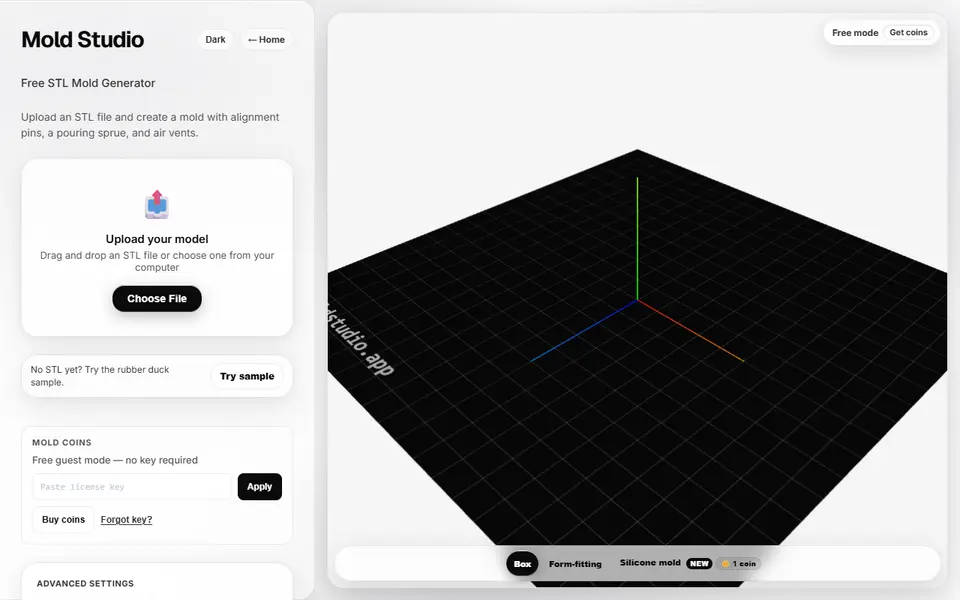
Mechanical Parts
Mold Studio
Turns an STL into a printable two-part casting mold with alignment pins, a pour sprue and air vents
Mechanical Parts
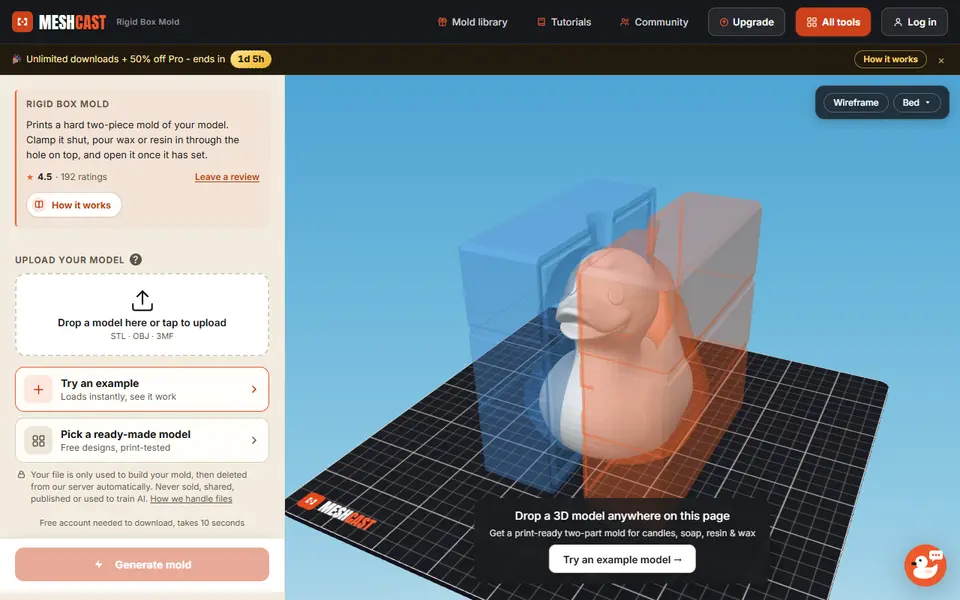
Meshcast Candle Mold Maker
Wraps a printable two-part box mold around your model for pouring wax, soap or resin
Mechanical Parts
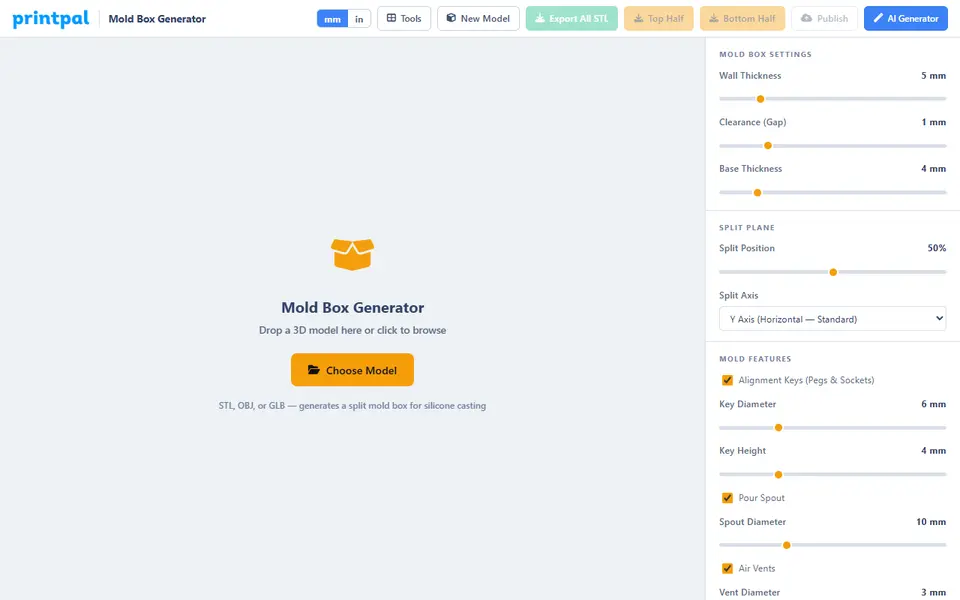
PrintPal Mold Box Generator
Free two-part mold box for silicone or resin casting around your model, with keys, a pour spout and vents

Mechanical Parts
Modelador 3D Two-Part Mold Generator
Turn a closed STL into a printable two-part mold with a split plane, alignment pins, a pour funnel and vents
Mechanical Parts
RC Wheel Model Studio
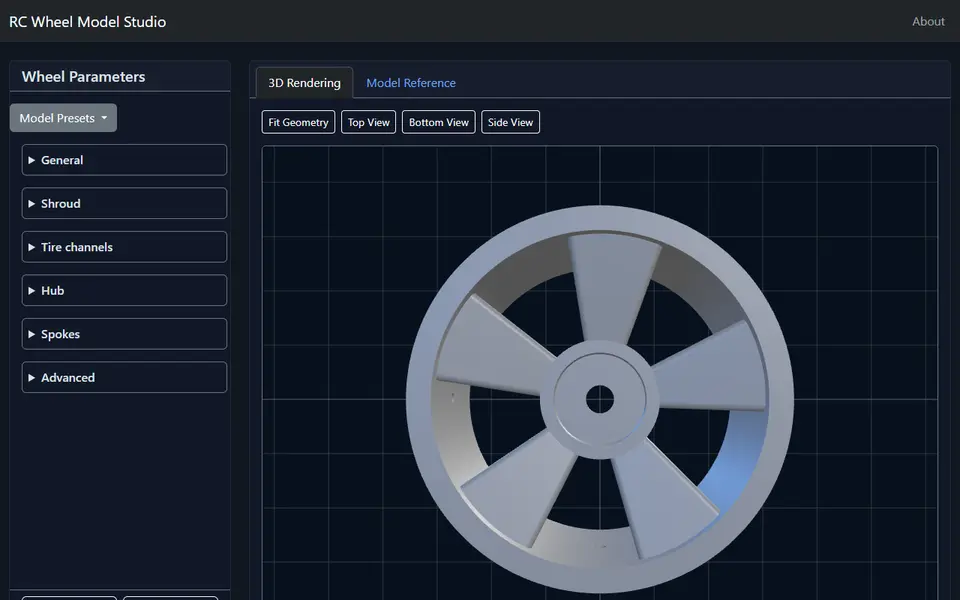
Free RC car wheel generator with 14 car presets, hex hub, spokes and tire bead channels, as an STL, no account
Mechanical Parts
Torque
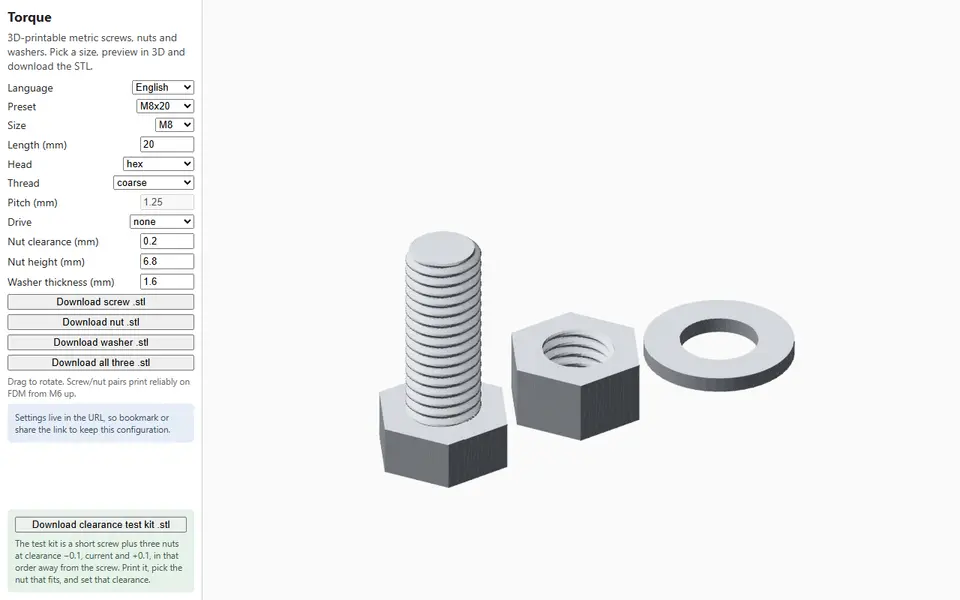
Free browser generator for 3D printable metric screws, nuts and washers from M2 to M20