RC Wheel Model Studio
Free RC car wheel generator with 14 car presets, hex hub, spokes and tire bead channels, as an STL, no account
RC Wheel Model Studio is a free browser tool for replacement or custom wheels for an RC car. Free, no account. Exports STL. Last checked .
Opens randall-frank.github.io
What is RC Wheel Model Studio?
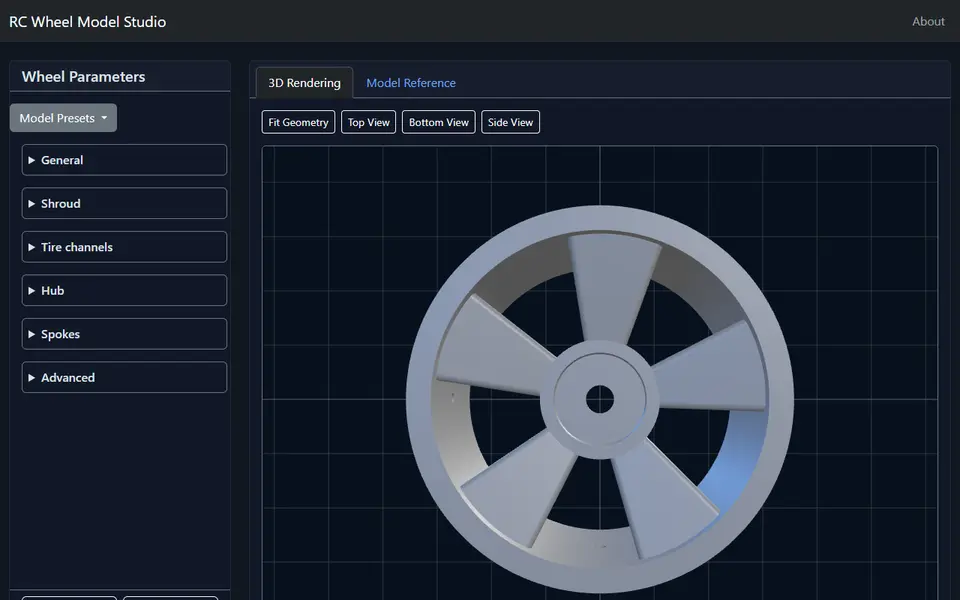
RC Wheel Model Studio is a browser app by Randall Frank that builds a wheel for a radio-controlled car from an OpenSCAD model. You pick a car preset or start from the defaults, change the numbers, press Generate STL and check the result in a 3D preview with top, bottom and side views before you download it.
The settings come in six groups: General (mesh quality, wheel pin hole and air hole), Shroud (diameter, thickness, width and an inner rim bevel), Tire channels (width, thickness and the height of the inner and outer bead ridges), Hub (hex size across flats, hex depth, hub diameter, pin inset and how far the hub sits from the inner face), Spokes (1 to 20 spokes, how solid they are, root widths and offsets, twist at the hub and rim, smoothing and round holes) and Advanced (a clearance for your printer). The 14 presets cover wheels for Axial, Kyosho, Rlaarlo, Tamiya and Team Associated/Losi cars, a Model Reference tab shows cross-section diagrams with every setting marked, and Save Params and Load Params keep your settings in a file.
The output is one STL of the wheel; the tire is not included. It is free, has no account, and the code is on GitHub under the MIT license. The maker confirmed that you can sell prints of the wheels you generate. The app is new (July 2026) and has few users so far. It suits RC hobbyists replacing or restyling the wheels on a buggy, truck or crawler.
What you can make
- RC car wheels with a hex hub
- Wheels with 1 to 20 spokes, straight or twisted
- Rims with tire bead channels
- Wheels from 14 car presets
How to use RC Wheel Model Studio
- Open the app and pick a preset for your car, or keep the defaults
- Adjust the shroud, tire channels, hub and spokes
- Press Generate STL and check the 3D preview
- Download the STL and print it
What you'll need to print it
Filament and parts that suit what you make with RC Wheel Model Studio.
PETG
- Bambu Lab PETG Basic (affiliate link) Amazon
- Polymaker PETG (affiliate link) Polymaker EU: 3DJake (affiliate link)
Code gives 15% off your first order at Polymaker.
Matte PLA
M3 heat-set inserts
Also handy
Digital calipers
Filament dryers and dry boxes
- SUNLU FilaDryer S4 (affiliate link) Amazon
- Polymaker PolyDryer (affiliate link) Polymaker
Some of these are affiliate links: we may earn a small commission, at no extra cost to you. More about that
RC Wheel Model Studio pros
- 14 presets for Axial, Kyosho, Rlaarlo, Tamiya and Team Associated/Losi cars
- Detailed control over hub, spokes and tire bead channels, with diagrams
- Save and load settings; free, no account, open source (MIT)
RC Wheel Model Studio cons
- Many settings; going past the presets means measuring your car's hex and tire
- Makes the wheel only, not the tire, and the tool is new with few users
Rate RC Wheel Model Studio
One rating per account. Signing in takes one email link, no password.
Reviews
Made with RC Wheel Model Studio
Read next
RC Wheel Model Studio alternatives
Gear, knob and part generators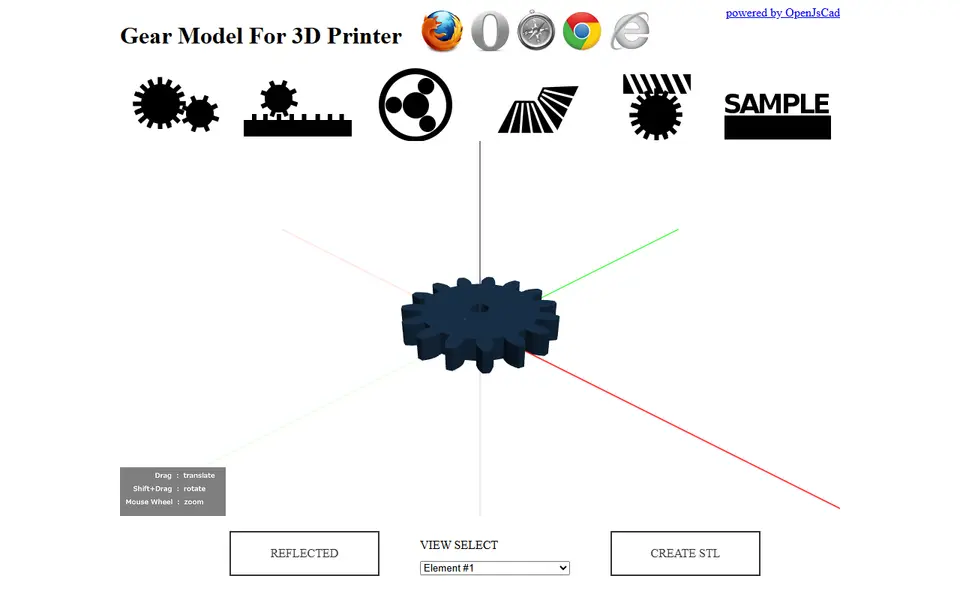
Mechanical Parts
Gear Model For 3D Printer (knowhave)
Free browser tool for spur, rack, planetary, bevel and worm gear sets, exported as STL
Mechanical Parts
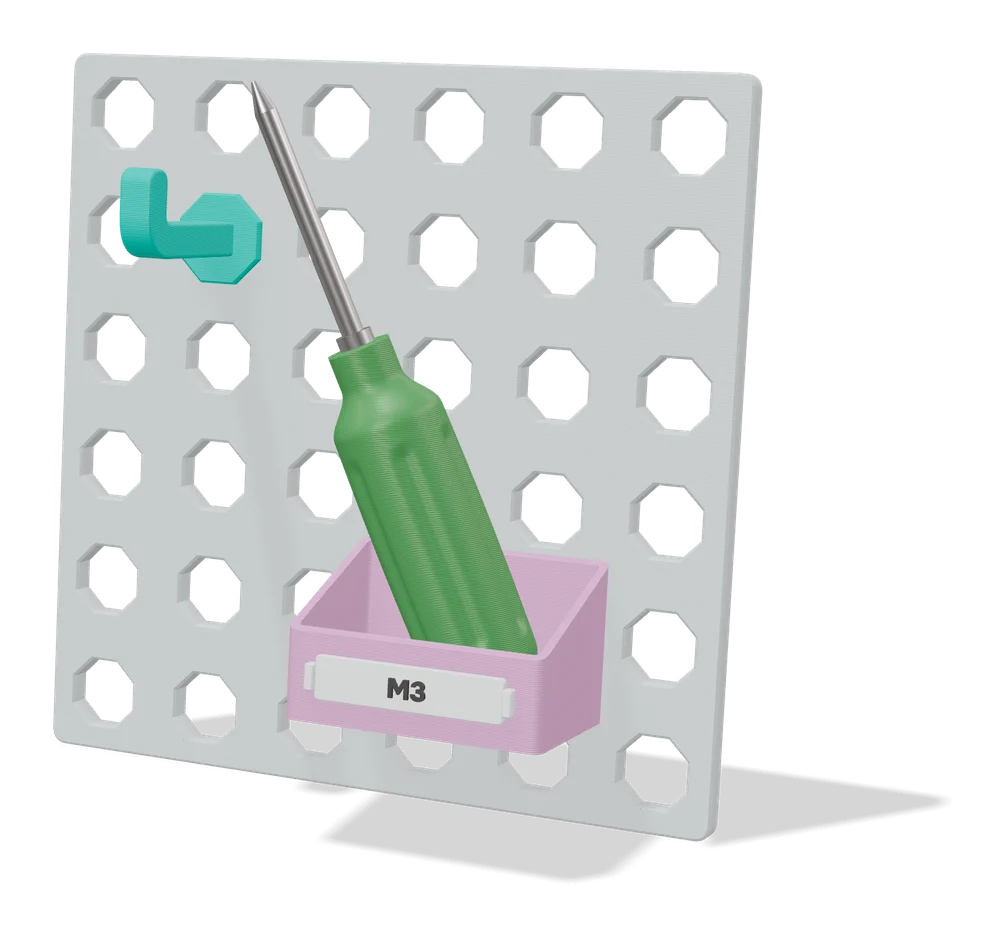
Parametric Removable Headrest Hook
Clip-on car headrest hook for 12.7 to 14.1 mm posts, with your own hook length and height
Mechanical Parts
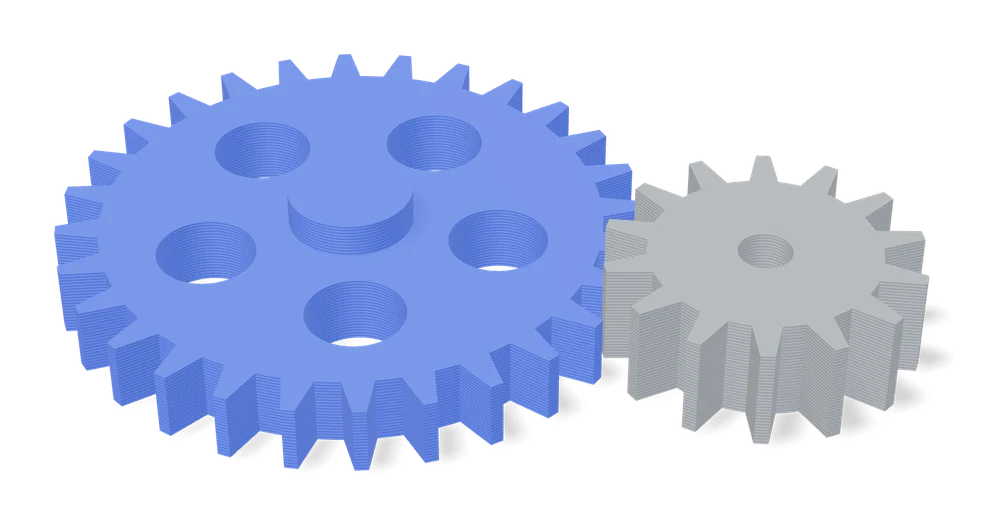
Ultimate Gear Parametric Generator (ZJUN_3D)
Spur, helical, bevel, crown, worm, rack and ring gears from one MakerWorld form
Mechanical Parts
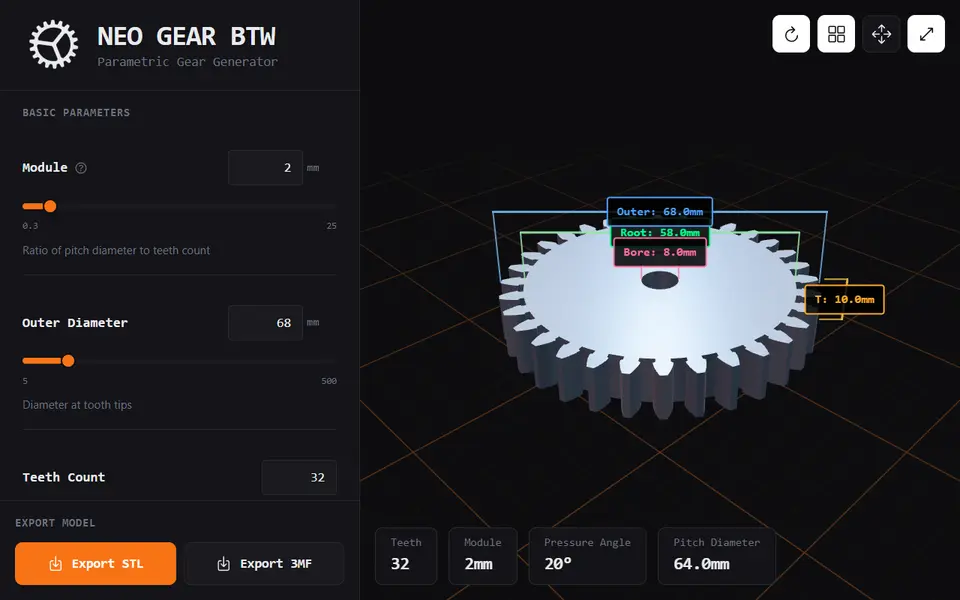
Neo Gear
Free spur and helical gear generator with profile shift and keyed, D, hex or square bores, as STL or 3MF
Mechanical Parts
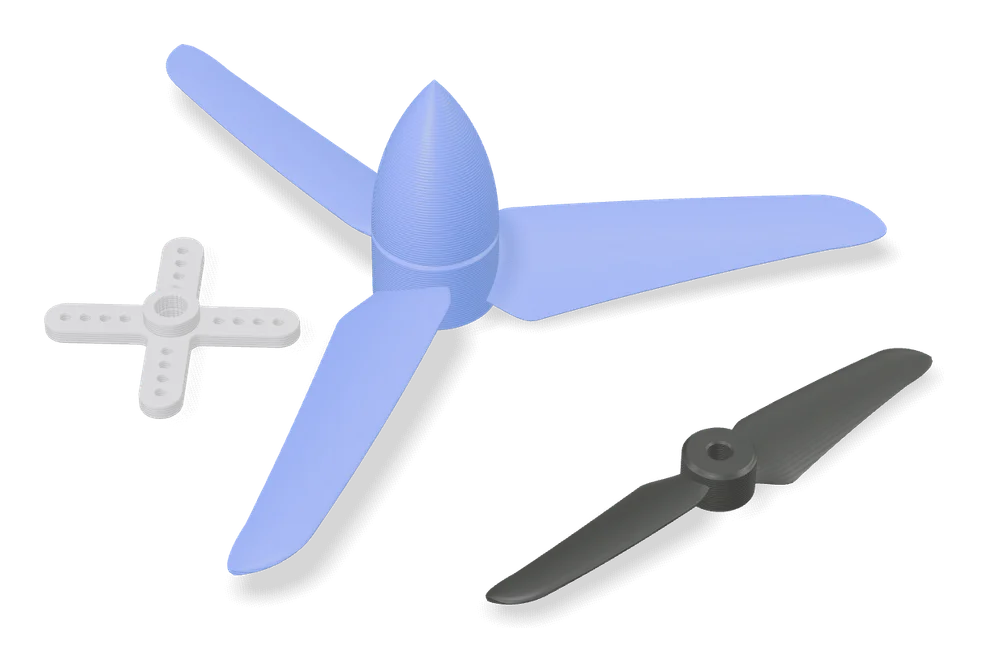
Customisable Propeller Generator
Propellers for RC planes, boats and drones, shaped from NACA airfoil profiles
Mechanical Parts
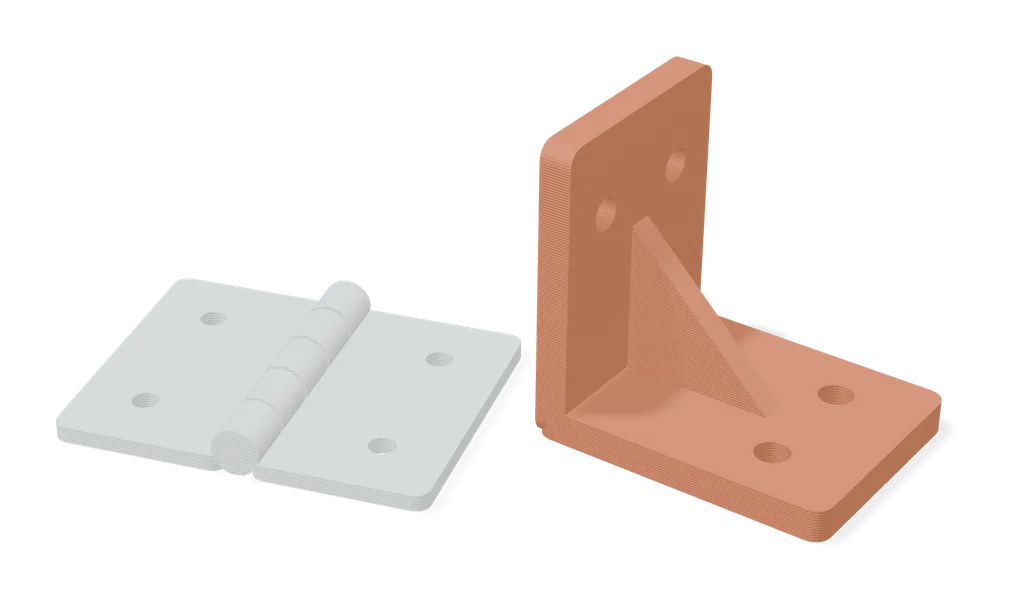
Bracket Generator by Koolm
Angle, flat, T and straight mounting brackets with your own screw hole grid