What is OpenBoxHub?
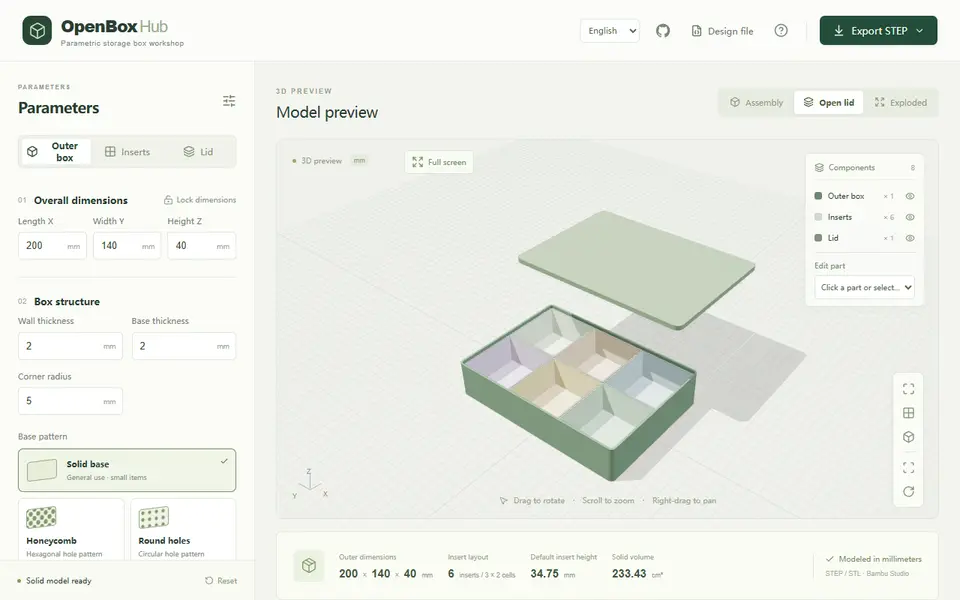
OpenBoxHub designs a storage box with a lid and a set of separate, removable inner trays. You set the outer length, width and height, wall and base thickness and corner radius, then split the inside into 1 to 12 rows and columns and merge neighboring cells into larger trays, including L shapes and rings. Each tray, the box and the lid can also be edited on its own. The interface opens in Chinese; this link opens the English version.
The box floor can be solid or cut with honeycomb, round, square or slotted holes, with adjustable hole and rib sizes. The lid can be left off, fit over the outside or sit inside the rim. A 3D preview shows the assembly, an open lid or an exploded view that lifts the trays out, and it warns you when parts collide. Designs are saved and loaded as JSON files; the page keeps nothing between visits.
The default export is a STEP file with every part as a separate solid, which is unusual for a browser tool and useful if you want to edit further in CAD. You can also choose STL or a FreeCAD macro, as one flat layout, a ZIP of parts or a single part. It is free, needs no account and the code is MIT licensed, which covers the software, not the prints. It suits people who want a lidded organizer box with trays they can lift out.
What you can make
- Lidded storage boxes with removable trays
- L-shaped and ring-shaped inner trays
- Boxes with honeycomb or slotted floors
- STEP files for further CAD editing
How to use OpenBoxHub
- Open the English page and set the outer box size
- Split the inside into rows and columns and merge cells into trays
- Pick a floor pattern and a lid type
- Export STEP or STL and print the box, trays and lid
What you'll need to print it
Filament and parts that suit what you make with OpenBoxHub.
Matte PLA
PETG
M3 screws
Also handy
Some of these are affiliate links: we may earn a small commission, at no extra cost to you. More about that
OpenBoxHub pros
- Removable trays you can merge into L or ring shapes
- Real STEP export with each part as a separate solid, plus a FreeCAD macro
- Exploded preview with collision checks before you print
OpenBoxHub cons
- Opens in Chinese unless you use the English link
- Nothing is saved in the browser; download the JSON to keep a design
Rate OpenBoxHub
One rating per account. Signing in takes one email link, no password.
Reviews
Made with OpenBoxHub
Read next
OpenBoxHub alternatives
Box and enclosure generators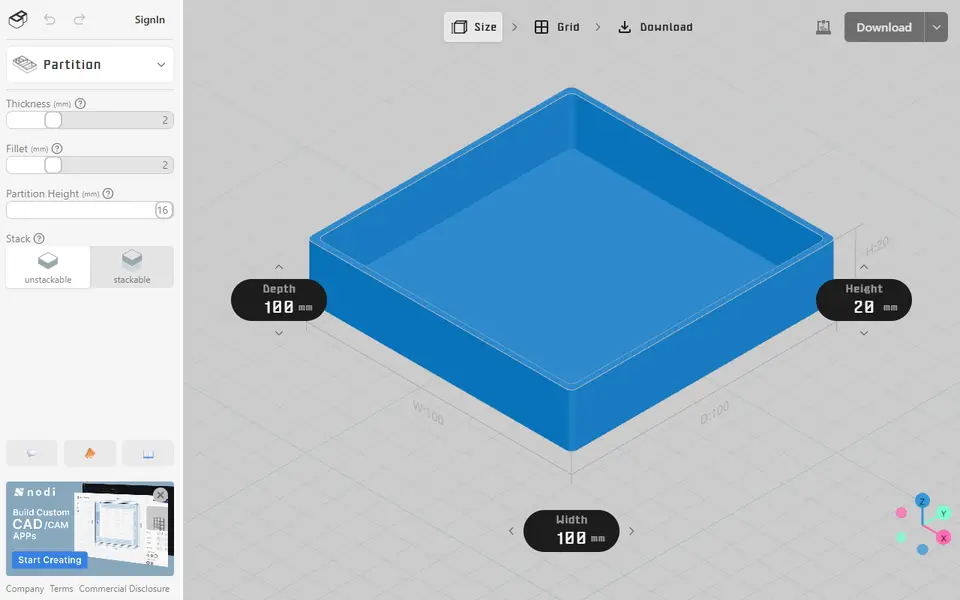
Boxes
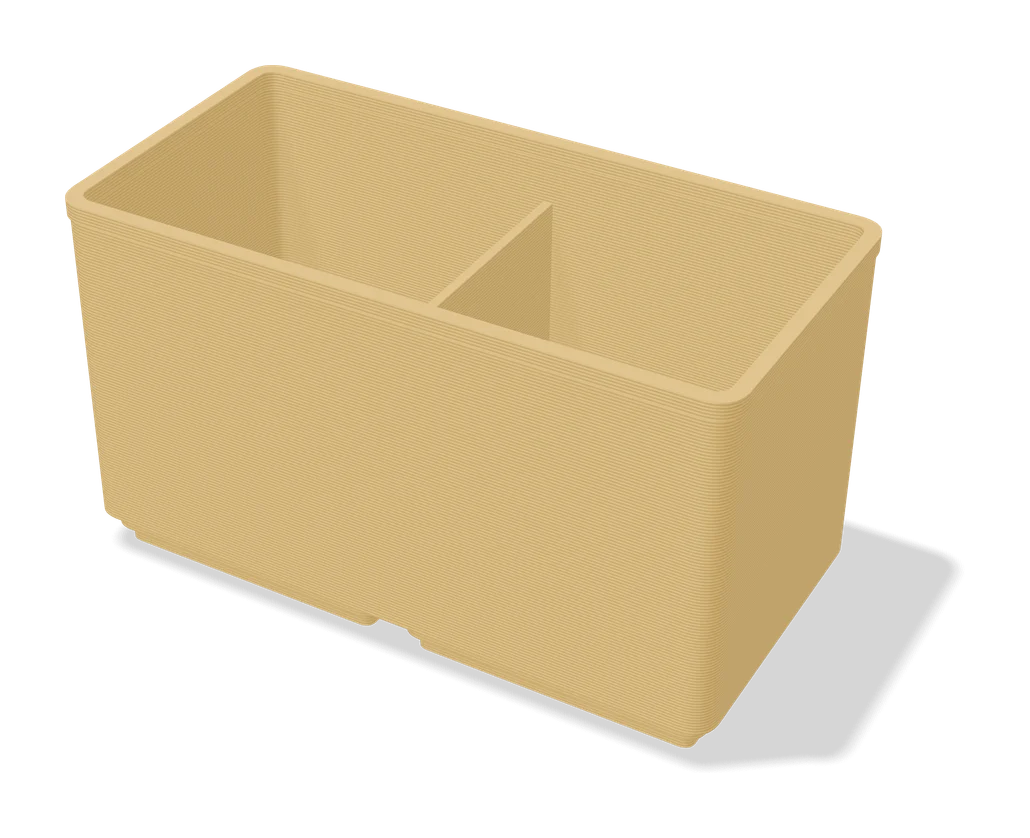
Organizer Box - Parametric Storage Bin
Open-top storage bin with auto-spaced wall holes, sized to fit your desk or drawer
Storage
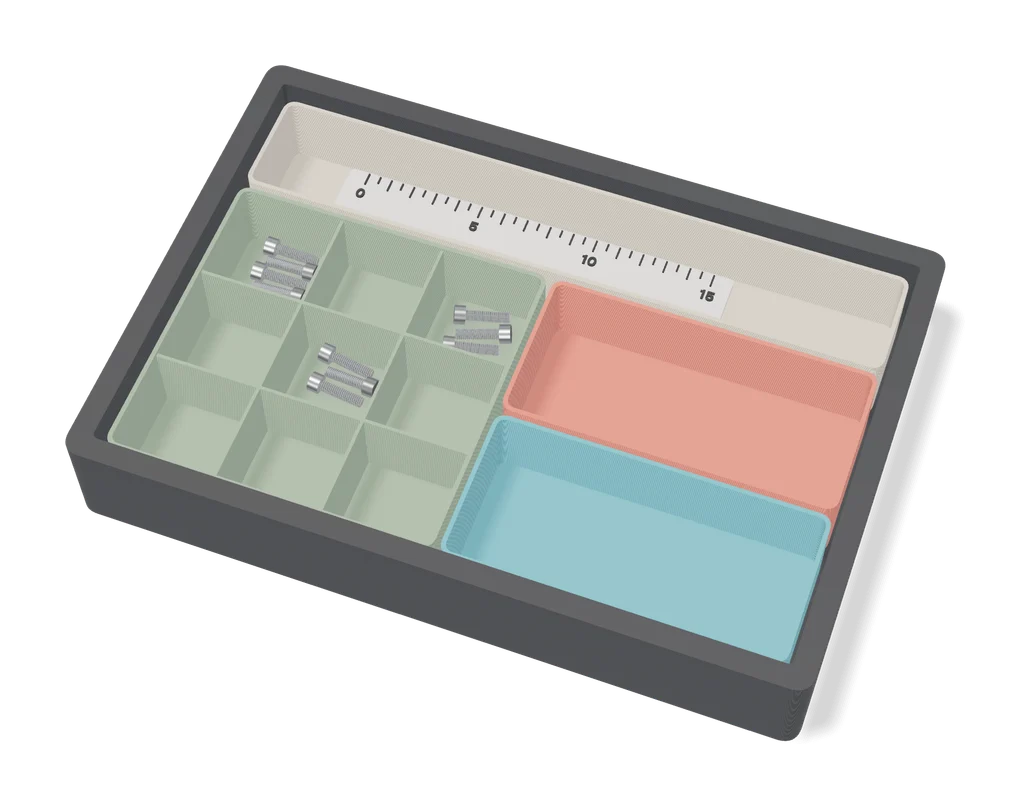
Parametric Sorting Tray (Benjamin Kott)
Compartment trays for small parts, sized and divided in MakerWorld's online customizer
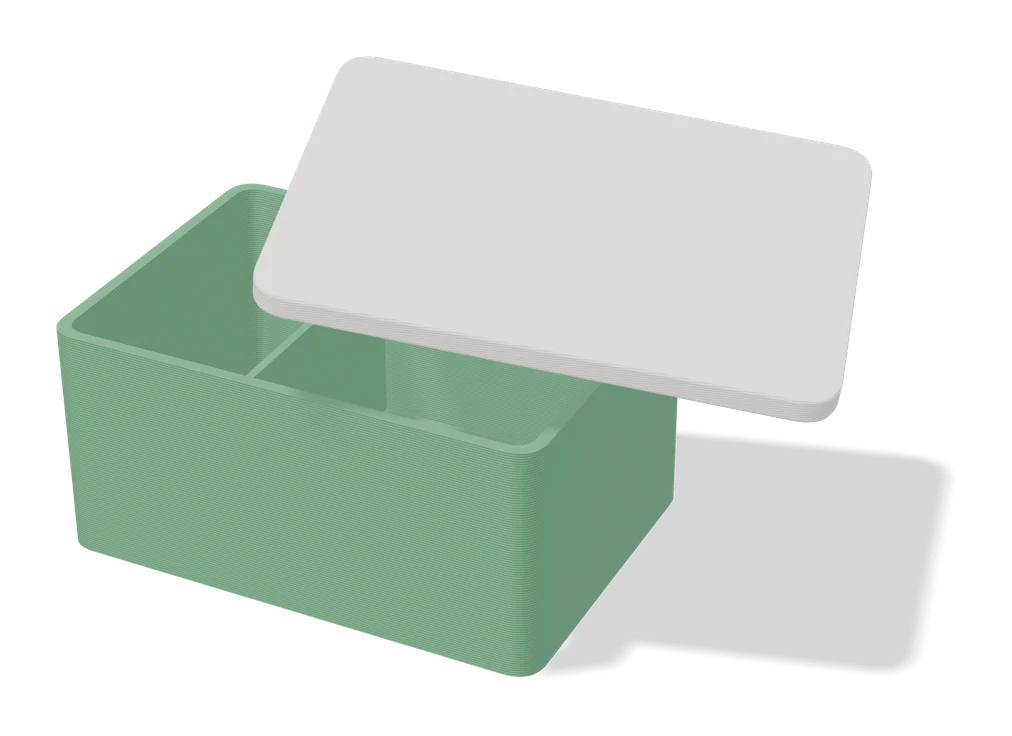
Boxes
Large Customizable Print-in-Place Box (Vostok Labs)
Large hinged storage box you size in MakerWorld, printed in place, with an optional removable top tray
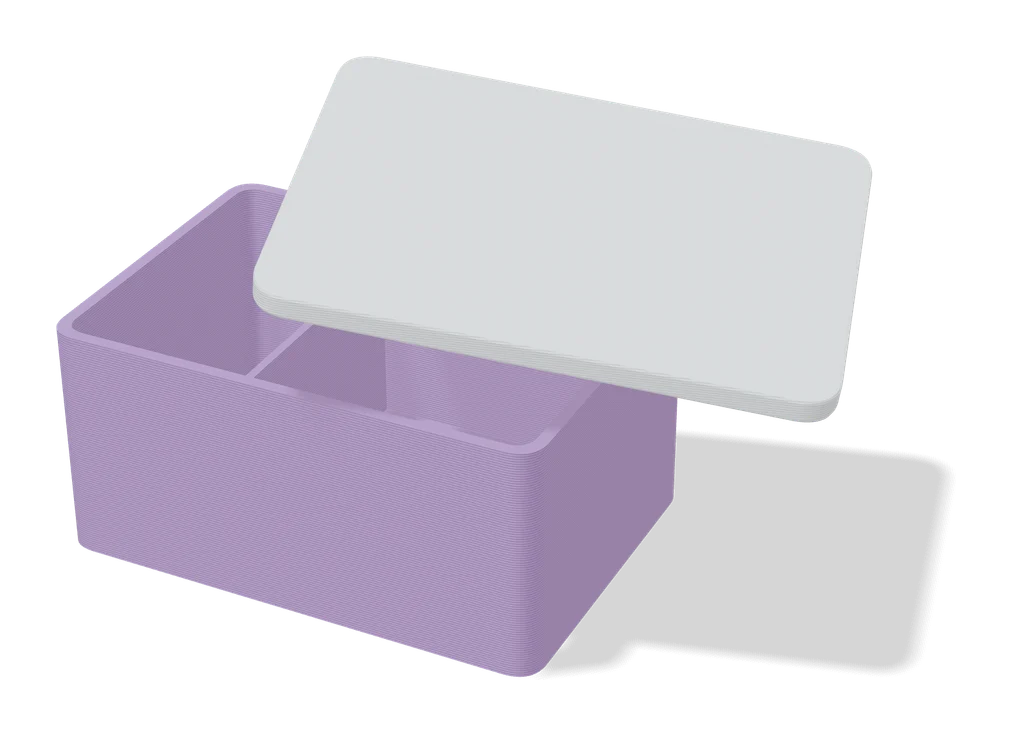
Boxes
Customizable Box with Slide Lid
Custom-size storage box with a sliding, stackable lid and optional compartments
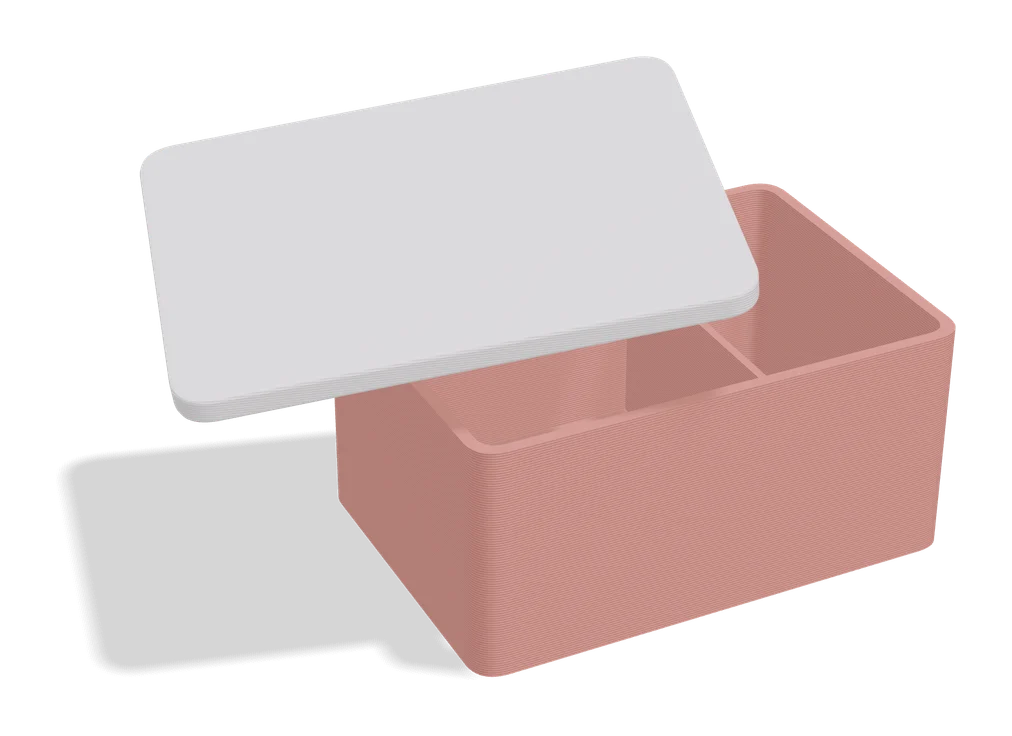
Boxes
Any Box Generator
Hinged boxes in any size, with textures, latches or magnets, dividers and Gridfinity fit