PILED 3D CAD Multi Tool
Paid desktop app on Steam with over 100 parametric generators and utilities, exporting STEP, 3MF, STL and DXF
PILED 3D CAD Multi Tool is a paid desktop app for one offline toolbox for many functional parts. One-time purchase on Steam, $34.99 (Windows and macOS). Exports STEP, 3MF and STL; an account is needed to download. Last checked .
Opens store.steampowered.com
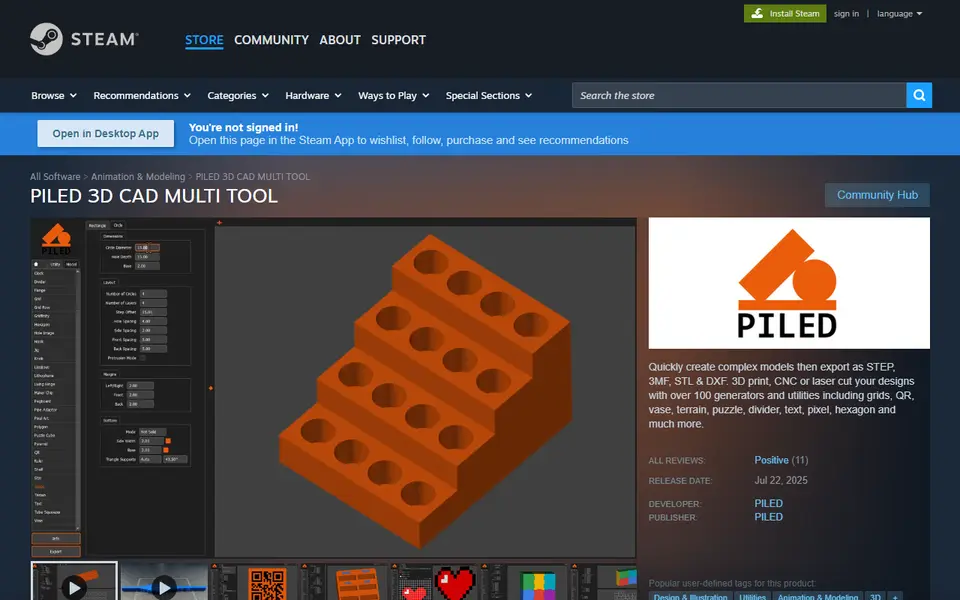
What is PILED 3D CAD Multi Tool?
PILED 3D CAD Multi Tool is a desktop app for Windows and macOS, sold on Steam, that bundles more than 100 parametric generators and utilities in one program. Instead of a separate website for every object, you pick a tool, set the dimensions and options, and export the model for 3D printing, CNC or laser cutting.
The model tools cover a wide spread of what people print: Gridfinity, grids, dividers, drawers and boxes for storage; brackets, hooks, knobs, handles, cable clips, flanges, joints, pipe adaptors and living hinges for practical parts; text, text stands, labels and braille for signs; and lithophanes, vases, terrain, mazes, a marble run, a puzzle cube, cookie cutters, pixel art, spirographs and miniature bases for fun prints. Laser-specific tools make laser-cut boxes, shelves and steps.
The utility tools work on models you already have: an STL and STEP modifier, a splitter, hollowing, dovetails, a hole cutter, remeshing, a lattice and texture tool, SVG to 3D, a QR code tool, a file viewer and a 3D printing cost calculator. Everything exports as STEP, 3MF, STL or DXF. It is a one-time purchase on Steam (about $35, often discounted) and the maker, a UK designer, ships regular updates that add tools. It suits makers who print a lot of functional parts and want one offline toolbox instead of dozens of browser generators.
What you can make
- Gridfinity bins, dividers and drawers
- Brackets, hooks, knobs and cable clips
- Text, labels and braille signs
- Lithophanes, vases and terrain
- Laser-cut boxes and shelves
How to use PILED 3D CAD Multi Tool
- Buy and install it through Steam
- Pick a model or utility tool from the list
- Set the dimensions and options
- Export as STEP, 3MF, STL or DXF and open it in your slicer
What you'll need to print it
Filament and parts that suit what you make with PILED 3D CAD Multi Tool.
Matte PLA
Some of these are affiliate links: we may earn a small commission, at no extra cost to you. More about that
PILED 3D CAD Multi Tool pros
- Over 100 generators and utilities in one offline app
- STEP export as well as 3MF, STL and DXF, so models also work for CNC and laser cutting
- Regular updates that add new tools; all 11 Steam reviews are positive
PILED 3D CAD Multi Tool cons
- Paid, and needs a Steam account and an install; no browser version
- Windows and macOS only (Linux users report it runs through Proton)
- Each tool is simpler than a dedicated generator for the same object
Rate PILED 3D CAD Multi Tool
One rating per account. Signing in takes one email link, no password.
Reviews
Made with PILED 3D CAD Multi Tool
Read next
PILED 3D CAD Multi Tool alternatives
Online 3D model customizers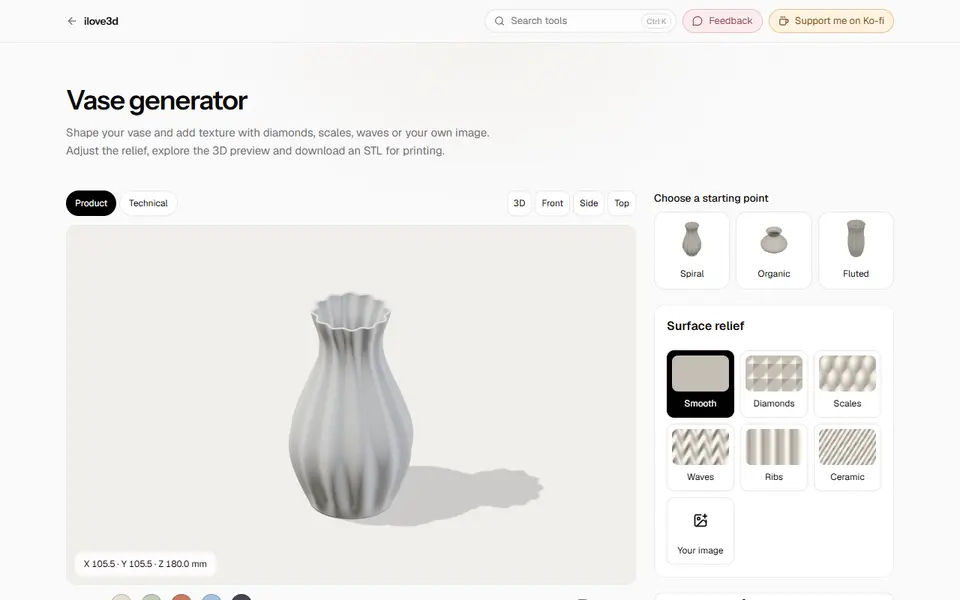
Customizers
ilove3d
Free browser toolbox with about 20 print generators plus file tools, no account and no uploads
Customizers
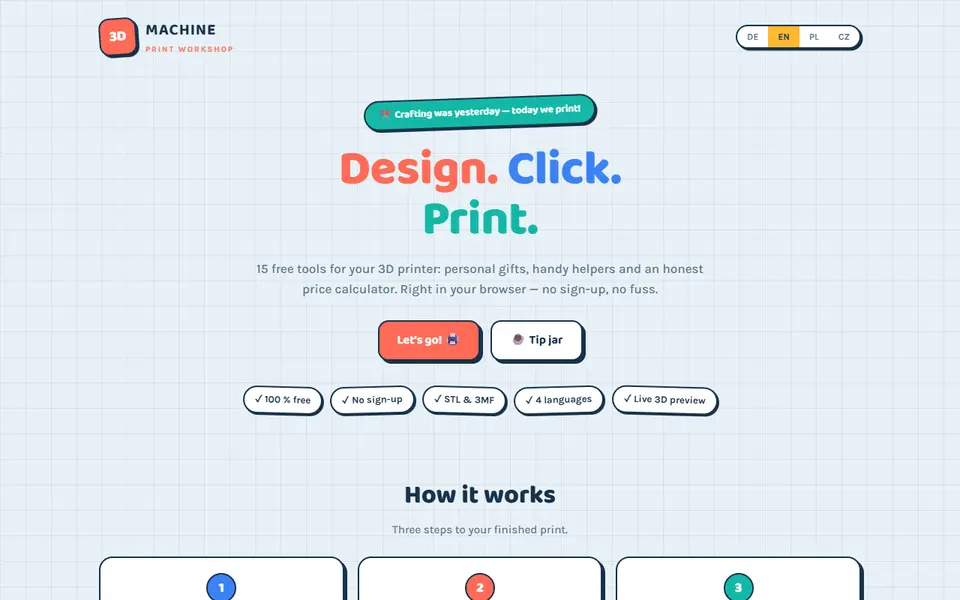
3D-Machine
Free hobby site with 14 browser generators for vases, planters, frames, Gridfinity and gifts, STL or 3MF, no sign-up
Customizers
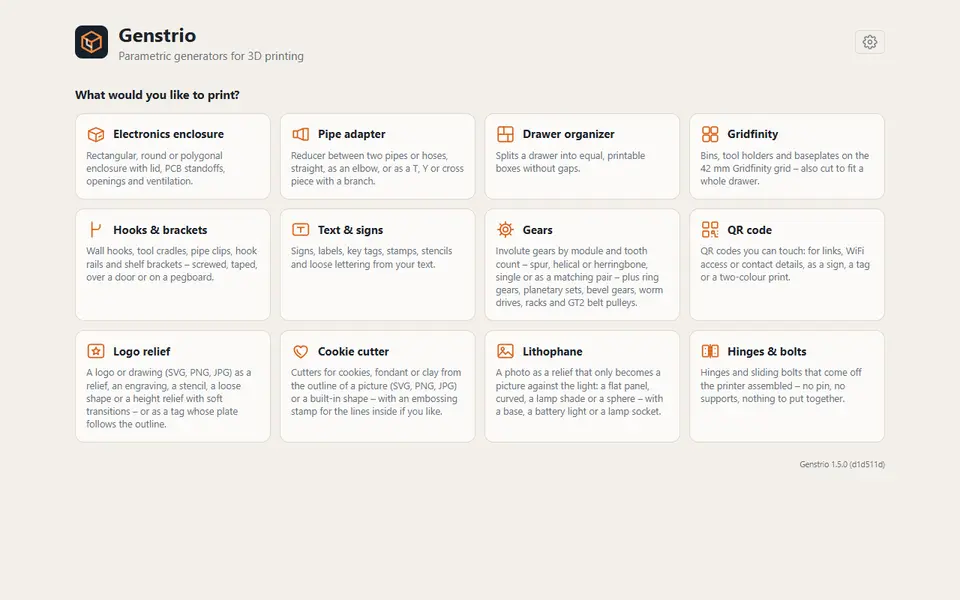
Genstrio
Free, open-source hub of 12 parametric generators for enclosures, gears, Gridfinity and more, as STL, 3MF or STEP
Customizers
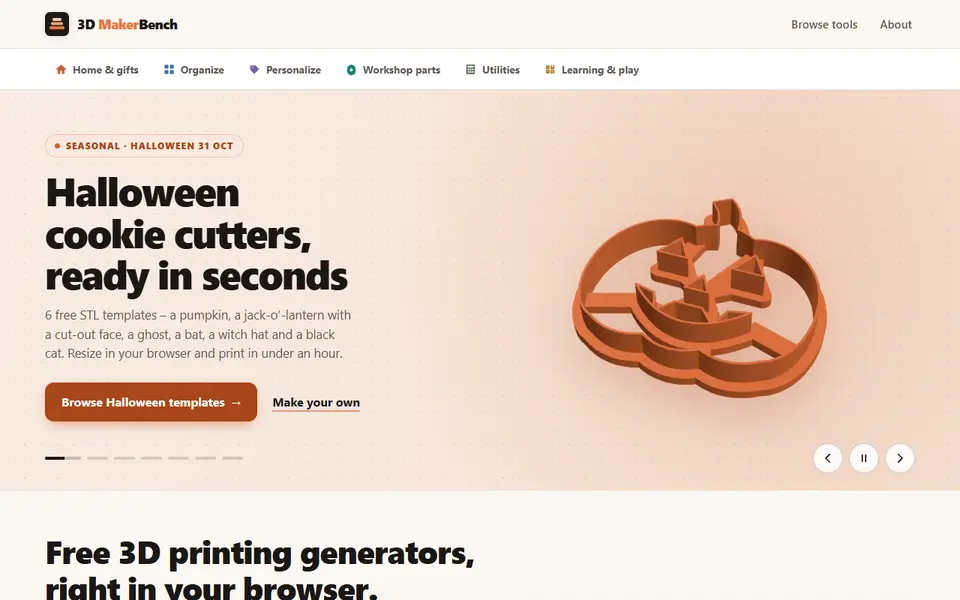
3D MakerBench
Free hub of 23 browser generators for cookie cutters, lithophanes, Gridfinity bins, gears and more, exporting STL
Customizers
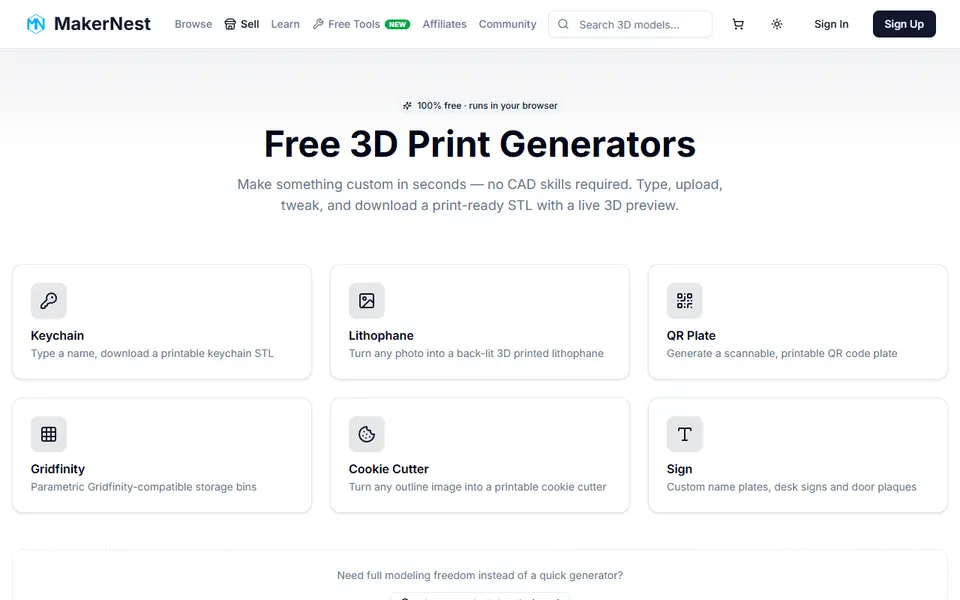
MakerNest Free Generators
Six free generators for keychains, lithophanes, QR plates, Gridfinity bins, cutters and signs; STL needs a free account
Customizers
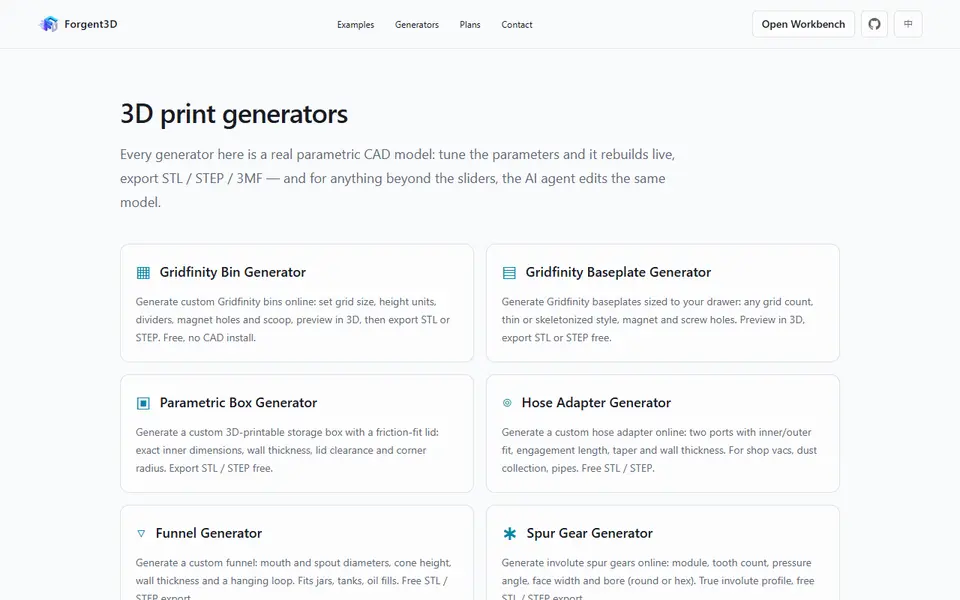
Forgent3D Generators
Eight free browser generators for Gridfinity, boxes, hose adapters, gears and washers