STLmaps
Draw a box on a city map and get its terrain, roads and buildings as STL or 3MF
STLmaps is a free browser tool for a printed city block or neighborhood with buildings in their own color. Free, no account and no paid tier seen. It runs in the browser from GitHub Pages. Exports STL, 3MF, OBJ and GLB. Last checked .
Opens cioddi.github.io
What is STLmaps?
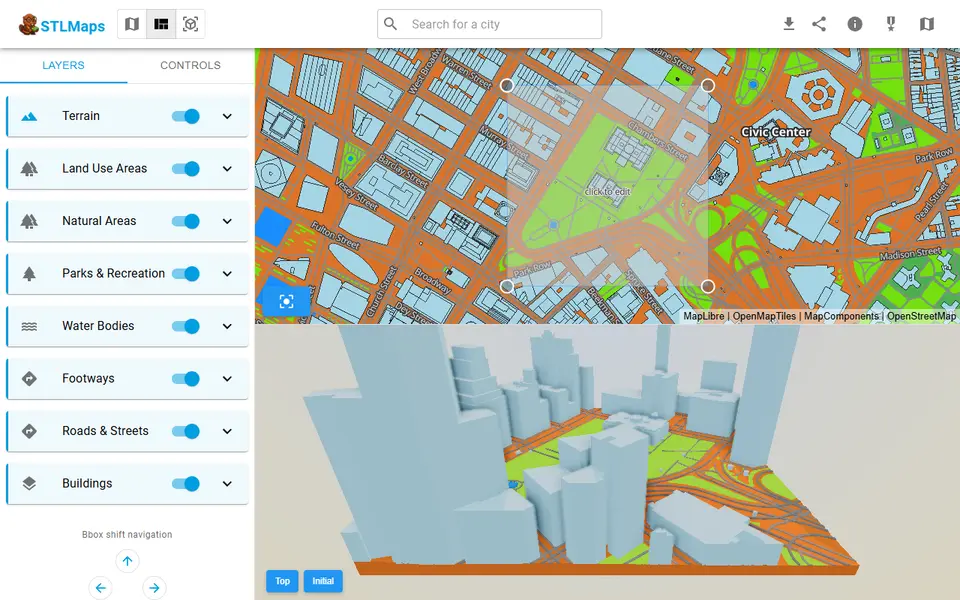
STLmaps is a free browser tool that turns a small patch of a real city into a 3D model you can print. You search for a city or pan the map, then drag or resize a box over the streets you want. The app loads elevation data and OpenStreetMap-based map tiles for that box and builds terrain, buildings, roads, footways, water, parks and land use as separate layers, with a live 3D preview below the map.
Every layer can be switched off or adjusted. You can change its color, scale building heights, shift a layer up or down, or align it to the terrain. The terrain layer adds a height exaggeration slider, a base height and a flat block option for places where the hills do not matter. The export dialog offers STL, OBJ, GLB and 3MF. GLB and 3MF keep each layer as its own object, so buildings, roads and parks can get their own filament on a multi-material printer.
It is a small hobby project by one developer, with its code on GitHub and the latest update in February 2026. It suits makers who want a city block, campus or neighborhood as a desk piece and are happy to scale the model in their slicer.
What you can make
- City block and neighborhood models
- Buildings standing on real terrain
- Multicolor city maps with one object per layer
- Hilly town models with exaggerated relief
How to use STLmaps
- Search for a city or pan the map to your spot
- Drag or resize the box over the area you want
- Switch layers on or off and tune colors, heights and terrain exaggeration
- Open the export dialog and generate an STL, 3MF, OBJ or GLB
- Scale the model to size in your slicer and assign colors per layer
What you'll need to print it
Filament and parts that suit what you make with STLmaps.
Matte PLA
Multicolor PLA
Multicolor filament systems
Some of these are affiliate links: we may earn a small commission, at no extra cost to you. More about that
STLmaps pros
- Free and login-free, and the model is built in your own browser
- Terrain, buildings, roads, footways, water, parks and land use are separate layers you can toggle, recolor and adjust
- 3MF and GLB exports keep every layer as its own object, which makes multicolor city prints easy to set up in the slicer
STLmaps cons
- A small one-person hobby project with little documentation and some debug options left in the panels, so settings like buffer size or median height take some trial and error
- The app loads at most nine map tiles per box, so bigger areas come in at a coarser zoom and it works best for a few blocks rather than a whole region
- There is no print size setting in millimeters, so you scale the model in your slicer, and each change to the box starts a rebuild that can take several seconds to half a minute
Rate STLmaps
One rating per account. Signing in takes one email link, no password.
Reviews
Made with STLmaps
Read next
STLmaps alternatives
Terrain and map generators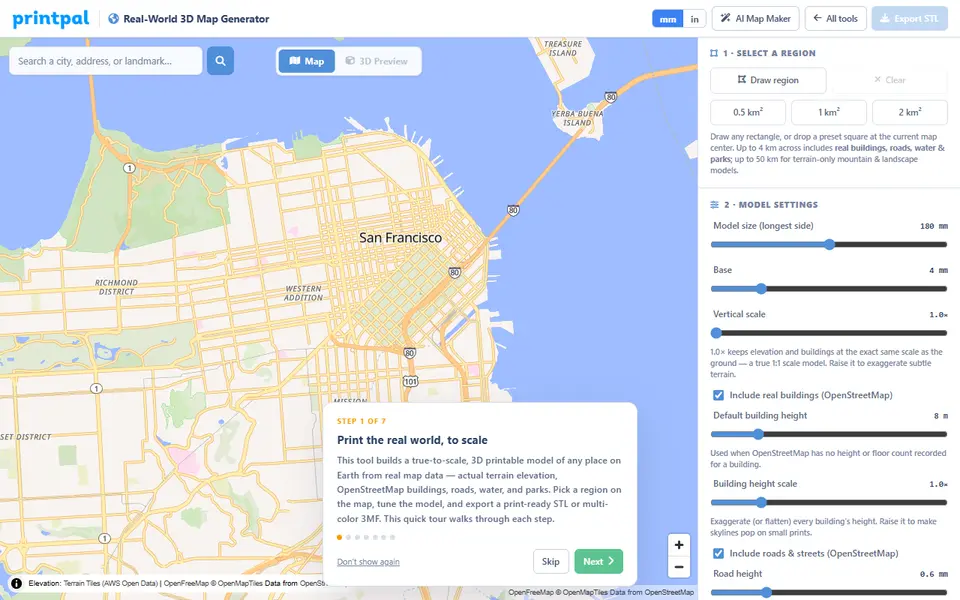
Maps & Terrain
PrintPal Real-World 3D Map Generator
True-scale terrain and building maps from OSM data, exported as multicolor 3MF
Maps & Terrain
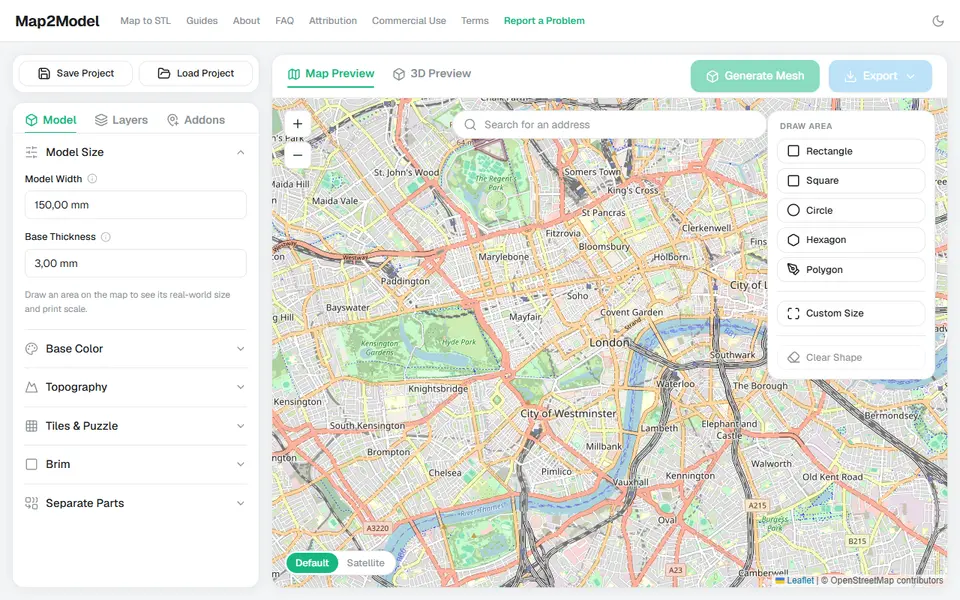
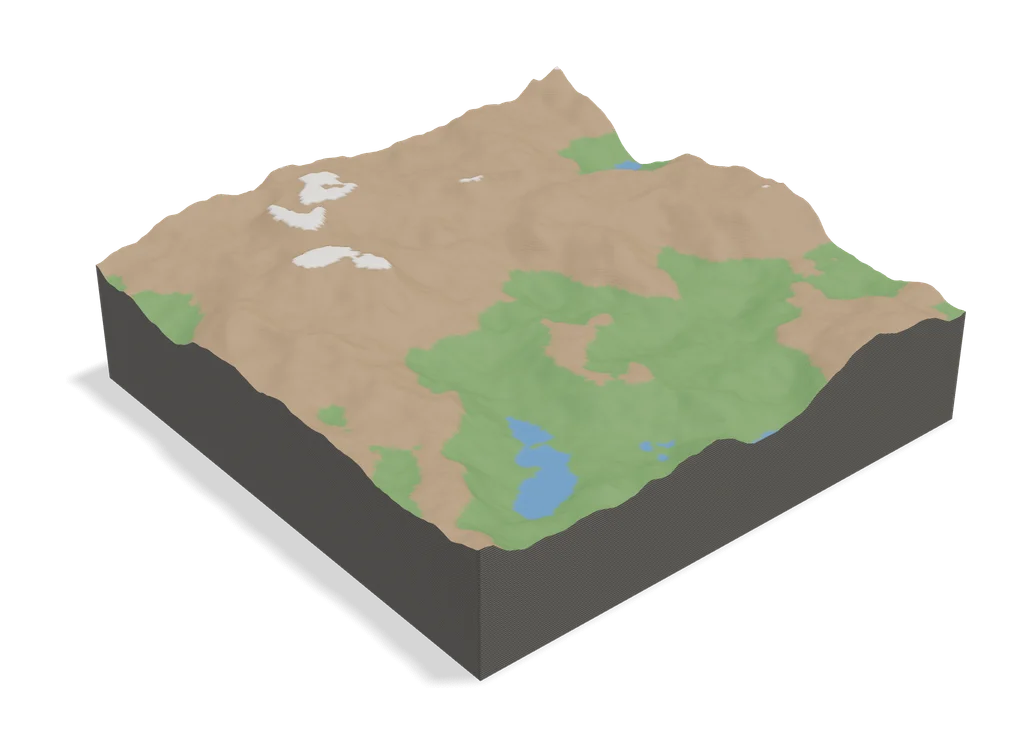
Map2Model
Draw an area on a map and export a city or terrain model as STL or multicolor 3MF
Maps & Terrain
TopoTile Studio
Free local app that turns an OpenStreetMap area into a printable city and terrain model
Maps & Terrain
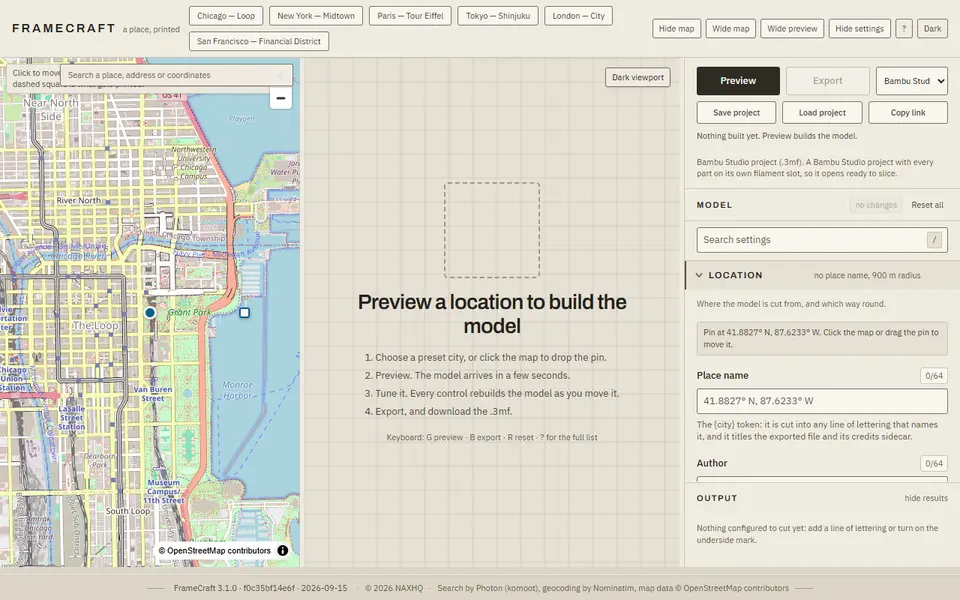
FrameCraft
Free browser app that turns any OpenStreetMap location into a framed miniature city, with a multicolor Bambu 3MF
Maps & Terrain
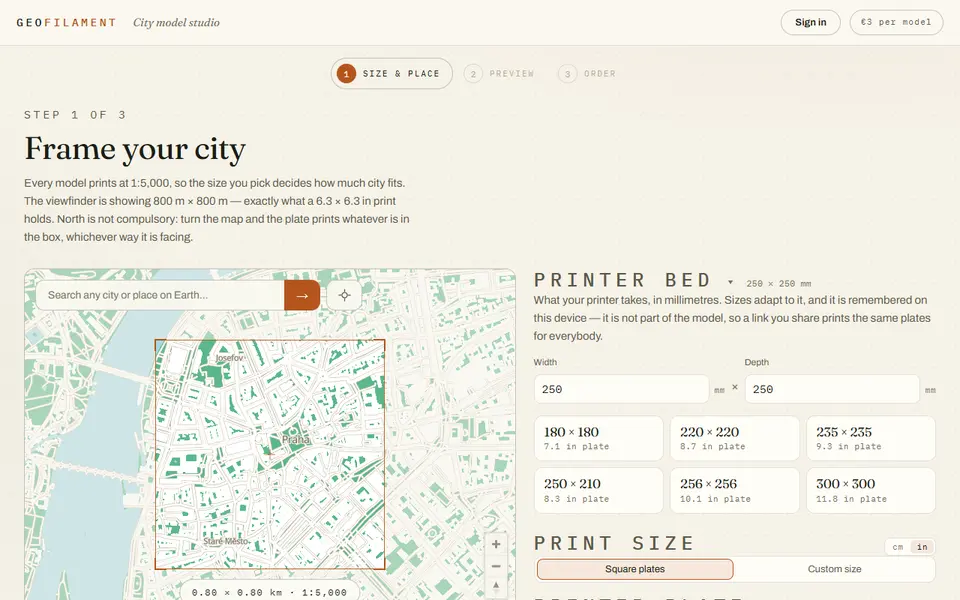
GeoFilament
Any place on Earth as a multicolor city model at 1:5,000, from 3 EUR per model with a free in-browser preview