Business CADs (Pirillo Arcade)
Free browser designer for 3D printed business cards with raised text and a QR code
Business CADs (Pirillo Arcade) is a free browser tool for maker business cards with a QR link. Free, no sign-up; the page links to optional PayPal donations and a Patreon. Exports STL and 3MF. Last checked .
Opens arcade.pirillo.com
What is Business CADs (Pirillo Arcade)?
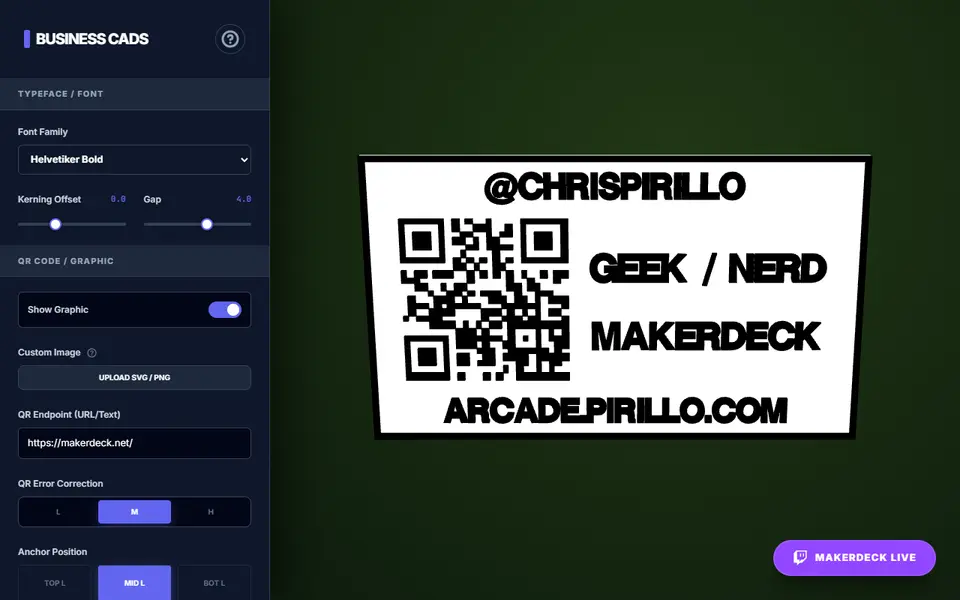
Business CADs is a free browser tool from tech creator Chris Pirillo that turns your contact details into a printable business card. It is one of the maker tools in his Vibe Coding Arcade, a large hobby collection of AI-built web apps that also has designers for plaques, poker chips and nameplates. It runs in the browser with no account.
The card is a fixed 85 by 50 mm plate with raised lettering and a raised QR code. You type a few lines of main text that sit beside the QR code, plus two extra lines that fill the space above or below it. The QR code can hold any link or text, be anchored to one of six spots, nudged and scaled from 15 to 35 mm, or replaced by your own SVG or PNG logo. There are 23 fonts, kerning and line gap sliders, an optional raised border and fields for base and lettering thickness.
It suits makers who want something to hand out at a market stall, meetup or trade show. The 3MF splits the model into two objects, the card and everything raised on it, so a two-color print is easy on an AMS or with one filament swap. All text comes out in capitals and the text size is fixed.
What you can make
- Business cards with a QR code
- Raised-text contact cards
- Cards with your own SVG or PNG logo
- Two-color cards for AMS printing
How to use Business CADs
- Open Business CADs and type your main text and the two extra lines
- Enter the link for the QR code, or upload an SVG or PNG logo in its place
- Pick a font, the QR position and size, and switch the border on or off
- Set the base and lettering thickness, then click STL or 3MF
- Open the 3MF in your slicer, keep both parts together as one object and give the raised part its own filament
What you'll need to print it
Filament and parts that suit what you make with Business CADs.
White PLA
Multicolor filament systems
Some of these are affiliate links: we may earn a small commission, at no extra cost to you. More about that
Business CADs pros
- The 3MF export keeps the card base and the raised text, QR code and border as separate objects, ready for two filament colors
- QR code with a choice of error correction, six anchor spots and a 15 to 35 mm size, or your own SVG or PNG logo instead
- Free with no account, 23 fonts, and settings can be saved to a JSON file and reloaded later
Business CADs cons
- The card is always 85 x 50 mm and the text size cannot be changed
- All text is turned into capitals, and the design only covers one face of the card
- The QR code is traced from a small 64 x 64 pixel image, so keep the link short and test-scan the print
Rate Business CADs
One rating per account. Signing in takes one email link, no password.
Reviews
Made with Business CADs
Read next
Business CADs alternatives
Sign and text to STL generators
Signs & Text
Printed Business Card
Free browser designer for two-color 3D printed business cards with 163 styles and a QR option
Signs & Text
Customizable Parametric Business Card (SnaKKo)
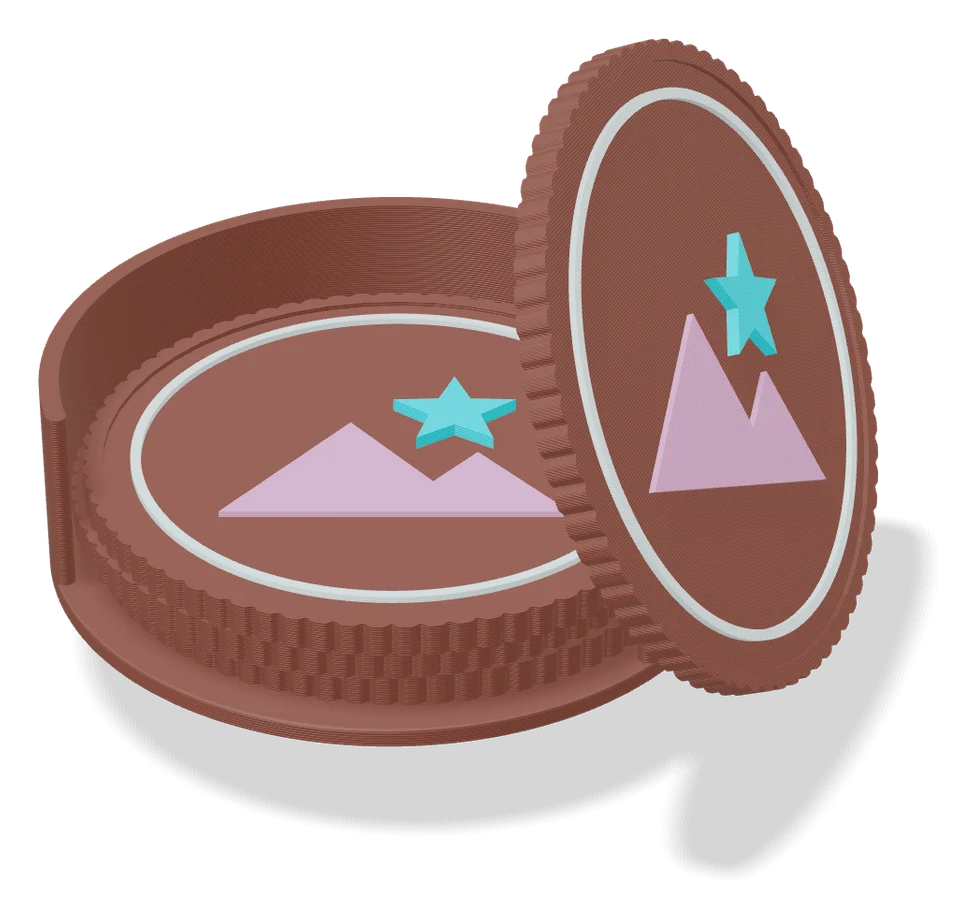
Two-color business card with logo, texture and an optional NFC tag pocket
Signs & Text
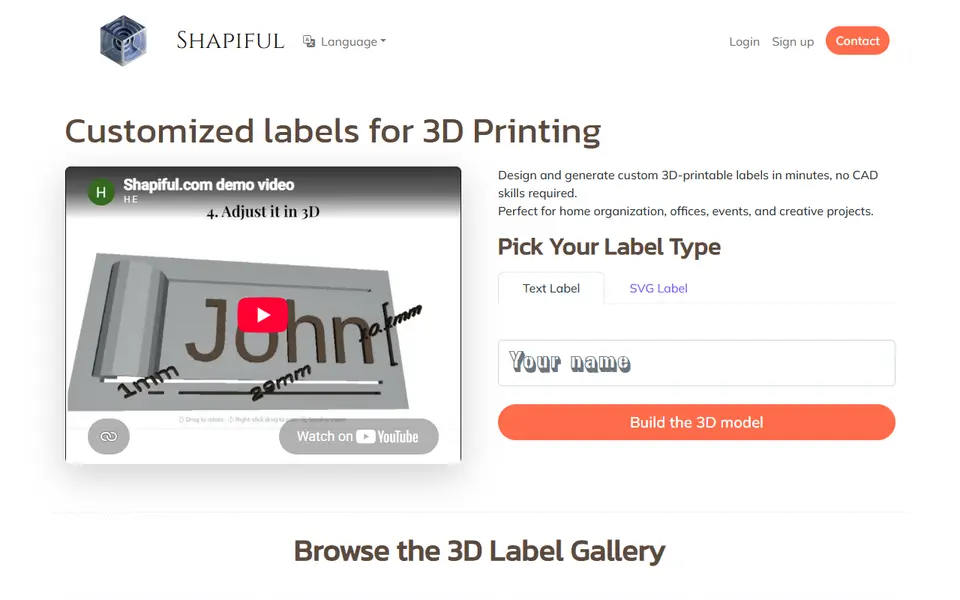
3dprint.name
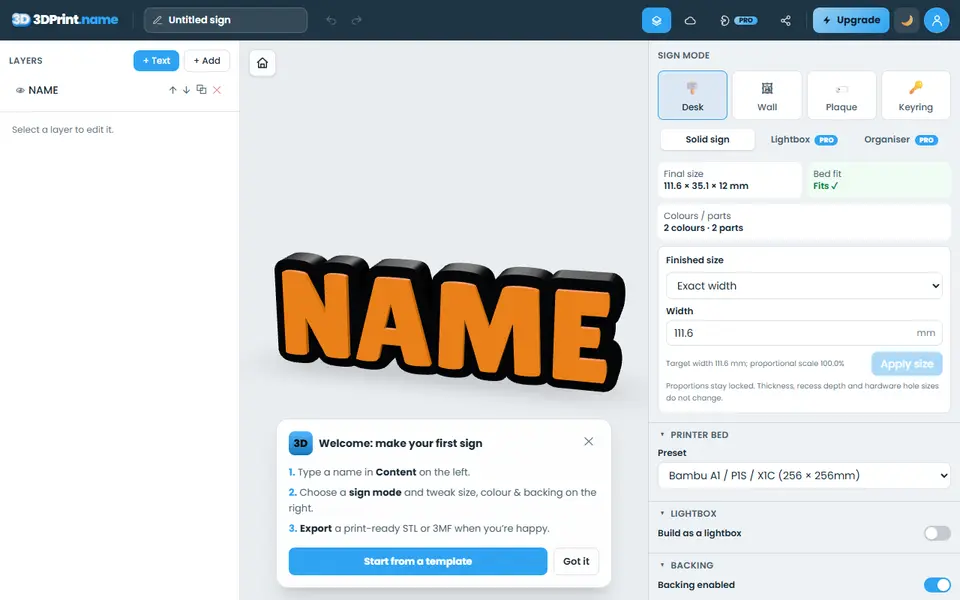
Type a name and export a desk sign, door plaque, wall sign or keyring as an STL
Signs & Text
Customizable Parametric Lithophane Text
Slatted text card that shows different words as you tilt it
Signs & Text
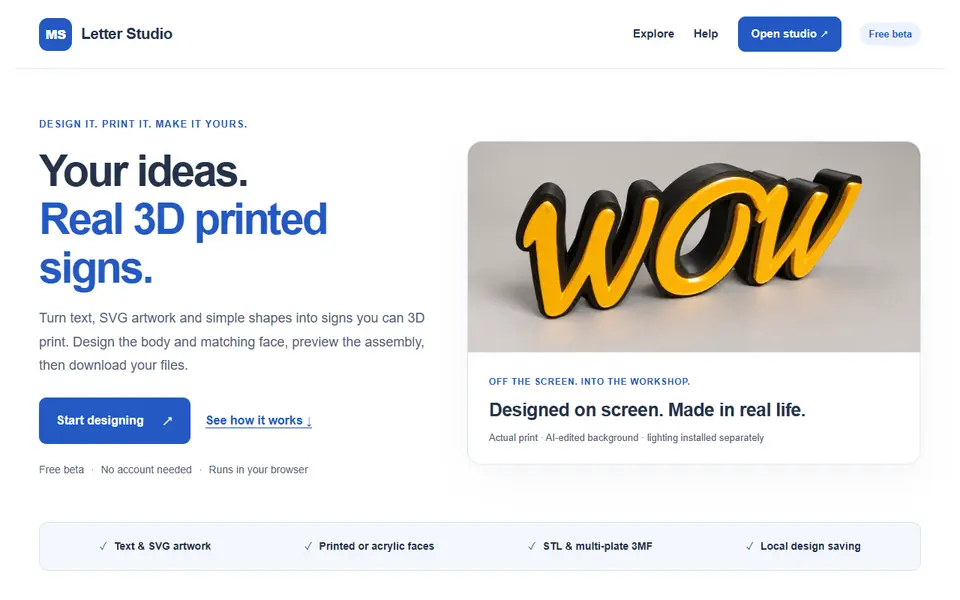
MS Letter Studio
Free browser studio that turns text or SVG artwork into printable 3D letters and lightbox signs, body and face included