MS Letter Studio
Free browser studio that turns text or SVG artwork into printable 3D letters and lightbox signs, body and face included
MS Letter Studio is a free browser tool for 3D letters and lightbox signs with a separate face. Free beta, no account needed. Exports STL, 3MF and SVG. Last checked .
Opens msletterstudio.com
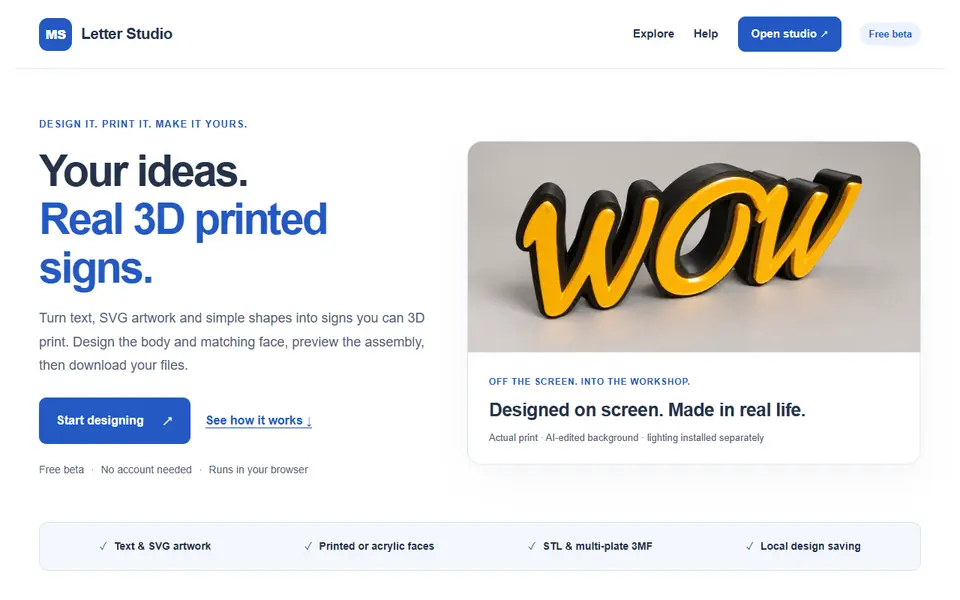
What is MS Letter Studio?
MS Letter Studio turns text, SVG artwork or a simple shape into a 3D sign made of separate parts: a body with walls and a back, plus a matching face. Instead of modeling every wall in CAD, you type a word or import a logo, pick one of about 30 typefaces (or upload your own font) and choose whether the letters stand separately, are joined into one body, or sit in a contour or rectangular lightbox.
The interesting part is the construction. You choose how the face goes on: a printed face, a push-in face with an inner collar, a removable face, or cut acrylic held by a printed trim cap. You can add rear wire passages for lighting and a desk base, and a guided fit test prints small clearance samples first so the parts fit on your printer. Designs larger than your print bed can be split into sections with butterfly keys or dovetails, which the maker still calls experimental.
Downloads are a ZIP of STL parts with assembly notes, a multi-plate 3MF arranged for Bambu Studio, and SVG or DXF outlines when you cut the face from acrylic. It runs in the browser without an account and saves your design as a file on your own device. It is a free beta and the maker asks for feedback, so check the parts in your slicer and print a fit sample before a large sign. LED layout is not planned for you; you add the lighting yourself.
What you can make
- 3D letters and names
- Desk letters
- Contour lightboxes from text or SVG logos
- Rectangular lightbox signs
- Large signs split across print beds
How to use MS Letter Studio
- Open the studio and type text, import an SVG or pick a shape
- Choose separate or joined letters, or a contour or rectangular lightbox
- Set the size and choose how the face fits the body
- Download the STL ZIP or the multi-plate 3MF and print a fit sample first
What you'll need to print it
Filament and parts that suit what you make with MS Letter Studio.
Translucent filament
Matte PLA
LED strips
Some of these are affiliate links: we may earn a small commission, at no extra cost to you. More about that
MS Letter Studio pros
- Builds the whole sign: body, face and the way they fit together
- Text, uploaded fonts or your own SVG logo, with contour and rectangular lightboxes
- Guided fit test, wire passages, desk base and multi-plate 3MF for Bambu Studio
MS Letter Studio cons
- Beta: the maker advises checking every file in your slicer and printing a fit sample first
- Splitting large signs is experimental, and LED layout is up to you
- No cloud saving; keep the design file it downloads
Rate MS Letter Studio
One rating per account. Signing in takes one email link, no password.
Reviews
Made with MS Letter Studio
Read next
MS Letter Studio alternatives
Sign and text to STL generators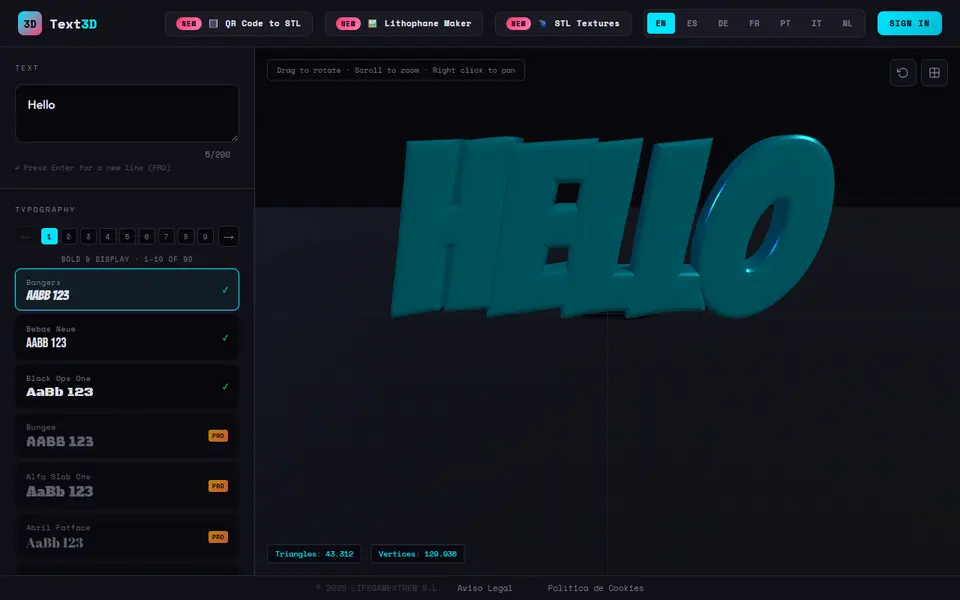
Signs & Text
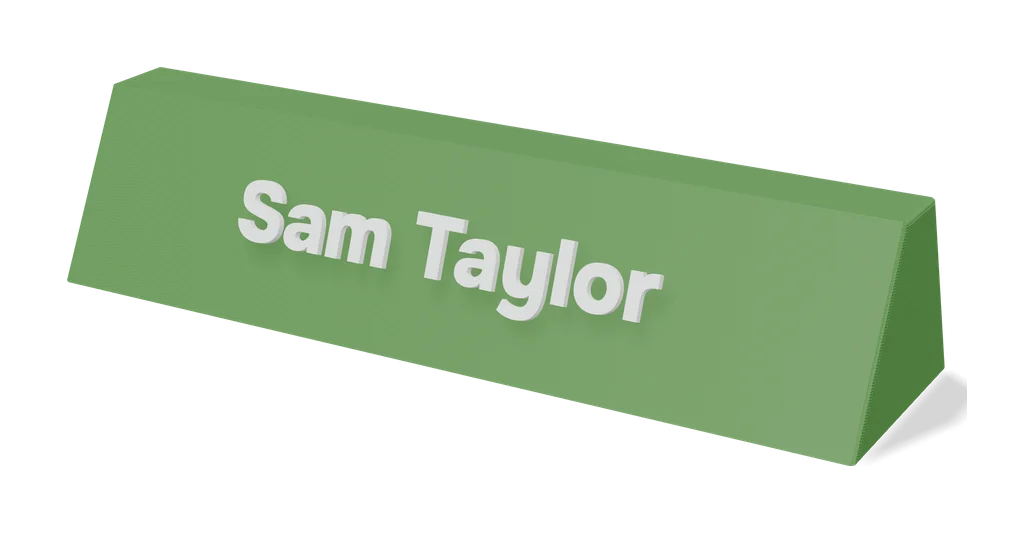
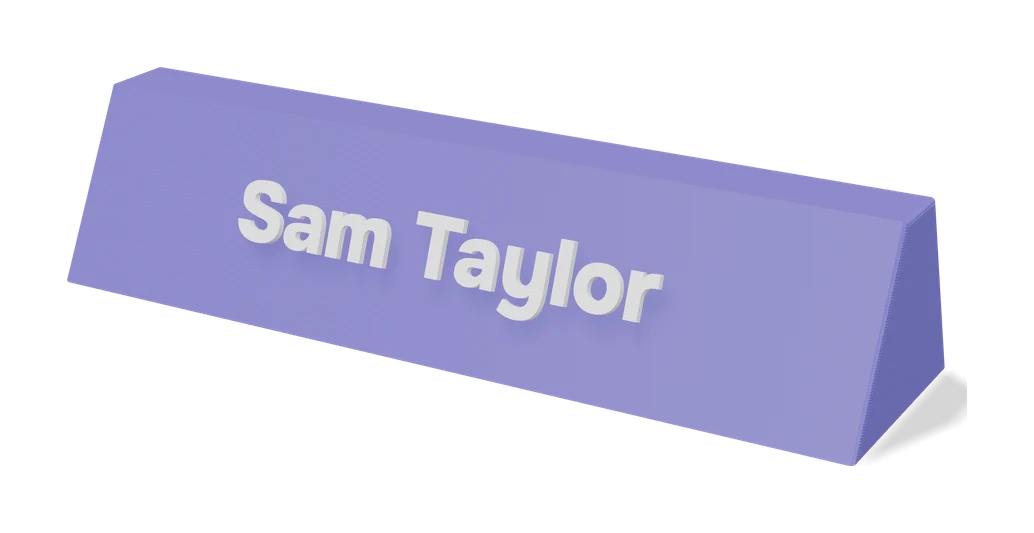
Letter Board and Sign Board Maker
Grooved cafe-style letter boards plus matching letters, sized to your text and printer
Signs & Text
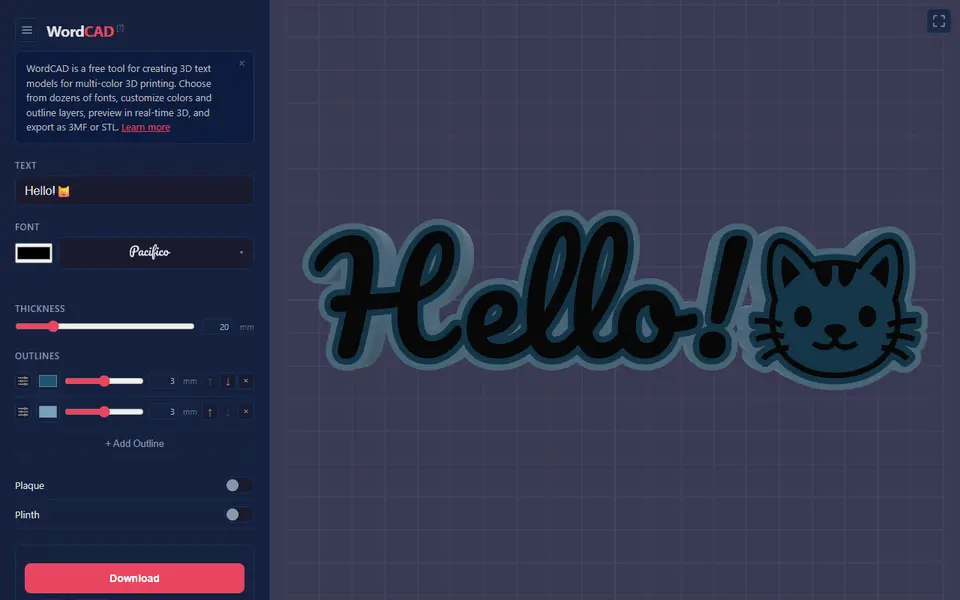
Customizable Name Sign Generator
Layered name sign: a script name set into a big first letter
Signs & Text
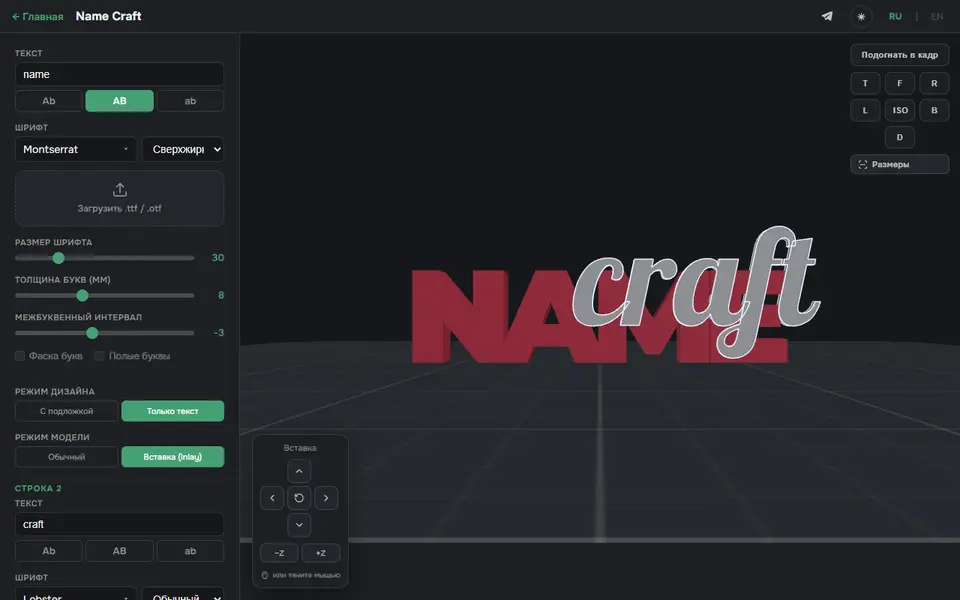
3D Name Craft (3D PrintCraft)
Type one or two lines of text and export a name sign as STL or a two-part inlay 3MF
Signs & Text
Custom Minecraft Name Plate
Your name as Minecraft-style stone letters on a grass block base