Letter Board and Sign Board Maker
Grooved cafe-style letter boards plus matching letters, sized to your text and printer
Letter Board and Sign Board Maker is a free browser tool on MakerWorld for cafe menu boards and changeable home message boards. Free; a MakerWorld account is needed to open the customizer and to download. Standard Digital File License, so selling prints needs the designer's permission. Exports STL and 3MF. Last checked .
Opens makerworld.com
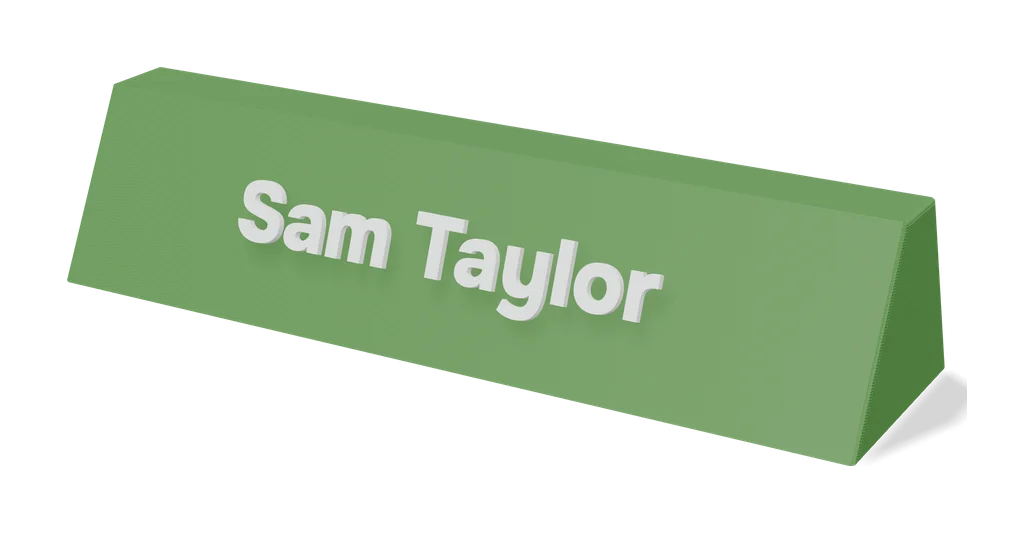
About this generator
Letter Board and Sign Board Maker is a free OpenSCAD customizer on MakerWorld, by historicc, that builds the grooved letter boards you see in coffee shops and shop windows, together with the loose letters that slide into them. You set the size of the board and frame, type the exact text you need, pick a font and font size, and it builds the board, frame and characters. You can also upload an SVG, which is scaled to fit the grooves, so a small logo or icon can sit between the words.
A few details set it apart from a plain text extruder. A tolerance value in millimeters decides how snugly the letters sit, so you can tune the fit to your printer and filament. Boards larger than your plate size are split into several pieces automatically, with optional connectors. Toggles let you export only the text, frame, base or SVG, which helps when you want each part in its own color or just need a few replacement letters.
The designer suggests downloading STL, because 3MF export can fail on big boards. There are also six ready-made print profiles for A1 mini and P1/X1 boards and letter-only plates. It suits anyone who wants a reusable menu board or a changeable message board at home.
What you can make
- Framed letter boards
- Coffee shop and menu signs
- Letter, number and punctuation sets
- Boards with an SVG logo in the grooves
- Multi-piece boards larger than the print bed
How to use Letter Board and Sign Board Maker
- Open the model on MakerWorld, sign in, click Customize and choose letterboard.scad
- Set the board and frame size, then type your text and pick a font and size
- Optionally upload an SVG and adjust the text tolerance
- Click Generate and download the STL
- Split large boards into parts in your slicer and print
What you'll need to print it
Filament and parts that suit what you make with Letter Board and Sign Board Maker.
Matte PLA
Multicolor PLA
Multicolor filament systems
Some of these are affiliate links: we may earn a small commission, at no extra cost to you. More about that
Letter Board and Sign Board Maker pros
- Fit tolerance setting lets you tune how tightly letters grip the grooves
- Oversized boards are split into bed-sized pieces, with optional connectors
- Parts can be exported separately for different colors or spare letters
Letter Board and Sign Board Maker cons
- 3MF export can fail on large boards, so you often assign colors by hand from STL files
- Letter fit changes with font and filament and may take a test print or two
- Characters with a separate dot, such as i and !, may need a small connector added by hand, as one maker reported
Rate Letter Board and Sign Board Maker
One rating per account. Signing in takes one email link, no password.
Reviews
Made with Letter Board and Sign Board Maker
Read next
Letter Board and Sign Board Maker alternatives
Sign and text to STL generators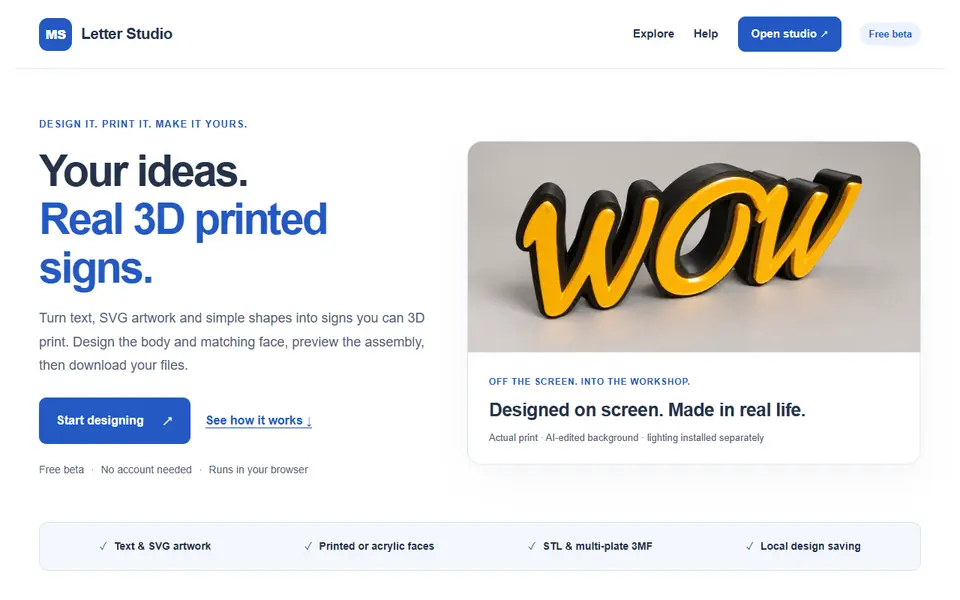
Signs & Text
MS Letter Studio
Free browser studio that turns text or SVG artwork into printable 3D letters and lightbox signs, body and face included
Signs & Text
Custom Minecraft Name Plate
Your name as Minecraft-style stone letters on a grass block base
Signs & Text
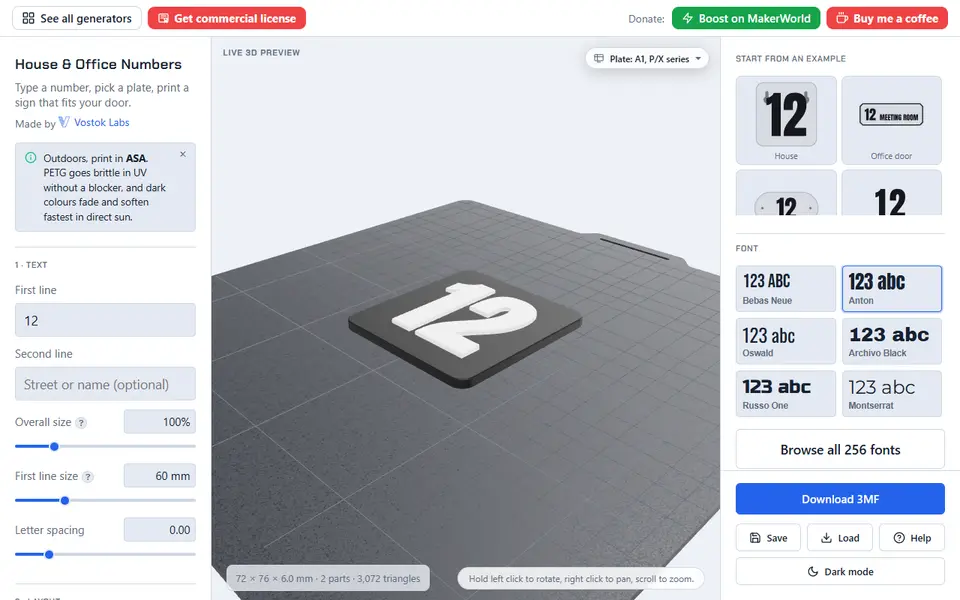
House & Office Number Generator (Vostok Labs)
Door and wall number signs with a second line, five plate styles and hidden keyhole mounts
Signs & Text
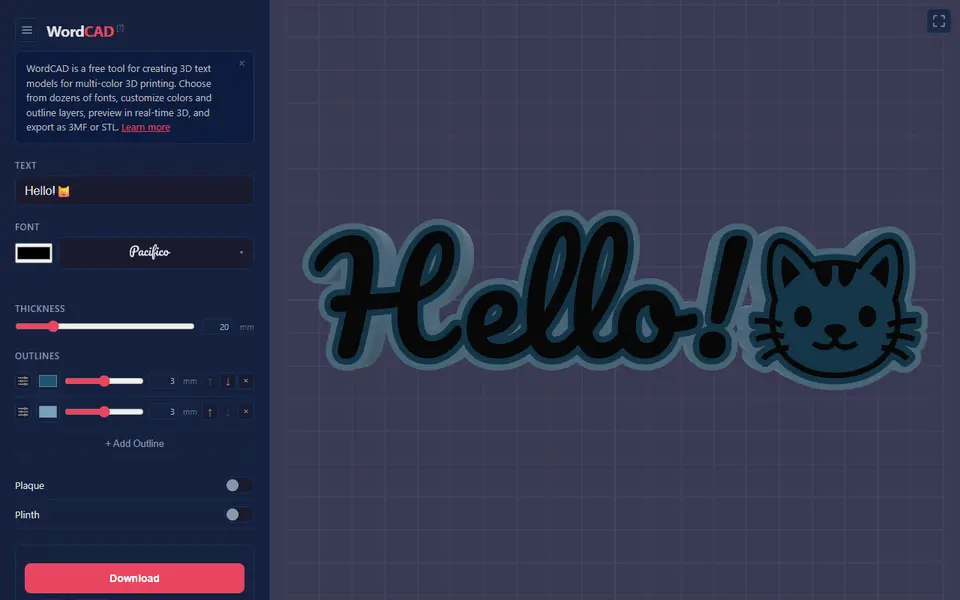
House / Office Number Plate Generator
Two-color house number and address plate generator with six styles
Signs & Text
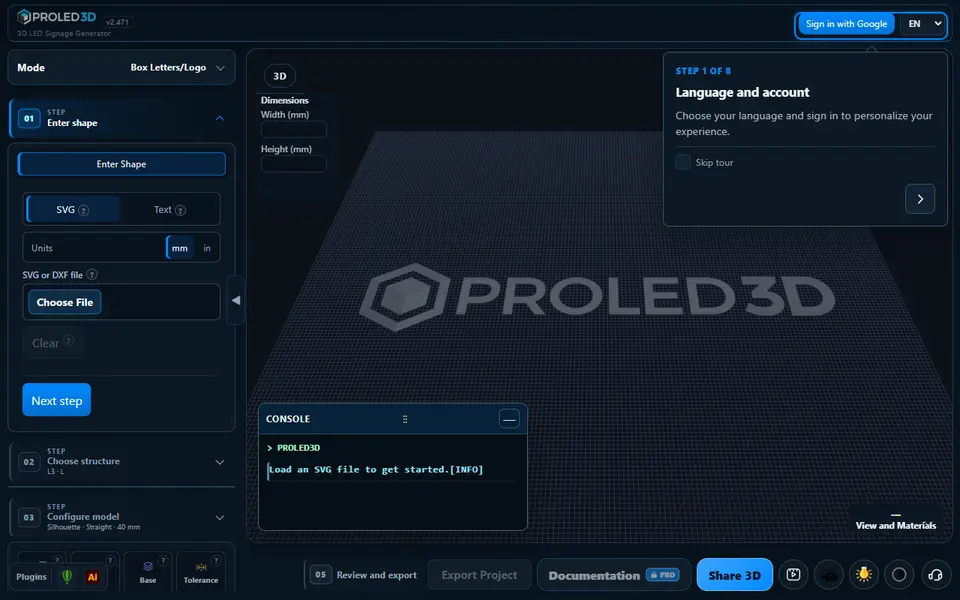
PROLED3D
LED channel letters and 3D signs from text or SVG, exported as STL and DXF parts