CageMaker PRCG (Parametric Rack Cage Generator)
Free rack-mount cage for any small device in 10 or 19 inch and mini racks, made in OpenSCAD Playground in the browser
CageMaker PRCG (Parametric Rack Cage Generator) is a free browser tool for a fitted rack cage for a homelab device. Free, no account; donations welcome. Exports STL, 3MF and GLB. Last checked .
Opens cagemaker.org
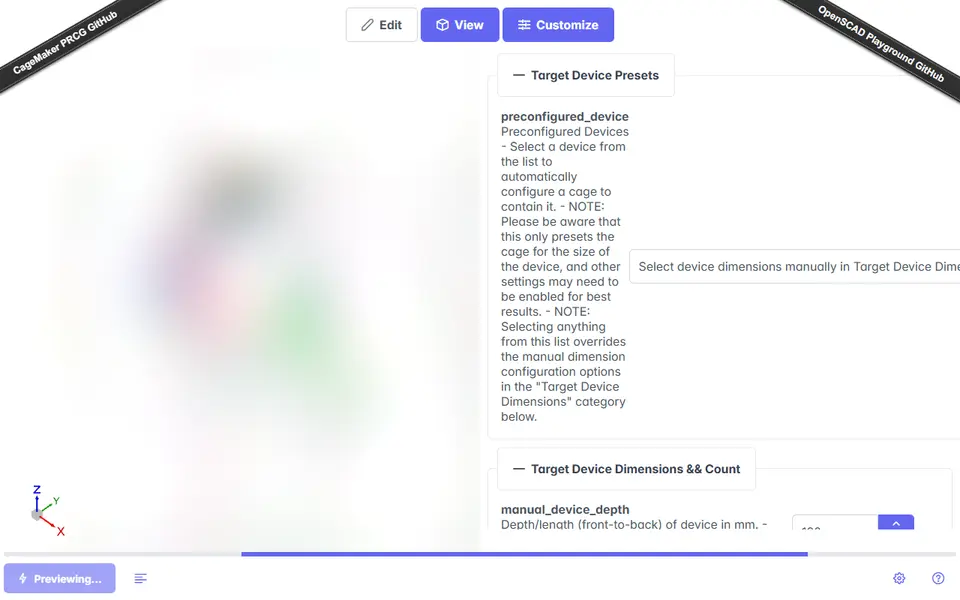
About this generator
CageMaker PRCG makes a printable rack cage that holds a device such as a router, switch, mini PC or Raspberry Pi in a rack. You enter the device's width, height and depth, or pick a preset device, choose how many to fit side by side, and pick the rack: it defaults to a full-width 10 inch cage and also does partial-width cages for 19 inch racks and most mini and micro rack systems, with mounting ears added where needed. Cages are whole rack units tall by default, with an option for half units.
It runs inside OpenSCAD Playground, a browser version of OpenSCAD that the site preloads with the script. That means a page of about 60 MB to load, and a form of many options with technical names such as manual_device_depth, each with a long explanation. Beyond the size, there are options to split the cage into two halves for a small print bed, add alignment pin holes and extra support, vent the faceplate and the cage sides, and add custom cutouts or faceplate modifications. The documentation covers each option with screenshots.
When the settings are right, you click Render and then Download STL; the export menu also offers 3MF and GLB. It is free with no account, funded by donations. The project is licensed CC BY-NC-SA 4.0 and does not say whether selling printed cages is allowed. It suits homelab users who want a fitted cage rather than a shelf, and who do not mind a long form.
What you can make
- Rack cages for routers, switches and mini PCs
- Split cages for small print beds
- Multi-device cages for Raspberry Pis
- Vented faceplates with custom cutouts
How to use CageMaker PRCG
- Open the playground from cagemaker.org and wait for it to load
- Enter the device width, height and depth or pick a preset
- Choose the rack size and turn on the split option if your bed is small
- Click Render, then Download STL
What you'll need to print it
Filament and parts that suit what you make with CageMaker PRCG.
PETG
Large-format printers
M3 screws
Also handy
Digital calipers
Filament dryers and dry boxes
Some of these are affiliate links: we may earn a small commission, at no extra cost to you. More about that
CageMaker PRCG pros
- Fits a cage to your exact device size for 10 inch, 19 inch and mini racks
- Can split a wide cage into halves with alignment pin holes
- Every option documented, with presets for common devices
CageMaker PRCG cons
- A 60 MB OpenSCAD Playground page with a long, technical form
- CC BY-NC-SA license with no word on selling prints
Rate CageMaker PRCG
One rating per account. Signing in takes one email link, no password.
Reviews
Made with CageMaker PRCG
Read next
CageMaker PRCG alternatives
Gridfinity and storage generators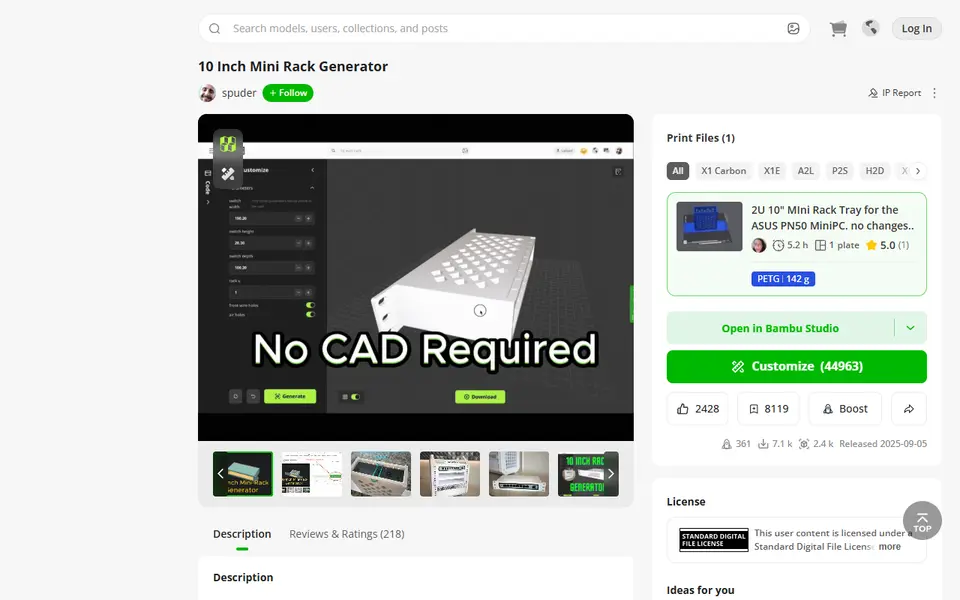
Storage
10 Inch Mini Rack Generator
Mini rack shelves sized to your switch, mini PC or NAS, for 10 and 6 inch racks
Storage
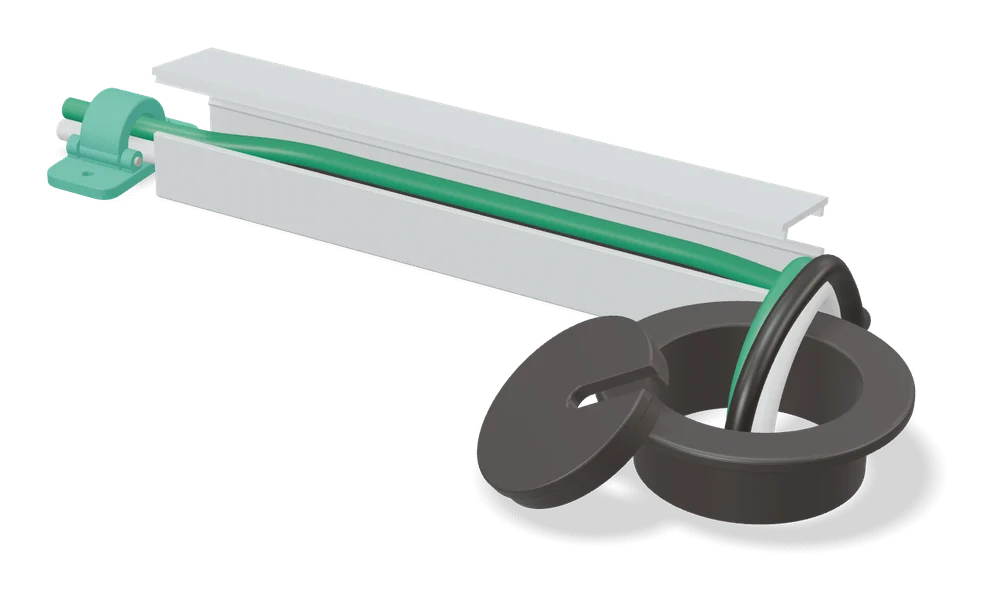
Underware 2.0 Cable Management Customizer
Made-to-measure cable channels for under desks and Multiboard, built on MakerWorld
Storage
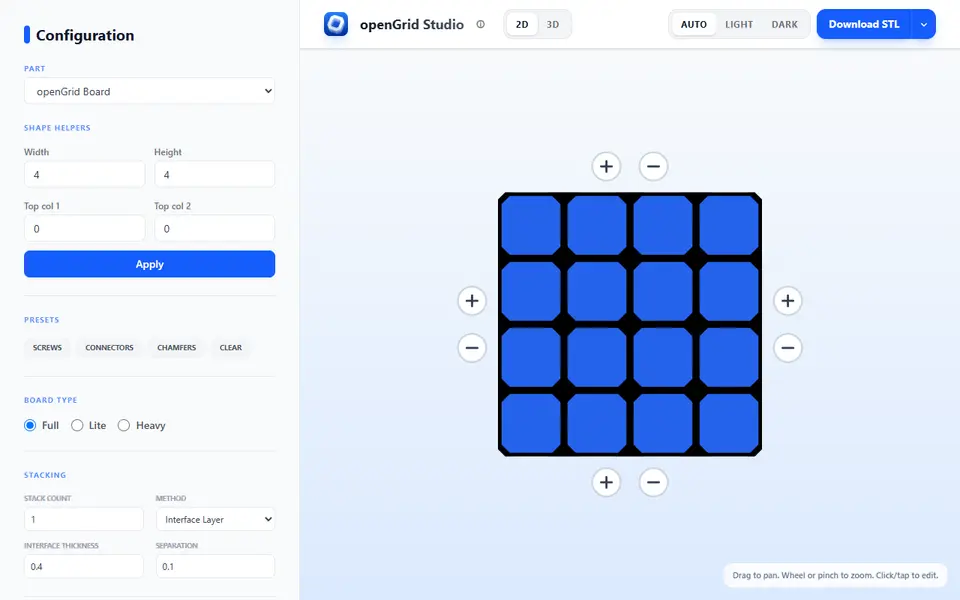
openGrid Studio
Custom-shaped openGrid wall boards, cable channels and rails, built in the browser
Storage
Under Desk Cable Clip
Print-in-place cable clips for under a desk, sized to your cables, with 0 to 5 screw holes
Storage
Cable Raceway Cover & Channel System (Parametric)
Snap-together cable raceways and connectors sized to your cords on MakerWorld
Storage
Screw-On Power Strip Holder (Vostok Labs)
Under-desk holder for a power strip, sized to your strip and desk thickness in MakerWorld